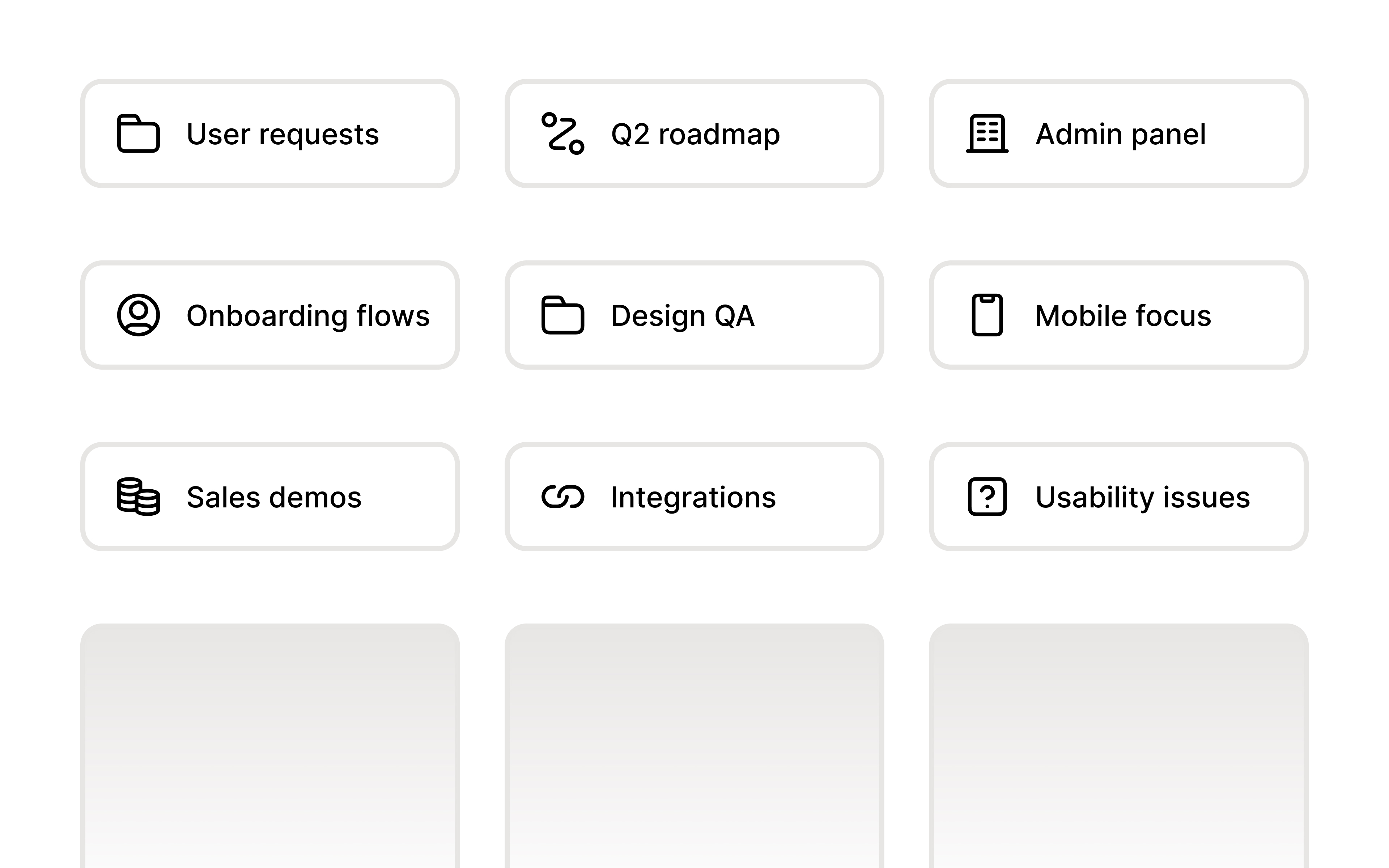
Folders organize Alloy prototypes into named groups for projects, teams, features, or any other workspace structure.
Organize your prototypes into folders.
As your team builds more prototypes, a flat list stops working. Folders let you group related prototypes together — by project, team, feature, or however makes sense for you.
Nest up to three levels deep. Create sub-folders to mirror your team's structure. Navigate with breadcrumbs to always know where you are.
Move prototypes from the context menu. Right-click any prototype and move it to an existing folder, or create a new one on the fly.
Shared across your workspace. Folders are visible to everyone on your team, so the structure you create helps the whole group stay oriented.
Folders are available now from the home page.
Frequently asked questions
Group related prototypes in folders with names that match how your team already works. In Alloy, create folders from the home page and move prototypes into them to keep a growing workspace easy to scan.
Yes, prototype organization should work for existing sessions as well as new ones. In Alloy, right-click a prototype and use its context menu to move it into an existing folder or create a new one.
Yes, nested folders help mirror a team's existing project or product structure without returning to a flat list. Alloy supports subfolders up to three levels deep and provides breadcrumbs for navigation.