Libraries and components
Prototype with your real design system.
Prototypes land better when they are built from the components your product actually ships. Libraries give the Alloy agent your design system to build with, so every prototype starts on brand.
Upload your design system. Create a library from your component folder. Alloy analyzes it and extracts documentation, design tokens, brand assets, and components — each with a live preview you can browse.
Save components from prototypes. Select any element in a prototype and create a component from it. It lands in your library, ready to reuse.
Build with your components. Attach a library when you start a session, or set a workspace default. The agent reuses your components instead of inventing new ones, and treats your tokens as the design reference for anything new. Need one specific piece? Mention a component with @ in chat to bring it into any prototype.
Libraries are shared with your whole workspace and available now in early access from the Libraries page.
Bring your own subscription
Run Alloy on the Claude or ChatGPT subscription you already pay for.
Alloy sessions normally draw on Alloy credits. If your team already has a Claude Pro or Max plan, or a ChatGPT Plus or Pro plan, you can now put it to work directly in Alloy.
Connect Claude. Run claude setup-token locally and paste the generated token into Settings. Prompts on Anthropic models then run through your Claude plan. The token is encrypted at rest and never shown again. Docs.
Connect ChatGPT. Approve a device code on OpenAI and Alloy detects the connection. Prompts on OpenAI models run through your ChatGPT plan. Docs.
Keep your credits. When a connected subscription covers the selected model, Alloy does not bill the session — usage comes out of your plan, subject to your provider's limits. Each teammate connects their own account.
Subscription connections are available today for Alloy Pro workspaces from Settings.
MCP connectors
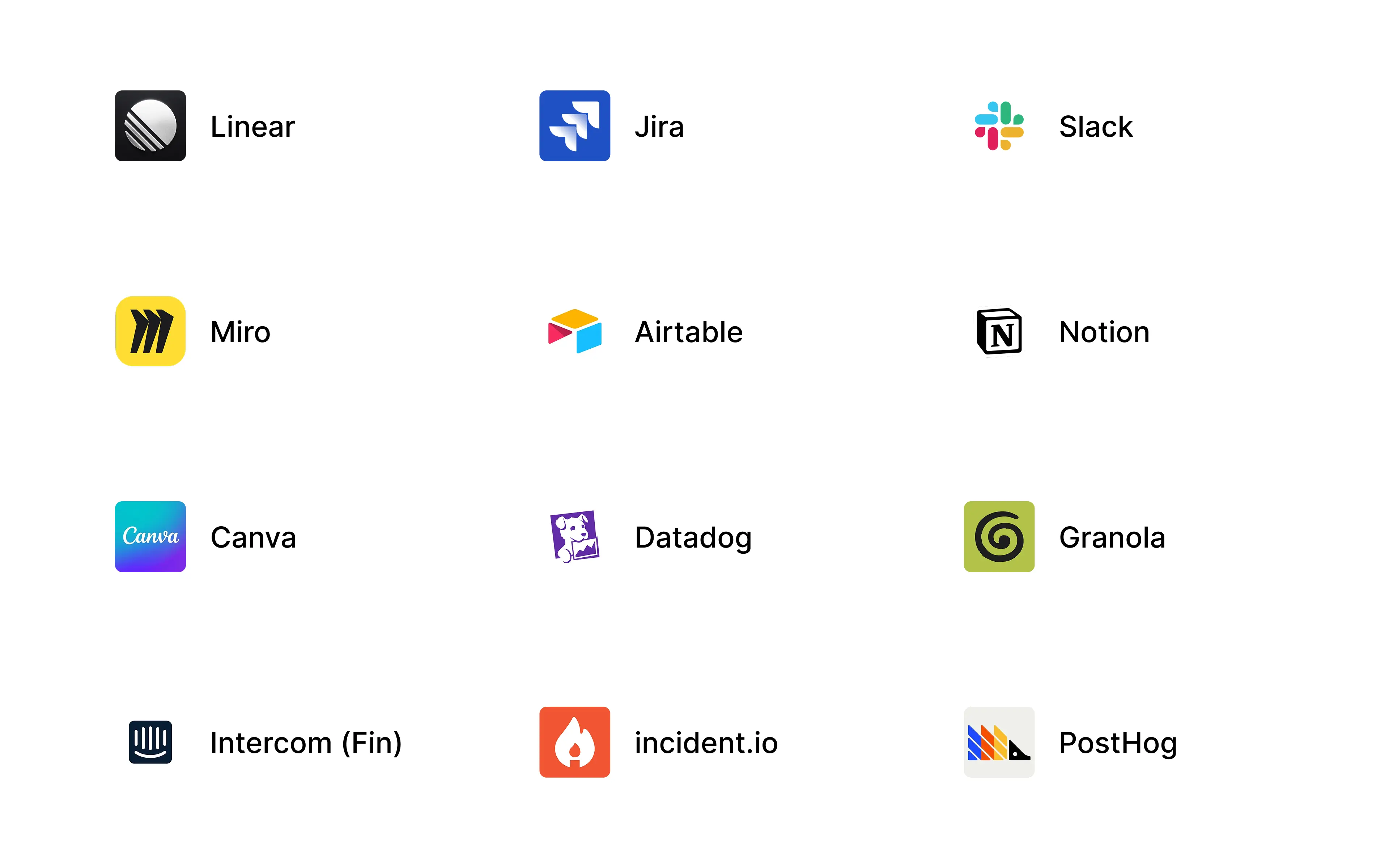
Bring the tools your team already uses into Alloy agent sessions.
Product work spans research, analytics, support, planning, and billing tools. MCP connectors give the Alloy agent secure access to those systems, so it can work with the context and capabilities they expose without you copying information between apps.
Connect from the integrations directory. Workspace admins can authorize providers including Notion, Airtable, Miro, Canva, Monday.com, Datadog, Granola, incident.io, Intercom, PostHog, and Stripe.
Add any compatible MCP server. If a service is not in the directory, enter its remote MCP server URL. Alloy discovers its OAuth setup and guides you through authorization.
Use connected tools across sessions. Once connected, the server's tools are available to the Alloy agent in prototype and codebase sessions across your workspace.
MCP connectors are available today from Settings → Integrations.
Inline comments
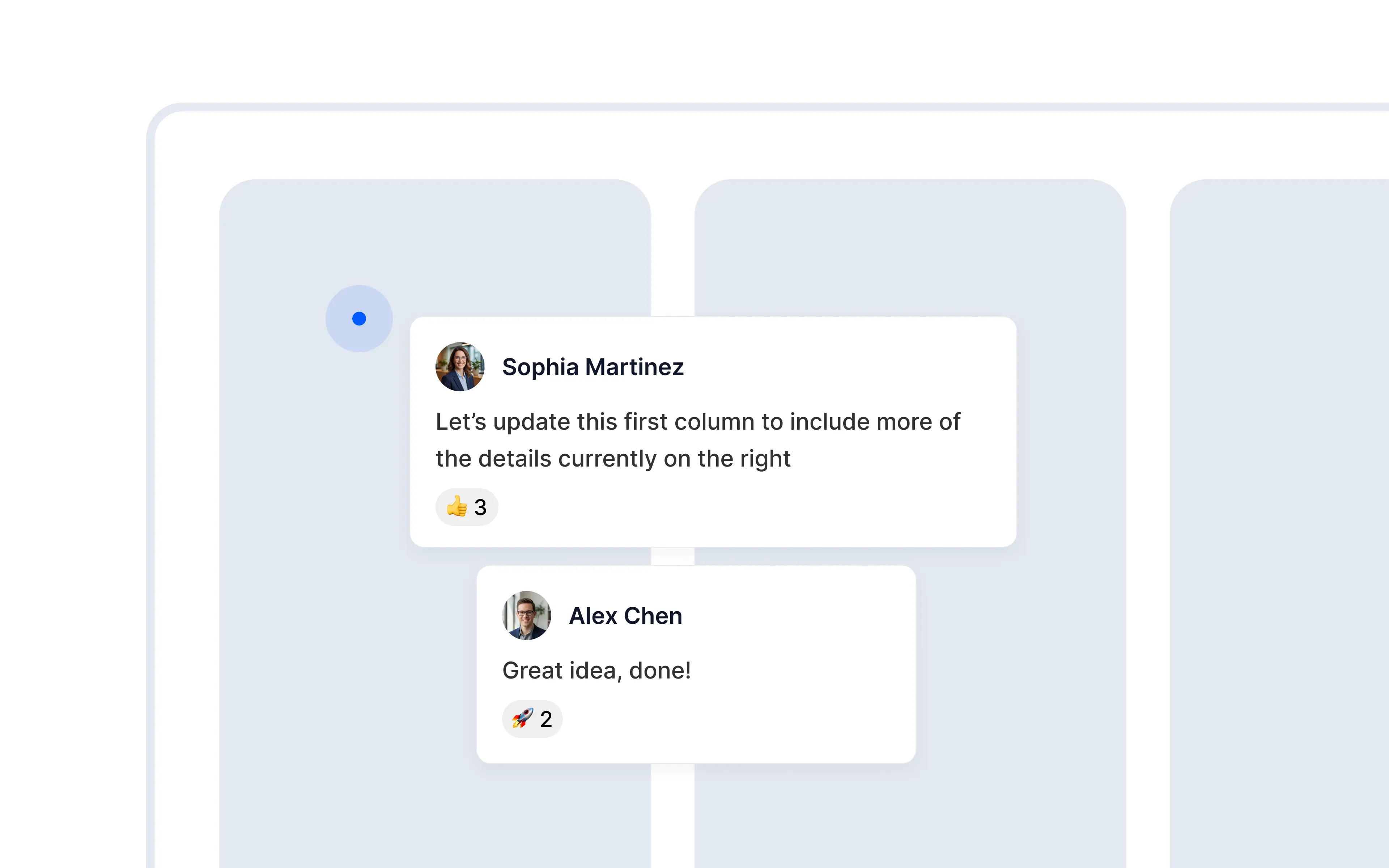
Leave feedback inline directly on any part of the session preview.
Comments already give your team a place to discuss a session. Inline comments make that feedback precise, so nobody has to ask which card, label, or interaction a comment refers to.
Comment on any element. Open Comments, select Add inline, then hover over the prototype and click where you want to leave feedback.
Keep feedback attached. Each pin is anchored to the element and page you selected.
Continue the conversation in context. Hover over a pin to preview the thread, or open it to reply. Inline threads also appear in the main Comments panel, so every discussion remains easy to find.
Inline comments are available today from the Comments panel on any prototype.
Model selection
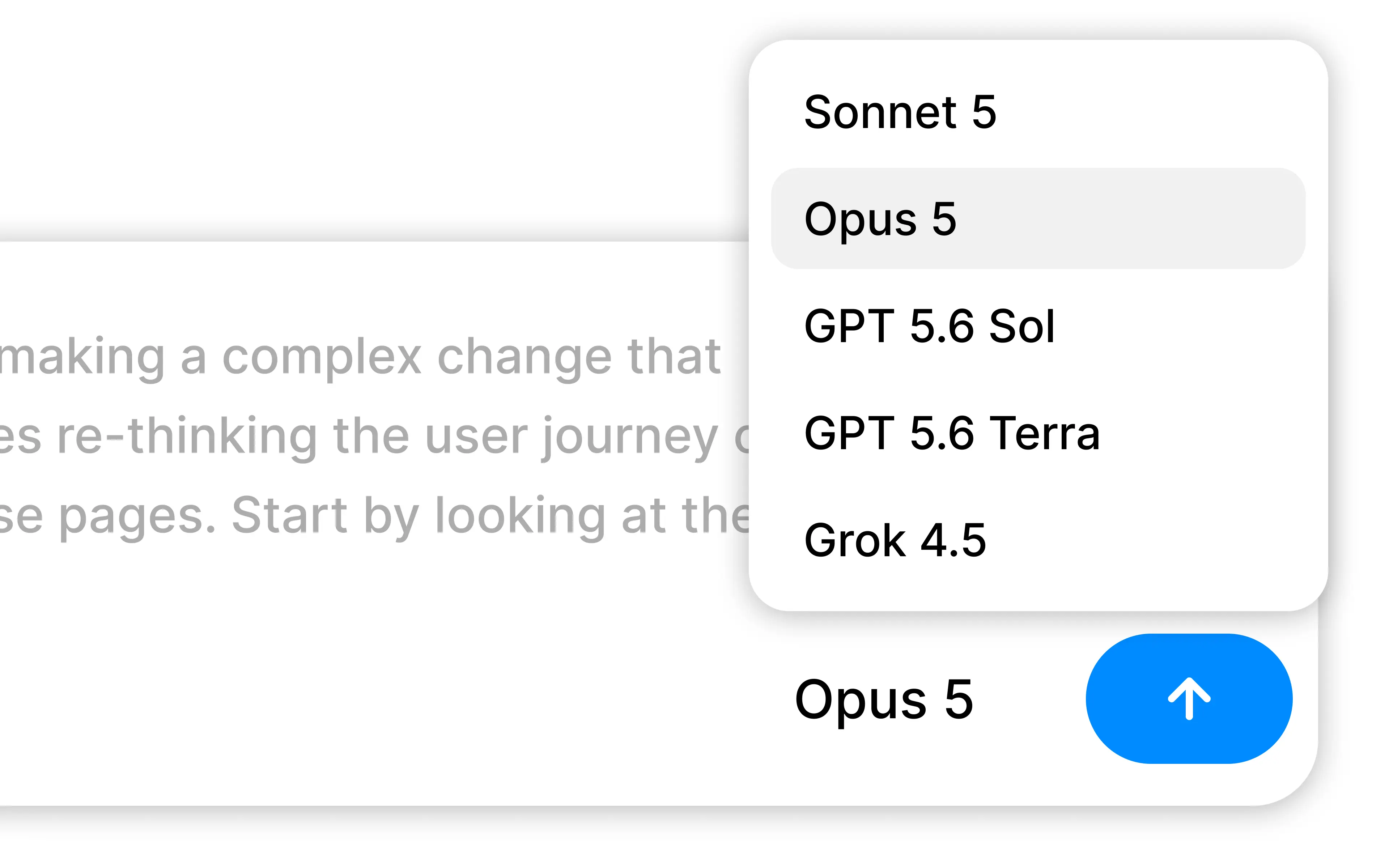
Switch between models that are faster, cheaper, or more intelligent during your session.
Different prompts call for different tradeoffs. A quick copy change might favor speed and cost, while a complex product flow can benefit from deeper reasoning. You can now choose the model that fits before you send a prompt.
Compare models at a glance. Open the model picker to see relative ratings for cost, speed, and intelligence.
Choose from leading providers. Switch between models from Anthropic, OpenAI, and xAI without leaving your session.
Keep your preferred model. Alloy remembers your selection for each workspace and carries it across prototypes and codebase sessions.
Model selection is available today from the prompt box in every Alloy session.
File attachments
Bring the files behind your idea into the session.
Product context rarely lives in screenshots alone. It might be a PDF brief, a spreadsheet of customer data, a video walkthrough, or source code from an existing component. You can now attach those files directly to your prompt.
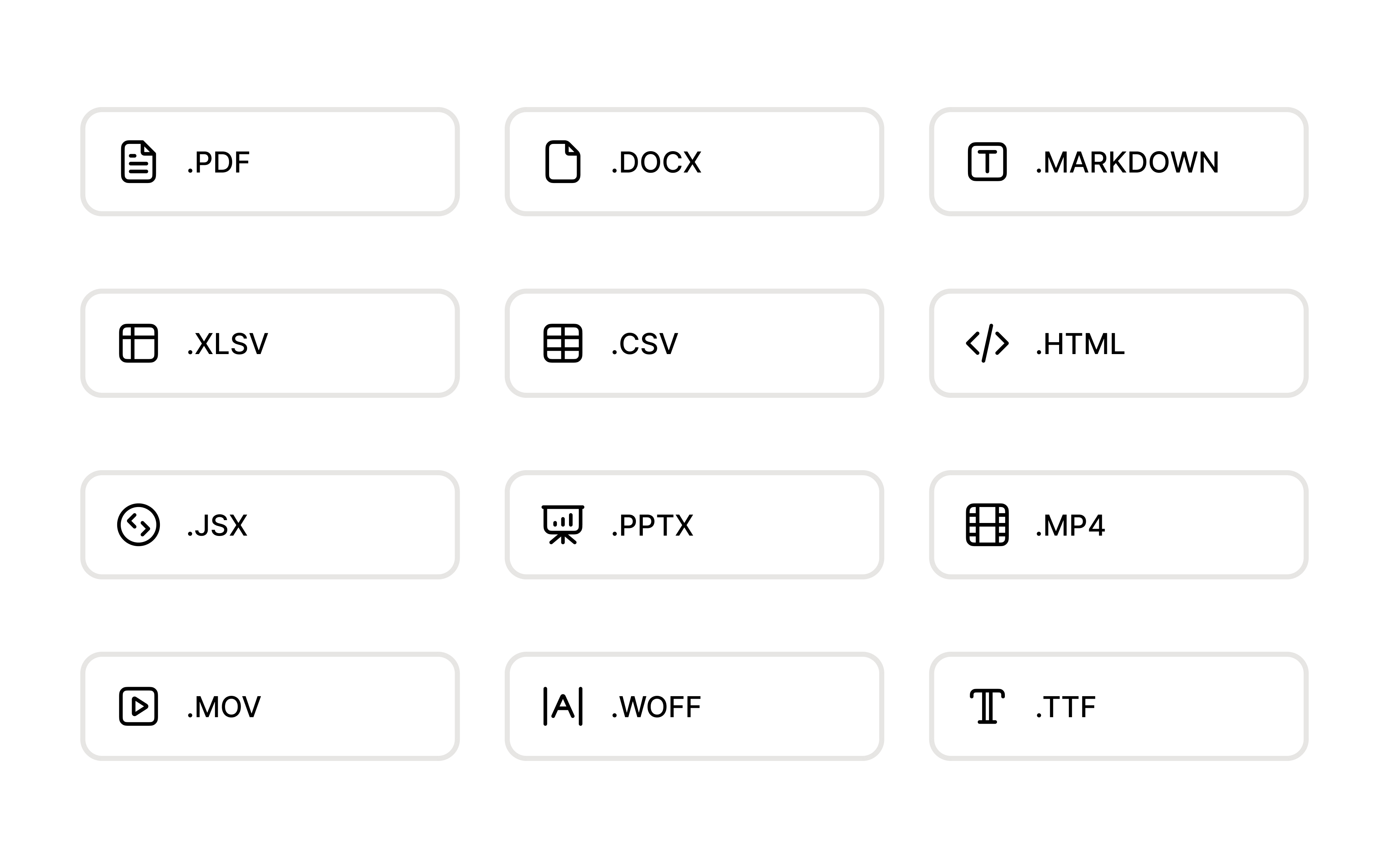
Use the files you already have. Alloy accepts documents, presentations, spreadsheets, structured data, source code, videos, web fonts, and images.
Give the agent the original context. Documents and code are available for the agent to read, while media and fonts can be used as assets in your prototype.
Add several files at once. Choose Attach from the prompt menu, drag files into Alloy, or paste them into the prompt. Review or remove each attachment before you send.
File attachments are available today for all users.
Skills
Create reusable skills for your Alloy agent.
Some guidance belongs in every session. Other instructions only matter for a specific workflow, question, or handoff. Skills let you keep those reusable instructions in Alloy and access them when they're relevant.
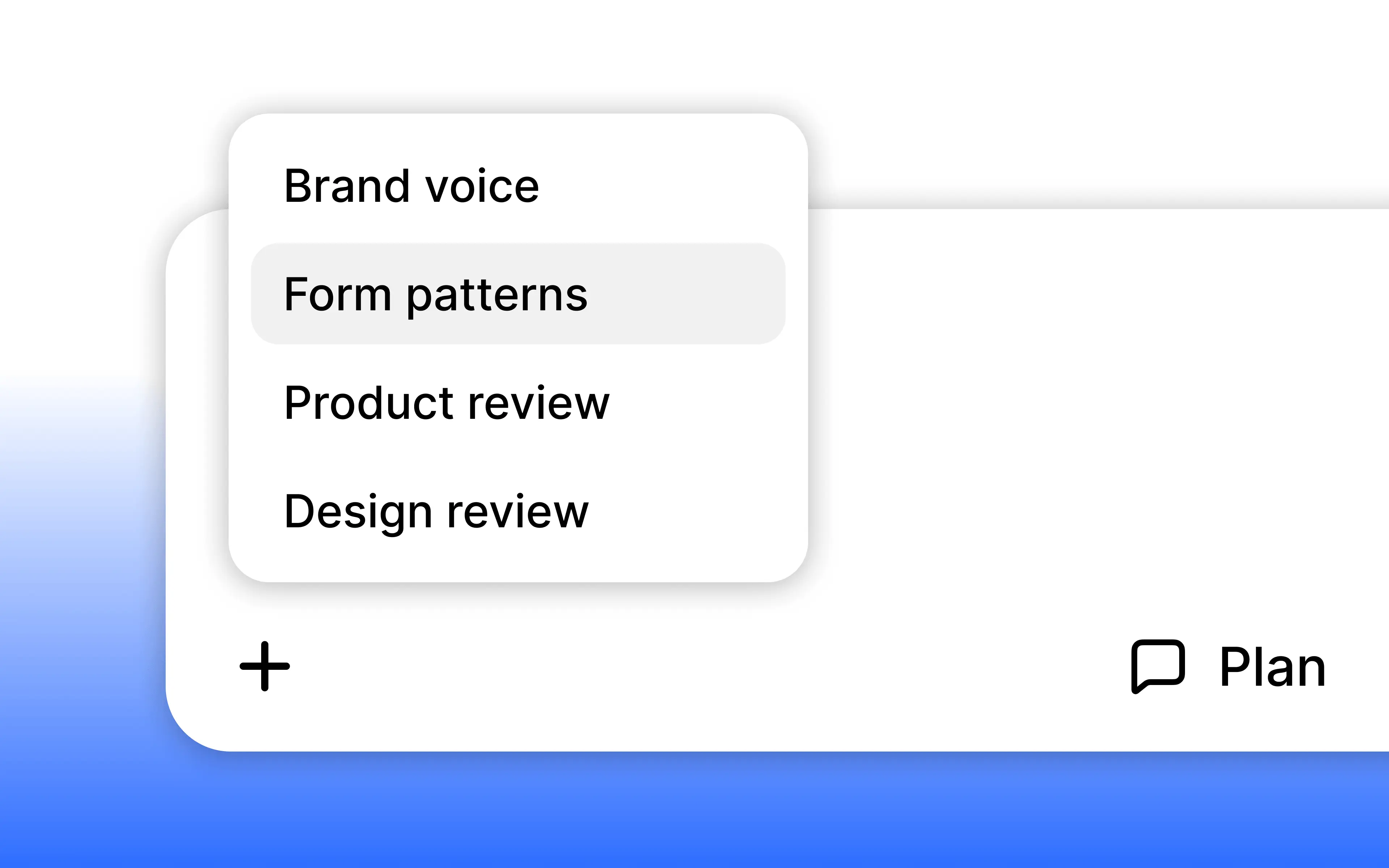
Create skills from Agent settings. Add a title, description, and detailed instructions. Alloy makes these skills available through a slash command in the prompt box.
Skills are available today from Settings -> Skills.
Alloy MCP
Bring Alloy context into your AI assistant.
Alloy sessions hold the design, chat, and code context behind your prototyping work. With Alloy MCP, assistants like Claude and Codex can use that context directly. Accelerate the developer handoff process, implement prototypes in your codebase, and create tickets in issue trackers like Linear and Jira.
Alloy MCP is available today for all users. Connect it from Claude or Codex to start using Alloy session context in your assistant via our guide.
Conversational voice mode

Talk to Alloy with your voice during sessions.
Typing is still the right tool for precise prompts, but some product thinking happens faster out loud.
Conversational voice mode adds a mic to the chat panel so you can describe changes while working on something else in the background, or collaborating with a teammate in the same room.
Build by speaking. Click the mic and explain what you want changed. Alloy sends your instructions into the chat, preserving your wording and scope.
Use the current session as context. The voice agent sees everything you can, so it can respond to the screen you're looking at and make changes with that context in mind.
Conversational voice mode is available now from the prompt box.
Slack integration
Start the Alloy agent from any Slack thread.
A lot of the best product ideas show up in Slack first — a customer request in a Connect channel, a teammate's "what if we just…", a screenshot with a question attached. With the new Slack integration, you can take those messages and have Alloy build the solution, with a live preview sent back in the same thread.
Start from a mention. @mention the Alloy bot in a thread. Alloy reads the message and the surrounding thread for context, then starts a session instantly. You can switch to any source directly from Slack (your codebase, capture library, or a base theme to explore ideas from scratch).
Replies land in the thread. When the session is ready, Alloy posts back into the same Slack thread with an Open session button and a summary of what it built. Iterate by replying with another @mention — every message keeps the conversation in one place.
Push to a pull request. If you've connected GitHub, the same Slack message includes a Push Code button to open a PR for your team to review.
Works in Slack Connect. Respond to feedback with an actual prototype instead of a "we'll look into it."
Connect Slack today from Settings → Integrations.
Hide header in previews
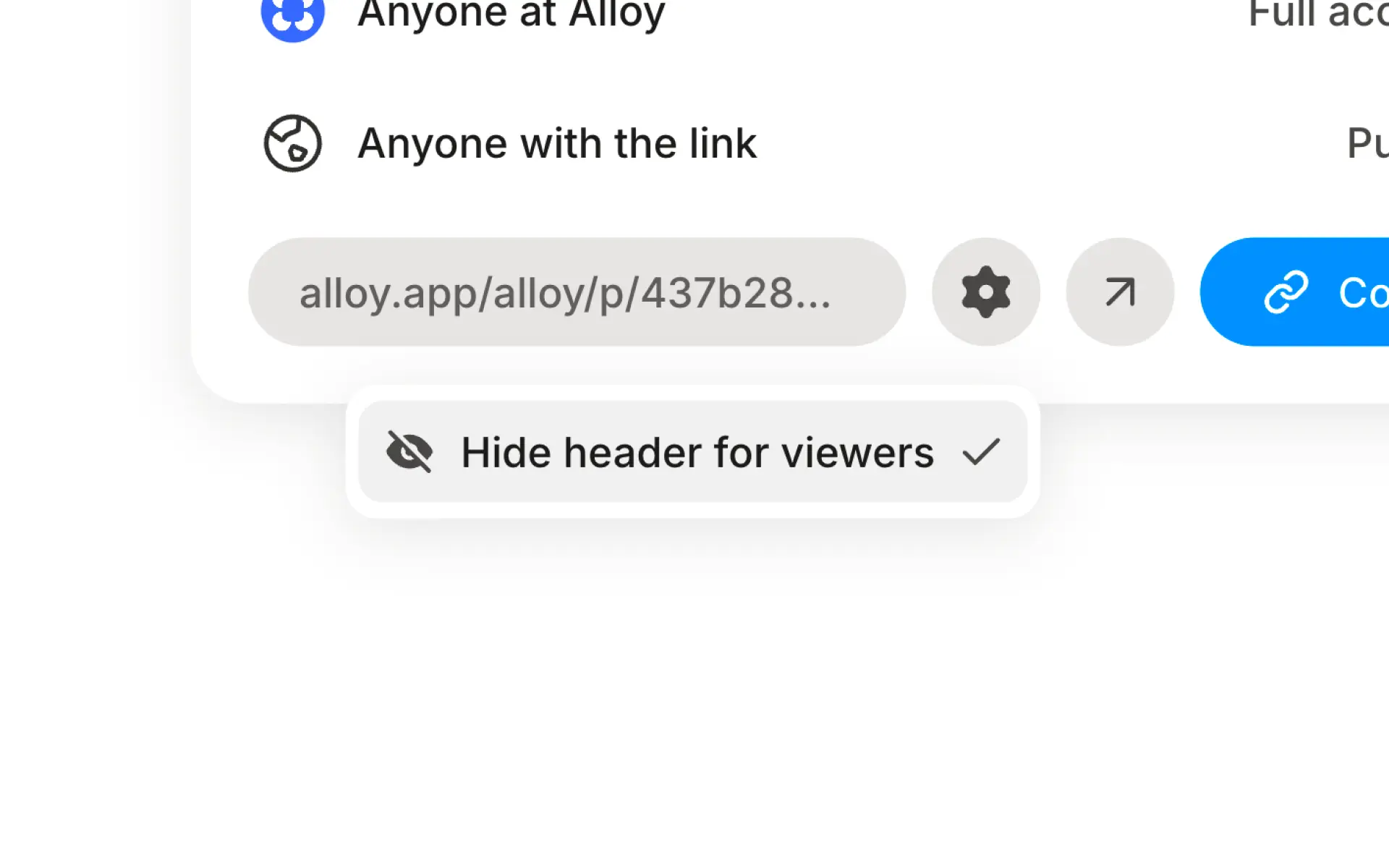
Send a preview link that's just your UI, nothing else.
When you share an Alloy session, viewers normally see a small header above it with the session name and controls. That's useful for collaborators, but for stakeholder demos and customer walkthroughs, you often want your app's UI to fill the screen on its own.
To solve for this, you can now hide the header from anyone who opens your share link. Open the share dialog, click the settings icon next to the link, and toggle "Hide header for viewers". The link stays the same — viewers just see a cleaner, focused view with just your app UI.
Available today from the share dialog.
Codebase sessions
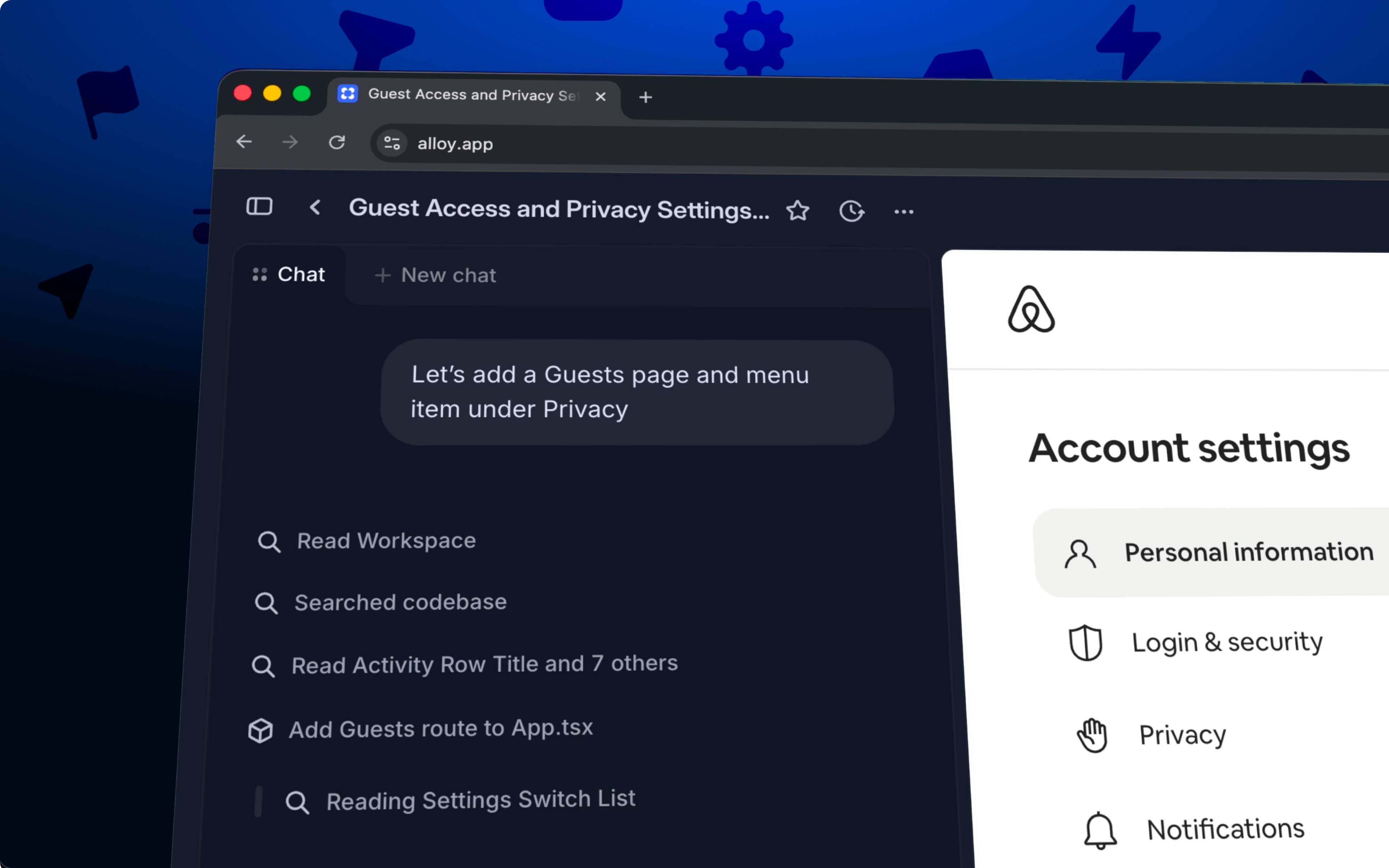
Start sessions from your codebase.
Until now, every Alloy session began with a page capture. That's a great way to prototype on top of what your product already looks like, but it stops short of the code itself. With codebase sessions, you can now start from your repo and take an idea all the way to a pull request your team can review.
Connect GitHub to get started. Link your repository and Alloy works directly with your codebase. No setup beyond the connection.
All the benefits of the Alloy platform. Share a link for feedback, collaborate with your team, and iterate in the same environment you already use for prototypes.
From idea to pull request. When you're ready, open a pull request straight from your session so your team can review the change in GitHub.
Codebase sessions are available today in early access. Connect GitHub from the settings page to get started, or learn more about cloud agents.
Folders
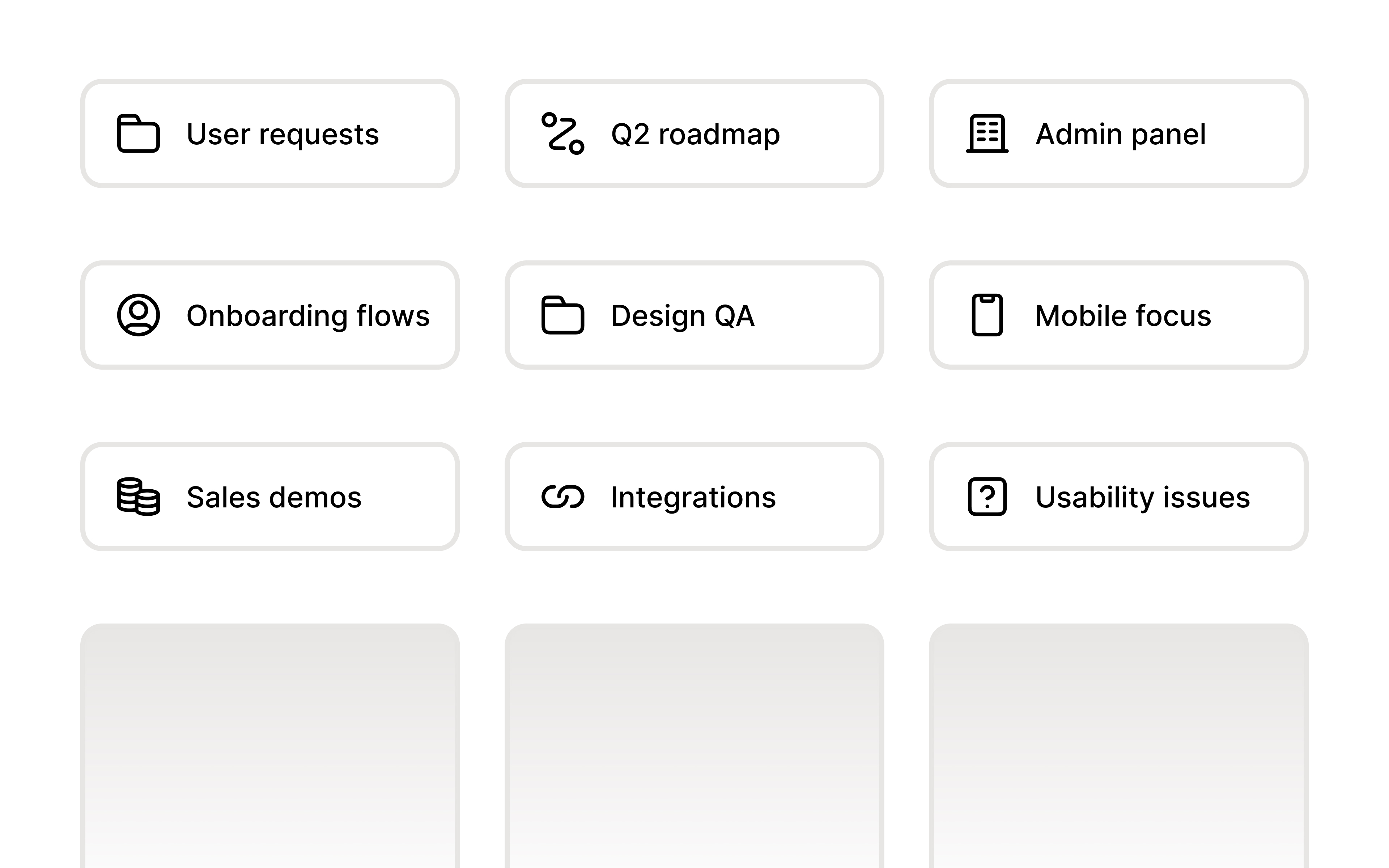
Organize your prototypes into folders.
As your team builds more prototypes, a flat list stops working. Folders let you group related prototypes together — by project, team, feature, or however makes sense for you.
Nest up to three levels deep. Create sub-folders to mirror your team's structure. Navigate with breadcrumbs to always know where you are.
Move prototypes from the context menu. Right-click any prototype and move it to an existing folder, or create a new one on the fly.
Shared across your workspace. Folders are visible to everyone on your team, so the structure you create helps the whole group stay oriented.
Folders are available now from the home page.
Comments
Leave feedback directly on prototypes.
Prototypes are built to be shared, discussed, and refined. From today, you can comment directly on any prototype. Your team sees the feedback in context, right next to what it refers to.
Tag teammates. Mention anyone on your team to bring them into the conversation. They'll get notified and can jump straight to the relevant part of the prototype.
Collect feedback from customers. It's simple for people outside of your company to jump in and share their thoughts.
Threaded replies. Keep discussions organized with replies on each comment.
Comments are now available from the toolbar on any prototype.
Responsive chat
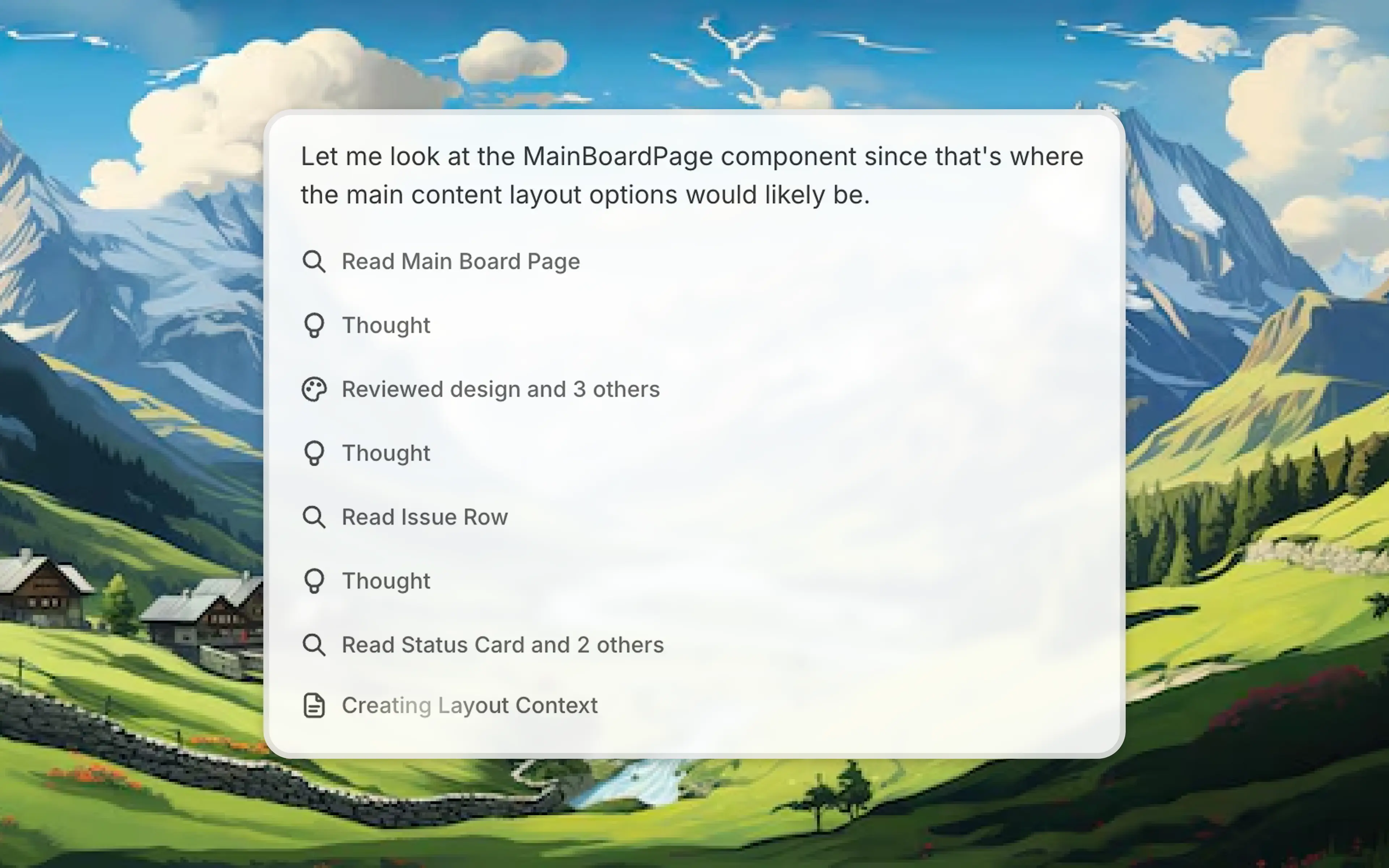
See exactly what the Alloy agent is doing as it builds and designs.
We've now made the Alloy agent radically more responsive, with visibility into progress in real time. See what it's thinking, reading, and creating, so you can follow along as your prototype takes shape. Since you always know what's happening, it's easy to catch things early and stay in control.
We've also added more control over the conversation flow:
Stop generation. If the agent heads in the wrong direction, stop it instantly and help course-correct with a prompt.
Queue messages. Send your next message while Alloy is still working.
Working with the Alloy agent now feels like a real conversation. Less waiting, more building, available today.
Capture flows
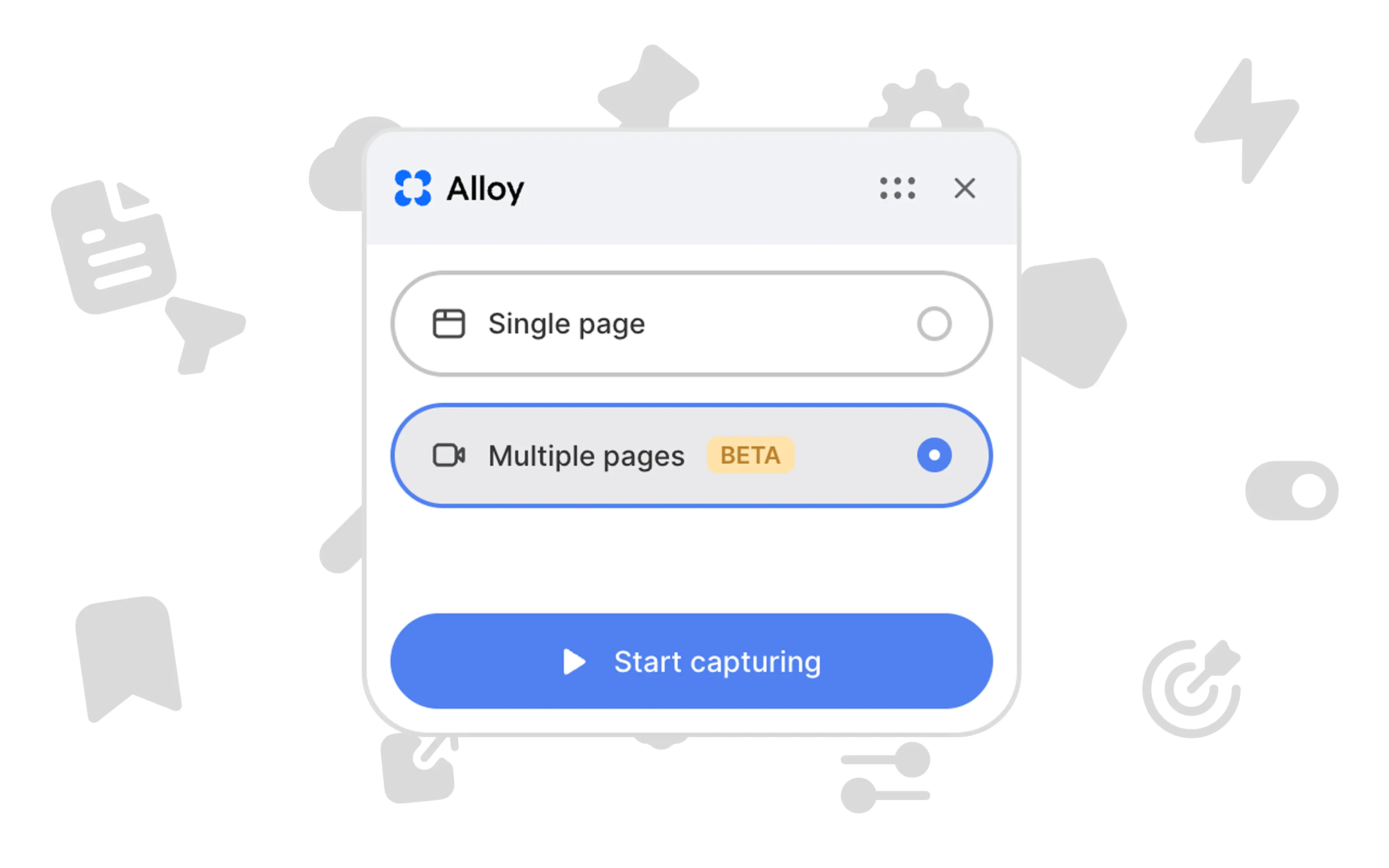
Capture multi-step flows and interactions, not just single pages.
Until now, Alloy let you capture a single page from your product as a starting point for your prototype. This worked great for designing changes to individual screens, but many features span multiple steps, pages, and interactions.
Being able to capture all of this context allows for much more power and flexibility when prototyping, so we're excited to announce you can now capture flows in Alloy.
Select "Multiple pages" in the Alloy browser extension to start a recording. Click through your product as you normally would – navigating between pages, filling out forms, and triggering modals. Alloy captures every interaction.
When you're done recording, everything you've captured is available in your prototype. You can then chat with Alloy to build your ideas on top of the existing experience.
Capturing flows is available now in beta for all users.
2x faster performance
Alloy is now 2x faster.
Last year, speed was the biggest bottleneck in AI prototyping. When a capture takes 10 minutes or a big prompt stalls, momentum evaporates. Improving performance was the #1 feedback we heard from you in 2025.
Over the last few weeks, we rebuilt our architecture end-to-end for maximum speed. Capturing pages and iterating is now up to 100% faster.
| Type | Previous average | New average | Improvement |
|---|---|---|---|
| Page capture | 6 min 30 sec | 2 min | 225% faster |
| Simple prompt | 2 min | 35 sec | 243% faster |
| Complex prompt | 6 min | 3 min | 100% faster |
Quickly visualize new ideas, spend less time context switching, and stay in a flow state while exploring new directions.
Less waiting. More doing. An Alloy experience where you feel in control and can focus on creating.
It's available today for all users. We can't wait to hear what you think.
Chat mode
Plan before you build.
When you're working on a complex feature, you don't want to make changes while you're still thinking through the approach. Chat mode guarantees you'll only get a chat response, never a change to your prototype.
Toggle chat mode on to plan out your implementation, break down complex features into steps, or discuss different approaches. Alloy will respond with ideas and suggestions. When you're ready to execute, toggle it off and start building.
Chat mode is available now for all users.
Image generation

Create AI images directly in your prototypes.
Use the chat to describe the image you need, along with where you need it. Alloy will generate it for you and insert it into your prototype.
Additionally, we've also improved our image upload feature to make it more reliable. If you'd like to use an image asset or icon you already have, you can upload it in the chat, ask Alloy to use it, and see it appear in your prototype.
It's now easier than ever to create polished prototypes without hunting for stock photos or waiting on design assets.
Brand logos
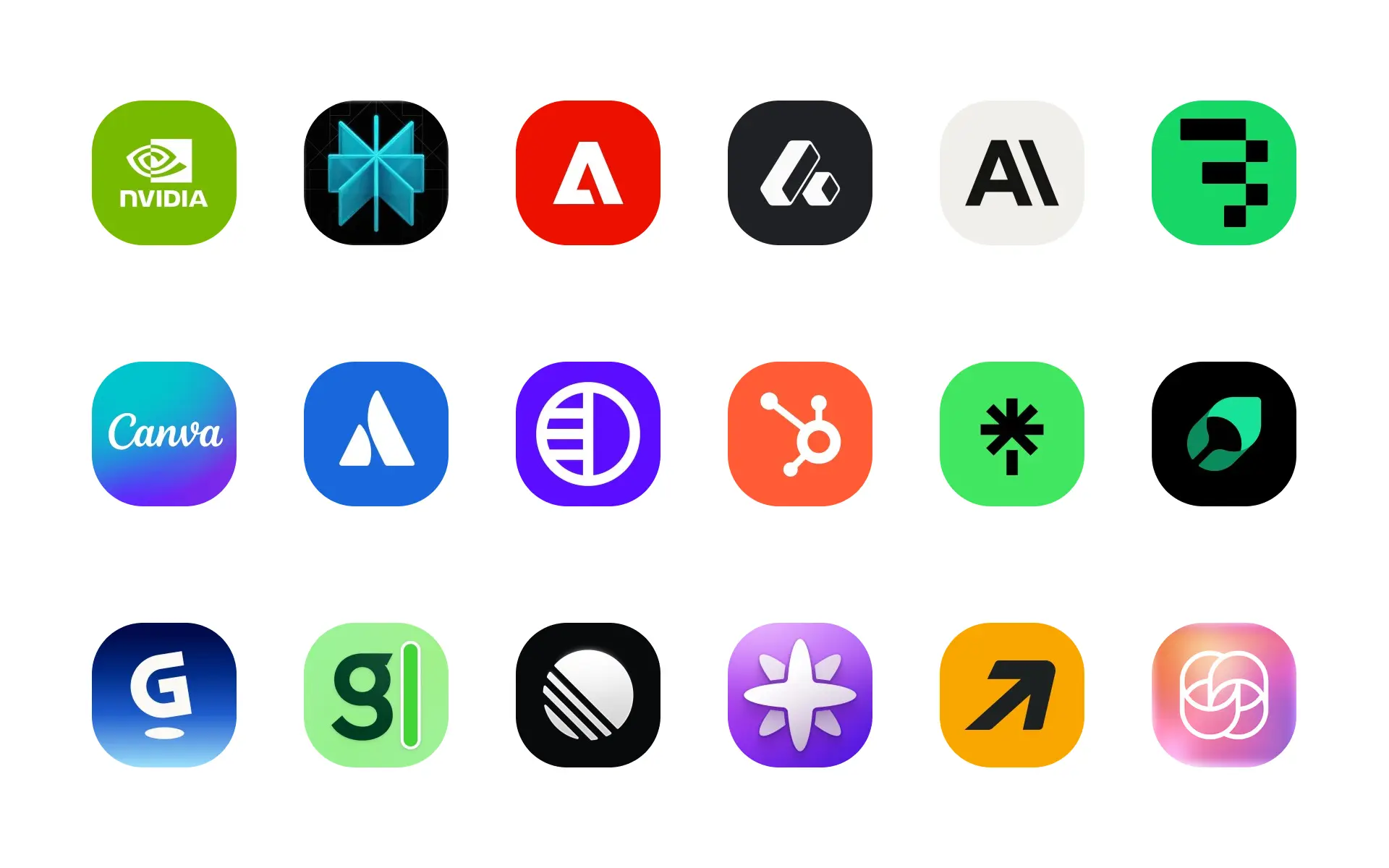
Add company logos to your prototypes with our new brand logos feature.
It's common to reference other brands when designing SaaS apps today, particularly when prototyping integration pages. Previously, designing these interfaces required manually finding, downloading, and uploading brand logos to your design tool.
With Alloy, brand logos will now be fetched for prototypes automatically. If you need a specific logo, just mention the brand or company in the chat.
Capture public link
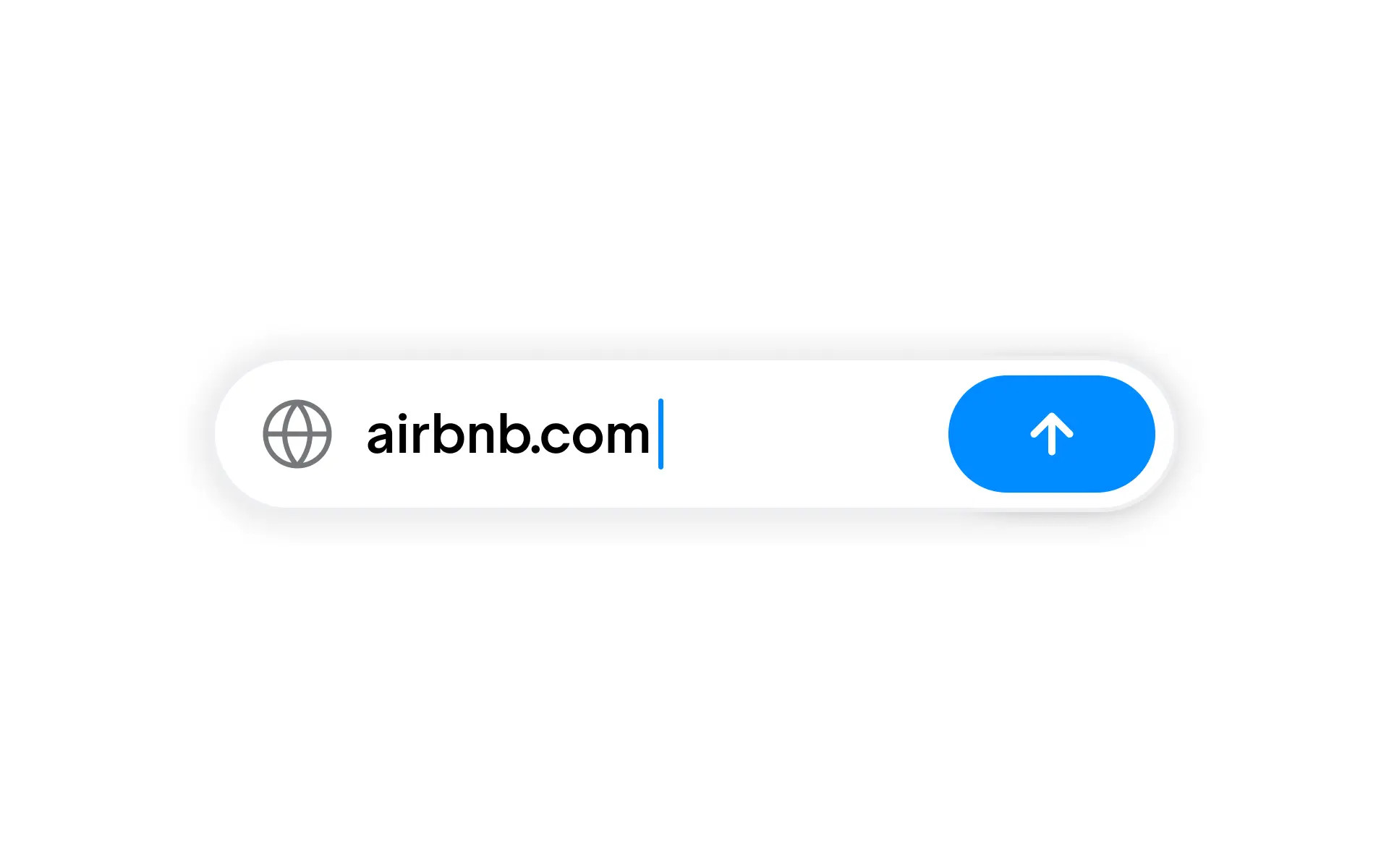
Capture any public web page to use as a starting point for your prototype.
While the Alloy browser extension supports capturing any web page, you need to have the extension approved and installed on your device.
For cases where this isn't possible, for example in enterprises that require IT approval for extensions, you can now simply enter a public link in the Alloy app instead. Alloy will capture the page and use it as the starting point for your prototype.
To get started, sign in to Alloy and select the public link option on the home page of your workspace.
Dovetail integration
Dovetail is the leading customer intelligence platform for product teams to analyze feedback.
With our new integration, you can now create AI prototypes directly from your customer feedback in Dovetail.
Share prototypes with research participants, gather feedback on new concepts, and keep everything connected in one place.
To learn more and get started, visit our Dovetail integration page.
Desktop app
Alloy is now available as a native desktop app for macOS and Windows.
Get instant access to Alloy from your dock or taskbar. The desktop app provides a faster, more focused experience for prototyping.
Get started on our download page, or continue using Alloy from your browser.
Introducing Alloy
It's official – I'm excited to introduce Alloy, the world's first tool for prototypes that look exactly like your product.
All year, PMs and designers have struggled with off-brand prototypes – built with "app builder" tools that look nothing like their existing app.
They're left with confused stakeholders, prototypes they can't show customers, and demos where they're apologizing for the design.
Your prototypes should look like your actual product. Starting today, they can.
Alloy is AI Prototyping built for Product Management:
- Capture your product from the browser in one click
- Chat to build your feature ideas in minutes
- Share a link with teammates and customers
- 30+ integrations for PM teams: Linear, Notion, Jira Product Discovery, and more
In our tests, Alloy delivers 3-5x more detail than alternatives when starting from an existing product. It's powered by groundbreaking technology you won't find in any other tool.
Alloy is now available for you to try for free.