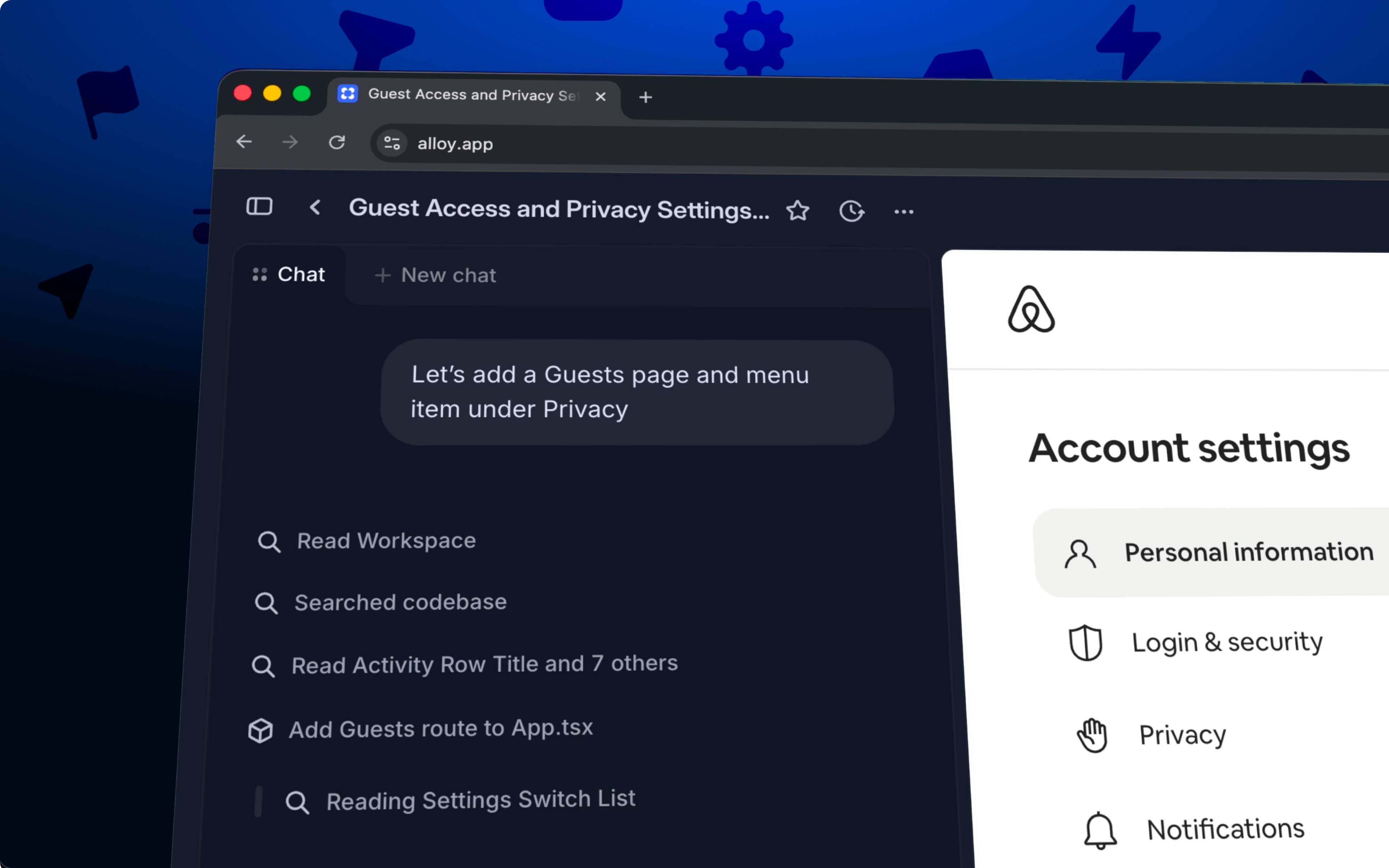
The Alloy Slack integration starts an AI prototyping session from a Slack message or thread and carries the conversation into the new session as context.
Start the Alloy agent from any Slack thread.
A lot of the best product ideas show up in Slack first — a customer request in a Connect channel, a teammate's "what if we just…", a screenshot with a question attached. With the new Slack integration, you can take those messages and have Alloy build the solution, with a live preview sent back in the same thread.
Start from a mention. @mention the Alloy bot in a thread. Alloy reads the message and the surrounding thread for context, then starts a session instantly. You can switch to any source directly from Slack (your codebase, capture library, or a base theme to explore ideas from scratch).
Replies land in the thread. When the session is ready, Alloy posts back into the same Slack thread with an Open session button and a summary of what it built. Iterate by replying with another @mention — every message keeps the conversation in one place.
Push to a pull request. If you've connected GitHub, the same Slack message includes a Push Code button to open a PR for your team to review.
Works in Slack Connect. Respond to feedback with an actual prototype instead of a "we'll look into it."
Connect Slack today from Settings → Integrations.
Frequently asked questions
Start the prototype from the source message so the agent receives the request and surrounding conversation as context. With Alloy in Slack, mention @alloy or use the message action, then open the generated session to continue building and reviewing the idea.
Yes, converting the original feedback into a prototype makes the request concrete without requiring a separate handoff document. Alloy can start from internal channels or Slack Connect threads and returns a shareable session link to the conversation.
Use an app mention or message action on the source message so the new session retains the surrounding conversation. In Slack, mention @alloy or choose the Alloy message action, then follow the returned link to the prototype session.