
When you're researching app development tools, Lovable quickly stands out for its conversational AI approach. You describe what you want, and it builds the app, as covered in all Lovable reviews. But most product teams aren't starting fresh; they already have a live product, a design system, and a need to test interface changes without rebuilding what's already there. That's where Lovable runs into limits, and why many teams turn to modern alternative tools that can work with the product they already have instead of starting from zero. These teams often need quick, practical ways to update flows, compare ideas, or react to user feedback without drafting entirely new screens. Tools that capture what already exists remove a huge amount of friction and help teams move faster during early planning, user research, and concept validation.
TLDR:
- Lovable builds new apps from scratch but can't capture your existing product interface.
- Tools for building new apps force you to recreate UI elements instead of prototyping changes.
- Capture-based tools can record your live product in seconds and let you prototype changes through natural language.
- You maintain complete brand fidelity since prototypes use your actual design system.
- Capture-based approaches help teams move from a customer request to an interactive prototype in minutes.
What Is Lovable and How Does It Work?
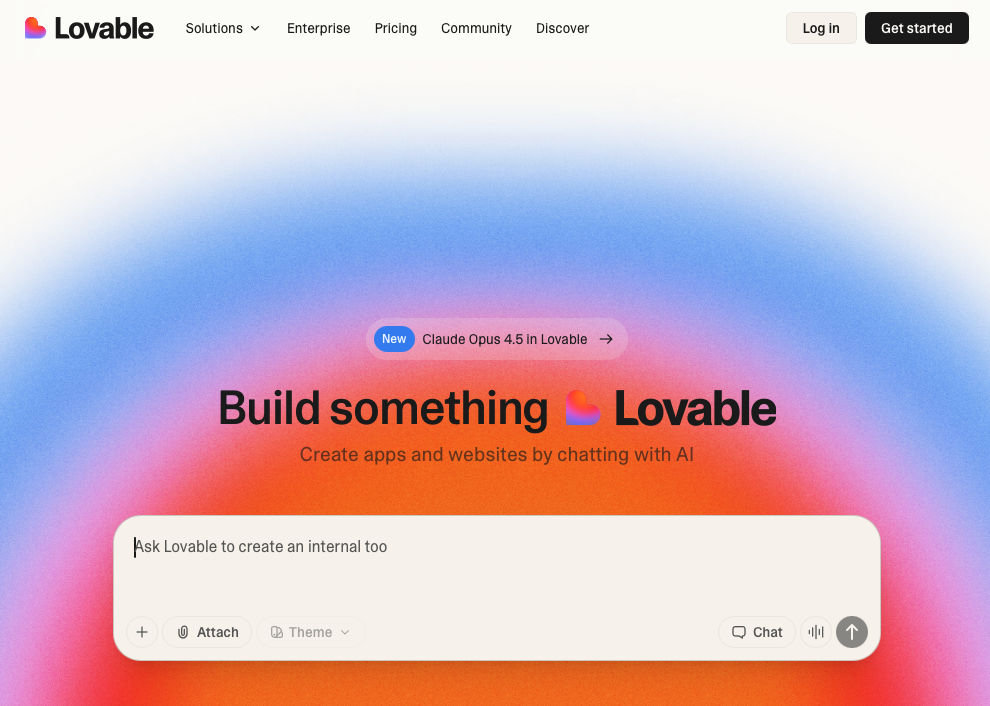
Lovable is an AI-powered app builder that creates full-stack web applications through natural language conversations. Users describe what they want to build, and Lovable generates a working application with editable source code.
The tool uses a chat interface to generate code with a React frontend, Tailwind CSS for styling, and Vite as the build tool. For backend needs, it connects with Supabase to handle databases, authentication, and server logic.
Who Uses Lovable?
Lovable targets freelancers, startup founders, solo developers, and non-technical entrepreneurs who need to build minimum viable products quickly without deep technical knowledge or a full development team.
Building from Scratch
Lovable is built for creating new applications from the ground up. Users start with a blank slate and describe the app they want to create, whether that's a SaaS app, marketplace, or web tool. The focus is on generating initial versions of new apps instead of prototyping changes to existing products.
Lovable in Practice
Lovable excels at building new apps from scratch. Creating MVPs, simple marketing sites, or small projects through conversational prompts can speed up early development for teams launching their first product or testing a new concept.
Working with an existing product reveals clear constraints. The tool can't capture or reference your current interface, so every project starts from zero. You'll need to recreate UI elements and workflows that already exist in your actual app.
This creates two issues: Wasted time rebuilding what you already have and prototypes that look generic instead of matching your brand. When stakeholders review something that doesn't look like your real product, getting actionable feedback becomes harder. Some users mention that certain tasks still require technical knowledge despite the no-code framing.
The message-based pricing model becomes expensive during heavy iteration. Costs rise quickly as conversations extend, particularly when refining details or looking for multiple directions.
Lovable isn't designed for prototyping changes to existing products or for using your current UI directly, so maintaining brand alignment requires manual setup.
Best Lovable Alternatives in December 2025
Lovable excels at building new apps from scratch, but many teams need tools that help them work with an existing product instead of starting over. If you're looking for options that fit different stages of product development, here are the top picks.
1. Alloy
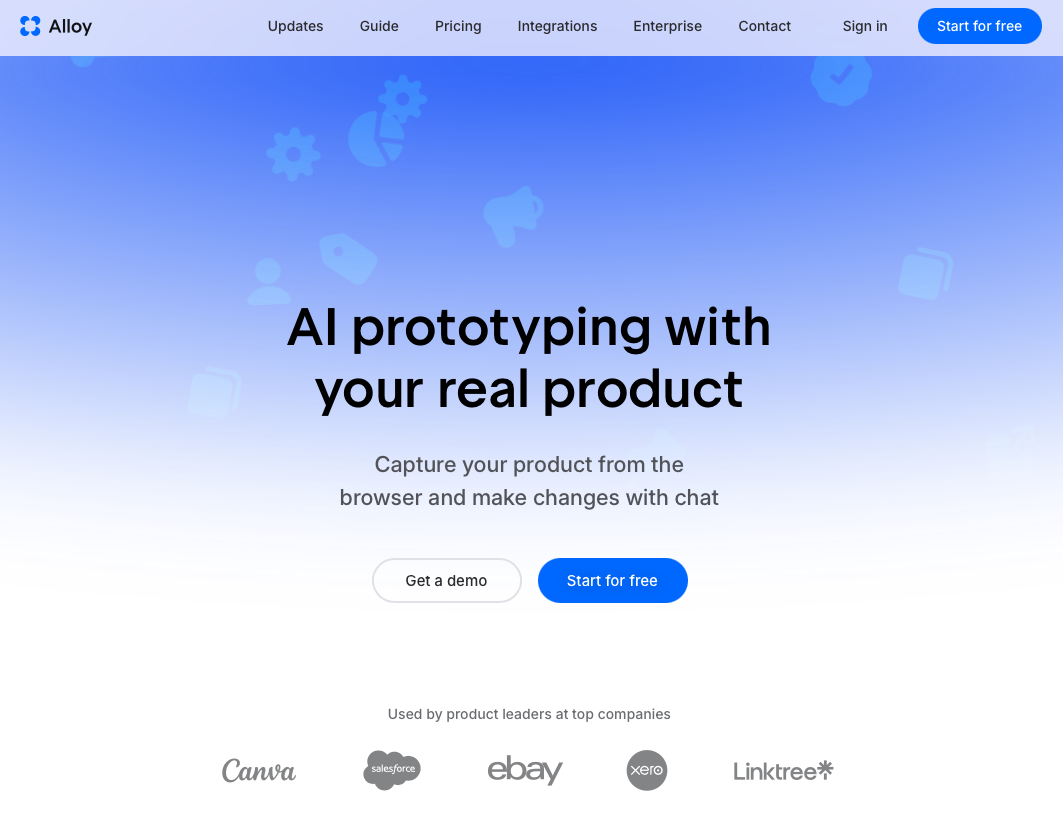
Alloy captures your actual product interface and lets you prototype changes using natural language and visual editing, giving teams a faster path to early concept testing. Your prototypes maintain complete brand fidelity because they're built from your real UI components and design system.
The Chrome extension captures any page in seconds. Describe changes in plain English or drag elements directly. Share interactive prototypes instantly with teammates or customers. Integration with 30+ product tools keeps your workflow connected and easy to manage.
Best for product managers and startup founders prototyping features on existing products without designer or developer dependencies.
2. Bolt
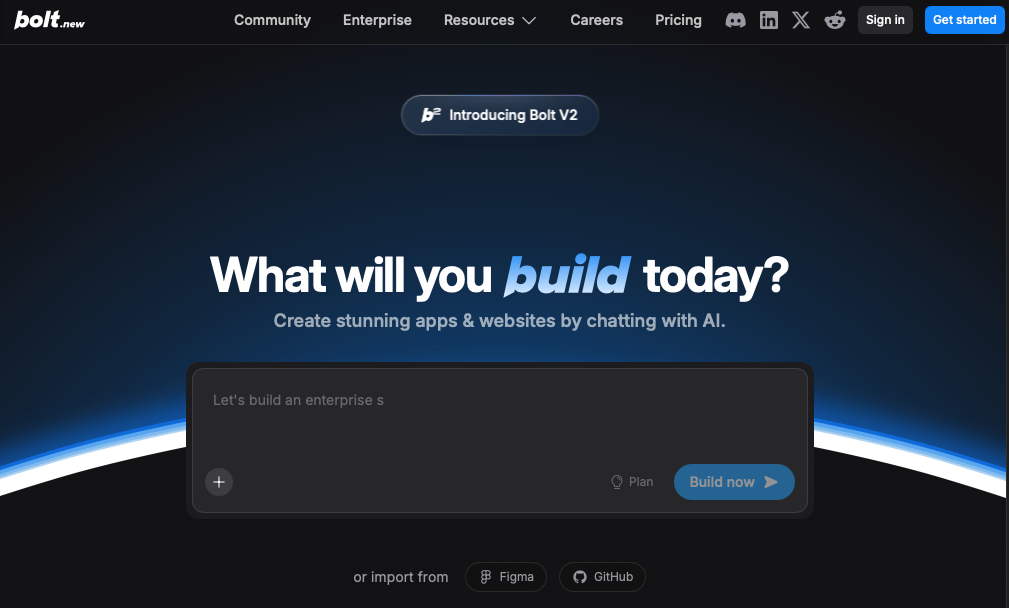
Bolt generates full-stack applications through natural language, putting emphasis on frontend frameworks like React and Next.js with real-time debugging and GitHub integration for code export.
Best for developers building new frontend applications who want AI debugging assistance and framework flexibility.
Bolt has limited backend support, and many users still configure databases and authentication on their own. Like Lovable, it starts from scratch and can't capture existing products.
3. V0
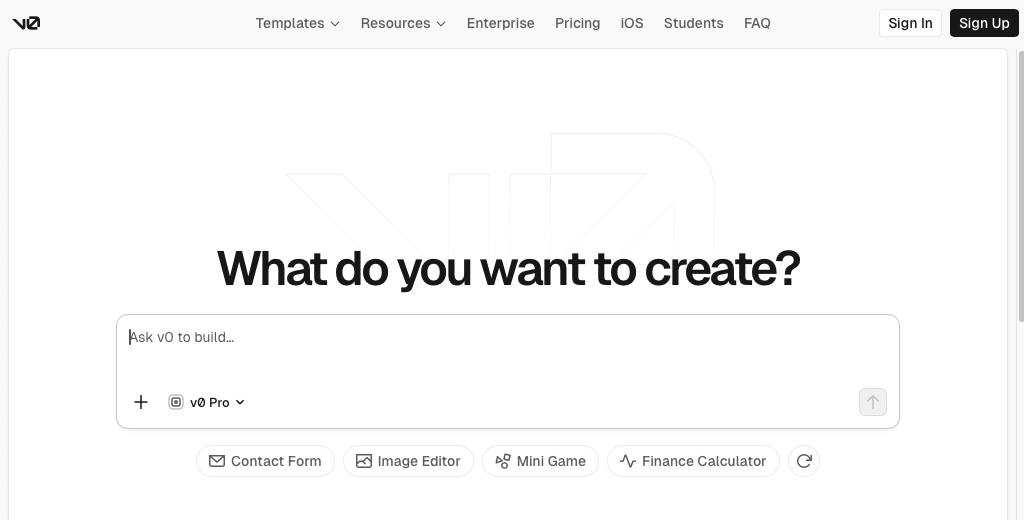
V0 generates React components using shadcn/ui from text prompts. It's commonly used for landing pages, marketing sites, and quick UI blocks with Tailwind-based responsive designs you copy and paste.
Best for developers needing quick UI components for marketing pages who work with component libraries.
V0 focuses on generating components instead of full applications, and it does not handle databases, authentication, or core app logic for you. Everything starts from component patterns or templates since it can't capture existing UIs.
4. Replit
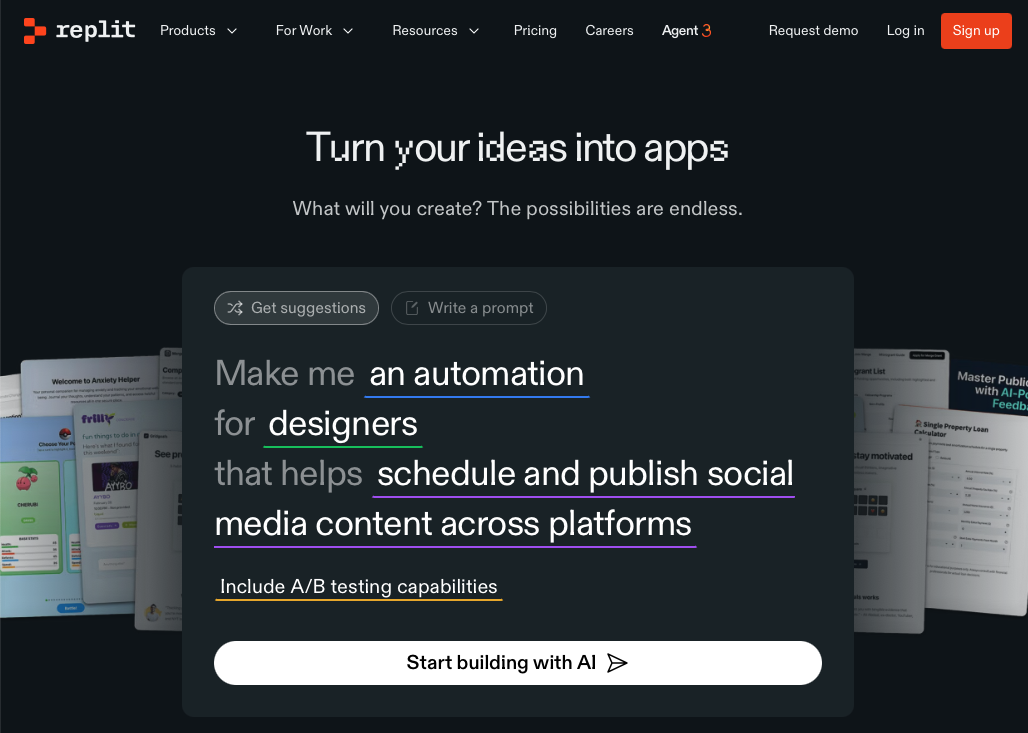
Replit is a browser-based IDE with AI code assistance across multiple languages, collaborative coding features, and built-in hosting. It targets education and learning.
Best for students and developers learning to code or building small projects in an all-in-one environment.
Replit requires coding knowledge despite AI help. It's a traditional development environment with longer time-to-prototype than dedicated tools. No existing product capture or automatic brand fidelity.
5. Reforge Build
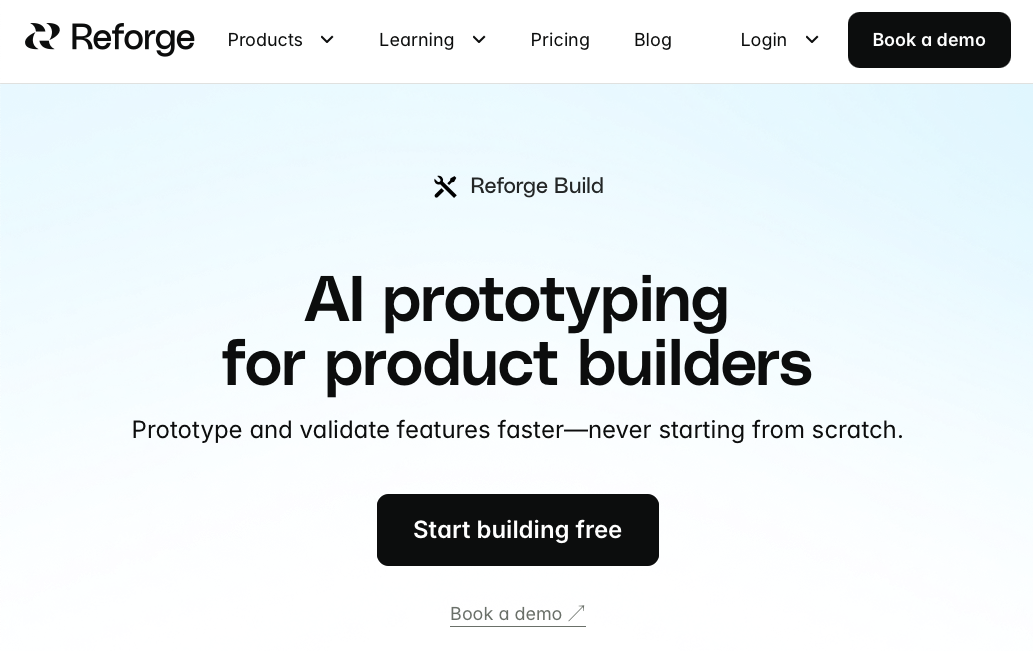
Reforge Build includes early tools for editing imported or recorded screens with AI assistance, attempting similar functionality to capture-based tools but with less refinement.
Best for teams already using Reforge who want basic prototyping without switching tools.
The execution lacks maturity. Slower performance, weaker AI capabilities, a smaller set of integrations and early capture features that continue to improve.
Why Alloy Is the Best Lovable Alternative
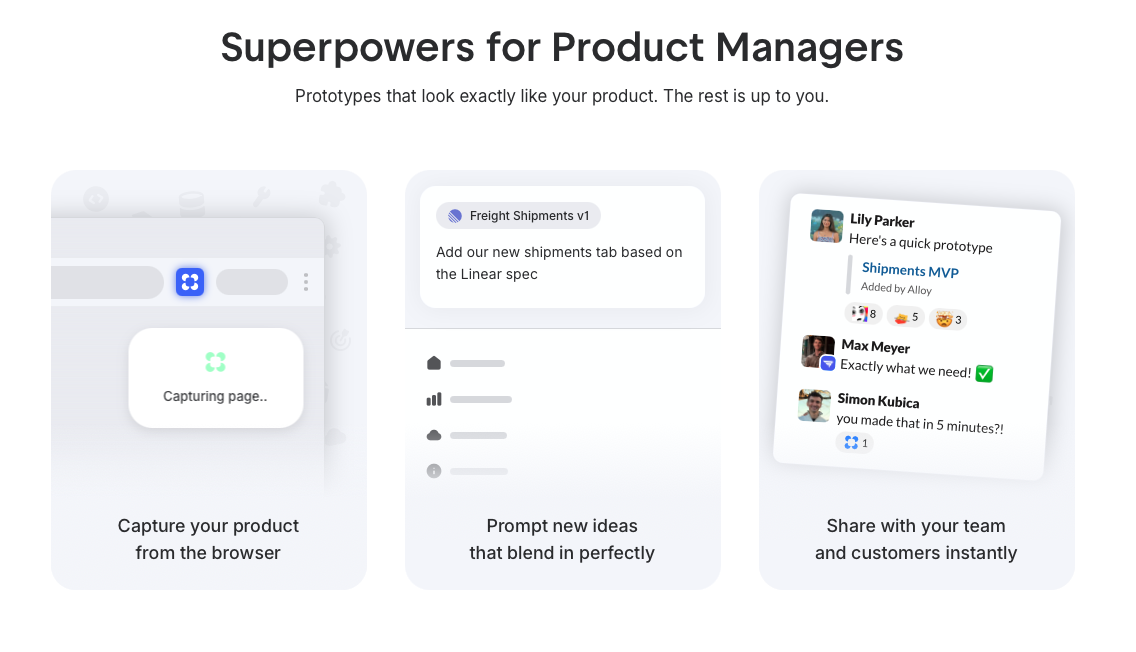
Lovable works well for building applications from scratch, but most product teams need to validate changes to products that already exist. Alloy's capture-first approach works directly with your live product interface, making it possible to build prototypes on top of the exact screens your customers already use.
Click the Chrome extension once and you're working on your actual UI with your real design system intact, so every idea feels grounded in the current experience. Stakeholders see prototypes that look exactly like your app, which leads to clearer feedback and faster decisions. You can move from a customer request to an interactive prototype in minutes using natural language, then share a link instantly for review.
This approach cuts out long waits for design files or engineering support and gives teams a practical way to test ideas, compare options, and react to user input far earlier in the process.
FAQs
What's the main difference between tools that build new apps and tools that prototype existing products?
Tools for building new apps start from scratch with generic templates and components, while prototyping tools like Alloy capture your existing product interface to maintain complete brand fidelity. If you're validating changes to a product that already exists, starting from zero wastes time recreating what you already have.
How quickly can I create a prototype with my actual product design?
You can go from capturing your live product page to sharing an interactive prototype in minutes. Alloy's Chrome extension captures your interface in seconds, then you describe changes in plain English or drag elements directly, no need to rebuild your UI or wait for design resources.
Can I share prototypes with stakeholders who don't have technical knowledge?
Yes, every prototype is fully interactive and shareable via a link that anyone can view in their browser. No installs, special software, or technical knowledge required for reviewers to test and provide feedback on your prototype.
Do I need coding or design skills to prototype product changes?
No coding or design skills are required. You simply describe the changes you want in plain English (like "add a dark mode toggle"), and the AI implements them while maintaining your product's existing design system and brand identity.
When should I consider a prototyping tool instead of an app builder?
If you have an existing product and need to validate feature changes before involving designers or engineers, a prototyping tool is the right choice. App builders work best when you're creating something entirely new from scratch, not iterating on what already exists.
Final thoughts on assessing Lovable and its alternatives
Most teams aren't looking to build a new product from the ground up; they need a fast way to test changes to the one they already have. As many Lovable reviews point out, that's where the tool reaches its limits, and why many teams turn to Alloy for a capture-based approach that works directly with their live interface and real design system. By working on top of the product that already exists, Alloy makes it easy to share interactive prototypes within minutes, helping teams gather useful feedback far sooner than traditional design or engineering cycles allow. This approach also reduces back-and-forth between product, design, and engineering, since early ideas no longer require rebuilt screens or placeholder visuals. Teams can react to customer input immediately, adjust flows on the spot, and move forward with clearer confidence in what should be built next.