
Choosing the right tool for product updates depends on whether you're creating something from scratch or shaping an experience that already exists, and not every solution handles both scenarios equally well. Reforge Build can be useful, but some teams run into slow generation times or prototypes that drift away from the look and feel of their real product, a pattern that shows up frequently in most Reforge Build reviews. For teams that want a faster, more accurate way to work on top of what they already have, modern options offer another path. Many teams now look for tools that can capture their current interface directly, reduce setup time, and help them share interactive concepts without waiting on design files or manual rebuilds. Below, we break down how Reforge Build compares with other choices so you can decide which approach fits your workflow.
TLDR:
- Reforge Build generates prototypes from your design system but may not be optimized for extremely rapid iteration when compared with some capture-based tools.
- Notable alternatives include v0 as a React UI component generator, Lovable for building full applications, and Magic Patterns for AI-generated UI components and visual inspiration.
- Some capture-based tools can record your live product in a single click and produce accurate prototypes in minutes instead of more time-intensive manual approaches.
- They integrate with 30+ tools like Jira and Linear to pull context automatically without manual uploads.
- These capture-first approaches deliver far more detail when working with existing products, helping teams validate ideas faster.
What Is Reforge Build?
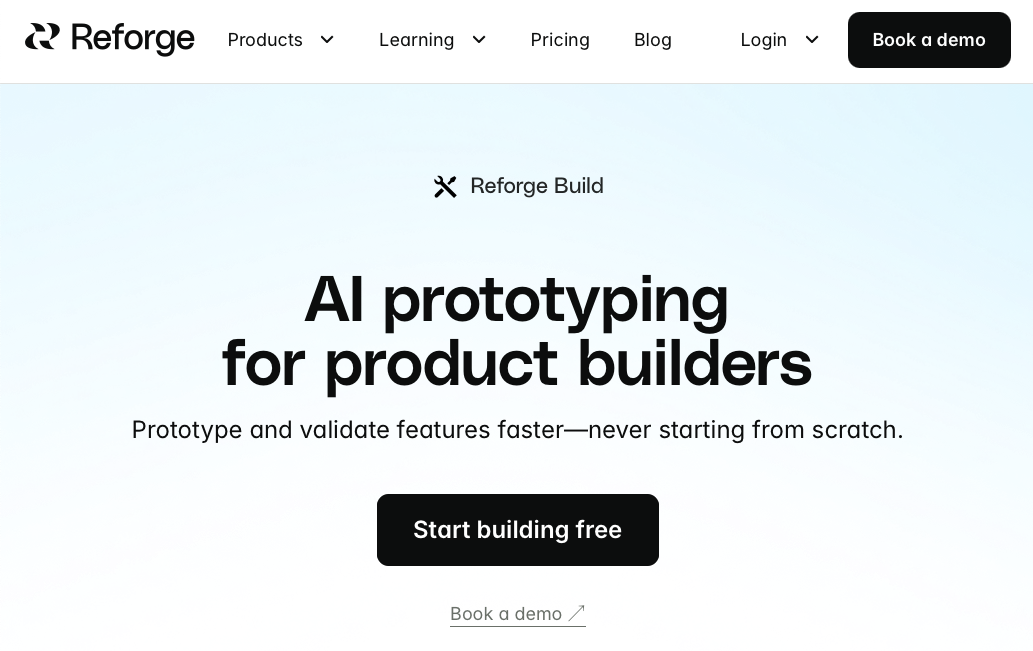
Reforge Build is an AI prototyping tool that generates interactive prototypes matching your existing design system. Created by Reforge, the company behind product management education programs, the tool connects product ideas to working prototypes. Its workflow focuses on turning written prompts into structured layouts that follow your component rules, giving teams a way to visualize concepts without starting from a blank canvas. Reforge Build also introduces AI-assisted edits that help teams adjust layouts, update flows, and refine early ideas with less manual effort, making it useful for teams looking into early directions as their needs change.
How It Works
The workflow begins by capturing your product design through a browser extension for live pages, screenshot uploads, or Figma integration. This capture serves as the foundation for prototypes, keeping changes visually aligned with your actual product.
The tool stores project context including product strategy documents, specification files, meeting transcripts, and design guidelines at company and project levels. When generating or modifying prototypes, the AI references this stored context for informed design decisions.
Reforge Build produces multiple design variations simultaneously for side-by-side comparison. Teams can collaborate through commenting and remixing features, letting members iterate on prototypes without rebuilding from scratch.
Reforge Build in Practice
Reforge Build offers AI-driven prototyping with strong project context integration, connecting product strategy documents, meeting transcripts, and design guidelines to the prototyping process.
Several constraints drive teams to consider other options:
- Generation speed creates friction during rapid iteration cycles. Teams validating ideas quickly often find the prototype generation and revision process slower than competing tools designed for speed.
- The limited feature scope shows up as teams use it more. While browser extension capturing and design variations cover basic workflows, teams frequently need more powerful AI generation or additional editing controls that the tool doesn't provide.
- Live product prototyping falls short for teams working directly on existing web applications. If you need pixel-perfect mockups of changes to your current interface with minimal setup, tools built especially for that use case deliver better fidelity and faster turnaround.
Best Reforge Build Alternatives in December 2025
Reforge Build works for some teams, but many want faster iteration, closer alignment with their actual product, or a simpler way to test ideas without long setup steps. If you're comparing tools that support different stages of product work, the options below offer a range of approaches for teams refining existing products or looking into new concepts.
Alloy
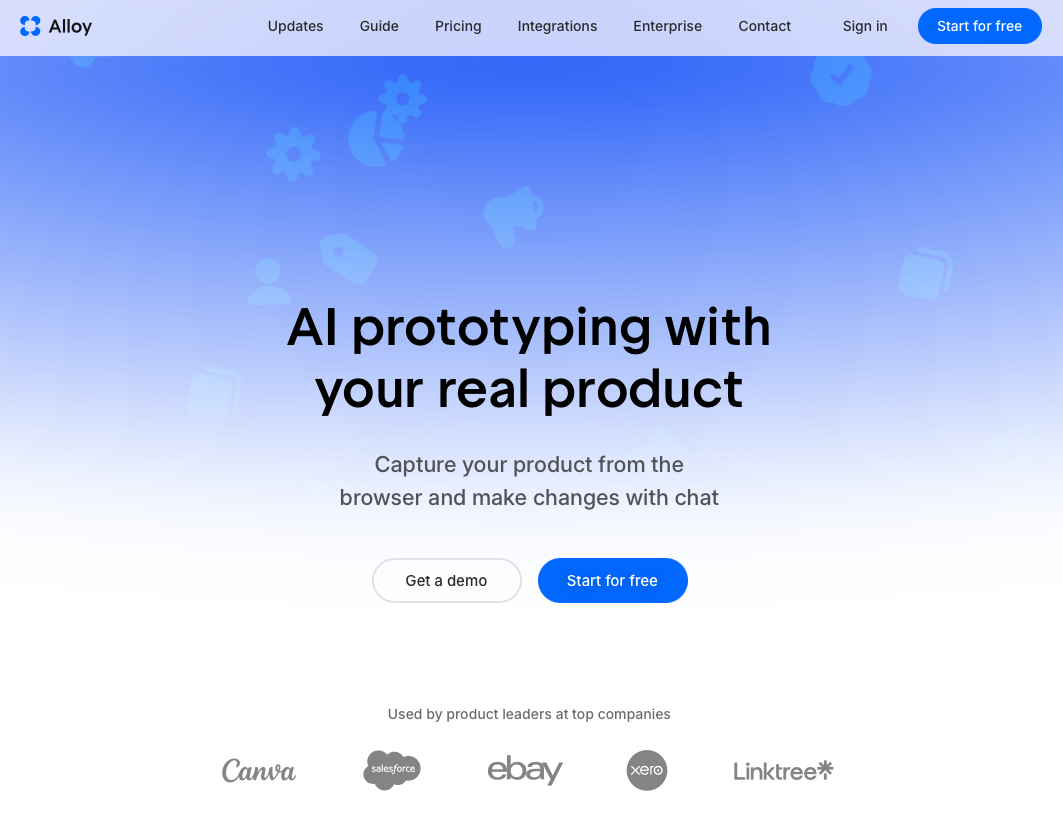
Alloy captures your actual product interface and lets you prototype changes using natural language and visual editing, giving teams a faster path to early concept testing. Your prototypes maintain complete brand fidelity because they're built from your real UI components and design system.
The Chrome extension captures any page in seconds. Describe changes in plain English or drag elements directly. Share interactive prototypes instantly with teammates or customers.
Integration with many product tools keeps your workflow connected and easy to manage. Best for product managers and startup founders prototyping features on existing products without designer or developer dependencies.
v0
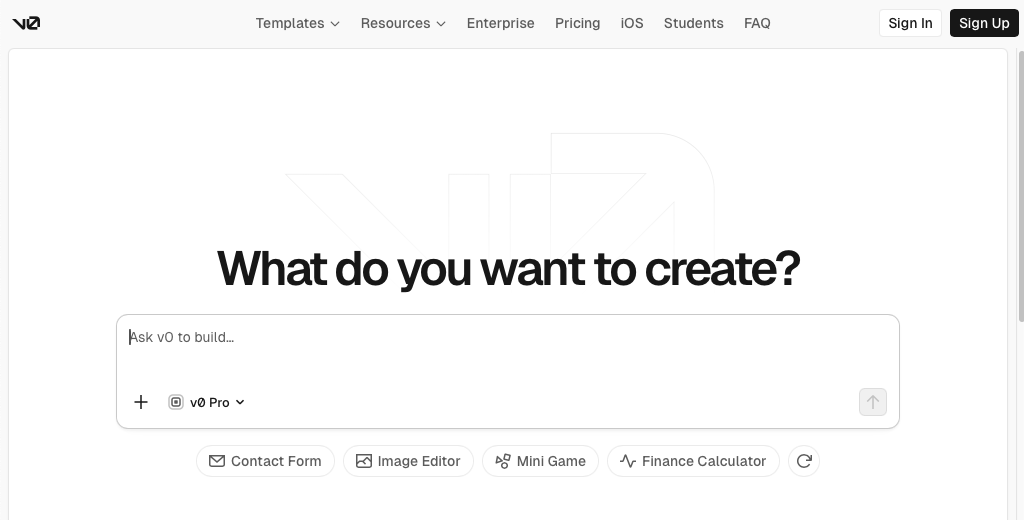
v0 is an AI code generator that creates React components with Tailwind CSS from text prompts. The tool provides instant preview and iteration on generated UI components with one-click publishing to live websites via Vercel hosting.
Good for: Frontend developers building new user interfaces who want AI-assisted component generation with production-ready React code.
Key limitation: Focused on generating standalone components and new interfaces instead of prototyping within existing products. Requires technical expertise to integrate generated code and lacks the context of your current design system without manual configuration.
Bottom line: v0 generates clean code quickly but requires development skills and doesn't work with your existing product interface.
Lovable
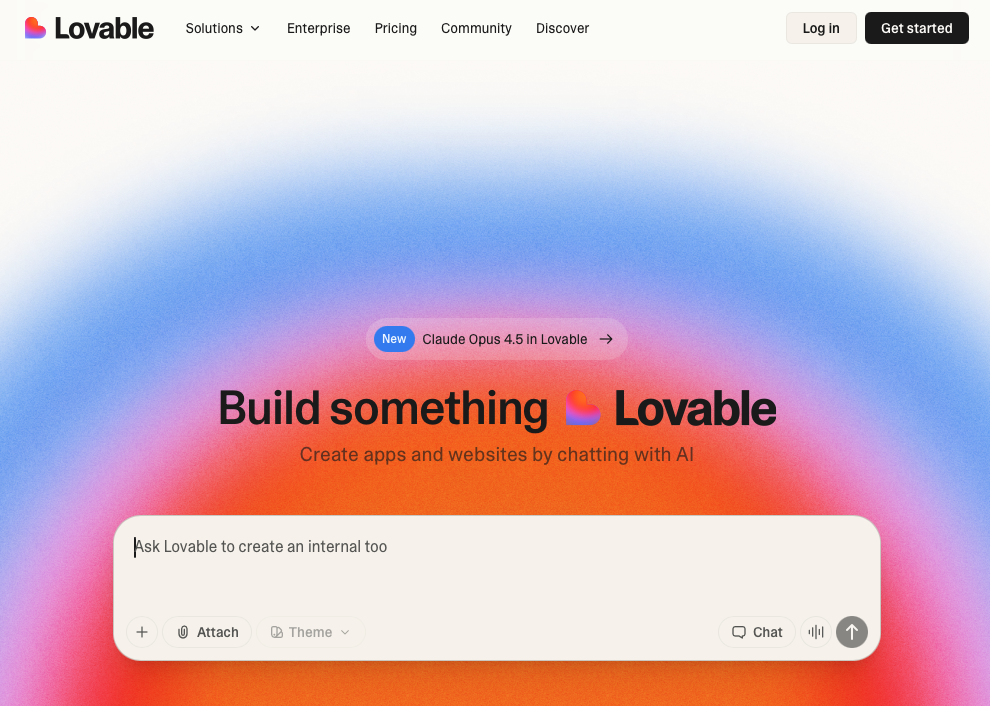
Lovable is an AI application builder that generates full-stack web applications from natural language descriptions. The tool creates complete apps with frontend interfaces and backend functionality through conversational prompts.
Good for: Non-technical founders and entrepreneurs building MVPs or new products without coding knowledge.
Key limitation: Designed for creating entirely new applications instead of prototyping on existing products. Lovable prototypes contain 3-5x less detail when starting from an existing product page and lack the pixel-perfect fidelity needed for realistic product prototypes.
Bottom line: Lovable helps build new apps but can't replicate your existing product's look and feel with the accuracy teams need for validation.
Magic Patterns
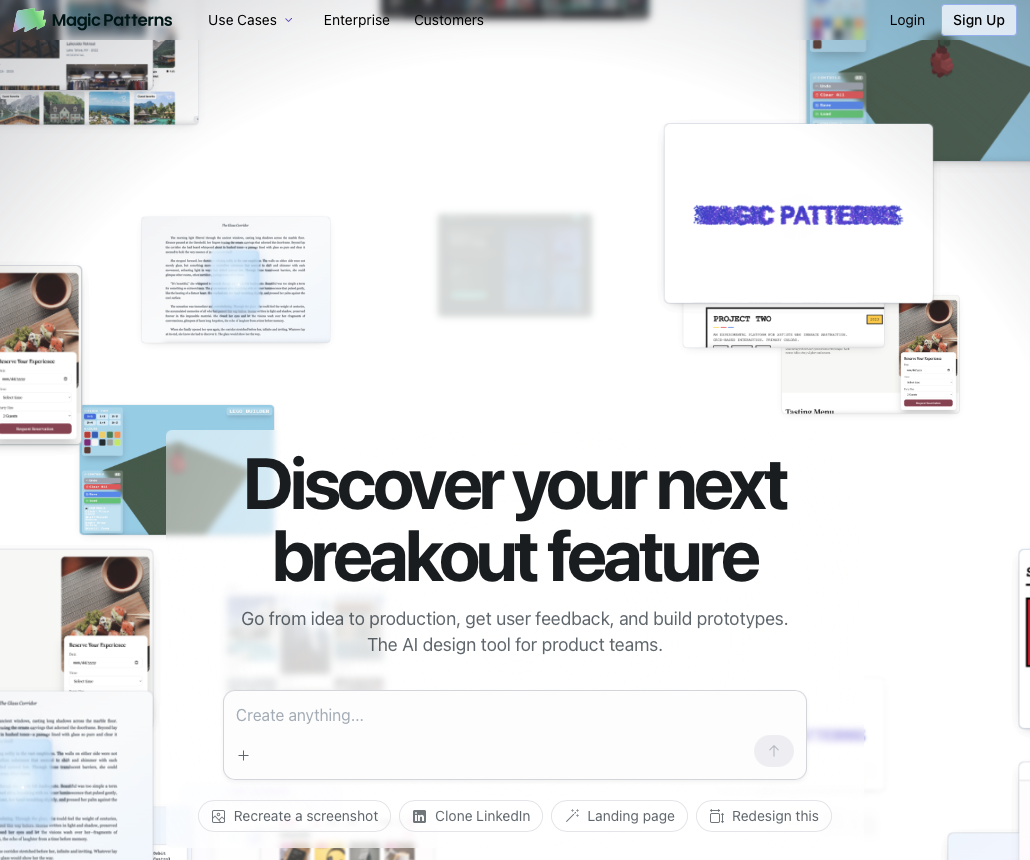
Magic Patterns is a generative UI tool that uses AI to create and iterate on UI components. Teams can generate interfaces from text prompts, capture designs from websites using a Chrome extension, and export to React code or Figma.
Good for: Design-forward teams generating UI inspiration and exporting to design tools or React codebases.
Key limitation: Focuses on generating standalone components instead of creating interactive prototypes for validation. Captured interfaces serve as reference points for new generation, not editable bases you can modify and test.
Bottom line: Magic Patterns generates UI ideas but requires extra steps to turn them into testable prototypes. Alloy captures your existing product and creates shareable, interactive prototypes without export workflows.
Why Alloy Is the Best Reforge Build Alternative
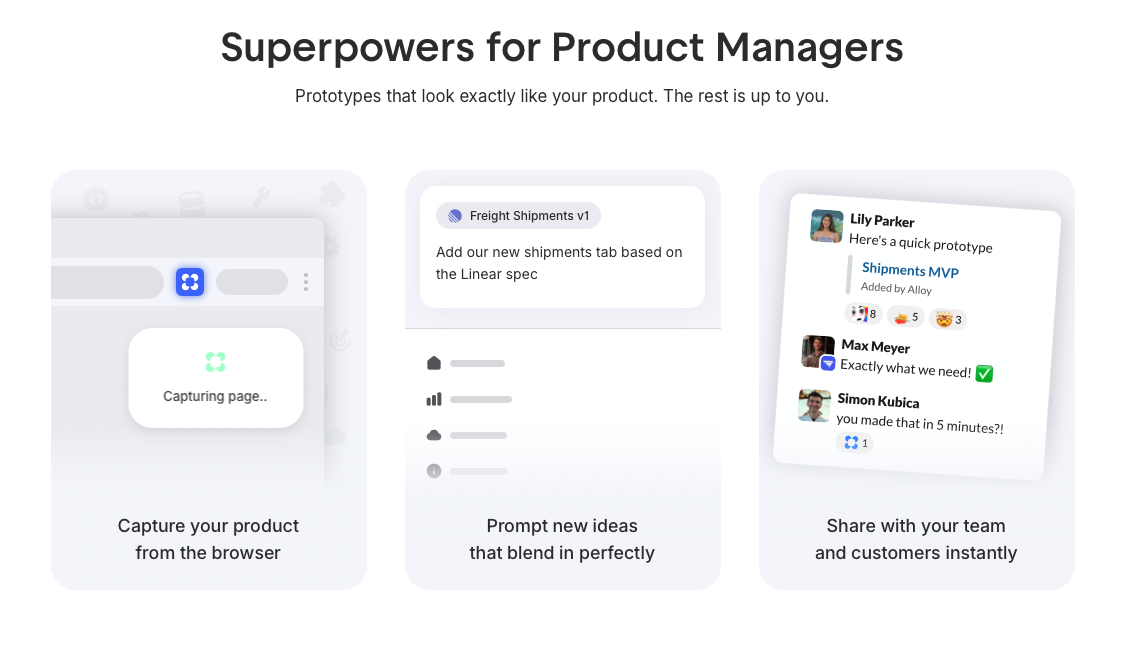
Alloy solves the speed and completeness challenges that limit Reforge Build's effectiveness for teams prototyping on existing products. Alloy's one-click capture and AI-native editing create shareable prototypes faster than Reforge Build's multi-step workflow. Teams move from concept to clickable demo in minutes, removing friction from rapid validation cycles.
The pixel-perfect design fidelity produces outputs that match production interfaces exactly, allowing prototypes to maintain full brand consistency without manual configuration or style guide uploads. This resolves quality issues that often hold back meaningful review and slows progress. Alloy also connects to 30+ product tools to pull in context automatically. Instead of manually uploading strategy documents and specs, teams get direct integration with Linear, Jira, and Notion. This data-supported prototyping method shortens setup time and keeps every prototype rooted in the information that matters most for early decisions.
As teams look into multiple ideas or react to customer feedback, Alloy gives them a quicker, clearer way to assess options and align on next steps.
FAQs
How do I start prototyping with my existing product interface?
Install Alloy's Chrome browser extension and click to capture any page of your web app in just seconds. The tool creates an editable copy of your real interface without requiring design file imports or manual setup, so you can begin prototyping immediately.
What's the main difference between tools that build new apps versus prototyping tools?
App builders create entirely new applications from scratch, while prototyping tools like Alloy work with your existing product interface. Prototypes maintain your actual design system and brand consistency, giving stakeholders a realistic preview instead of a generic mockup.
Can I export the prototype code to my development team?
Prototypes are designed for rapid validation and feedback collection, not direct code deployment. The focus is on testing what works through realistic interactive demos, then sharing those insights with your engineering team to inform their implementation.
When should I consider switching from my current prototyping workflow?
If you're waiting days for designer mockups, spending hours recreating your interface in design tools, or receiving feedback that prototypes don't look enough like your real product, a tool that captures and modifies your live interface will speed up your validation cycles.
How does AI prototyping maintain my product's design system?
The tool analyzes your product's CSS, components, and design tokens during capture, so all AI-generated changes automatically match your existing styles. This produces pixel-perfect prototypes that look like your designer built them, without uploading style guides or configuring design libraries.
Final thoughts on selecting prototyping tools for your team
Most teams looking into Reforge Build reviews are aiming for quicker iteration without giving up design accuracy, especially when working on products that already exist. That's where Alloy offers a different path, capturing your live interface in seconds and producing precise, shareable prototypes that reflect your real design system. Instead of configuring frameworks or rebuilding screens, teams can focus on testing ideas sooner and gathering feedback while momentum is high. Alloy's approach helps product managers, designers, and founders move from concept to usable prototype with far less friction, making it easier to decide what should be built next with confidence. As teams scale, this approach also supports faster handoffs, clearer discussions with stakeholders, and a smoother path from early concepts to planned work.
