Alloy MCP is an MCP server that connects Alloy's prototyping sessions, including design, chat, files, and code context, to AI assistants such as Claude and Codex.
Bring Alloy context into your AI assistant.
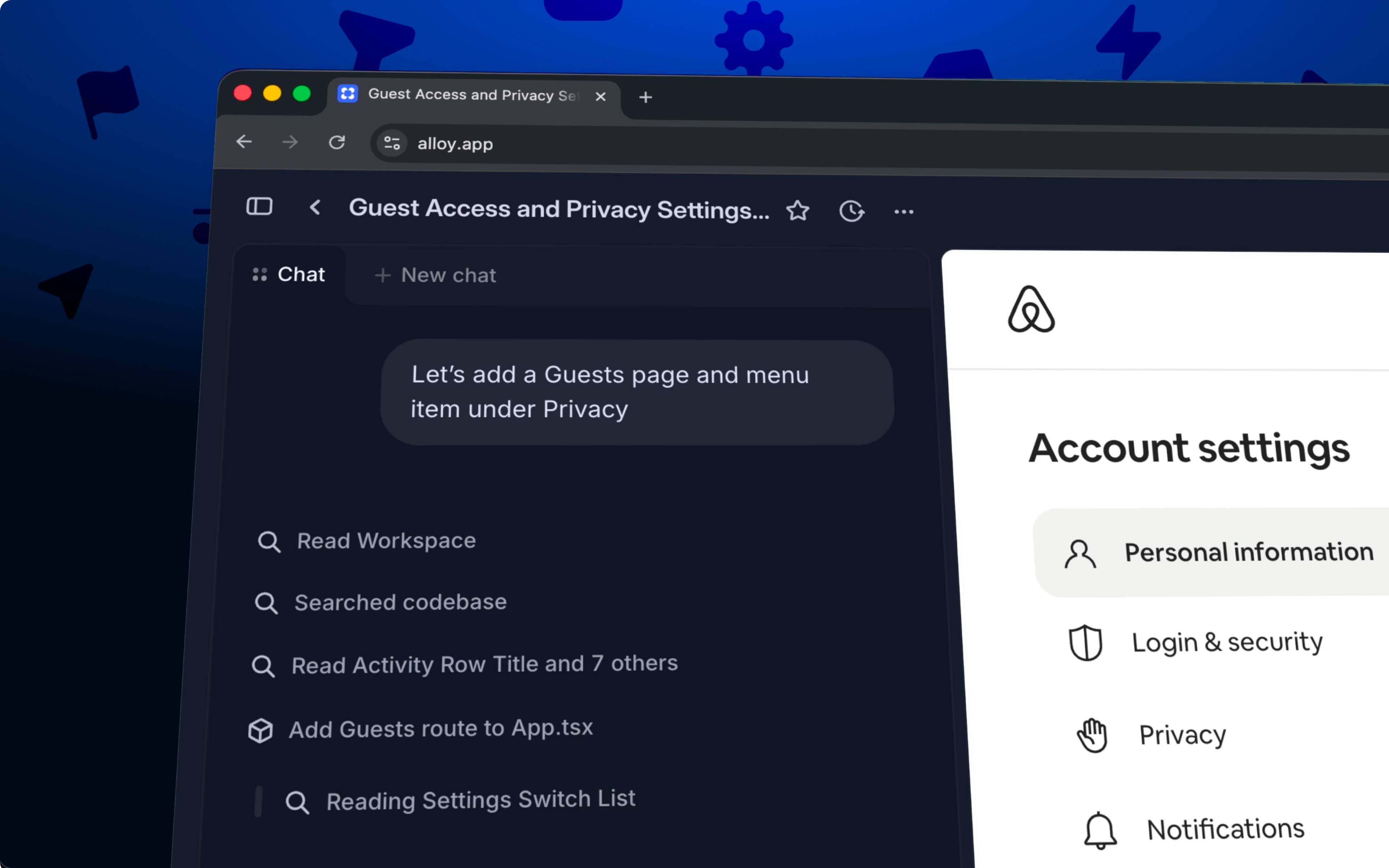
Alloy sessions hold the design, chat, and code context behind your prototyping work. With Alloy MCP, assistants like Claude and Codex can use that context directly. Accelerate the developer handoff process, implement prototypes in your codebase, and create tickets in issue trackers like Linear and Jira.
Alloy MCP is available today for all users. Connect it from Claude or Codex to start using Alloy session context in your assistant via our guide.
Frequently asked questions
An MCP server gives an AI assistant structured, permissioned access to the context it needs from a prototyping tool. Alloy MCP lets Claude and Codex read Alloy session chat, files, design context, and code context so work can continue without manually copying information between tools.
Connect an MCP-compatible AI assistant by adding the prototyping tool's MCP server and completing its authorization flow. In Alloy, follow the MCP guide for Claude or Codex, authorize access, and then ask the assistant to use the relevant Alloy session context.
An MCP connection can expose the approved session context needed for the task instead of requiring a manual export. Alloy MCP gives compatible assistants access to chat history, files, design context, and code context from Alloy sessions.