Skills are reusable instructions that give the Alloy agent repeatable guidance for specialized prototyping and codebase tasks.
Create reusable skills for your Alloy agent.
Some guidance belongs in every session. Other instructions only matter for a specific workflow, question, or handoff. Skills let you keep those reusable instructions in Alloy and access them when they're relevant.
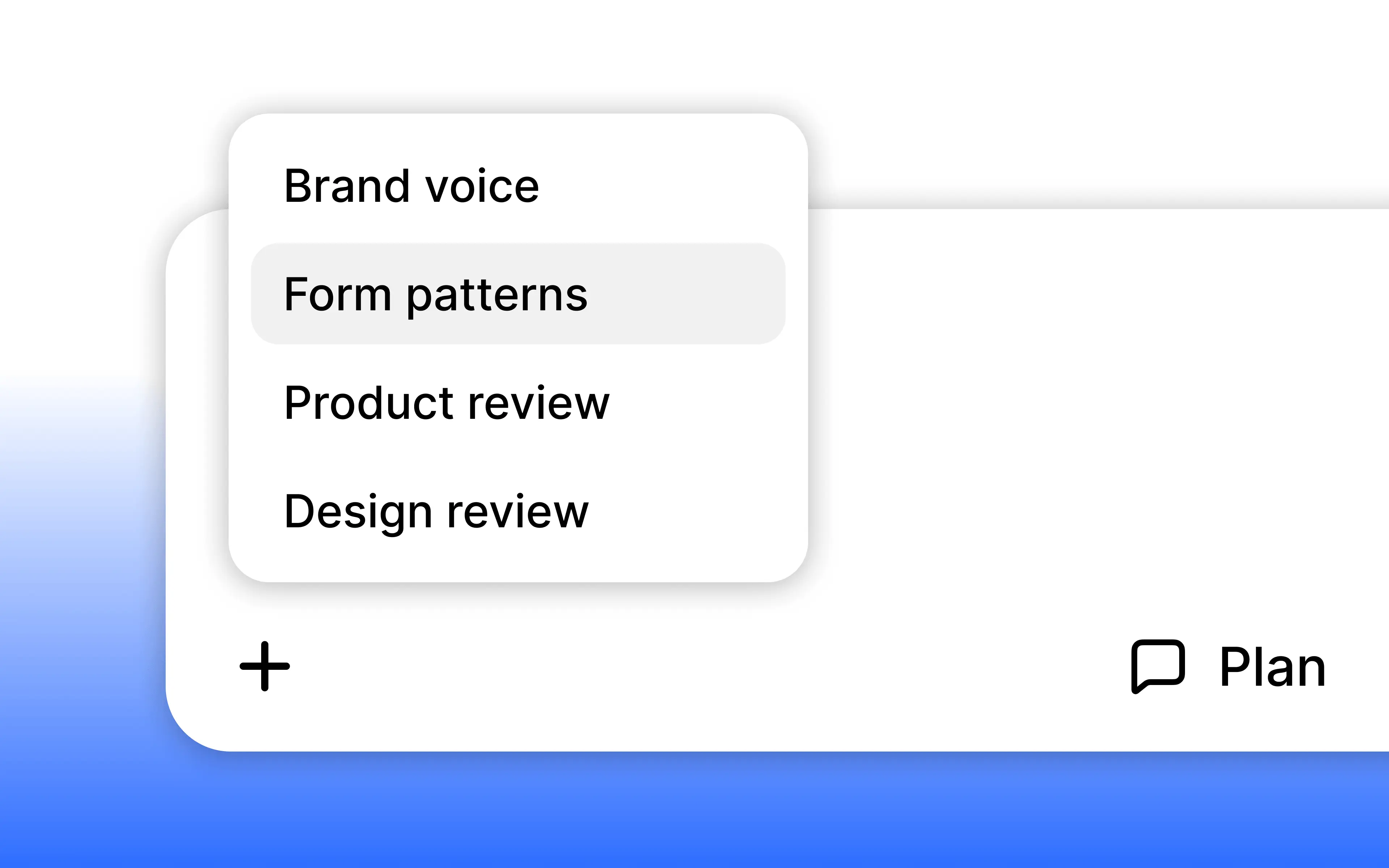
Create skills from Agent settings. Add a title, description, and detailed instructions. Alloy makes these skills available through a slash command in the prompt box.
Skills are available today from Settings -> Skills.
Frequently asked questions
Agent skills are saved instructions that describe how to handle a recurring task, workflow, or domain. Alloy stores skills for your workspace and makes them available to the agent when their guidance is relevant to a prototype or codebase session.
Write clear, reusable instructions for the task and save them where the agent can discover them during future work. In Alloy, create the skill from Agent settings with a title, description, and instructions, then access it from the prompt box with a slash command.
Yes, reusable skills should remain available beyond the conversation in which they were created. Alloy stores skills in the workspace so their instructions can be used when relevant in future prototype and codebase sessions.