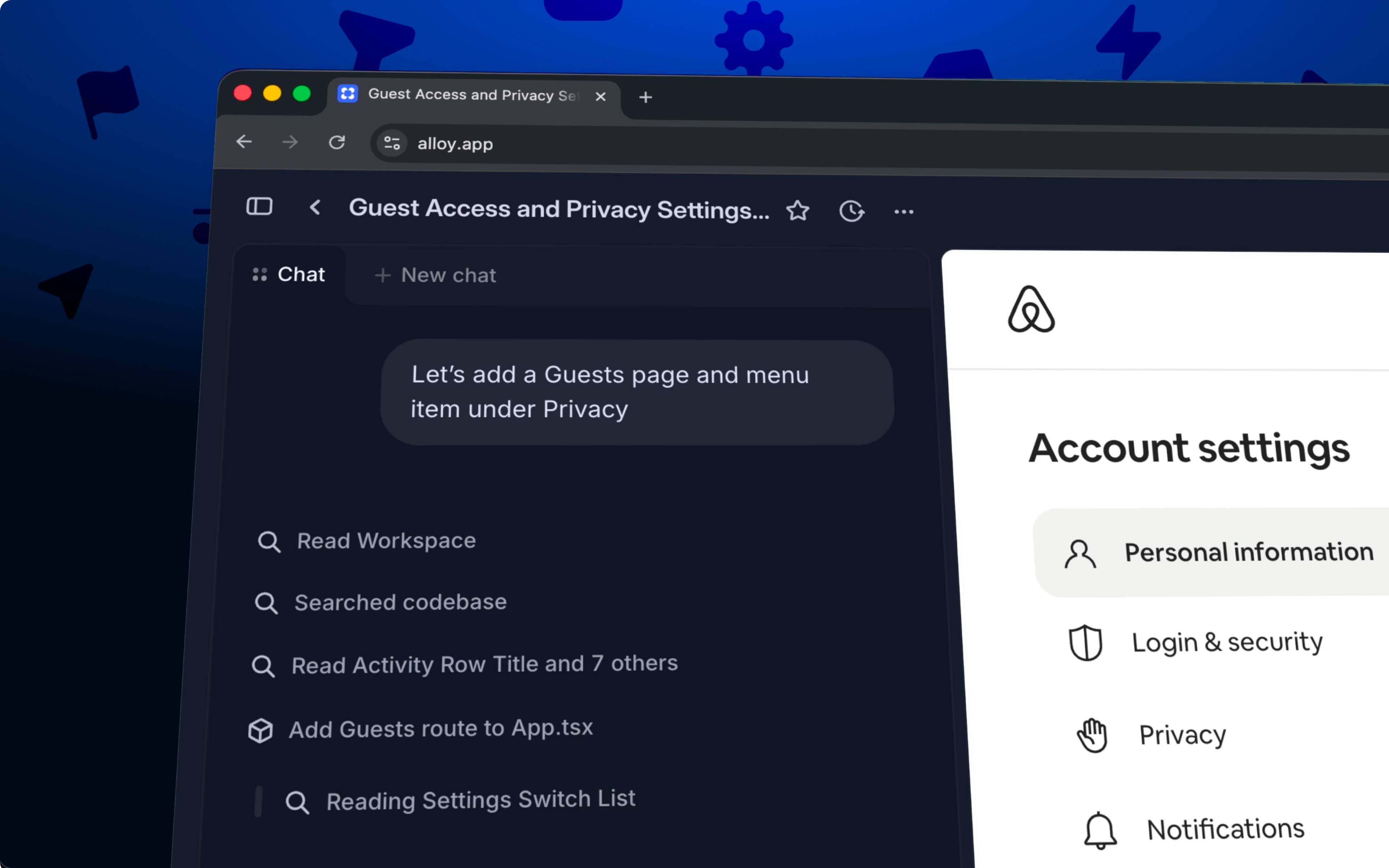
Capture flows records multiple connected pages and interactions from an existing product so Alloy can prototype with the full user journey as context.
Capture multi-step flows and interactions, not just single pages.
Until now, Alloy let you capture a single page from your product as a starting point for your prototype. This worked great for designing changes to individual screens, but many features span multiple steps, pages, and interactions.
Being able to capture all of this context allows for much more power and flexibility when prototyping, so we're excited to announce you can now capture flows in Alloy.
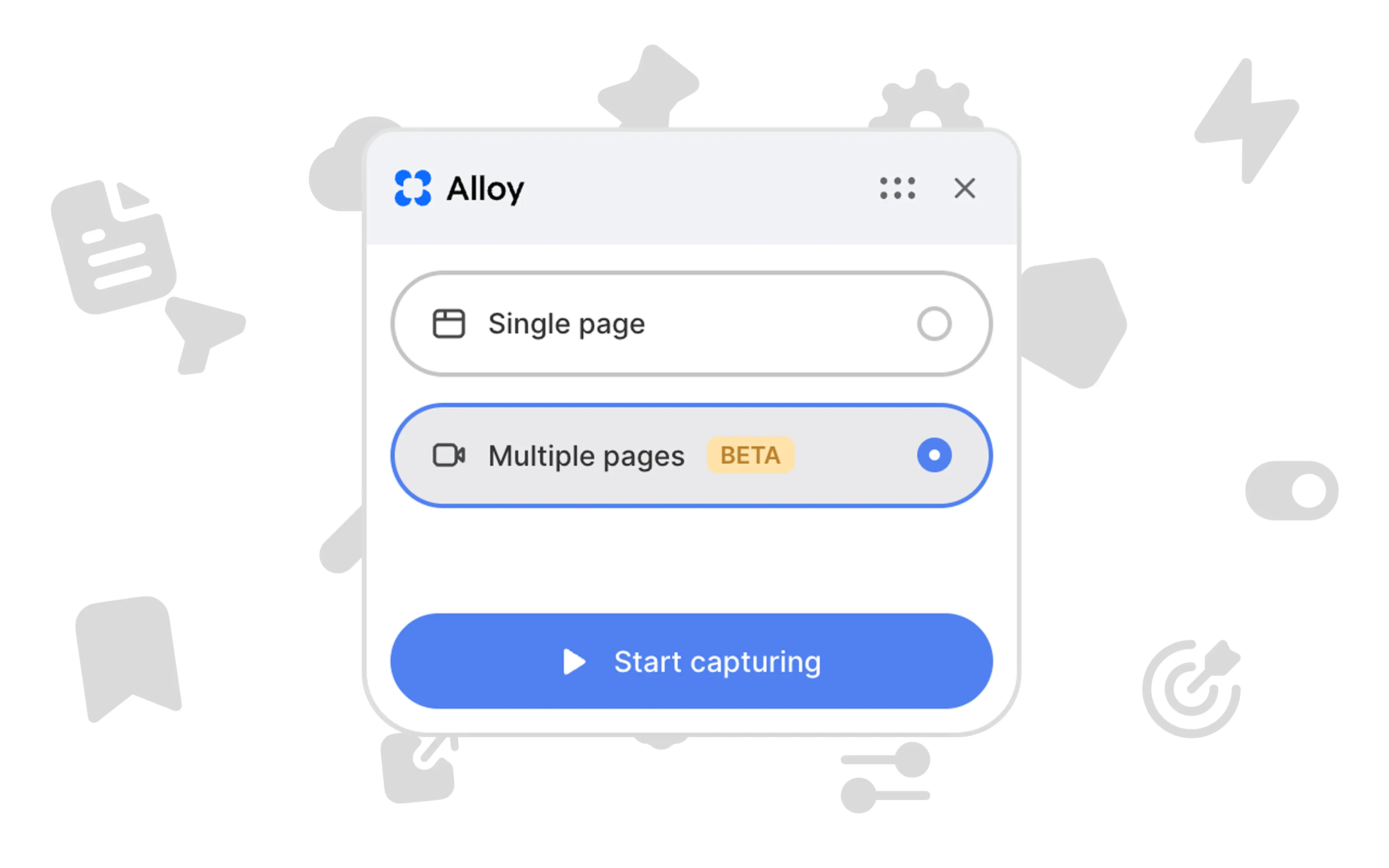
Select "Multiple pages" in the Alloy browser extension to start a recording. Click through your product as you normally would – navigating between pages, filling out forms, and triggering modals. Alloy captures every interaction.
When you're done recording, everything you've captured is available in your prototype. You can then chat with Alloy to build your ideas on top of the existing experience.
Capturing flows is available now in beta for all users.
Frequently asked questions
Record the connected screens and interactions in sequence so the AI receives the full journey instead of isolated screenshots. With Alloy's browser extension, choose Multiple pages, move through the workflow, and finish the capture when every relevant step is included.
Whole-flow context helps an AI understand navigation, state changes, and how screens relate to one another. Alloy uses the captured sequence to produce prototypes that reflect both the interface and the behavior of the product.
A page capture records one screen, while a flow capture records the sequence of screens and interactions in a journey. Alloy's Multiple pages option is best when the prototype depends on navigation, state, or behavior across several steps.