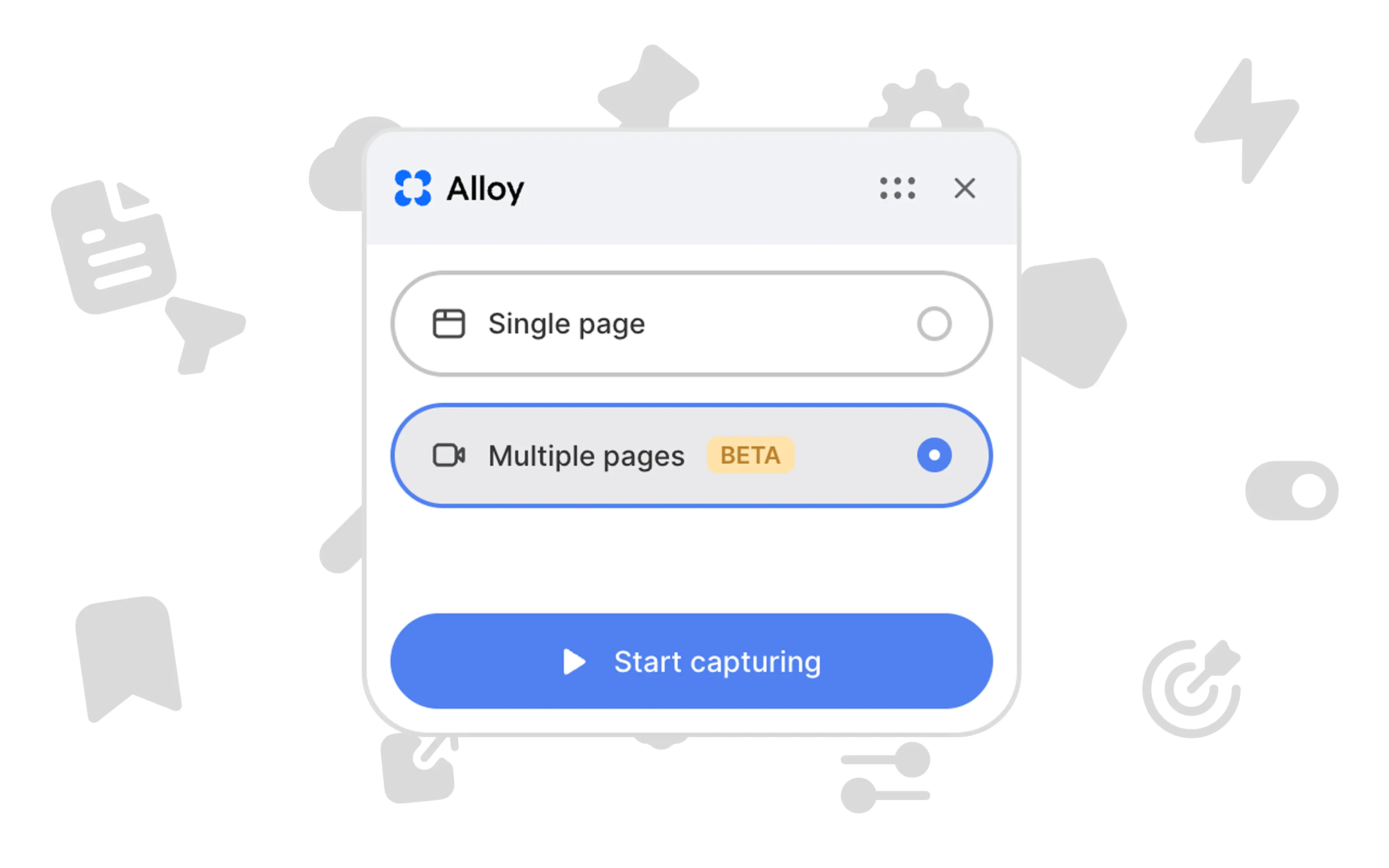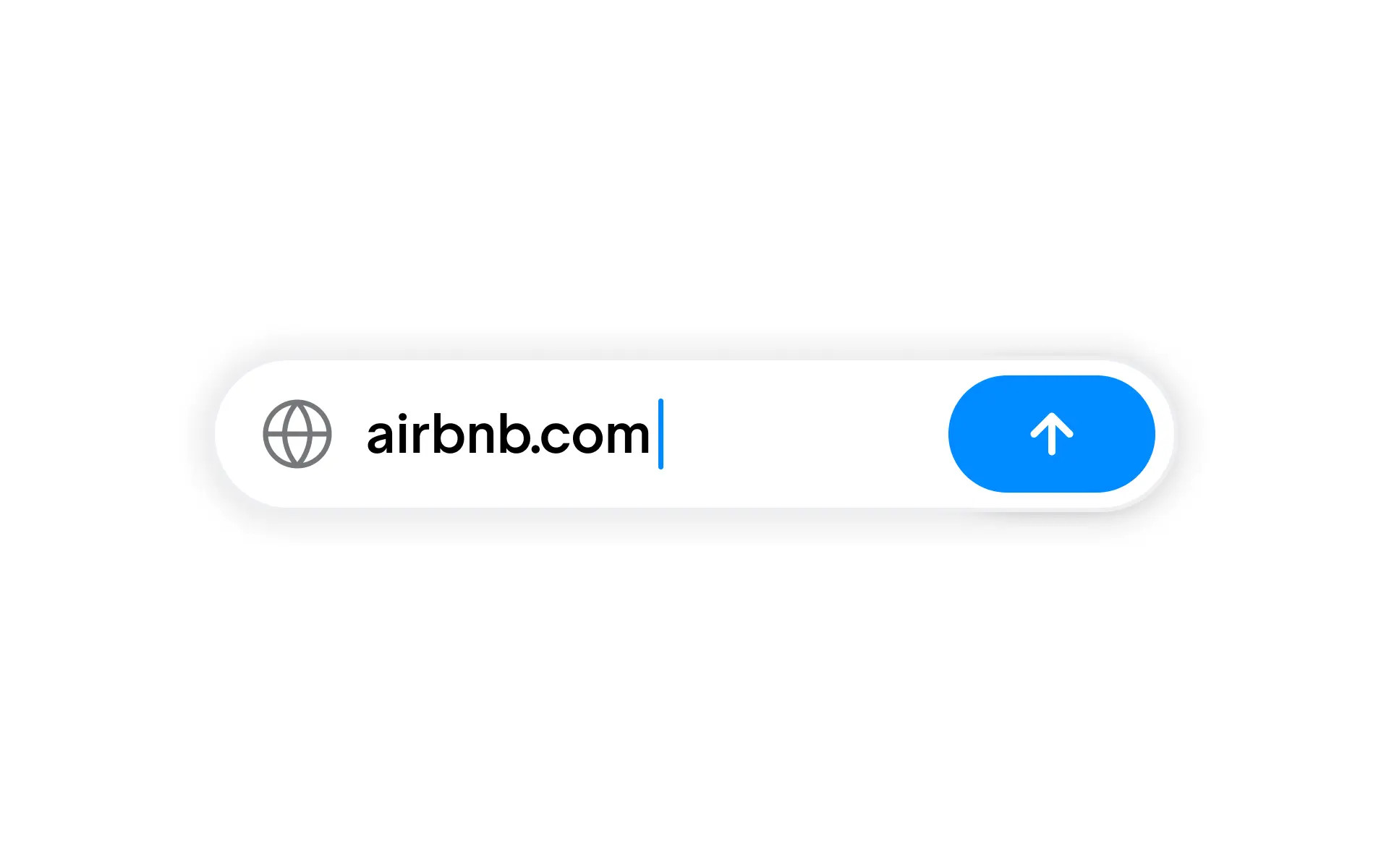
Capture public link lets you start an Alloy prototype from any publicly accessible web page without installing a browser extension.
Capture any public web page to use as a starting point for your prototype.
While the Alloy browser extension supports capturing any web page, you need to have the extension approved and installed on your device.
For cases where this isn't possible, for example in enterprises that require IT approval for extensions, you can now simply enter a public link in the Alloy app instead. Alloy will capture the page and use it as the starting point for your prototype.
To get started, sign in to Alloy and select the public link option on the home page of your workspace.
Frequently asked questions
Provide the public page URL to a prototyping tool that can capture the page's visual and structural context. In Alloy, paste the URL to create the capture, then start a session and describe the change you want to prototype.
Yes, public pages can be captured from a URL when the page is accessible without authentication. Alloy's public-link capture is useful when browser extensions require IT approval, while the extension remains available for private products and multi-page flows.
Use a public link for an accessible web page and a browser extension when the source requires authentication or a multi-step capture. Alloy supports both approaches so you can choose the capture method that fits the product and your organization's browser policies.