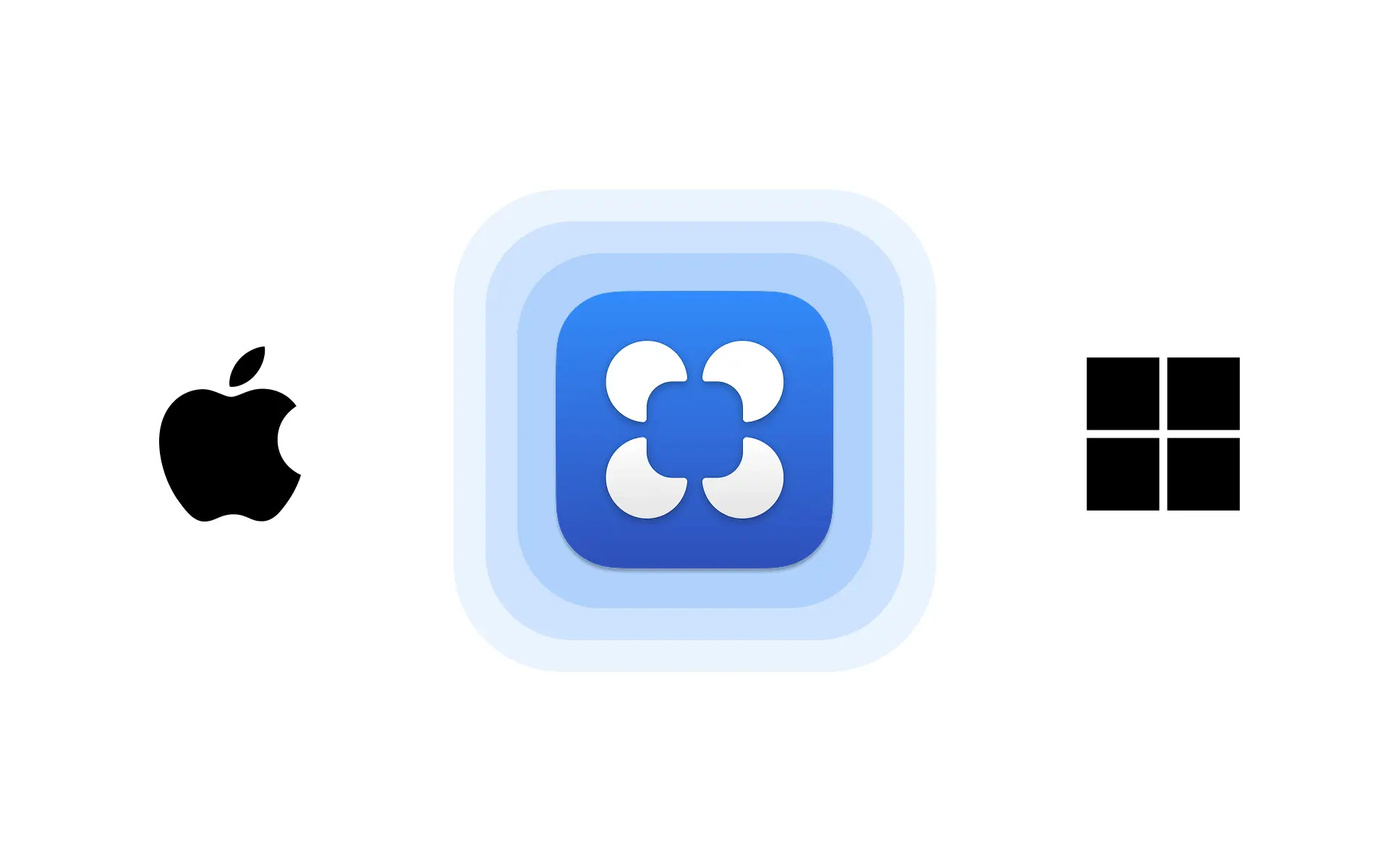
The Alloy desktop app brings AI prototyping to a dedicated native app for macOS and Windows.
Alloy is now available as a native desktop app for macOS and Windows.
Get instant access to Alloy from your dock or taskbar. The desktop app provides a faster, more focused experience for prototyping.
Get started on our download page, or continue using Alloy from your browser.
Frequently asked questions
Yes, a cross-platform desktop app can provide dedicated access to AI prototyping outside the browser. Alloy is available for macOS and Windows, with the same sessions and prototyping workflow accessible from your dock or taskbar.
A desktop app gives product work a focused window and makes it easier to return to ongoing sessions. Alloy's desktop app removes browser-tab clutter while keeping the full prototyping experience close at hand.
Download desktop software from the product's official download page so you receive the correct version for your operating system. Alloy provides macOS and Windows downloads at alloy.app/download.