Responsive chat shows an Alloy agent's progress in real time and lets you stop generation or queue the next message while a prototype is still being built.
See exactly what the Alloy agent is doing as it builds and designs.
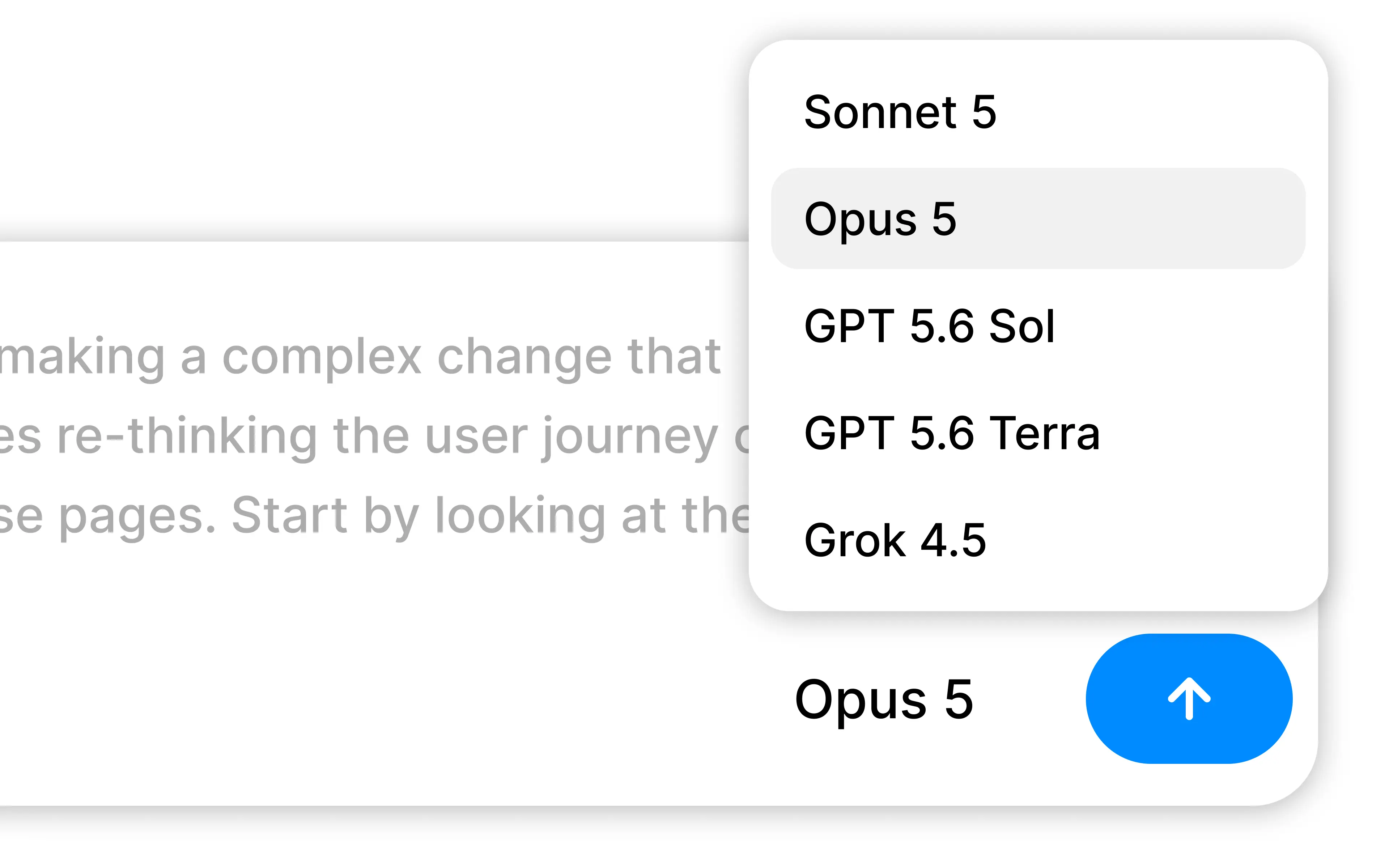
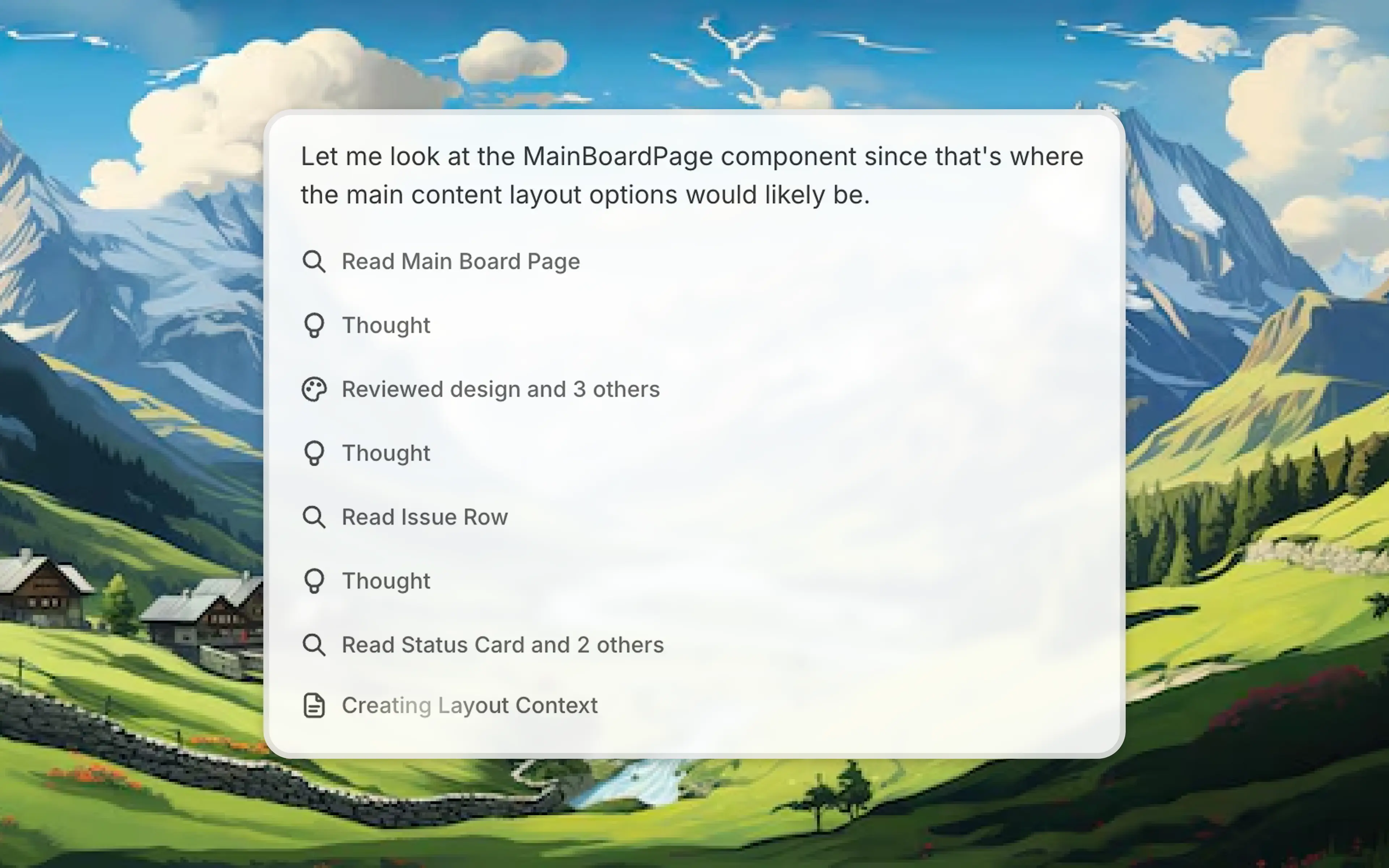
We've now made the Alloy agent radically more responsive, with visibility into progress in real time. See what it's thinking, reading, and creating, so you can follow along as your prototype takes shape. Since you always know what's happening, it's easy to catch things early and stay in control.
We've also added more control over the conversation flow:
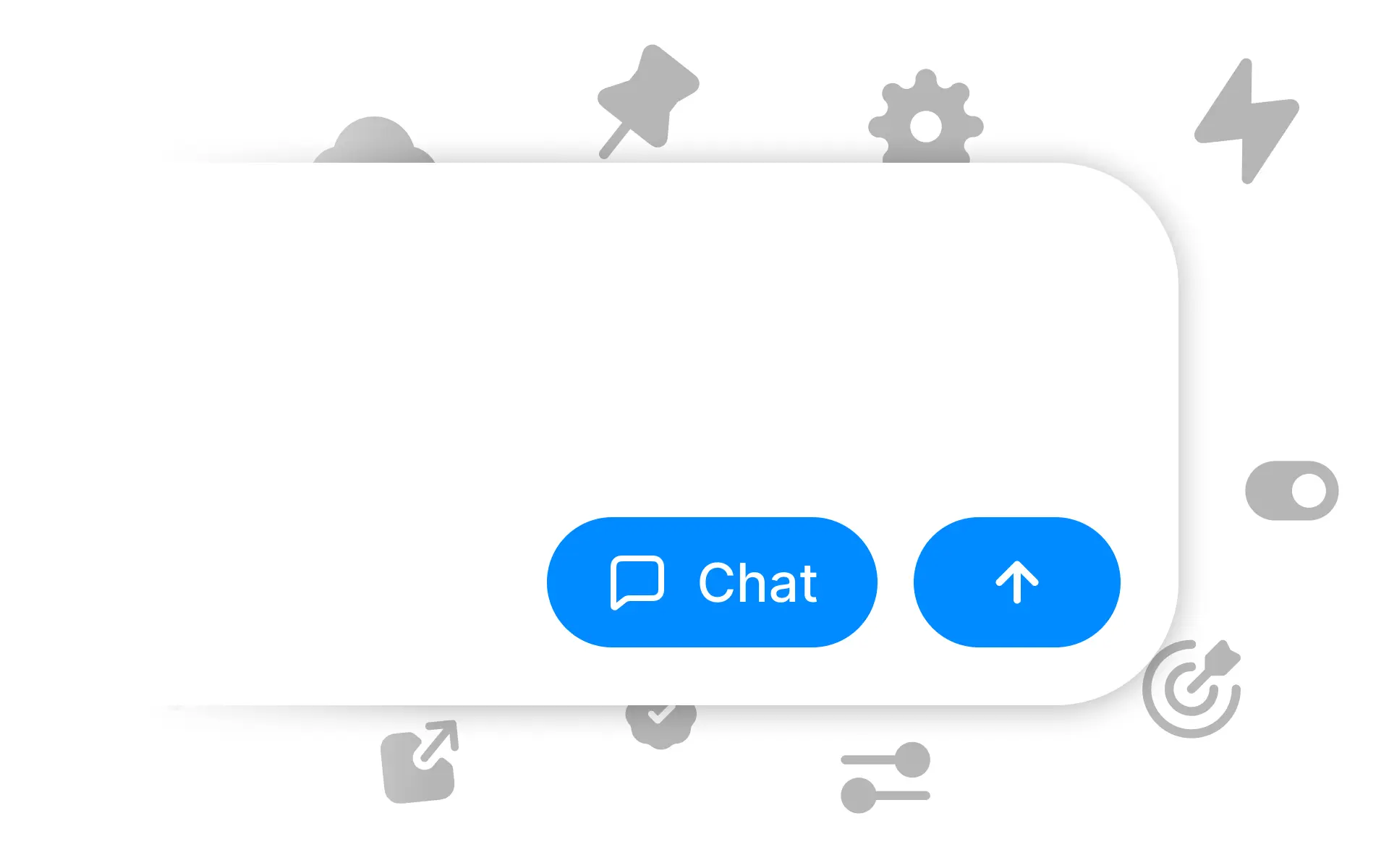
Stop generation. If the agent heads in the wrong direction, stop it instantly and help course-correct with a prompt.
Queue messages. Send your next message while Alloy is still working.
Working with the Alloy agent now feels like a real conversation. Less waiting, more building, available today.
Frequently asked questions
Yes, live progress makes agent work easier to understand and gives you a chance to respond before a long generation finishes. Alloy streams updates in the chat panel as it builds so you can follow the work without waiting for the final result.
A responsive agent interface should let you interrupt work that is heading in the wrong direction and prepare the next instruction early. Alloy lets you stop generation at any point or queue a follow-up message while the current prompt is still running.
A queued message waits until the current agent response finishes, preserving the order of the conversation. Alloy lets you prepare that follow-up while generation is still running so the next step can begin without additional waiting.