Libraries let the Alloy agent prototype with your actual design system — uploaded components, design tokens, and assets — and save any part of a prototype as a reusable component.
Prototype with your real design system.
Prototypes land better when they are built from the components your product actually ships. Libraries give the Alloy agent your design system to build with, so every prototype starts on brand.
Upload your design system. Create a library from your component folder. Alloy analyzes it and extracts documentation, design tokens, brand assets, and components — each with a live preview you can browse.
Save components from prototypes. Select any element in a prototype and create a component from it. It lands in your library, ready to reuse.
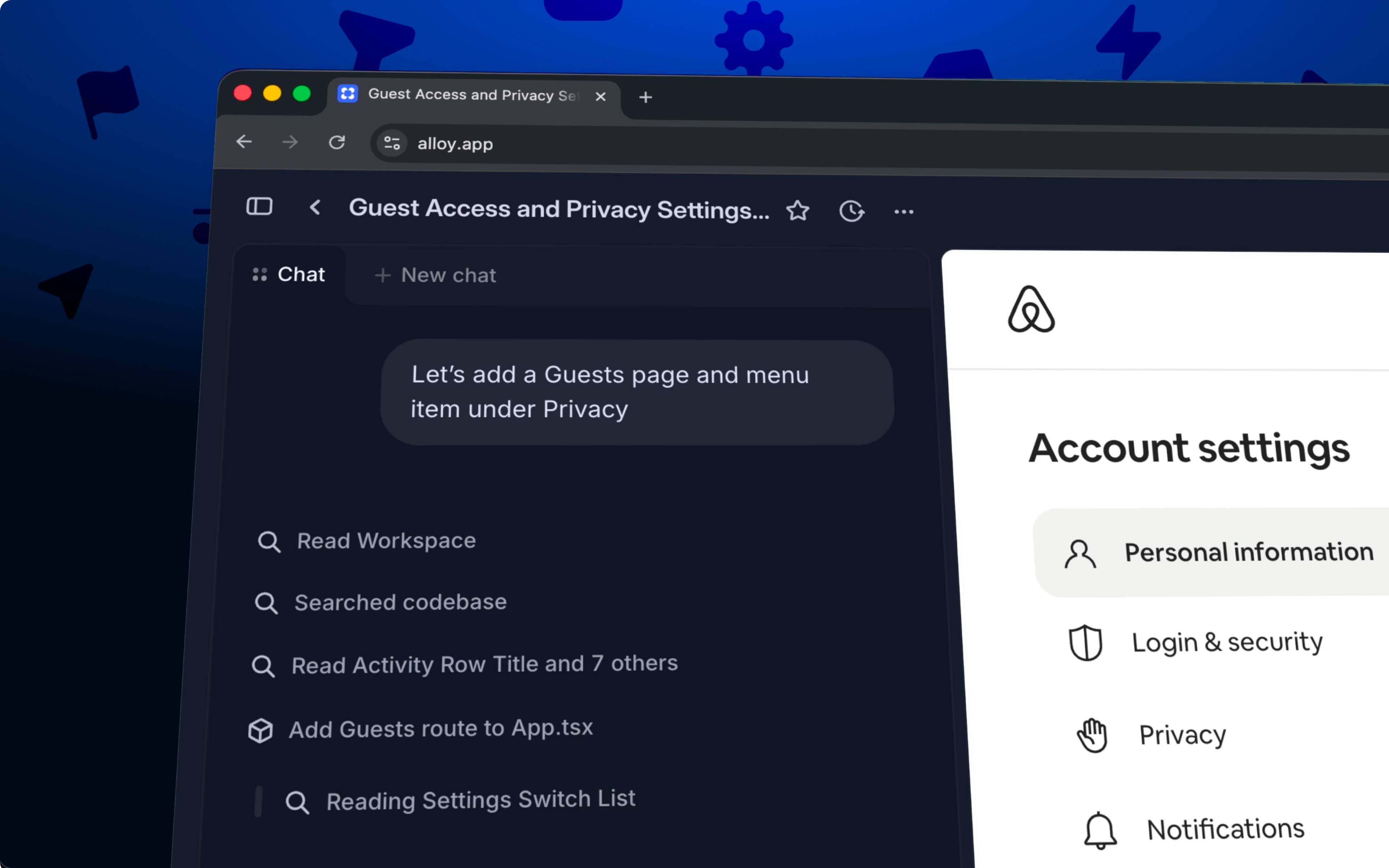
Build with your components. Attach a library when you start a session, or set a workspace default. The agent reuses your components instead of inventing new ones, and treats your tokens as the design reference for anything new. Need one specific piece? Mention a component with @ in chat to bring it into any prototype.
Libraries are shared with your whole workspace and available now in early access from the Libraries page.
Frequently asked questions
Give the agent the real components and tokens rather than screenshots or style guides. In Alloy, upload your design-system folder as a library; the agent then reuses those components and follows your tokens when it builds.
Yes, promoting a well-built section into a shared component keeps future prototypes consistent. In Alloy, select the element in the preview, choose Create component, and it is added to a library for reuse across sessions.
Analysis identifies what an agent needs to build accurately: documentation, design tokens, brand assets and icons, and the components themselves. Alloy renders each with live previews on the library page, usually within 5–15 minutes of upload.