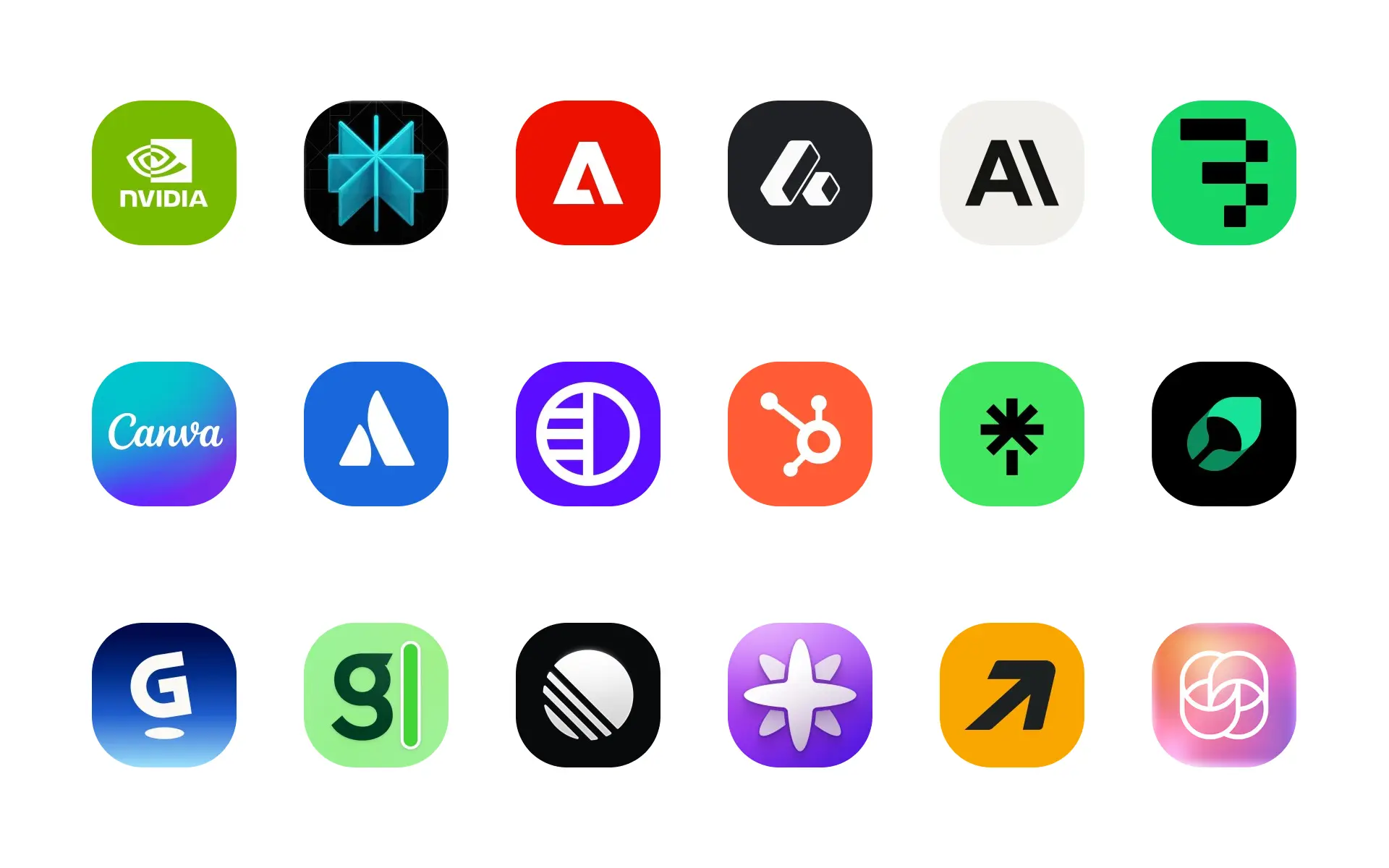
Brand logos in Alloy automatically add the correct company logo to an AI prototype when you mention the company in chat.
Add company logos to your prototypes with our new brand logos feature.
It's common to reference other brands when designing SaaS apps today, particularly when prototyping integration pages. Previously, designing these interfaces required manually finding, downloading, and uploading brand logos to your design tool.
With Alloy, brand logos will now be fetched for prototypes automatically. If you need a specific logo, just mention the brand or company in the chat.
Frequently asked questions
The fastest approach is to name the company in your prompt and let the prototyping tool retrieve the appropriate brand asset. In Alloy, mention the company in chat and the logo is added directly to the prototype without a separate search or upload.
Yes, a product-aware AI prototyping tool can use recognizable brand assets instead of generic placeholders. Alloy supports company logos automatically and also accepts file attachments when you need to provide a specific approved asset.
No, common company logos can be retrieved automatically when the company is clearly named in the prompt. Alloy adds the matching logo to the prototype, while file attachments remain available for custom or internally approved versions.