
When you build prototypes in traditional tools, you're basically showing stakeholders a rough sketch and asking them to imagine what the final product will look like. AI prototyping tools skip that step by working with your real product interface right away, so what you share actually looks like what you'll ship. Here's how the best prototyping tools for product teams compare when it comes to design fidelity, speed, and workflow fit.
TLDR:
- AI prototyping tools let you build interactive prototypes in minutes using prompts.
- The top-rated tool captures your live product in one click for on-brand prototypes with real design systems.
- Most tools generate generic UIs; only one tool on this list works from your actual product interface.
- Key features to compare: product capture, design system support, and collaboration tools.
- The top-rated tool offers instant page capture, multi-page flows, and integrations with Slack and GitHub.
What Are AI Prototyping Tools for Product Teams?
AI prototyping tools let product teams go from idea to interactive prototype without waiting on design or engineering cycles. Instead of building mockups manually in Figma or handing specs to developers, teams can describe what they want in plain language and see it rendered instantly.
Traditional prototyping tools often require design skills and setup time, and many teams still end up sharing mockups that differ from the final product experience. AI-powered tools flip that equation. Product managers, designers, and even founders can spin up functional, interactive prototypes in minutes, using plain language or their existing product's real interface as a starting point.
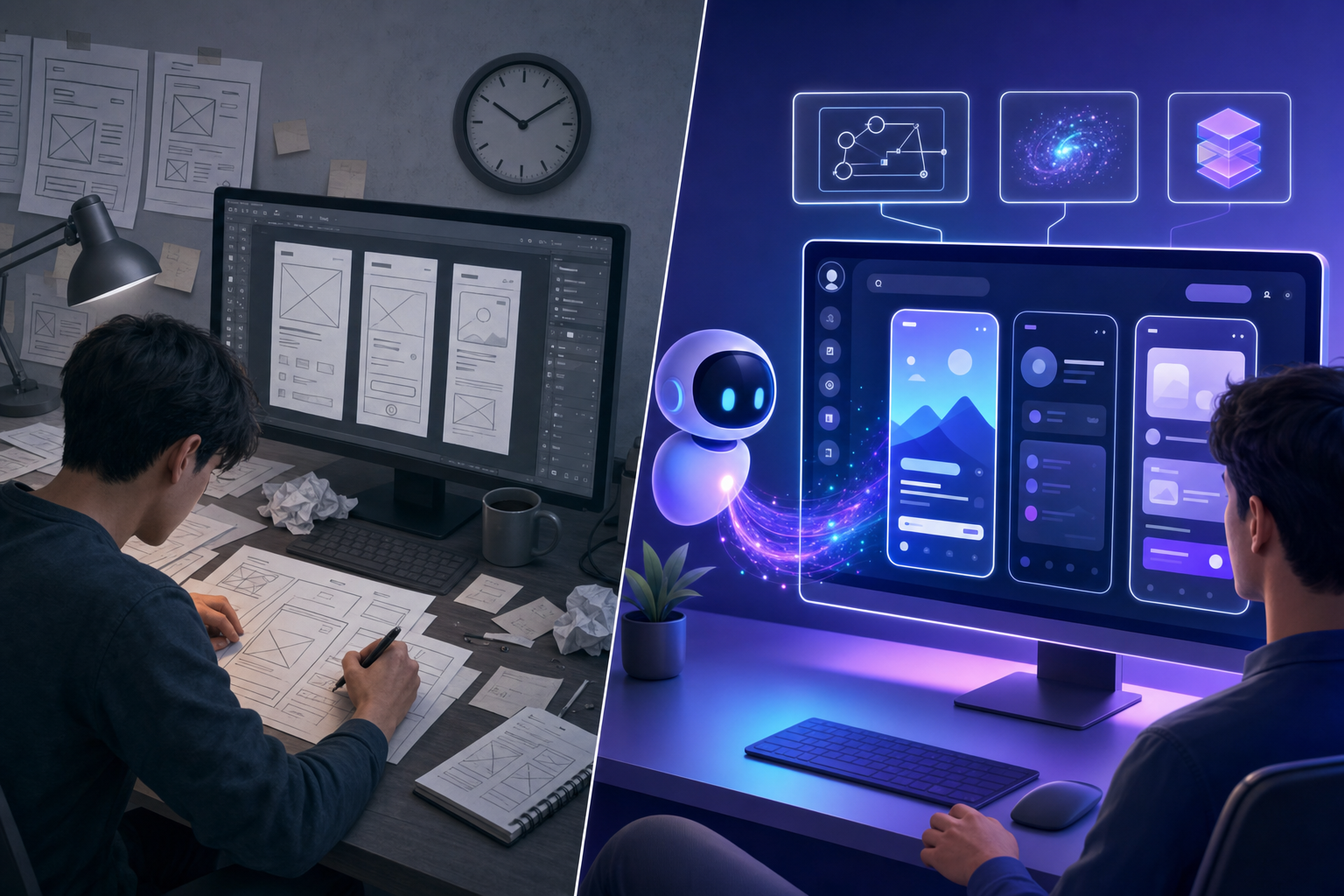
The speed difference matters for collaboration too. When you can share a live prototype the same day an idea surfaces, feedback cycles compress and teams align faster before committing any engineering resources. AI prototyping reshapes product development by delivering high-fidelity prototypes that look like finished products.
How We Ranked the Best AI Prototyping Tools for Product Teams
Every tool on this list was assessed using publicly available information about its capabilities. No sponsored rankings, no inflated scores. Here's what we weighed:
- Whether the tool works with your existing product interface or requires building from scratch
- How fast it generates prototypes from a prompt or input
- Design fidelity, meaning does the output actually look like your product
- Collaboration features for cross-functional teams including PMs, designers, and engineers
- Integrations with tools like Slack, GitHub, Linear, and Jira
- Accessibility for non-designers who need to prototype without deep design skills
Tools that only generate generic UIs from scratch scored lower on fidelity. Tools that connect to real products scored higher. Prototypes serve as shared objects that support communication and engage stakeholders in the design process. Workflow fit matters too because a tool that works in isolation from the rest of your stack creates friction, not speed.
Best Overall AI Prototyping Tool: Alloy
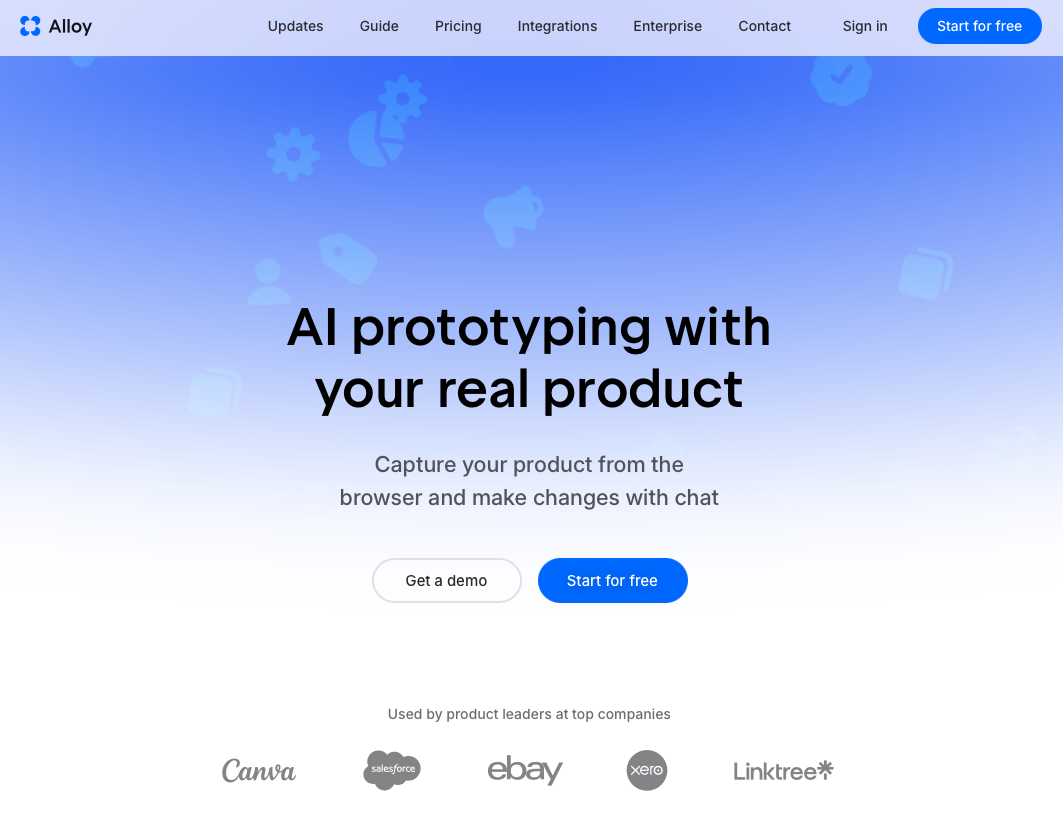
Most AI prototyping tools share the same limitation: they build generic UIs from scratch. Alloy works differently. We connect to your actual product, whether through your codebase or a one-click page capture from your browser, so every prototype respects your real design system, components, and visual style from the start.
From there, you describe what you want in the chat interface. "Add a sidebar nav," "rebuild this onboarding flow," "insert a comment thread." The agent runs in the cloud, applies the change inside an isolated sandbox, and produces a shareable live preview link in minutes, with no engineering setup required on either end.
Here is a closer look at what makes Alloy stand apart from the rest of the tools in this list.
Core strengths:
- Captures any page from your live product in one click, including pages behind authentication or a VPN, so you are always working from the real thing
- Outputs look and behave like your actual product rather than a generic wireframe or off-brand mockup
- Shareable live preview links work instantly for stakeholders with no installs needed on their end
- Multi-page flow prototyping covers entire user journeys, beyond isolated screens
- Native integrations with Slack, GitHub, Linear, Jira, and Notion keep workflows connected
- Accessible to PMs, founders, and designers without deep technical skills required
Figma
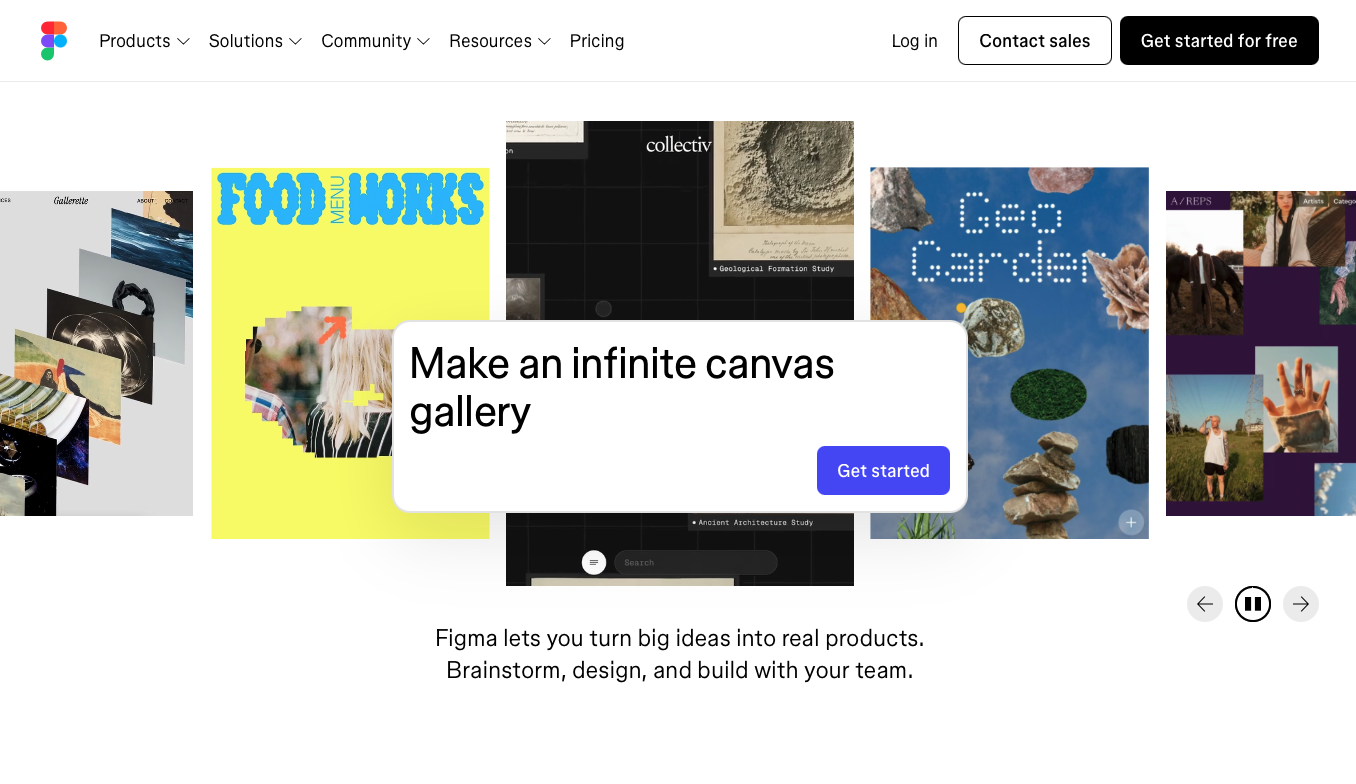
Figma is a browser-based design tool that product and design teams use to build high-fidelity mockups, component libraries, and interactive prototypes in a single shared workspace. Real-time collaboration, component-level fidelity, and auto-layout support make it the go-to choice for most design teams. The prototyping layer sits directly inside the design file, so there is no export step before sharing flows with stakeholders. Shared component libraries and design tokens cascade updates automatically, keeping design consistency across large teams without manual reconciliation. Smart animate and interactive components let you build micro-interactions without writing code, keeping the feedback loop tight between designers and product managers. The tool still requires manual design work, though, and lacks AI-driven automation, which limits how fast non-designers can move.
- The free tier covers unlimited personal files and three collaborative projects, making it accessible for solo designers and small teams getting started.
- Smart animate and interactive components let you build micro-interactions without writing any code, keeping the feedback loop tight.
- A large plugin ecosystem fills gaps around content, accessibility checks, and handoff documentation.
Claude Design
Claude Design is Anthropic’s AI-assisted design workspace for collaborative concept development, built around Claude's ability to reason through complex product decisions. It lets teams describe what they want in plain language and receive structured UI suggestions, making it useful for early-stage ideation when the brief is still fuzzy.
Where it stands out is in its capacity to hold context across a long conversation, so teams can refine concepts iteratively without starting over. That said, it lacks the fidelity and component-level control that later-stage prototyping requires, making it better suited as a thinking tool than a handoff-ready one.
- Strong conversational memory holds context across long sessions, so early design decisions carry through without re-explaining them.
- Useful for early-stage ideation when the brief is still fuzzy and teams need to think through product direction before committing to a specific UI.
- Limited fidelity and no component-level output, so it works best as a thinking and exploration aid rather than a handoff-ready prototyping tool.
Figma Make
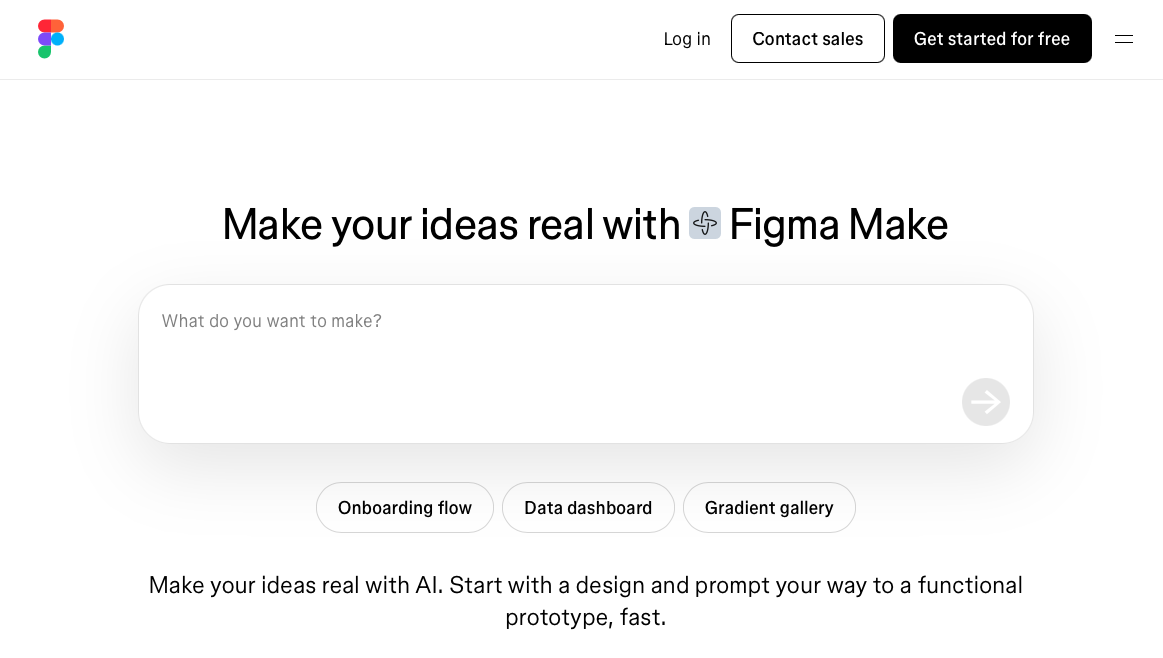
Figma Make is an AI-powered design tool built into the Figma ecosystem that converts text prompts, screenshots, and existing Figma designs into interactive prototypes. It targets design teams who want to stay inside their current workflow while getting AI-assisted speed when building out full screens, components, and navigation flows.
- Prompt-to-prototype generation with complete screens, components, and navigation flows built out automatically
- Copies Figma frames with structured data and styling details rather than flat images, preserving fidelity
- AI sets up component variations and interactions, with multi-theme support across a single prototype
- Plugs directly into your Figma component libraries, design tokens, and style guides for consistent output
Good for design teams already working in Figma who want to spin up mockups quickly without leaving their existing workflow.
Bolt
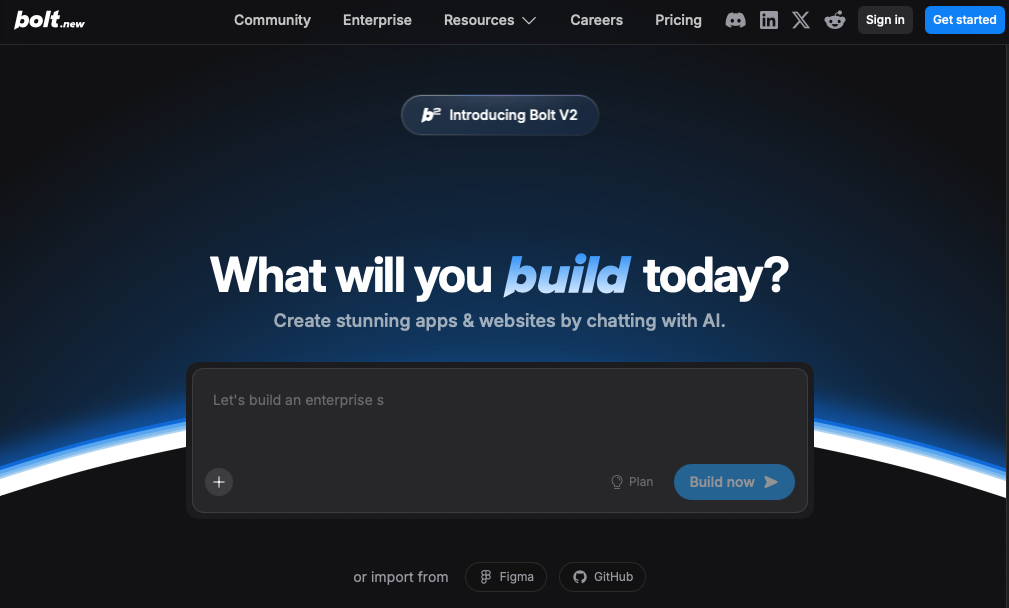
Bolt.new is an in-browser app builder that gives AI full control over your filesystem, server, and packages via StackBlitz's WebContainers, with no local setup needed.
- Prompt-to-app generation with npm packages, Netlify deployment, and one-click database management
- Supabase, Stripe, and GitHub export for production-ready output
Good for indie founders and marketing teams shipping net-new products without a dev.
V0
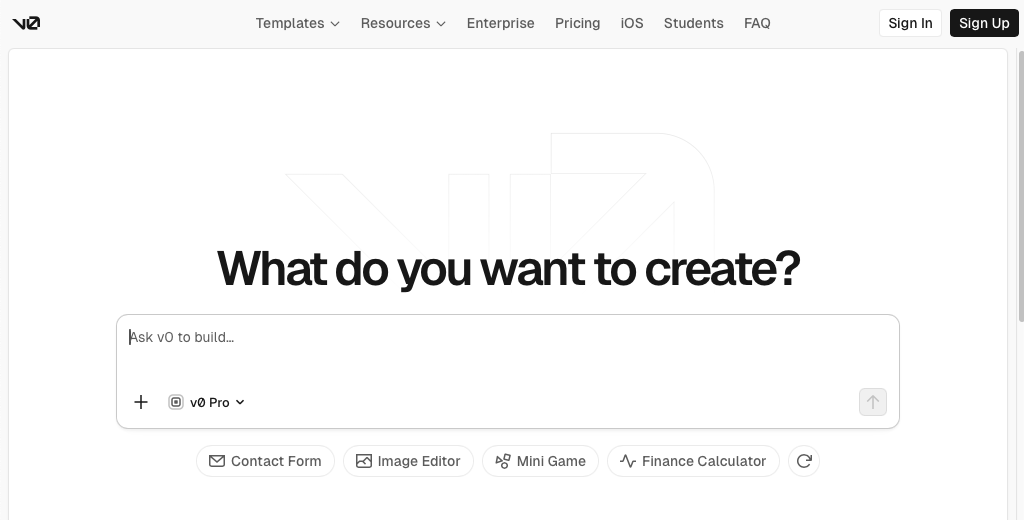
V0 is an AI-powered prototyping tool from Vercel that generates functional UI components from text prompts. It targets developers who want to skip wireframing and move straight to code, producing React and Tailwind output that can be dropped directly into a codebase.
Where V0 stands out is speed from idea to working component. Where it falls short for product teams is fidelity to your actual design system. The generated components rarely match real brand specs, which means stakeholders often review something that looks nothing like the finished product.
- Generates React and Tailwind output from text prompts, giving developers code they can drop directly into a codebase without a separate design step.
- Fast path from concept to working component, making it useful for developer-led projects where speed to code matters more than visual accuracy.
- Low design system fidelity means generated components often look off-brand, which limits its usefulness for stakeholder reviews or product discovery on existing products.
Lovable
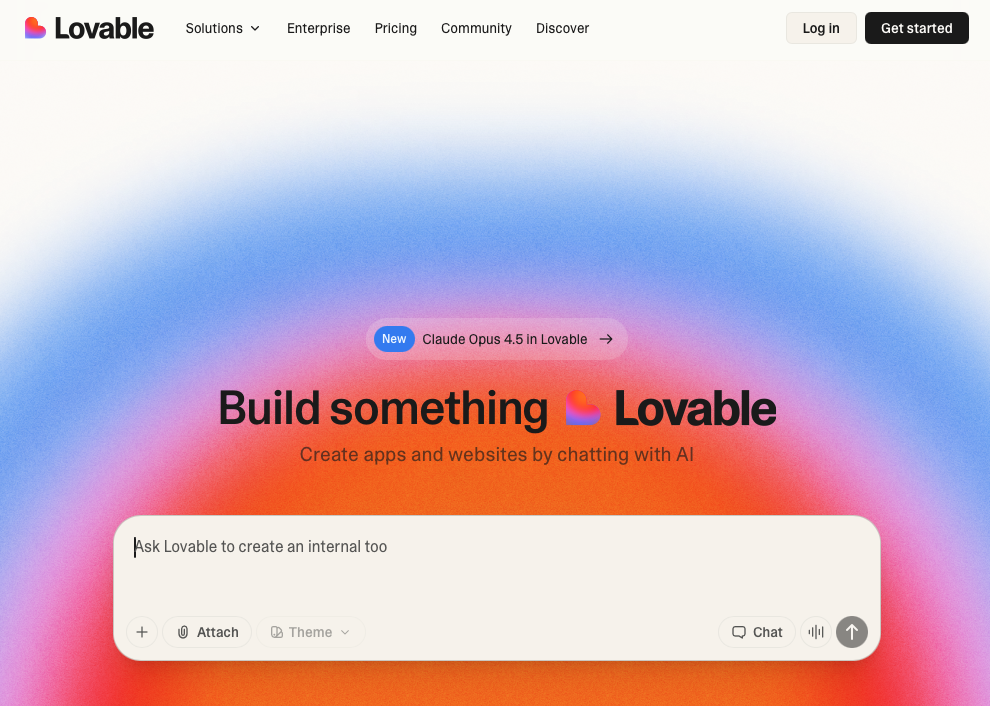
Lovable is an AI-powered tool that lets you build full-stack web apps by describing what you want in plain text. It's aimed at non-technical founders and early-stage teams who want to go from idea to working product quickly, without writing code themselves.
Where it fits in product discovery is mostly around rapid concept validation. You can spin up a functional interface in minutes, which helps teams test assumptions before investing in proper development cycles.
That said, Lovable generates real code, so prototypes can drift into engineering territory fast, blurring the line between exploration and execution.
- Builds full-stack web apps from plain text descriptions, covering frontend and backend without writing any code.
- Fastest path from zero to a working interface for non-technical founders who need a functional concept quickly.
- Generated code can pull teams toward engineering work rather than staying in exploration mode, so scope can grow fast.
Feature Comparison Table of AI Prototyping Tools
Here's how each tool stacks up across the features that matter most to product teams.
| Feature | Alloy | Claude Design | Figma Make | Bolt | V0 | Lovable |
|---|---|---|---|---|---|---|
| Captures existing product | Yes | No | No | No | No | No |
| Works with design system | Yes | Yes | Yes | No | No | No |
| AI prompting | Yes | Yes | Yes | Yes | Yes | Yes |
| Production code output | Yes | Yes | No | Yes | Yes | Yes |
| Backend integration | Yes | No | No | Yes | No | Yes |
| GitHub deployment | Yes | Yes | No | Yes | Yes | Yes |
| Real-time collaboration | Yes | Yes | Yes | No | No | Yes |
| No coding required | Yes | Yes | Yes | Yes | Yes | Yes |
Why Alloy Is the Best AI Prototyping Tool for Product Teams
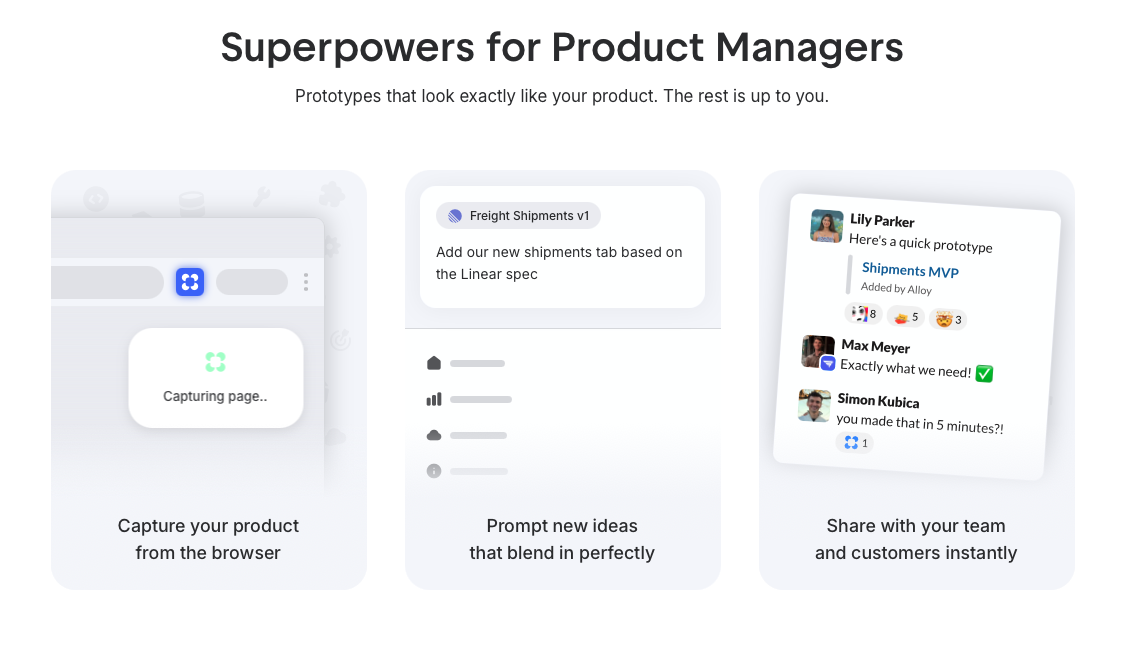
Alloy was purpose-built for product teams who are tired of prototypes that look nothing like their actual product. It captures your live product instantly, so every screen you prototype reflects your real UI rather than a rough approximation built from scratch in a generic design tool.
The AI inside Alloy reads your existing design system and generates on-brand, interactive prototypes in a fraction of the time traditional tools require. Teams get fidelity that stakeholders can actually react to, without the back-and-forth that slows discovery down.
FAQs
How do I choose the best AI prototyping tool for my team?
Start by deciding whether you need prototypes that match your existing product or if generic UIs work for your use case. If you're validating ideas with stakeholders, tools that connect to your real codebase or capture live pages (like Alloy) will get you better feedback. If you're building something new from scratch, app builders like Bolt or Lovable might fit better.
Which AI prototyping tool works best for non-technical product managers?
Tools like Alloy, Claude Design, and Figma Make require no coding skills and let you work through natural language prompting. Alloy stands out if you need prototypes that actually look like your product, since it captures your live UI directly. Claude Design works well for early-stage thinking, while Figma Make fits teams already using Figma.
Can I prototype multi-page user flows with AI tools?
Yes. Alloy supports capturing and editing multi-page flows across your existing product, so you can prototype entire user journeys like onboarding sequences or checkout processes. Most other tools on this list focus on single screens or components, making them less suited for end-to-end flow testing.
Final Thoughts on Finding the Best Prototyping Tool
Your prototypes should look like your product, not a rough sketch that needs interpretation. The best prototyping tools for product teams let you start from your actual interface, so what you share with stakeholders is faster to build and more accurate to what you'll ship. Tools like Alloy do exactly that. When stakeholders see something that matches your real design system, feedback gets clearer and decisions happen faster. Build your next prototype from what already exists instead of starting over.
