
You rebuild the same screens every time you need a prototype because your tool doesn't know what your product looks like. The best AI prototyping tools for startups pull from your live product instead of starting with blank wireframes. We compared five options to show you which tools match your real design system and which ones leave you explaining placeholders to stakeholders.
TLDR:
- AI prototyping tools cut weeks of dev time by turning ideas into testable prototypes in minutes.
- Most tools build generic apps from scratch, not prototypes matching your actual product UI.
- The best tools capture your live product and generate prototypes using your real design system.
- Capture-based tools work with your existing product instantly and create shareable prototypes that match your brand.
- Non-technical founders and PMs can run user tests and stakeholder reviews without waiting on engineering when using the right tool.
What Are AI Prototyping Tools for Startups?
AI prototyping tools let you turn product ideas into interactive, testable experiences without a full engineering build. Instead of handing off a spec doc and waiting weeks, you describe what you want and get something working fast.
For startups, that speed gap matters more than anywhere else, especially when combined with AI product discovery tools that help validate ideas before building. You're operating with small teams, limited budgets, and a constant need to validate before you commit. AI tools save startups a considerable amount of time and money across content creation, client management, and product development. Traditional prototyping meant either rough wireframes that didn't reflect your real product or expensive dev time spent on features that might get cut anyway.
AI changes that equation. The best tools today can generate functional UI, modify real interfaces, and produce shareable previews in minutes. Rapid prototyping methods have expanded well beyond paper sketches, and modern AI tools let you test real interactions without waiting on a full engineering build. Whether you're pitching investors or testing a new onboarding flow with users, you need something that looks and works like your actual product, not a generic mockup.

How We Ranked AI Prototyping Tools for Startups
Not all AI prototyping tools serve the same purpose, so ranking them required a clear set of criteria specific to startup needs.
We assessed each tool across these factors:
- Integration with your existing product codebase or live UI
- Ability to generate production-quality code beyond throwaway mockups
- Speed from idea to shareable, interactive prototype, similar to what you'd expect from rapid product iteration tools
- Collaboration features like live sharing, commenting, and stakeholder feedback loops
- Whether the tool is built for iterating on real products or generating new apps from scratch
Each factor was weighted toward real startup workflows, where you're rarely building from zero and almost always need buy-in fast. Our rankings draw from publicly available feature documentation, user reviews, and official product specifications.
| Tool | Best For | Works With Existing Product | Output Type | Non-Technical Friendly | Standout Feature |
|---|---|---|---|---|---|
| Alloy | Teams iterating on an existing product | Yes | Interactive prototype | Yes | Captures your live product and prototypes within your real design system |
| OpenAI Codex | Founders who want to generate functional code fast | No | Generated code | Partial | Runs in the browser with no local setup; supports multiple programming languages |
| Claude Design | Early ideation with no dedicated design team | No | UI mockup | Yes | Conversational UI generation inside the Claude ecosystem |
| V0 | Technical teams building new React apps | No | Production-ready React/Next.js code | No | Git panel, PR creation, and deploy-on-merge inside the Vercel ecosystem |
| Lovable | Non-technical founders validating new ideas | No | Deployable web app | Yes | Generates full apps from text prompts with Supabase backend and GitHub export |
Best Overall AI Prototyping Tool for Startups: Alloy
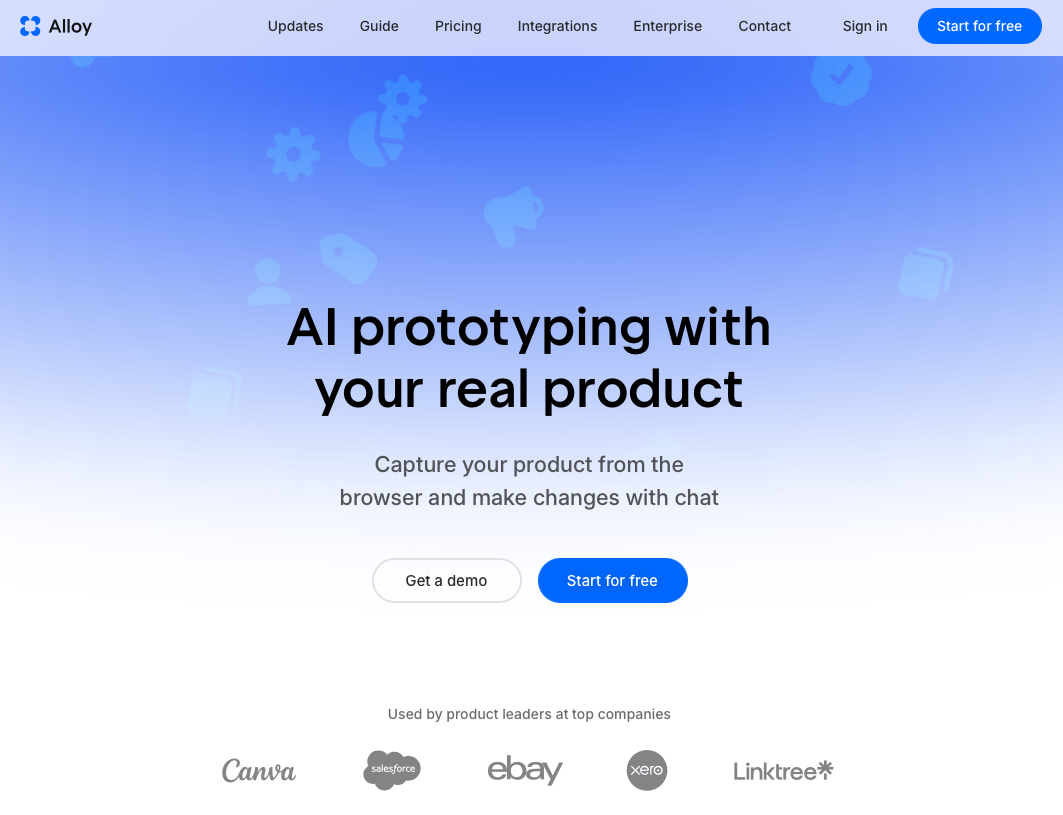
Alloy is built for product teams that need high-fidelity prototypes without the usual back-and-forth. Unlike generic wireframing tools, Alloy captures your real product instantly and generates prototypes that match your actual design system, so stakeholders see something that looks and feels production-ready from day one.
For startups, that speed matters. Early-stage teams rarely have time to rebuild screens from scratch in a separate tool before a user test or investor demo. Alloy cuts that setup time dramatically, letting you get to feedback faster.
What Makes Alloy Stand Out
- AI captures your live product automatically, pulling in real UI components instead of generic placeholders, so prototypes reflect your actual brand.
- Prototypes stay on-brand without manual cleanup, which reduces design debt and keeps cross-functional reviews focused on decisions instead of cosmetic fixes.
- The workflow is approachable enough for non-designers, so product managers can run prototype sessions without waiting on a design queue, making it one of the top AI prototyping tools for PMs.
OpenAI Codex
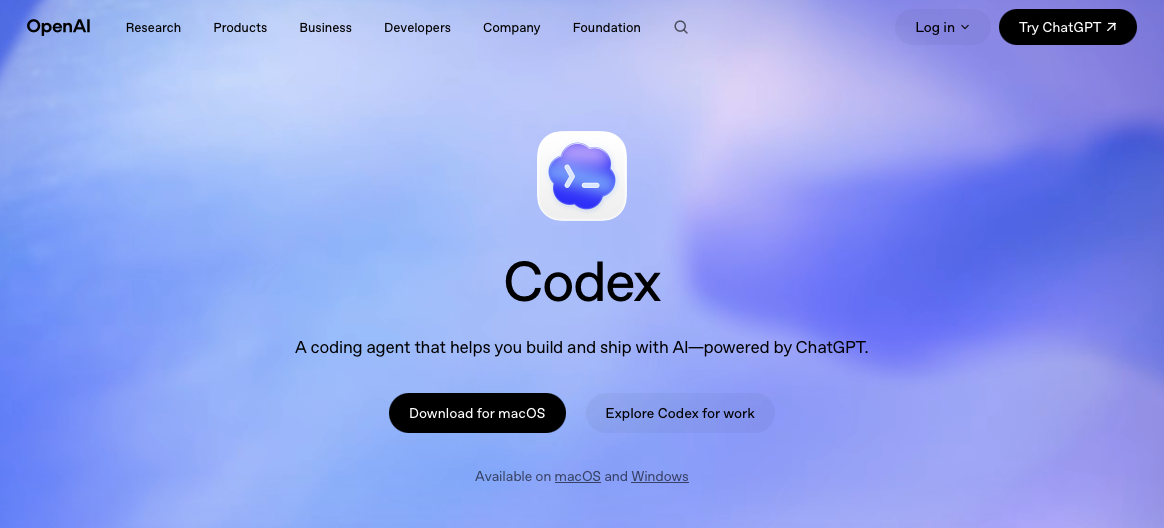
OpenAI Codex is a cloud-based AI coding tool that translates natural language instructions into working code, making it a strong option for startup founders who want to build functional prototypes without a full engineering team on hand.
What Makes Codex Stand Out
Codex runs directly in the browser with no local setup required. Founders can describe a feature or interaction in plain English and get generated code they can test immediately.
- Codex supports multiple programming languages, so teams aren't locked into a single stack during early exploration.
- Codex integrates with OpenAI's broader API ecosystem, making it easier to layer in AI-driven features as a prototype grows into a real product.
- Codex is particularly useful for rapid iteration, where speed of experimentation matters more than production-ready polish.
Claude Design
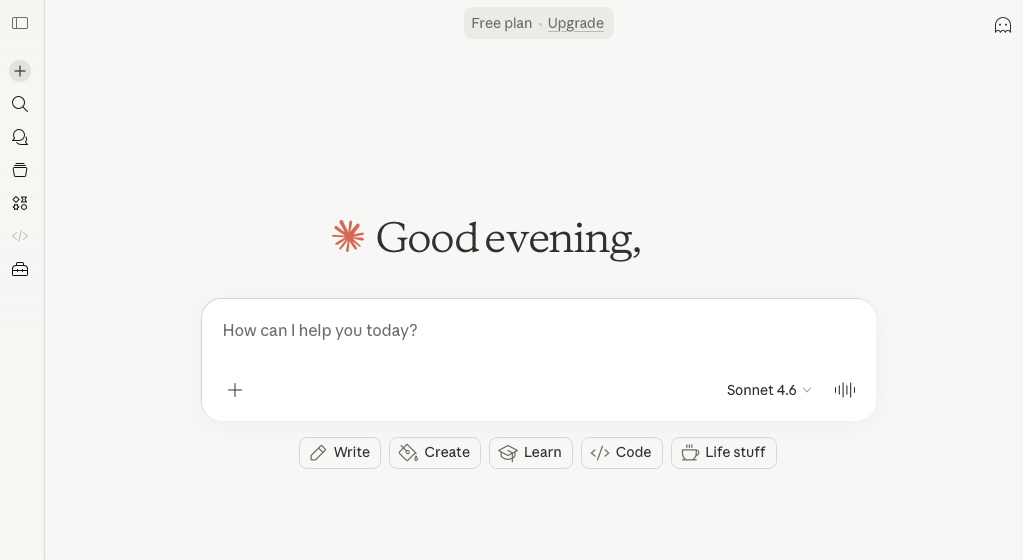
Claude Design is Anthropic's in-house design tool built to work alongside Claude, their AI assistant. It sits closer to a conversational prototyping experience than a traditional wireframing tool, letting teams describe interfaces in plain language and receive generated UI mockups in return.
Who It Works Best For
Startups with small or no dedicated design teams will find Claude Design useful for getting rough concepts out quickly. It works well for:
- Claude Design suits early ideation stages when speed matters more than pixel precision.
- Non-designers can use it to communicate UI concepts to developers without needing design expertise.
- Teams already using Claude for writing or research can keep design work in the same environment.
Pricing is tied to Anthropic's Claude subscription tiers, so access depends on your existing plan.
V0
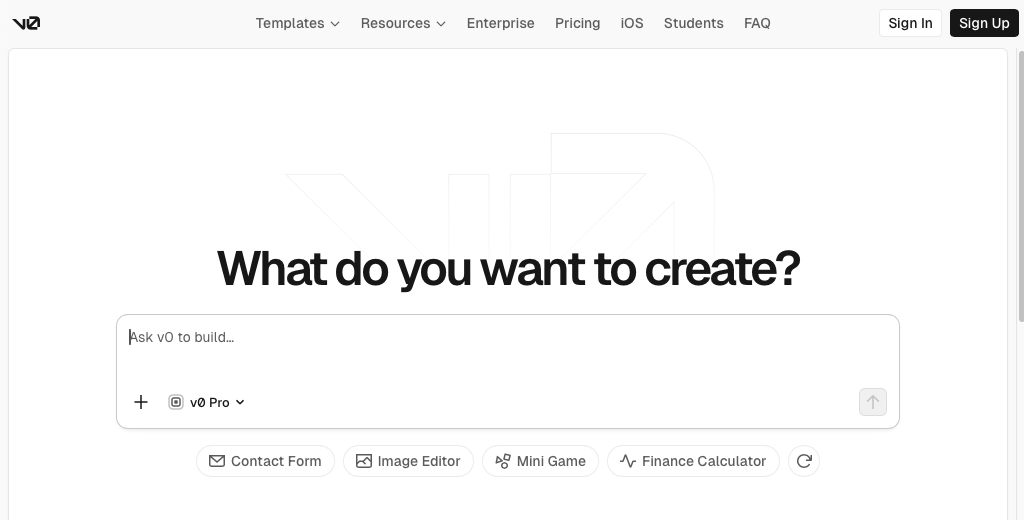
V0 by Vercel turns text prompts into production-ready React apps using Next.js, Tailwind CSS, and shadcn/ui, all without leaving the browser.
Here's a quick look at what V0 brings to the table for startup teams:
- Git panel for branch-per-chat workflows, PR creation, and deploy-on-merge so developers stay in their existing version control flow.
- Direct database connections to Snowflake and AWS for building data-driven apps without manual wiring.
- Figma, mockup, and screenshot imports that convert static designs into working code.
V0 is a strong fit for technical teams building new applications inside the Vercel ecosystem. The key constraint for startups: V0 builds from scratch. It cannot connect to an existing codebase, capture live product pages, or generate prototypes that reflect your current UI. Mobile output is off the table too, as output is limited to React and Next.js.
If you're spinning up a net-new React app, V0 delivers well.
Lovable
Lovable is an AI-powered app builder that lets you generate functional web applications through simple text prompts. It appeals to non-technical founders who want to move quickly from idea to working product, making it one of the no-code prototyping tools for SaaS teams.
What Lovable Does Well for Startups
Lovable excels at turning natural language descriptions into deployable apps, which makes early-stage experimentation fast. For startups validating ideas, that speed matters.
- You can generate and iterate on a working app in minutes, skipping the traditional handoff between designer and developer, though teams working on existing products may prefer web app prototyping tools built for existing products.
- Lovable connects to Supabase for backend functionality, so prototypes can include real data and auth flows.
- The GitHub integration means any generated code is yours to export and build on.
Where Lovable Falls Short
Because Lovable generates generic code instead of pulling from your actual design system, the output rarely matches your real product's look and feel. That gap makes it harder to run authentic user tests or present to stakeholders who need to see something that feels production-ready.
Why Alloy Is the Best AI Prototyping Tool for Startups
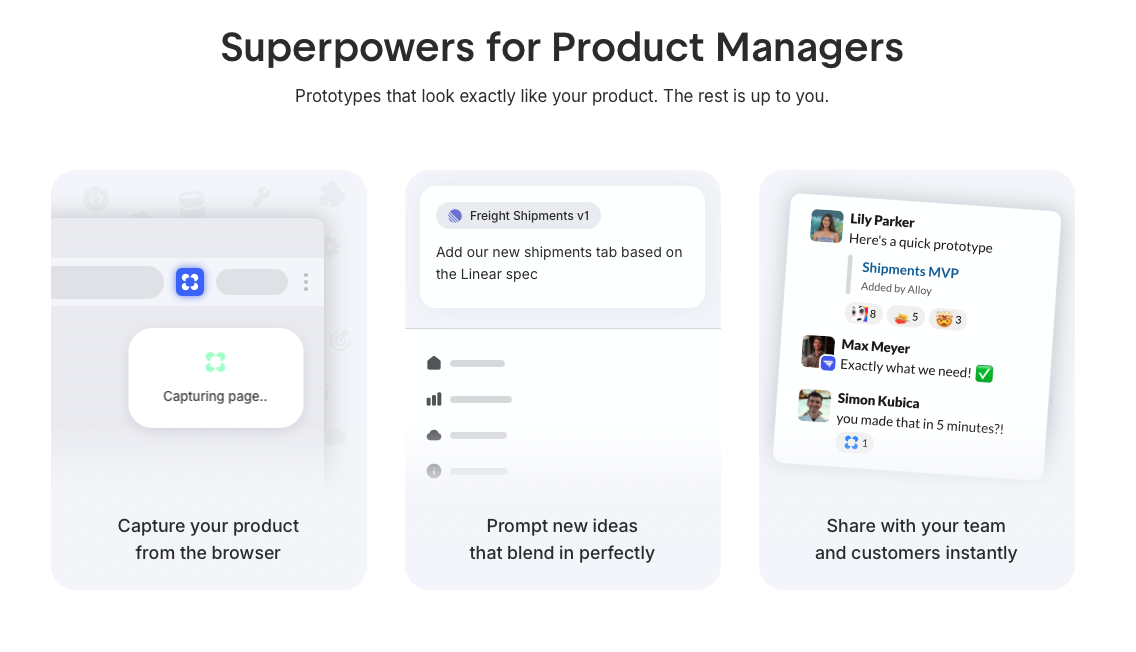
Alloy was built for product teams that need prototypes matching their real design systems, not generic wireframes that require explanation. Where most tools force you to rebuild components from scratch, Alloy captures your existing product instantly and lets you prototype within your actual UI.
For startups, that speed matters. You can go from idea to testable prototype in minutes, which means faster feedback loops, fewer misaligned stakeholder conversations, and more time shipping.
Here is what sets Alloy apart:
- AI scans and captures your live product automatically, so your prototype already looks like your app from day one.
- Prototypes stay on-brand without manual component recreation, reducing back-and-forth between design and engineering.
- Teams report the experience as noticeably faster than legacy tools, with less friction getting non-designers involved in the process. For a broader view of available options, see our AI product tools and solutions guide.
FAQs
How do I choose the right AI prototyping tool for my startup?
Match the tool to your workflow: if you're iterating on an existing product and need prototypes that reflect your actual design system, choose a tool with codebase or page capture capabilities. If you're building a brand new app from scratch, look for tools that generate code in your preferred framework and offer database integrations.
Which AI prototyping tool works best for non-technical founders?
Tools like Lovable and Claude Design are built for non-technical users who want to describe features in plain language and get working prototypes quickly. However, if you need prototypes that match your real product instead of generic templates, you'll need a tool that can capture your existing UI, even if you're not a developer.
Can I use AI prototyping tools to test with real users?
Yes, but only if the prototype matches your actual product closely enough that users respond authentically. Tools that capture your live product or connect to your codebase will generate higher-fidelity prototypes that feel real, while generic builders produce mockups that may require explanation during testing. Testing product ideas fast requires prototypes that accurately represent your final product to get meaningful user feedback.
What's the main difference between tools that capture existing products versus tools that build from scratch?
Capture-based tools pull your real UI, design system, and components to create prototypes that match your current product, making them ideal for iteration. Build-from-scratch tools generate new apps using generic components, which works well for greenfield projects but creates a visual gap when testing improvements to existing products.
When should I switch from wireframing tools to AI prototyping?
Switch when stakeholder feedback requires interactive, production-quality previews instead of static mockups. If you're spending hours rebuilding components manually or losing context between design and development, AI prototyping will cut that friction and speed up your validation cycles.
Final Thoughts on Picking Your Prototyping Tool
Startups building new apps have plenty of choices, but teams iterating on existing products face a different problem. You need prototypes that match what's already live, not generic templates that require explanation. When assessing the best AI prototyping tools for startups, the deciding factor is whether the tool works with your real product or forces you to rebuild from scratch. Alloy is built for exactly that situation: it captures your live product, respects your design system, and gets you to a shareable, testable prototype in minutes. If faster feedback loops and fewer stakeholder misalignments matter to your team, Alloy is worth trying.
