
This AI for product managers guide covers both sides of the job: building features that involve LLMs and probabilistic systems, and using AI to get your own work done faster. You need to understand how the models work well enough to set realistic expectations with engineering, and use the tools well enough to move quickly without cutting corners.
TLDR:
- Productboard's 2025 survey of 379 product professionals found that 100% of surveyed product teams use AI tools, 96% use AI consistently, and 94% of product professionals use AI daily or often.
- Key AI-era PM skills include data literacy, synthesizing customer insights, systems-level thinking, strategic thinking, and spotting bias risks before they reach users.
- Track three metric layers for AI products: model performance, user experience, and business outcomes; high accuracy means nothing if users abandon the feature.
- Bias, privacy, and accountability are core PM responsibilities for any AI feature; audit outputs for skewed recommendations before launch and define clear ownership for AI-driven decisions.
- Cloud agent tools let PMs capture any product page, iterate in a pixel-perfect session, and hand off a GitHub Pull Request, cutting demo cycles from days to minutes.
What Is AI Product Management?
AI product management covers two ideas: building products powered by AI, and using AI to do product management work itself. Most PMs are dealing with both at once, defining requirements for LLM-powered features while also using AI tools to write specs, synthesize research, and move faster day-to-day. Over 80% of product teams have already adopted AI tools in some part of their workflow.
Four workflow differences separate it from traditional PM work: you coordinate with data scientists and ML engineers; AI features produce confidence scores instead of binary pass/fail results; you're accountable for how the model performs across user segments before shipping; and model improvement requires structured post-launch data pipelines built as a core product requirement from day one.
Core AI Concepts Every Product Manager Should Understand
Three concepts are worth knowing. LLMs predict text from patterns in training data. Base LLMs do not automatically search the web live unless connected to retrieval or browsing tools, which is why they can produce confident but wrong output. Every LLM has a context window: the amount of text it can see at once. Content beyond that limit gets dropped. Retrieval-augmented generation (RAG) grounds responses in specific documents before generating an answer, which reduces hallucinations and keeps outputs accurate to a defined knowledge base.

How LLMs Actually Work
LLMs are trained on large datasets of text and learn to predict what comes next in a sequence. When you prompt one, it generates a response based on statistical patterns learned during training, not a live search of the internet. This matters because LLMs can hallucinate, meaning they produce confident-sounding output that is factually wrong. As a PM, knowing this shapes how you QA AI features and communicate their limitations to stakeholders.
Context Windows and Memory
Every LLM has a context window, the amount of text it can "see" at once during a conversation. Once input exceeds that window, earlier content may be truncated, summarized, or dropped depending on the model and system design. For product teams building AI features on top of LLMs, this constraint directly affects UX decisions around memory, session design, and retrieval.
Retrieval-Augmented Generation (RAG)
RAG is a technique that grounds LLM responses in specific, up-to-date documents by retrieving relevant content before generating an answer. Many AI products you will review or build use RAG to reduce hallucinations and keep responses accurate to a specific knowledge base. Recognizing this architecture helps you scope what the AI can and cannot reliably do.
AI Workflows That Change How Product Management Works
The workflows below are where teams see the clearest gains, faster research, better documentation, and sharper prioritization.
Research and discovery
AI cuts the time required to synthesize qualitative feedback. PMs can feed interview transcripts, support tickets, and survey responses into an LLM and receive structured themes in minutes instead of days using AI product discovery tools. Building these AI product management skills is now a core part of how product teams stay competitive.
Roadmap Prioritization
AI scoring models can weigh customer demand signals, revenue impact, and strategic fit simultaneously, giving PMs a defensible starting point for roadmap decisions. Jira Product Discovery and Productboard are the two tools PMs reach for here in 2026, both let you score features against goals, surface feedback patterns, and pull in context-aware prioritization from internal data without building custom scoring models from scratch.
Writing and Documentation
PRDs, release notes, and user stories that once took hours now take minutes with AI drafting assistance, freeing PMs to focus on judgment calls only they can make. Notion is the most-used tool here in 2026, its AI features sit directly inside your workspace, so you can draft a spec, generate user stories, and organize research without switching contexts.
LLMs and Their Product Applications
LLMs interpret intent from messy, informal language, which covers most of what product teams deal with. For product development, that unlocks four practical capabilities: drafting specs and docs from plain-language descriptions, synthesizing user reviews and support tickets at scale, powering conversational interfaces without scripting every response path, and generating test cases directly from requirements. In every case, outputs need human review before reaching users.
Building AI Products: From Concept to Deployment
Product managers increasingly wear two hats: strategist and builder. AI has made the second hat more accessible, letting PMs prototype changes to an existing product, test them with users, and iterate on product ideas without waiting on engineering cycles.

AI prototyping tools help PMs pressure-test assumptions before any code gets written: feed a brief into an LLM and get gap analysis, edge cases, and user story drafts in minutes. From there, AI-assisted design tools shrink the iteration loop from weeks to days. Claude Design packages that workflow into a dedicated design product; OpenAI does not currently offer a direct product equivalent. For PMs who prefer ChatGPT, the recommended route is to connect their subscription through Alloy and design with ChatGPT in a live product workspace. At handoff, AI audits specs against acceptance criteria and generates release notes automatically, so engineering gets cleaner context from the start.
Measuring Success: Metrics and Outcomes for AI Products
Track three metric layers: model performance (accuracy, precision, recall, F1-score, ROC-AUC) shows how reliably the model produces correct outputs; user experience metrics (task completion rate, error recovery, trust indicators) show whether users succeed with the feature; and business outcomes (retention, revenue impact, support deflection) show whether it creates real value. Set success criteria before you build. A model with 94% accuracy that users routinely abandon is still a failed product.
Tying Metrics Back to Product Decisions
Raw model scores rarely tell you what to do next. Connect each metric to a decision gate: if task completion drops below a threshold, pause rollout; if support deflection holds above target, expand scope. Without those ties, metrics become reporting instead of decision-making tools.
Ethical Considerations and Risk Management in AI Products
Bias, privacy, and accountability are core PM responsibilities for any AI feature. Audit outputs for skewed recommendations before launch, verify that training data and user data handling comply with GDPR and CCPA, and define clear ownership for AI-driven decisions when issues arise. Research on responsible AI in product teams shows that anticipating ethical risks early reduces downstream accountability failures. Make AI influence visible to users, hidden automation erodes trust fast.
AI removes the low-leverage work (summarizing research, drafting PRDs, clustering feedback) so PMs can focus on prioritization tradeoffs, stakeholder alignment, and choosing which user problem to solve next. According to McKinsey's research on measuring AI impact across organizations, AI use has broadened across organizations, with 88% of respondents saying their organizations regularly use AI in at least one business function, up from 78% a year earlier.
Not every AI tool on the market is useful for product management. The ones worth knowing are the ones that fit directly into how PMs actually work: writing, researching, prioritizing, and communicating.
| Category | Tools | What PMs use it for |
|---|---|---|
| Writing and documentation | ChatGPT, Claude, Notion | Spec drafts, PRDs, user stories, release notes, stakeholder emails, and meeting summaries in seconds, Notion's AI sits directly inside your workspace so you draft without switching contexts |
| Code reading | GitHub Copilot, Cursor | Reading and interpreting generated code when working closely with engineering |
| Research and synthesis | Dovetail, Grain, Perplexity | Transcribing interviews, clustering themes, and pulling cited sources for competitive research |
| Roadmap and prioritization | Jira Product Discovery, Productboard | Scoring features against goals, surfacing feedback patterns, and pulling context-aware prioritization from internal data without building custom scoring models |
| Prototyping and building | Lovable, Alloy | Lovable turns a plain-English description into a working app for fast idea validation; Alloy captures any live page, iterates in a pixel-perfect session, and hands off a GitHub Pull Request without touching the codebase |
Prototyping and Building
This is the newest category and moves the fastest. AI tools that generate working UI or functional code from a prompt are changing what PMs can prototype without engineering support. Lovable lets you describe a feature in plain English and get a working app in minutes, useful for validating ideas before any engineering cycle starts. Alloy goes a step further for teams with an existing product: capture any live page, iterate in a pixel-perfect session, and hand off a GitHub Pull Request without touching the codebase.
The tools change fast. What does not change is the underlying need: PMs need to move from signal to decision faster, and the best tools in each category are the ones that eliminate steps without creating new ones.
Knowing which tools exist is only part of the picture. The PMs getting the most out of AI are the ones who have rebuilt specific workflows around it, instead of adding AI as a bolt-on.
Discovery and User Research
Feed interview transcripts and support tickets into a synthesis prompt and get structured themes, pain points, and direct quotes by segment in hours instead of days. Tools like Grain or Dovetail handle transcription and tagging automatically, so you spend time on decisions instead of organization.
Spec Writing and PRD Generation
Start with a one-paragraph brief, use ChatGPT or Claude to generate a first draft with user stories, acceptance criteria, and edge cases, then refine the sections that need your judgment. Many teams report substantial reductions in spec-writing time when using AI drafting tools, while producing more consistently structured output for engineering review.
How Alloy Accelerates the AI Product Development Workflow
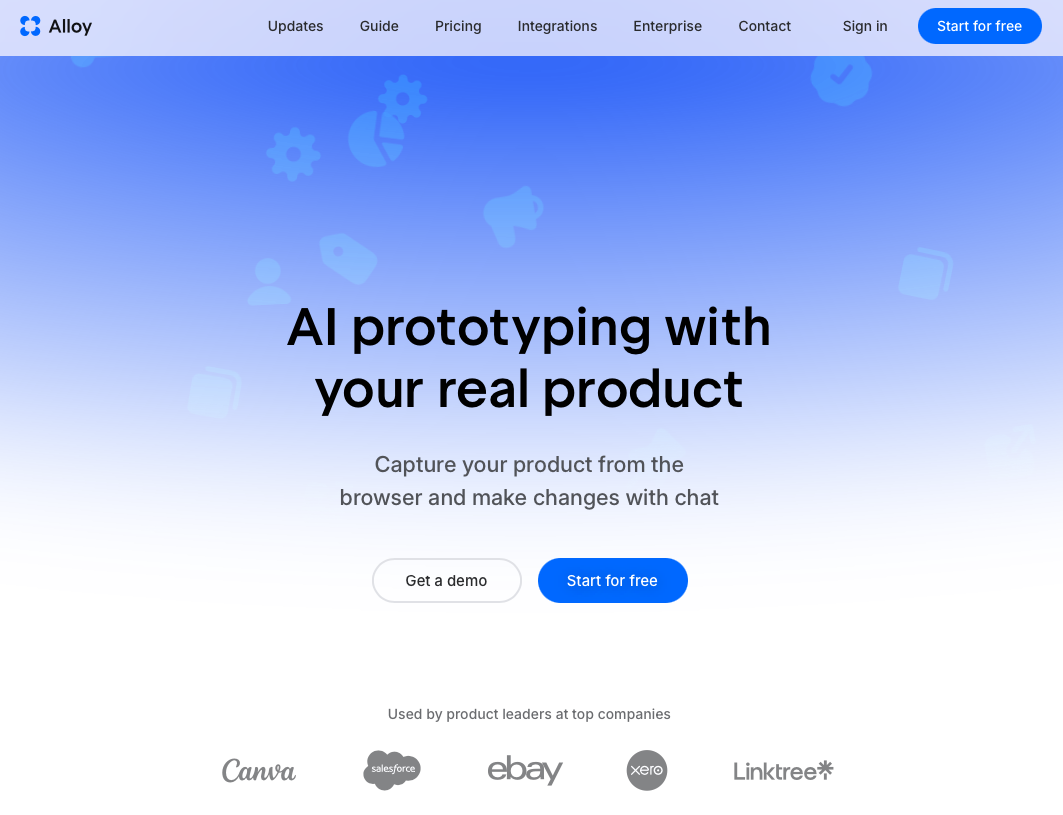
Alloy is the Cloud Agent for Product Teams. Capture any page of your existing product with a single click, and Alloy spins up a pixel-perfect sandbox that looks exactly like the real thing. No generic mockups. No off-brand wireframes. You work directly on your actual product.
Describe a change in plain English and Alloy's Cloud Agent modifies the interface in real time. Iterate, share a live preview link with stakeholders, collect feedback, and refine, all without touching your codebase or waiting on engineering. When the change is ready, hand off a GitHub Pull Request.
PMs can go from a customer request to an interactive, shareable demo in minutes. That speed gap is where the best product teams pull ahead.
FAQs
How do I measure whether an AI product feature is actually working?
Track model performance metrics (accuracy, precision, recall) alongside user experience signals (task completion rate, error recovery) and business outcomes (retention, revenue impact, support deflection). A model with 94% accuracy that users routinely abandon is still a failed product, set success criteria before you build, and connect each metric to a specific decision gate.
Should I learn prompt engineering as a product manager?
Yes. Writing structured prompts that produce usable outputs for specs, research synthesis, and roadmap reasoning is now a core PM skill. The ability to extract actionable results from AI tools, instead of generic text, directly affects how fast you move from signal to decision.
AI research tools vs. manual synthesis, which is faster for user interviews?
AI research tools like Dovetail and Grain are dramatically faster. What used to take two to three days of manual affinity mapping and theme extraction now takes a few hours. Feed interview transcripts into a synthesis prompt, cross-reference themes against support data, and generate structured insights with consistent quality every time.
Final Thoughts on Product Management in the AI Era
This AI for product managers guide comes back to one idea: remove the low-value work and free up more time for the decisions that actually matter. You still own the roadmap, the tradeoffs, and the user outcomes. The difference is how fast you can move from signal to shipped feature. That speed gap is where Alloy fits in. Capture any page of your existing product, iterate in a pixel-perfect session, and hand off a GitHub Pull Request, all without waiting on engineering. PMs who close the loop between customer feedback and a working demo in minutes, not days, are the ones setting the pace in 2026.