
You probably review code by looking at diffs, running tests locally, and hoping the behavior matches what you expect in production. That works until it doesn't, and then you're debugging an issue that never showed up in staging because staging looked nothing like production. Branch deployments close that gap by giving every feature branch its own live environment where the code runs, behaves, and responds exactly as it would after merge. The result is fewer surprises, faster reviews, and a cleaner feedback loop before anything reaches your users.
TLDR:
- Branch deployments give each feature branch its own isolated, production-like environment automatically.
- DevOps teams can reduce change failure rate by catching regressions before merge, not after.
- Dagster tracks asset changes per branch; ArgoCD automates Kubernetes environments via ApplicationSets.
- Full-stack branch deployments require coordinated database state, service versions, and webhook routing.
- Some modern solutions can spin up browser-based sandboxes in seconds, letting teams validate product ideas before opening branches.
What Branch Deployments Are and Why DevOps Teams Need Them
Every merge to production carries some risk. Branch deployments exist to reduce that risk before it ever reaches your users.
A branch deployment is an isolated, production-like environment spun up automatically for a specific code branch. Each feature branch gets its own live instance where the code runs, behaves, and responds exactly as it would in production. No shared staging servers, no "works on my machine" handoffs, no guessing.

For teams practicing continuous integration and delivery, this matters a lot. It is difficult to validate a change in an environment that looks nothing like prod. Branch deployments close that gap by giving every branch its own live testing surface, decoupled from everything else in flight.
The result: faster code reviews, cleaner feedback, and far fewer surprises on merge day.
How Branch Deployments Work in Your CI/CD Pipeline
When you push a branch, the pipeline typically kicks off automatically. Here is what that lifecycle looks like in practice:
- Version control triggers a webhook to your CI system (GitHub Actions, GitLab CI, CircleCI, etc.), which kicks off the build process without any manual intervention.
- The CI runner builds an artifact or container image tagged to that branch, keeping environments isolated from one another.
- An orchestrator provisions a fresh environment, often with a generated subdomain like
feature-auth--yourapp.dev, so reviewers get a real URL to work with. - Automated tests run against that live instance as part of the same pipeline run.
- The environment stays alive while the branch is open, updating on every subsequent push.
- On merge or close, the environment tears itself down automatically.
Why Automation Matters Here
Once configured, developers push code and get a live URL back with no ops ticket and no waiting in a staging queue. The environment reflects exactly what is in that branch, giving reviewers something real to test against instead of a diff on a screen.
Branch Deployments vs Preview Environments vs Ephemeral Environments
These three terms get used interchangeably, but they describe different scopes. Here is how they actually differ:
| Term | Scope | Typical Use Case |
|---|---|---|
| Branch deployment | Full stack, tied to a branch | Feature validation, CI/CD pipelines |
| Preview environment | Often frontend only | UI review, design feedback |
| Ephemeral environment | Any short-lived environment | Testing, demos, one-off experiments |
Branch deployments are a specific type of ephemeral environment, scoped to a code branch and wired into your CI pipeline. Preview environments, popularized by tools like Vercel and Netlify, usually cover the frontend layer only and skip backend services entirely.
If your team needs full-stack isolation per branch, "preview environment" probably undersells what you actually need. Branch deployment is the right framing.
Implementing Branch Deployments with Dagster
Data orchestration teams face a unique challenge: testing pipeline changes without corrupting production datasets or triggering unintended runs. Dagster's branch deployment feature is built for exactly this purpose.
When you open a pull request against a Dagster Cloud organization, Dagster can spin up an isolated deployment automatically. That environment mirrors your main deployment's configuration but runs independently, so a broken asset definition won't cascade into production jobs.
What Dagster Tracks Per Branch
There are three key things Dagster surfaces per branch deployment, all visible directly in the UI:
- Asset changes relative to the main deployment, flagged so reviewers can spot differences without manually reading through config files
- Which assets exist in the branch but not in main, and vice versa, giving teams a clear picture of additions and removals
- Execution history scoped to that branch only, keeping test runs separate from production logs
This comparison view is where Dagster earns its value for data teams. Reviewers see exactly what changed and can run those specific assets in isolation before approving the PR.
Once the branch closes, the deployment is removed automatically. No cleanup tickets, no lingering test runs.
Setting Up Feature Branch Deployments with Kubernetes and ArgoCD
ArgoCD's ApplicationSet controller is the right tool here. The Git generator watches your repository and creates an Application resource for each matching branch automatically, with no manual intervention needed. This approach aligns with proven branching strategies for CI/CD that accentuate automation and developer self-service.
Key Architecture Patterns
- Use the Git branch generator in your ApplicationSet to match feature branches by prefix (e.g.,
feature/*) so only relevant branches receive their own environment - Isolate each branch in its own namespace using templated names like
{{branch}}-previewto keep workloads cleanly separated - Set resource limits at the namespace level to prevent runaway cost from idle environments sitting unused between commits
- Wire a
PostSynchook to run smoke tests after ArgoCD syncs the environment, helping catch regressions before anyone reviews the branch - Configure automated pruning so ArgoCD tears down the namespace when the branch is deleted
A Minimal ApplicationSet Snippet
generators:
  - git:
      repoURL: https://github.com/your-org/your-repo
      revision: HEAD
      branches:
        - pattern: "feature/*"
template:
  metadata:
    name: "{{branch}}-preview"
  spec:
    destination:
      namespace: "{{branch}}-preview"
The result is full developer self-service. Engineers push a branch and get a live Kubernetes environment scoped entirely to their work, with no ops team in the loop.
Common Branch Deployment Challenges and How to Solve Them
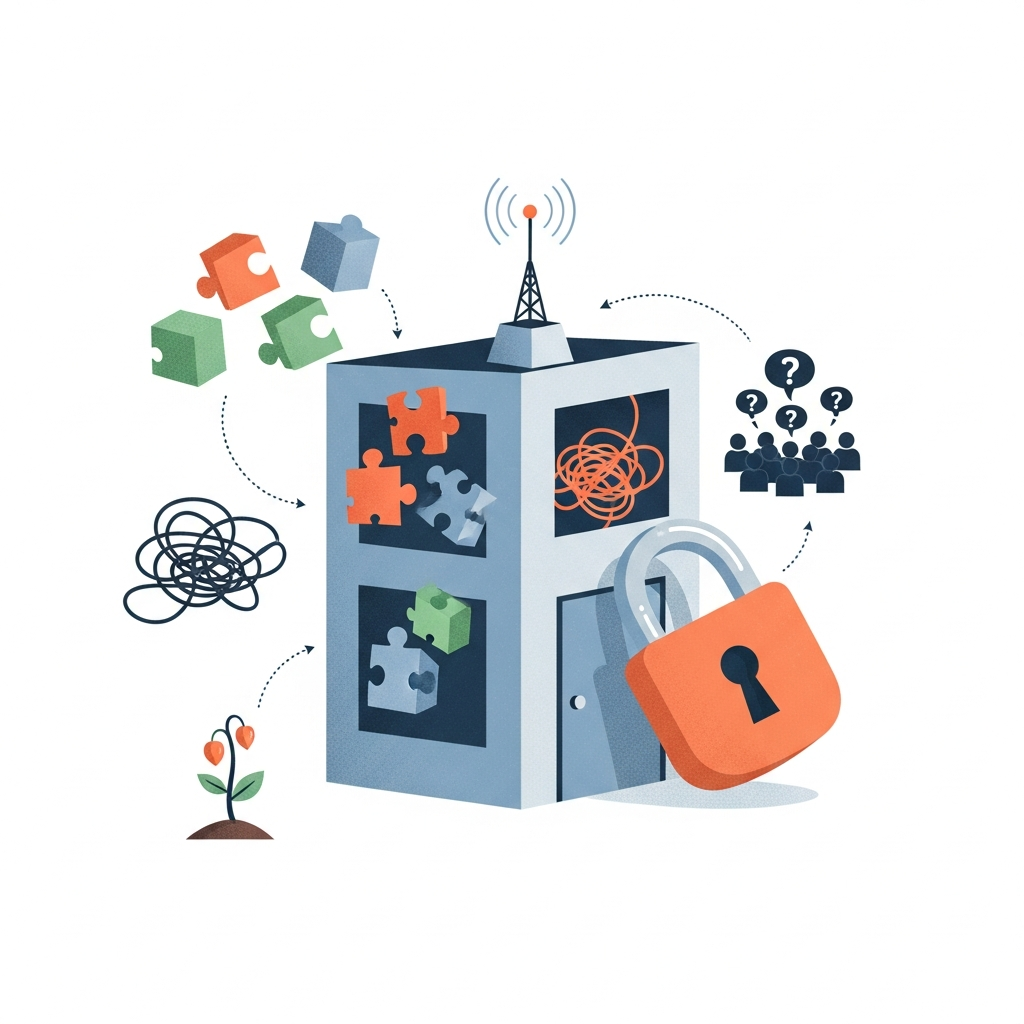
Scaling branch deployments past a handful of engineers surfaces real friction fast. Here are the most common failure points and how to handle them.
- Environment sprawl: stale branches accumulate live environments that nobody cleans up. Fix this with TTL-based auto-teardown triggered on branch inactivity or PR close events.
- Database state: shared databases across branches cause test pollution. Use schema-per-branch isolation or lightweight database snapshots seeded from anonymized production data.
- Secrets management: hardcoded credentials in branch configs create security gaps. Pull secrets dynamically from a vault at deploy time instead.
- Cost creep: idle environments burn money quietly. Set CPU and memory floors on branch namespaces and schedule scale-to-zero after off-hours inactivity.
- Config drift: long-running branches diverge from main. Rebase policies and frequent syncs keep branch environments representative of what will actually merge.
Branch Deployments for Full-Stack Applications
Full-stack branch deployments are where things get genuinely complicated, especially once a feature branch touches both the API and the UI simultaneously.
When that happens, you need both layers running together in the same isolated environment, which means coordinating service versions, environment variables, and database state at once. A frontend pointing at the wrong API version produces false confidence, not real validation.
Where Teams Usually Stumble
- Webhooks from third-party services like Stripe or Twilio route to production endpoints by default. Use a webhook relay tool to redirect payloads to branch-specific URLs during testing.
- Database branching is expensive when done naively. Lightweight snapshots from anonymized production data work better than full copies.
- Microservice dependencies need version pinning per branch environment, or you risk testing against services that won't match what deploys alongside the feature.
Keeping costs in check means treating full-stack branch environments as short-lived by default: provision the full stack on PR open, scale down overnight, and tear down on merge.
Measuring the Impact of Branch Deployments on Your Team
Branch deployments can influence your DORA metrics if you track them closely enough.
Deployment frequency can rise because developers stop waiting on shared staging availability. Lead time for changes can drop when every branch gets its own live environment and reviewers can test immediately instead of queuing behind other work.
The clearest signal is change failure rate. Teams that validate on branch deployments before merging catch regressions earlier, when they are cheap to fix. Mean time to recovery can also improve: when a bad deploy does slip through, teams can compare the branch deployment logs against production to isolate the issue faster.
A few metrics worth tracking from day one:
- Time from PR open to live branch environment, which measures pipeline health and reveals where delays are accumulating in your review cycle.
- Percentage of PRs reviewed against a live branch versus a code diff only, since this ratio tells you how consistently your team is using the setup.
- Change failure rate before and after branch deployments rolled out, giving you a direct before-and-after view of pre-merge quality.
- Number of production incidents traced back to insufficient pre-merge testing, which quantifies the risk your branch deployment strategy is actively reducing.
The trend line across all four tells you whether your branch deployment setup is actually working or just adding infrastructure overhead.
How Alloy's Cloud Playground Powers Branch-Level Experimentation
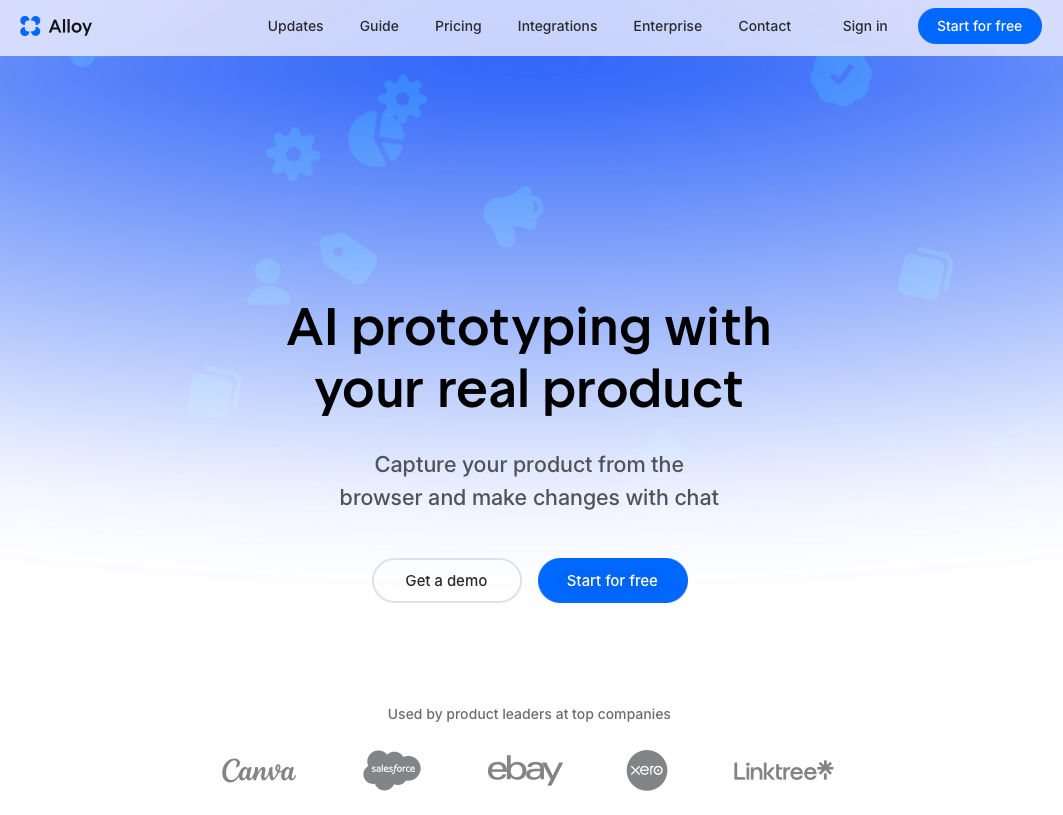
Alloy's Cloud Playground applies the same isolation logic behind branch deployments to product experimentation, without requiring any infrastructure configuration.
Where a branch deployment validates code, Alloy's sandbox validates the idea behind it. Product managers and designers spin up isolated environments directly from the browser, describe a UI change in plain English, and get a live, interactive prototype built against their real codebase. No local setup, no waiting on engineering capacity, no shared staging queue.
Every sandbox is shareable via link the moment it's ready. Stakeholders can click through real product flows, leave feedback, and sign off before a single branch gets opened.
FAQs
Can I set up branch deployments without Kubernetes?
Yes. Serverless platforms like Vercel, Netlify, and Render support branch deployments for frontend and full-stack applications without requiring Kubernetes knowledge. Dagster Cloud also handles branch deployments automatically for data pipelines with no infrastructure setup required.
What's the fastest way to validate product ideas before opening a branch?
Spin up a sandbox in Alloy's Cloud Playground and describe your UI change in plain English. You get a live, interactive prototype built against your real codebase in minutes, shareable via link with stakeholders: no branch required, no infrastructure setup, no waiting on engineering capacity.
How do you prevent branch deployment costs from spiraling?
Set resource limits at the namespace level, configure TTL-based auto-teardown for stale branches, and schedule scale-to-zero after off-hours inactivity. Track your time-from-PR-open-to-live-environment metric to spot where delays accumulate and costs pile up unnecessarily.
Final Thoughts on Branch Deployment Strategy
The value of branch deployments shows up in your DORA metrics when reviewers stop approving diffs blindly and start testing live environments instead. Automated teardown keeps costs reasonable, and isolated namespaces prevent one broken branch from blocking another. Alloy extends that same isolation logic to the idea stage. Product managers and designers can spin up a live, interactive sandbox from the browser, validate a feature concept against your real codebase, and share it with stakeholders before a single branch gets opened. Fewer bad ideas make it to code; fewer bad merges make it to production.