
Choosing the right Cloud Agent for Product Teams starts with a practical question: how easily can it work with the product you already have?
This review breaks down how Magic Patterns actually works, where it fits best, and when alternatives like Alloy make more sense for teams that need to make pixel-perfect modifications directly on top of existing product screens: quickly, accurately, and with fewer steps.
TLDR:
- Magic Patterns can capture UI components from the web, but requires assembling them manually into full prototypes.
- Tools like Bolt and v0 build new apps from code, while Figma Make requires design tool expertise.
- One Cloud Agent alternative captures full product screens in one click and modifies them via AI chat.
- That same tool integrates with 30+ tools like Jira and Linear to connect prototyping directly to product workflows.
- The right choice depends on whether your team is iterating on a live product or designing something from the ground up.
What Is Magic Patterns and How Does it Work?
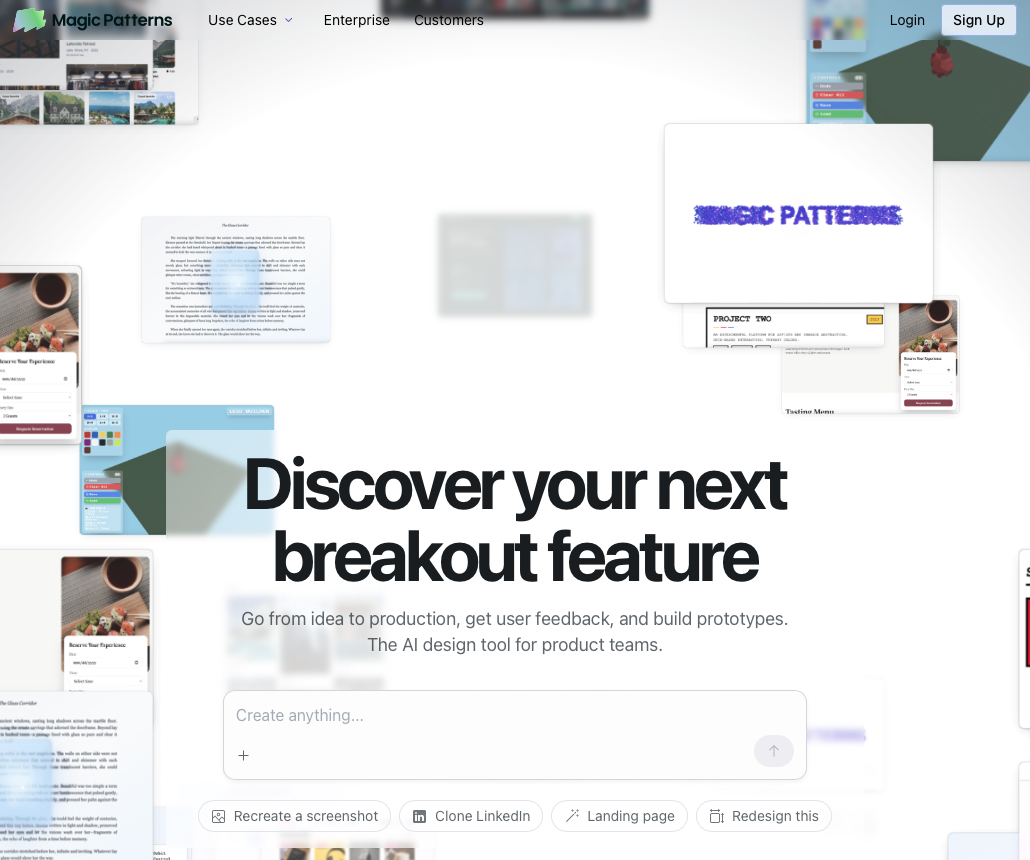
Magic Patterns is an AI-powered prototyping tool that converts user stories into UI designs. Product teams, designers, and startups describe needs in plain language, and the tool generates mockups and customer demos based on that input.
Magic Patterns also provides a Chrome extension that captures UI elements from live websites or local builds. These captures focus on individual components, which are then brought into a project and used as building blocks for new designs.
Once captured or generated, users work inside a canvas where screens are assembled manually. A chat interface generates additional components and layouts, and teams connect screens together to form user flows.
This approach works well when designing new interfaces or assembling patterns piece by piece. It is less efficient when teams want to start from an exact product screen and iterate directly on it using a Cloud Agent.
Collaboration and Design Systems
The tool includes a multiplayer canvas for real-time collaboration. You also upload your own design system, including branding guidelines, spacing rules, typography, and styling preferences. Magic Patterns then applies these rules to everything it generates going forward.
Export and Pricing
Magic Patterns exports screens to production-ready code in Tailwind, React, or Vue. You also send layered designs directly into Figma for further refinement. Magic Patterns offers a free tier with limited access, a Starter plan at $20 per seat per month, a Business plan at $100 per seat per month, and an Enterprise plan with custom pricing.
Why Consider Magic Patterns Alternatives?
Magic Patterns delivers capability, but its workflow shapes when it's the right tool.
Component Capture vs. Full Screen Prototyping
While Magic Patterns captures UI from the web, the capture happens at the component level. Teams must manually assemble those components into full screens, reconnect layouts, and recreate flows before meaningful prototyping begins.
For product teams working on existing applications, this introduces friction:
- More steps before you can test an idea
- Greater chance of inconsistencies or missed details
- Slower turnaround when stakeholders want to see "what changed"
Tools built around full-screen capture remove that assembly step entirely.
Setup and Workflow Complexity
Magic Patterns often requires uploading or configuring design systems to achieve brand-accurate output. While powerful, this adds upfront setup and cognitive overhead. Product managers who want to prototype quickly feel this most. They don't want to become design-tool power users.
Design-to-Code vs Idea Validation
Magic Patterns focuses on design-to-code workflows. That's valuable later in the process, but teams who focus on rapid validation often favor speed, realism, and ease of modification over code export.
Best Magic Patterns Alternatives in June 2026
1. Alloy (Best Overall Alternative)
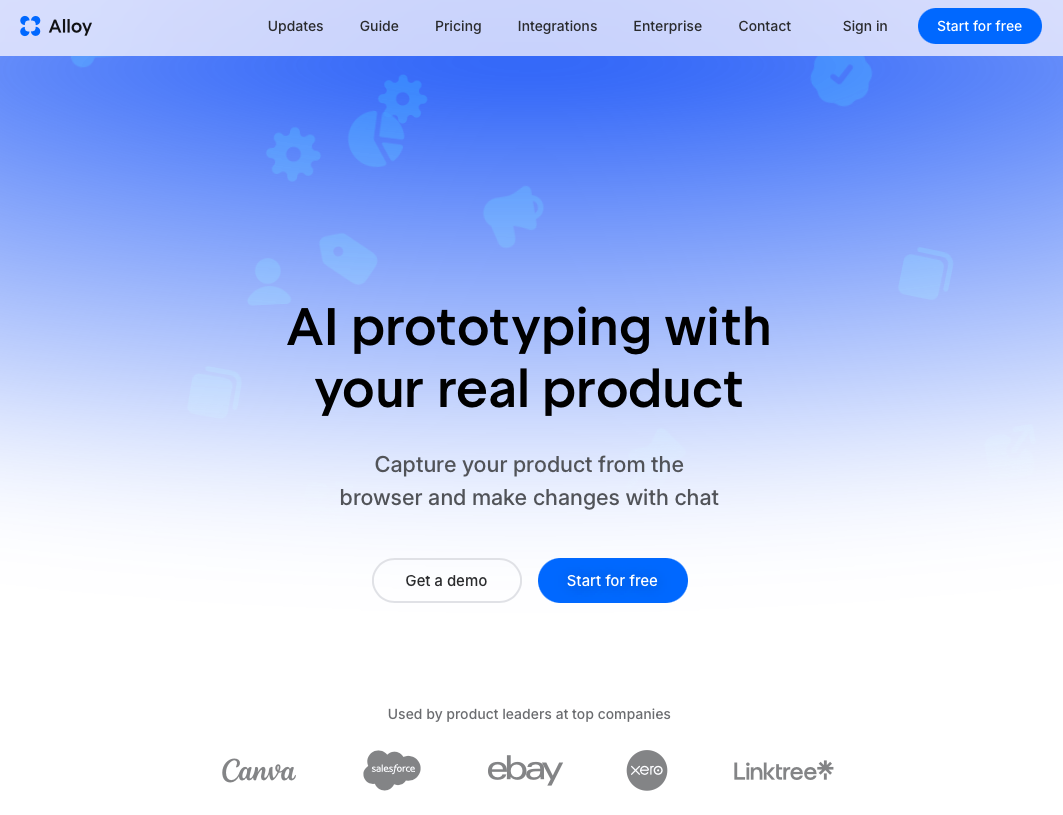
Alloy is built for prototyping on top of existing products.
Instead of capturing components and rebuilding screens, Alloy captures entire product screens in one click via a Chrome extension, or clones any public website from a URL. The result is a pixel-perfect, immediately editable screen that preserves layout, styling, and real-world context without manual assembly.
You describe changes in plain English, and Alloy applies them directly to the captured screen. The UI is intentionally minimal and focused on speed. This reduces friction and makes iteration faster and less error-prone for product managers.
Sessions are instantly shareable via link, connecting your work directly to everyday product workflows. Alloy integrates with 30+ product tools like Jira, Linear, and Notion.
Best for: Product managers and teams iterating on live applications who need realistic product modifications quickly, without reconstructing their UI or working through complex design tooling.
2. Bolt
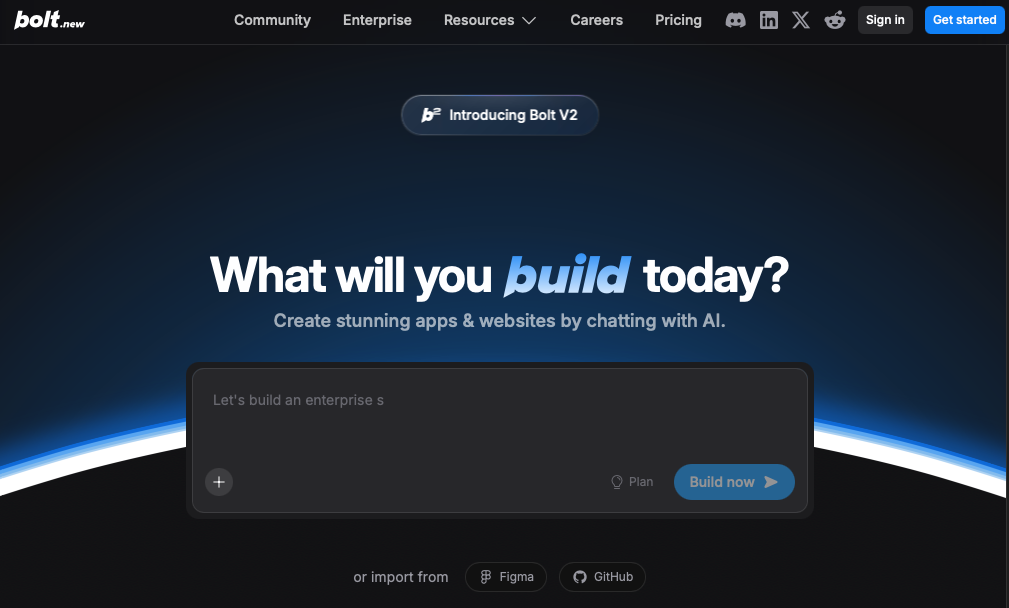
Bolt generates full-stack web applications from text descriptions, creating deployable code through a conversational interface with a real-time preview.
The catch: Bolt builds new apps from scratch. You can't import your current application or capture existing interfaces. Unlike tools that build new apps from scratch, Alloy modifies your existing product directly.
3. v0
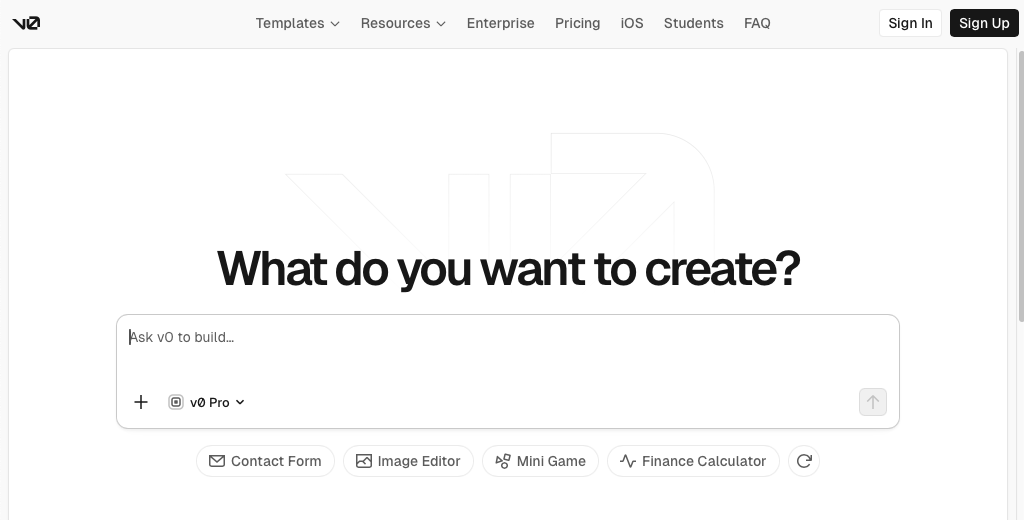
Vercel's v0 generates React components optimized for shadcn/ui through text prompts. It produces clean code for Next.js workflows.
The limitation: v0 can't capture your existing product or understand your design system. It assumes technical knowledge and focuses on code output versus stakeholder-ready product sessions.
4. Lovable
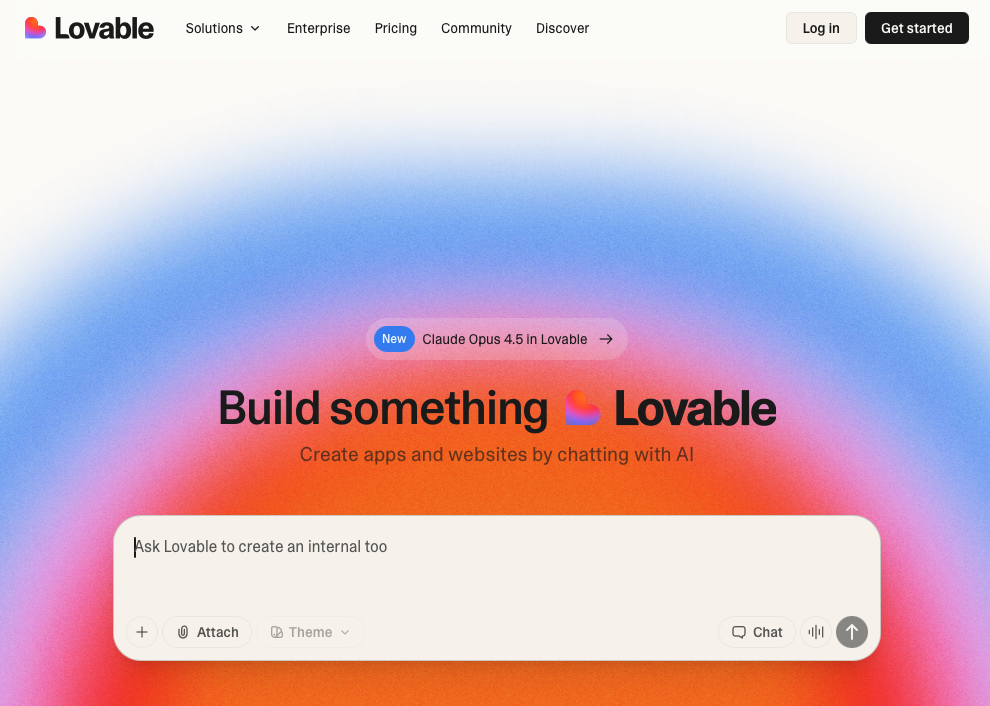
Lovable builds complete applications, including backend, database schemas, and authentication from natural language descriptions.
The tradeoff: It's designed for launching new products, not prototyping features on existing software. You'd need to recreate your entire application context. Unlike tools that build new apps from scratch, Alloy modifies your existing product directly.
5. Figma Make
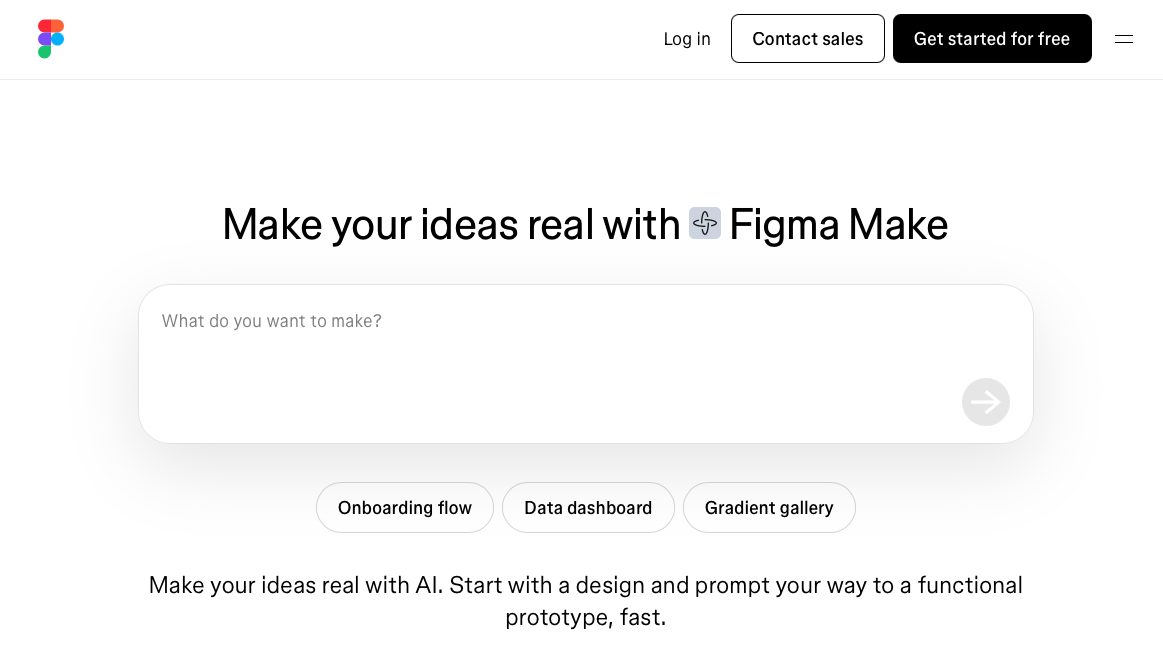
Figma's AI generates UI designs from text prompts inside the Figma workspace.
The constraint: Figma Make lives inside Figma, which means you still operate inside a design tool. Its workflow is centered around the Figma ecosystem instead of dedicated product-management integrations.
Feature Comparison: Magic Patterns vs Top Alternatives
| Feature | Magic Patterns | Alloy | Bolt | v0 | Lovable | Figma Make |
|---|---|---|---|---|---|---|
| Capture Existing Product | Chrome extension import of existing websites and UI | ✓ One-click capture | ✗ | ✗ | ✗ | Chrome extension capture |
| Works on Live Products | Supports importing existing websites and designs, but is primarily positioned around AI-generated prototyping workflows | ✓ | ✗ | ✗ | ✗ | ✗ |
| No Design Skills Required | ✓ | ✓ | Developer-focused | Developer-focused | ✓ | Figma experience needed |
| Instant Shareable Prototypes | Multiplayer canvas | ✓ Link sharing | Preview links | Preview only | App demos | Figma sharing |
| Product Tool Integrations | Not a primary focus | 30+ tools (Jira, Linear, Notion) | None | None | None | Figma ecosystem |
| Auto Design System Match | Requires upload | ✓ Automatic from capture | Requires manual setup | Requires manual setup | Generic templates | Figma libraries |
| Code Export | React/Vue/Tailwind | Not primary focus | ✓ Full-stack | ✓ React | ✓ Full-stack | Figma dev mode |
| Best For | New UI designs | Existing product prototyping | New app development | React components | New product MVPs | Design team workflows |
How to choose the right Magic Patterns alternative
The right tool depends on where you are in your product process and what outcome you need.
You're iterating on a live product. If your app already exists and you want to test changes quickly, Alloy is built for this. It captures your real product screens in one click and lets you modify them through chat without rebuilding or recreating anything from scratch.
You're starting a new app from scratch. Bolt and Lovable both generate full-stack applications from text descriptions. Either works well when there is no existing product to capture or modify.
You need clean React components for a developer workflow. v0 generates React code optimized for shadcn/ui. It fits teams working in Next.js who want production-ready components fast.
Your team works inside Figma. Figma Make generates UI from text prompts inside the Figma workspace. It fits teams with existing Figma libraries and design system setups already in place.
You're designing new UI from components. Magic Patterns works well when assembling new interfaces from a component library, writing design specs, or exporting to React, Vue, or Tailwind.
Why Alloy Is the Best Magic Patterns Alternative
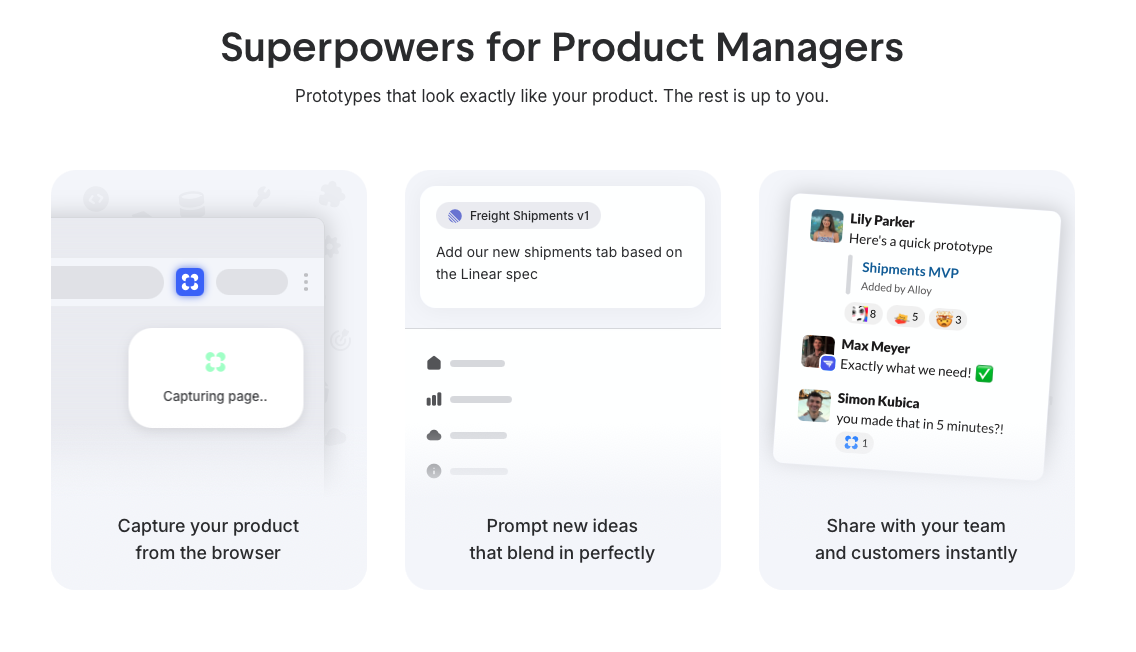
Magic Patterns captures components that must be assembled manually, while Alloy is a Cloud Agent that captures pixel-perfect product screens that match your real application and are ready to modify immediately.
When teams already have a live product, the fastest path to insight is starting from what exists, not rebuilding it. Alloy captures your actual product interface with one click. Fewer steps and a focused interface make it faster to go from idea to stakeholder-ready session, with less room for error along the way.
That difference matters most when speed, accuracy, and clarity outweigh the need for component-level control or code export.
FAQs
How do I start using Alloy as a Cloud Agent with my existing product interface?
Install the Chrome extension, find any page in your web app, and click to capture it. The tool creates a pixel-perfect editable copy in seconds with your design system intact, ready for modifications through chat or visual editing.
What's the main difference between tools that generate new designs versus a Cloud Agent working on existing products?
New design generators start from a blank canvas and require uploading design systems or rebuilding your interface. A Cloud Agent like Alloy captures your live app directly and maintains brand consistency automatically.
When should I use a Cloud Agent instead of a design tool like Figma?
Use a Cloud Agent when you need to validate product ideas quickly with stakeholders or customers before investing in detailed design work. Cloud Agents excel at early-stage testing on real products, while design tools handle the final polish after concepts are proven.
Final Thoughts on Selecting Design Pattern Tools
Choosing between Magic Patterns alternatives comes down to your workflow. If you're building features on an existing app, you need a Cloud Agent that captures what's already there. Alloy does exactly that without requiring design system uploads or manual recreation. You can test ideas with your team in minutes, not days.
