File attachments let you upload documents, code, videos, fonts, images, and other project files as context for an Alloy agent prompt.
Bring the files behind your idea into the session.
Product context rarely lives in screenshots alone. It might be a PDF brief, a spreadsheet of customer data, a video walkthrough, or source code from an existing component. You can now attach those files directly to your prompt.
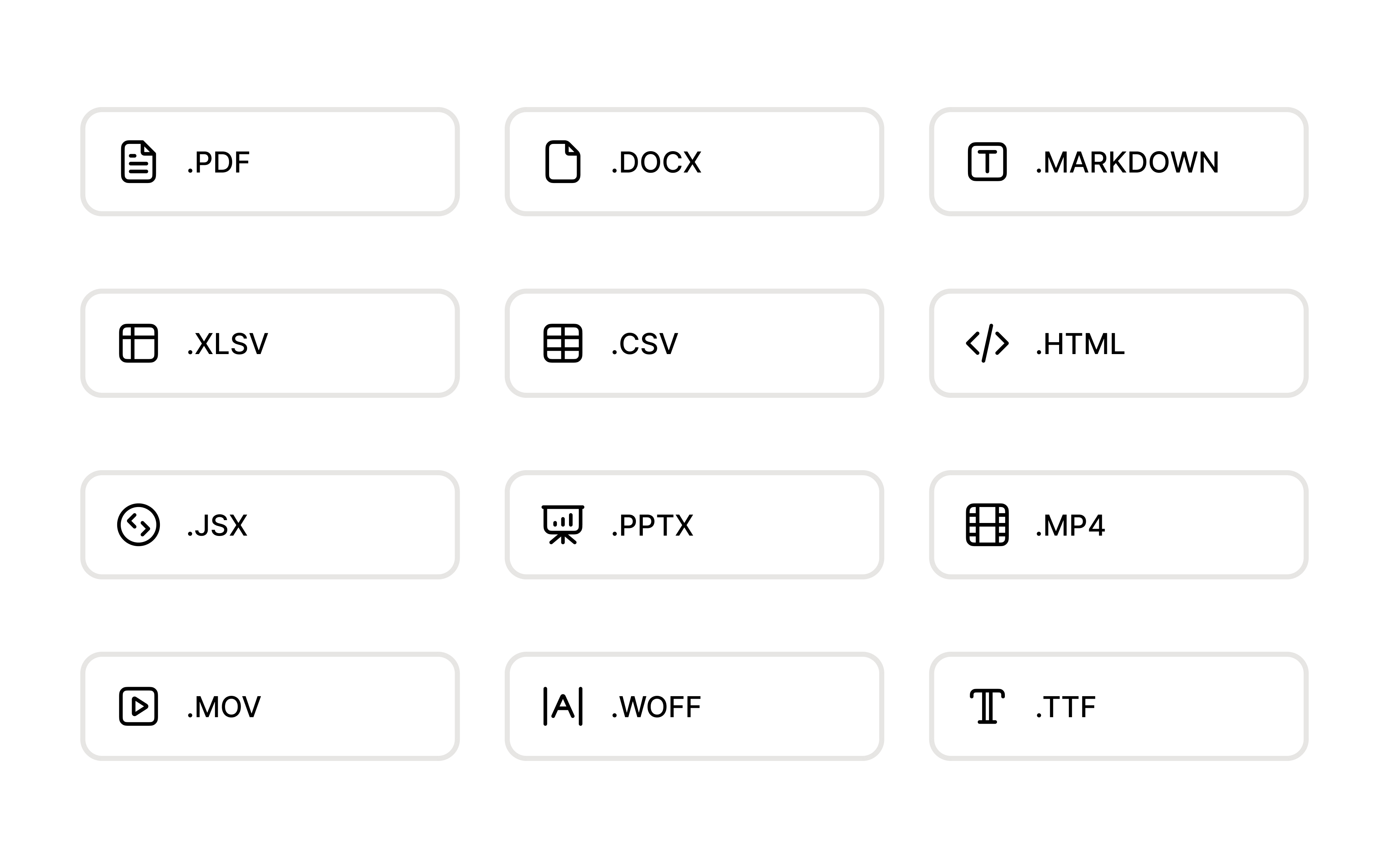
Use the files you already have. Alloy accepts documents, presentations, spreadsheets, structured data, source code, videos, web fonts, and images.
Give the agent the original context. Documents and code are available for the agent to read, while media and fonts can be used as assets in your prototype.
Add several files at once. Choose Attach from the prompt menu, drag files into Alloy, or paste them into the prompt. Review or remove each attachment before you send.
File attachments are available today for all users.
Frequently asked questions
Useful AI prompt attachments include requirement documents, source code, spreadsheets, presentations, PDFs, videos, fonts, and images. Alloy accepts nearly any project file, preserving native file types where possible so the agent can use both reference material and production-ready assets.
Attachments reduce ambiguity by giving the AI original requirements, data, code, and visual assets instead of a text-only description. In Alloy, drag files into the prompt box or use the attachment button, then explain how the agent should use them in the prototype.
Yes, media and font files can be used as assets when the prototyping tool preserves their native format. Alloy makes attached images, videos, and web fonts available to the agent for use in the generated prototype.