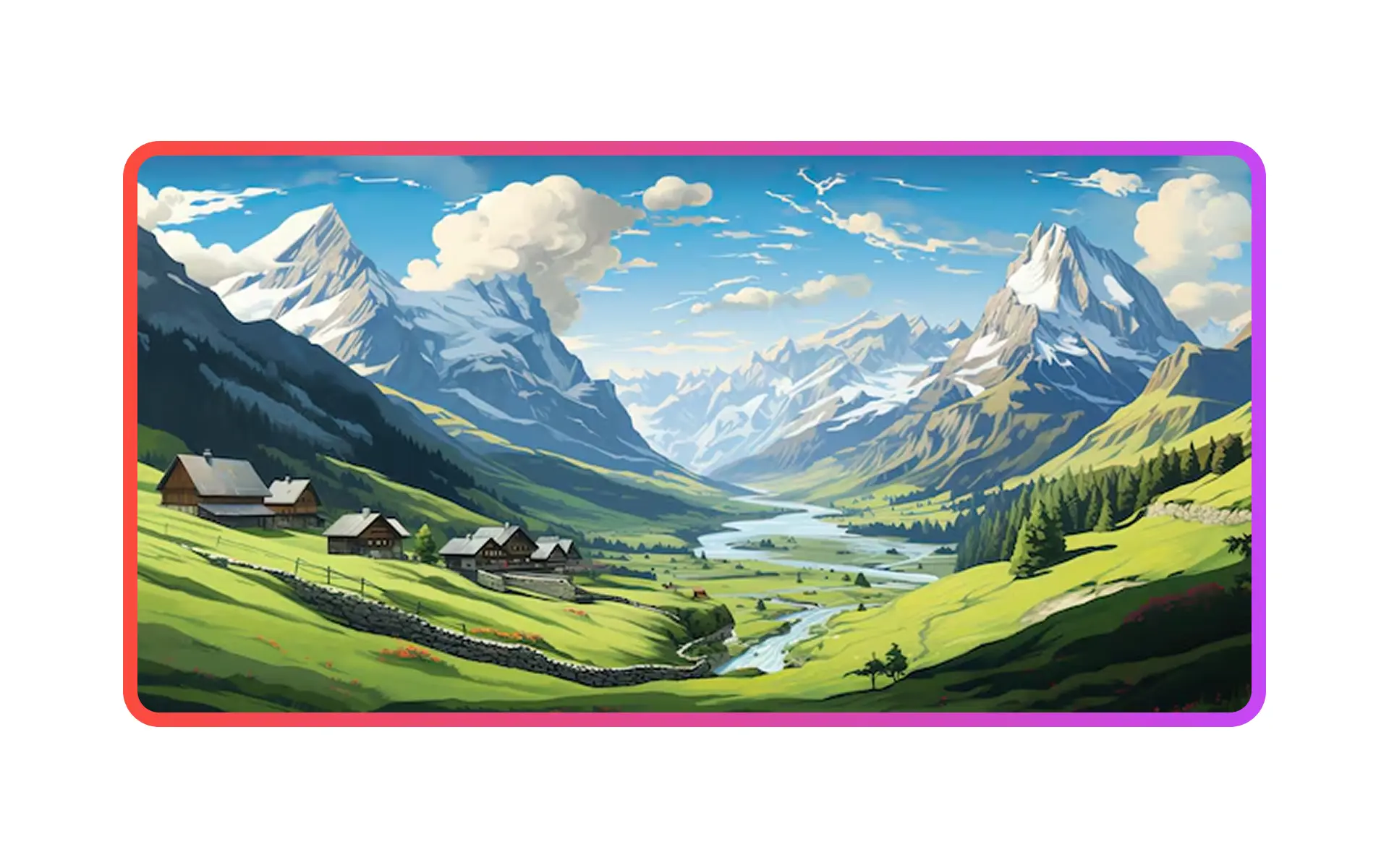
Image generation creates custom visual assets from a text prompt and places them directly inside an Alloy prototype.
Create AI images directly in your prototypes.
Use the chat to describe the image you need, along with where you need it. Alloy will generate it for you and insert it into your prototype.
Additionally, we've also improved our image upload feature to make it more reliable. If you'd like to use an image asset or icon you already have, you can upload it in the chat, ask Alloy to use it, and see it appear in your prototype.
It's now easier than ever to create polished prototypes without hunting for stock photos or waiting on design assets.
Frequently asked questions
Describe the visual, its purpose, and any style constraints in the same prompt used to edit the prototype. Alloy generates the image in context and places it in the design, so you can review the asset as part of the experience immediately.
Yes, contextual image generation can replace generic placeholders with visuals tailored to the product concept. In Alloy, ask for the image in chat and refine the prompt until it supports the layout and tone of the prototype.
No, generating the visual inside the prototyping workflow avoids exporting and re-uploading assets between tools. Alloy creates the requested image in context and places it directly into the prototype.