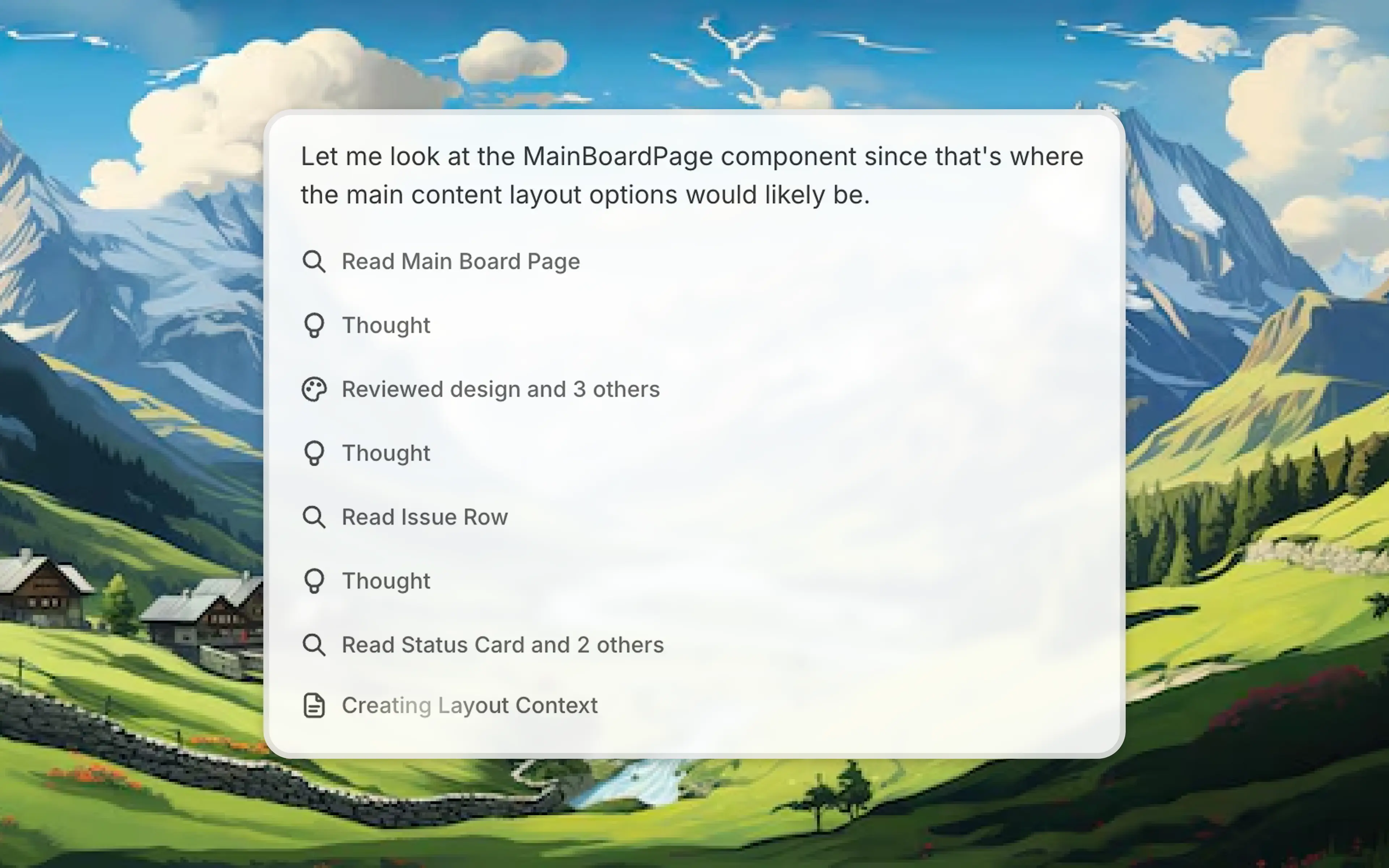
Chat mode lets you discuss requirements and plan a complex feature with Alloy without changing the prototype until you are ready to build.
Plan before you build.
When you're working on a complex feature, you don't want to make changes while you're still thinking through the approach. Chat mode guarantees you'll only get a chat response, never a change to your prototype.
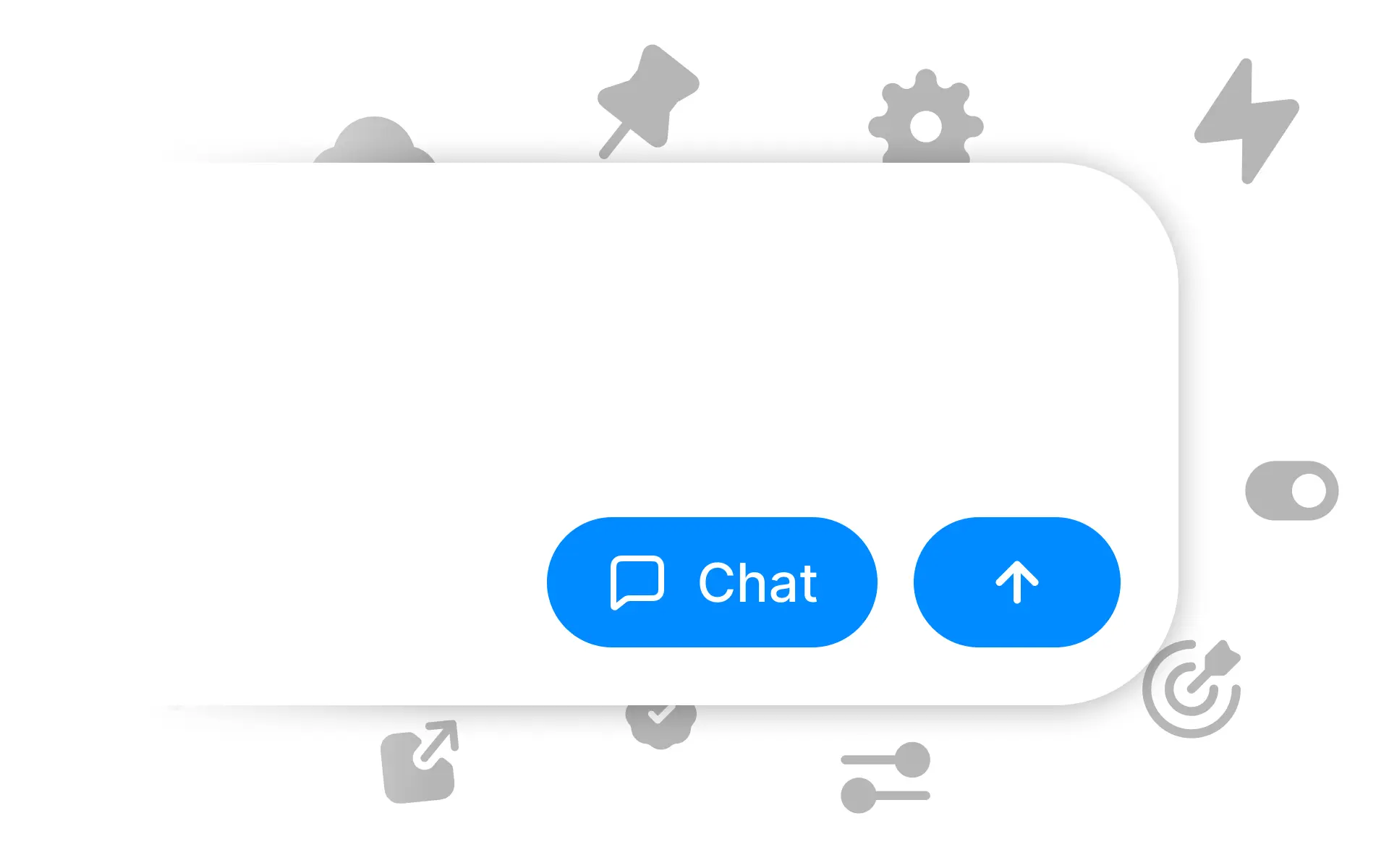
Toggle chat mode on to plan out your implementation, break down complex features into steps, or discuss different approaches. Alloy will respond with ideas and suggestions. When you're ready to execute, toggle it off and start building.
Chat mode is available now for all users.
Frequently asked questions
Use a chat-only planning step to clarify requirements, edge cases, and implementation choices before the agent edits the prototype. Alloy's chat mode guarantees a conversational response, and you can switch back to build mode when the plan is ready to execute.
Yes, a dedicated chat mode should separate discussion from generation so exploratory prompts do not alter the work. In Alloy, select Chat before sending the prompt to keep the prototype unchanged while you reason through the next step.
Switch once the requirements, edge cases, and intended result are clear enough for the agent to make changes. In Alloy, chat mode preserves the prototype during planning, and build mode applies the plan when you are ready.