
Conversational voice mode lets you speak prompts to Alloy while continuing to work in the same prototyping session.
Talk to Alloy with your voice during sessions.
Typing is still the right tool for precise prompts, but some product thinking happens faster out loud.
Conversational voice mode adds a mic to the chat panel so you can describe changes while working on something else in the background, or collaborating with a teammate in the same room.
Build by speaking. Click the mic and explain what you want changed. Alloy sends your instructions into the chat, preserving your wording and scope.
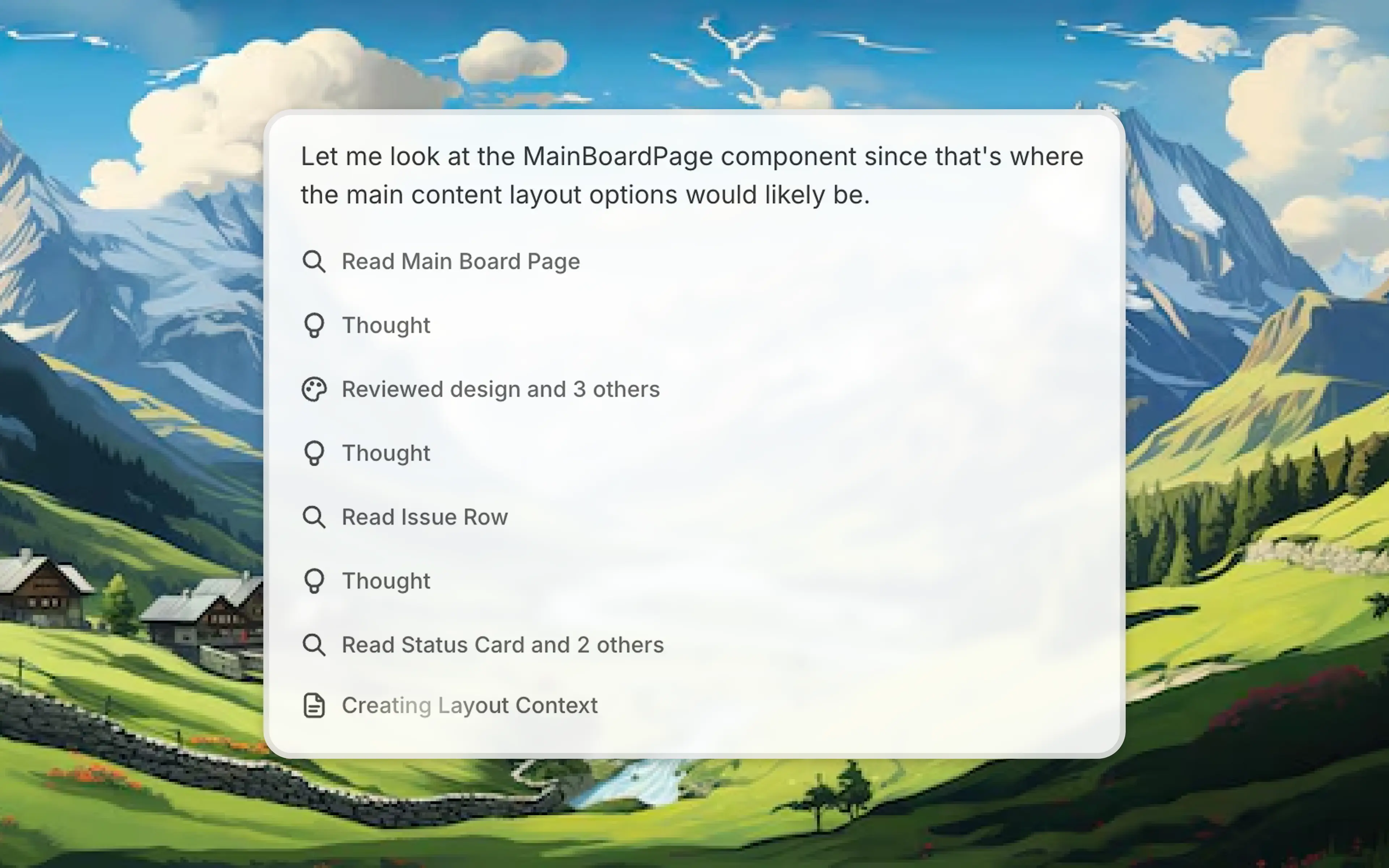
Use the current session as context. The voice agent sees everything you can, so it can respond to the screen you're looking at and make changes with that context in mind.
Conversational voice mode is available now from the prompt box.
Frequently asked questions
Yes, voice input can turn spoken product changes into prompts while preserving the current session context. In Alloy, select the microphone in the chat panel, speak naturally, and continue the conversation without re-explaining the prototype.
A useful voice mode should remain part of the active session rather than starting a separate conversation. Alloy's conversational voice mode uses the same prototype and chat context, so spoken follow-ups build on the work already in progress.
Start voice input from the active conversation so the spoken prompt uses the current work as context. In Alloy, select the microphone in the chat panel and begin speaking to continue the session by voice.