Move between Figma designs and working Alloy prototypes.
Start with a design your team has already made, explore changes in Alloy, and bring the result back to Figma for your next design review.
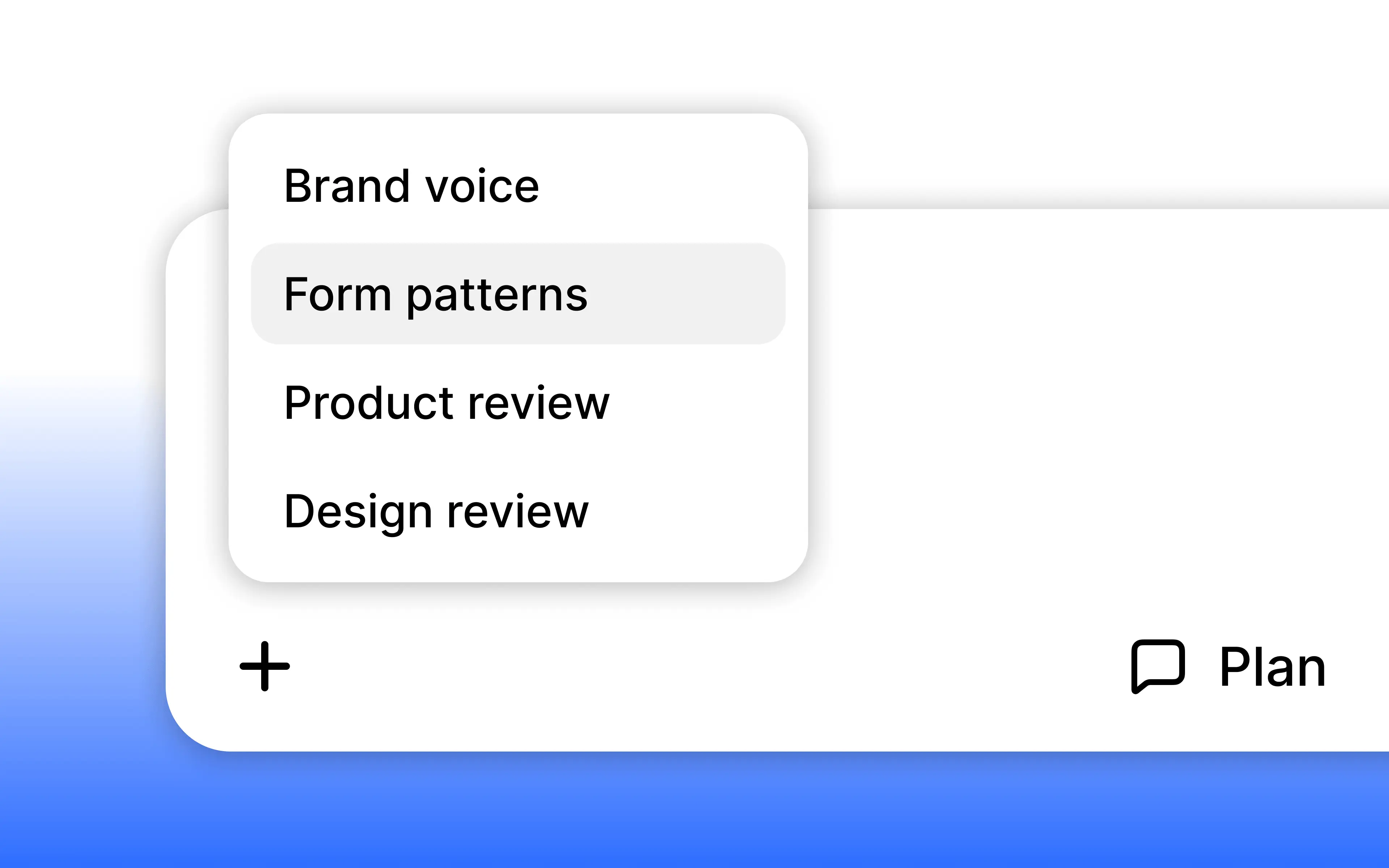
Import from Figma. Open the + menu in the prompt box and choose Import from Figma. Connect your Figma account, then paste a frame or a Figma Design link. Alloy turns the design into a prototype you can refine with chat and share for feedback.
Export to Figma. Open your prototype's export menu, choose Figma, and click Copy. Paste into a Figma Design file to bring the current screen back to your design team. No export plugin is needed.
Import supports Figma Design files and frames; Figma Make files aren't supported yet.
Figma import is available now for Alloy Pro workspaces with a connected Figma account, and export is available to all workspaces.