
Most AI prototyping tools are great at generating something new and bad at respecting what you already have. That single difference — start from scratch versus start from your real product — decides which tool is right for you more than any feature list. We compared six leading tools and ranked each one for the job it actually does best, including where each one falls short.
TLDR:
- AI prototyping tools turn text prompts into interactive mockups or working apps in minutes.
- Alloy is the best choice for prototyping on top of an existing product or cloning a live website.
- Figma Make is the best choice for designers already working in Figma.
- V0 is the best choice for developers generating React/Next.js components.
- Bolt and Lovable are the best choices for building a brand-new app from zero.
- Claude Design is the best choice for quick concept exploration from a prompt.
What Are AI Prototyping Tools?
AI prototyping tools turn product ideas into interactive concepts without requiring a full design or engineering team to get started. Instead of manually placing every element, you describe what you want and the AI builds it.
That shift matters in 2026. Product teams are expected to validate ideas faster, get feedback earlier, and reduce wasted engineering cycles. A Spring 2026 survey of 1,478 designers found that AI is reshaping how teams approach prototyping and early-stage validation, and over 58% of product managers now use AI or no-code prototyping tools in their workflow.
How We Ranked These Tools
First, a disclosure: Alloy is our product. Rather than crown it "best overall" — which would tell you nothing — we ranked every tool, ours included, by the specific job it wins at, and we say plainly when a competitor is the better choice.
The criteria we used:
- Starting point. Does the tool work with your existing product, or does every prototype start from a blank canvas?
- Fidelity. How closely does output match your design system, brand, and real UI?
- Path to production. Can validated work move into your codebase, or does it stay a throwaway artifact?
- Accessibility. Can a non-technical PM or founder get a useful result without help?
- Collaboration. How well do sharing, comments, and stakeholder review work?
1. Alloy: Best for Prototyping on an Existing Product (and Cloning Any Website)
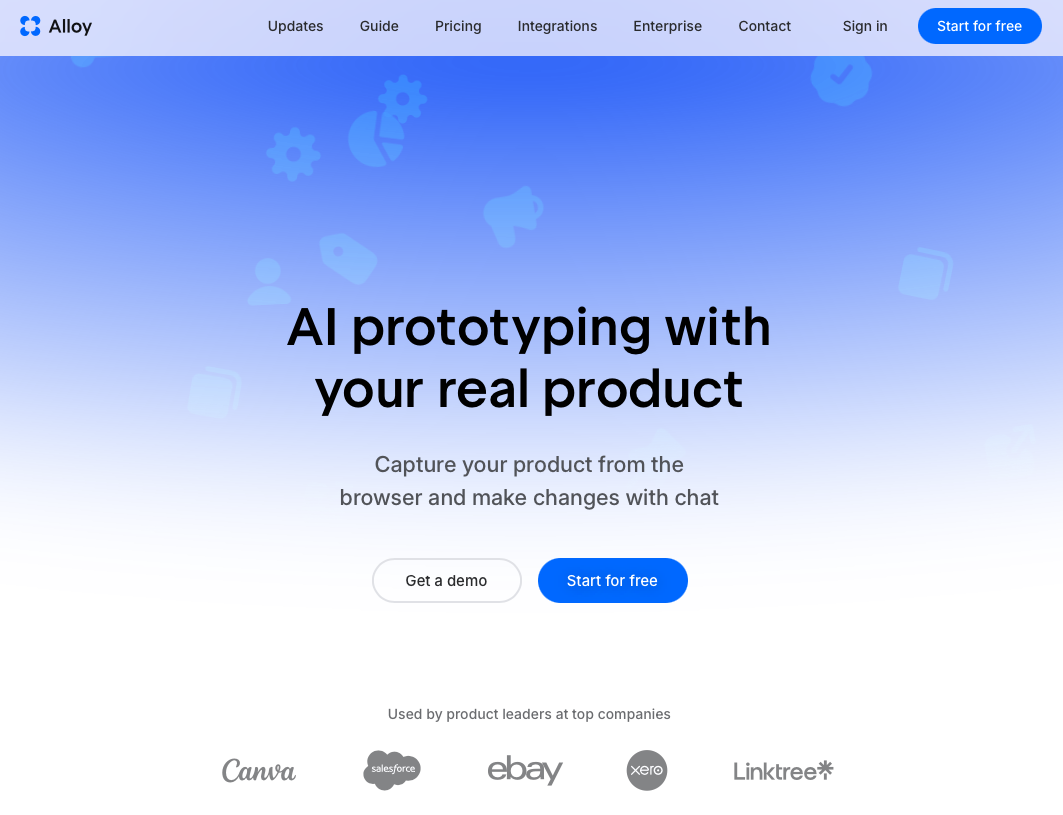
Alloy is an AI prototyping tool built for teams that already have a live product. Its Chrome extension captures any page of your web app — including pages behind a login or VPN — into a pixel-perfect, editable replica that keeps your real CSS, design tokens, and components. From there, you prototype changes with AI chat, share an interactive link, and, when a direction is validated, Alloy's Cloud Agent connects to your codebase and opens a pull request.
Strengths
- Captures single pages or multi-step flows from your live product, so prototypes start from your actual UI instead of an approximation
- Works on any website, which also makes it the fastest way to clone or redesign an existing site
- Codebase and GitHub integration through the Cloud Agent takes changes from prototype to pull request
- No design or coding skills needed; shareable links with commenting for stakeholder review
- Free tier available; Pro is $20 per seat/month (pricing)
Limitations
- Not the right tool for building a brand-new full-stack app from zero — Bolt or Lovable will get you further, faster
- Captures web UIs; it doesn't capture native mobile app screens
Verdict: if your job is prototyping changes to a product that already exists — or cloning a live website to redesign it — Alloy is the best tool on this list. If you're starting a new app from a blank page, pick Bolt or Lovable instead.
2. Figma Make: Best for Designers Already Working in Figma
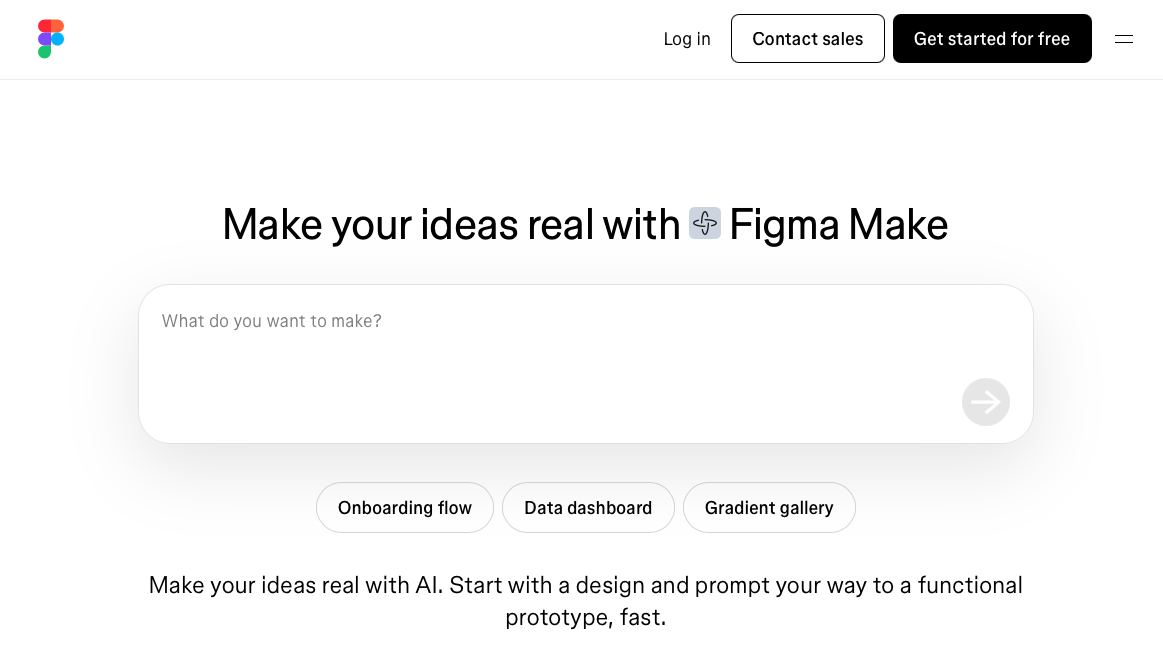
Figma Make is Figma's AI feature for turning static designs into interactive prototypes with natural-language prompts. Paste in existing frames, describe the interactivity you want, and Make brings them to life without leaving the design environment you already know.
Strengths
- Prompt-to-prototype generation that starts from your existing Figma frames and libraries
- Native multiplayer collaboration — designers, PMs, and stakeholders review in the same place
- No new tool to learn for designers already comfortable working in Figma
Limitations
- Prototypes stay inside Figma: no real APIs, live data, or connection to your production codebase
- Full AI features are reserved for higher seat tiers
- Figma's design-tool learning curve makes the workflow less accessible to PMs and other non-designers
Verdict: the natural choice for designers already working in Figma who want to turn their existing frames into richer stakeholder previews. Choose Alloy when the broader product team needs an accessible way to prototype together, or when the prototype should start from your live product rather than a design file. Choose V0 or Bolt when you need real code for a new build.
3. V0: Best for React and Next.js Component Generation
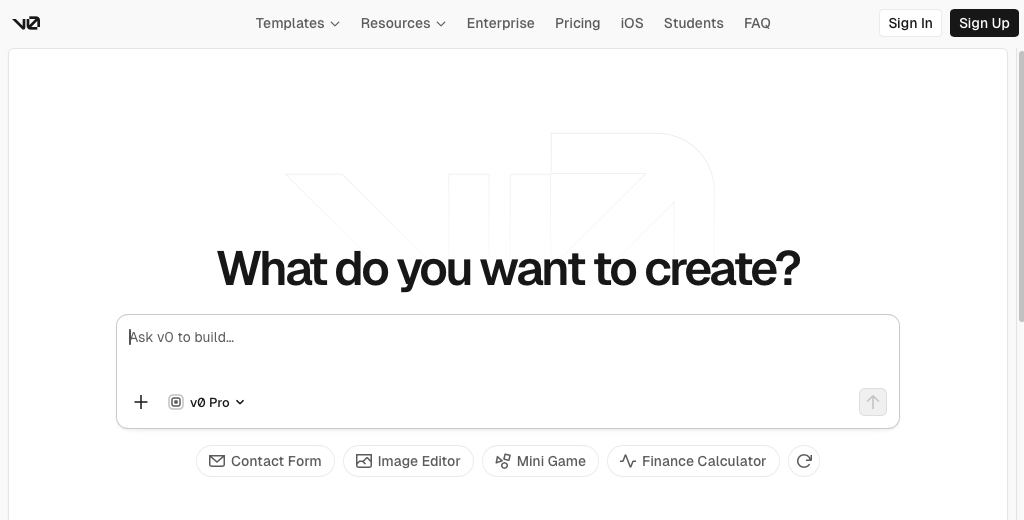
V0 is Vercel's AI code generator. It turns prompts into React and Next.js components styled with Tailwind and shadcn/ui, and it has real traction with developers — an estimated $42M ARR and 6M+ developers using it.
Strengths
- Consistently polished React/Next.js/shadcn output from short prompts
- Git workflows with branch creation and PRs directly from chat
- Sandbox runtime for full-stack previews and one-click Vercel deployment
Limitations
- Weak outside the frontend: no meaningful backend logic, auth, or database support
- Output is tightly coupled to the Vercel/Next.js stack, which is real lock-in for teams on anything else
- Generates components in isolation — it doesn't know your existing product or design system
Verdict: the best pick for frontend developers scaffolding UI in a React codebase. Non-technical PMs will find Alloy or Lovable more approachable, and teams prototyping against an existing product will hit V0's blank-canvas limitation quickly.
4. Bolt: Best for Building a New Full-Stack App in the Browser
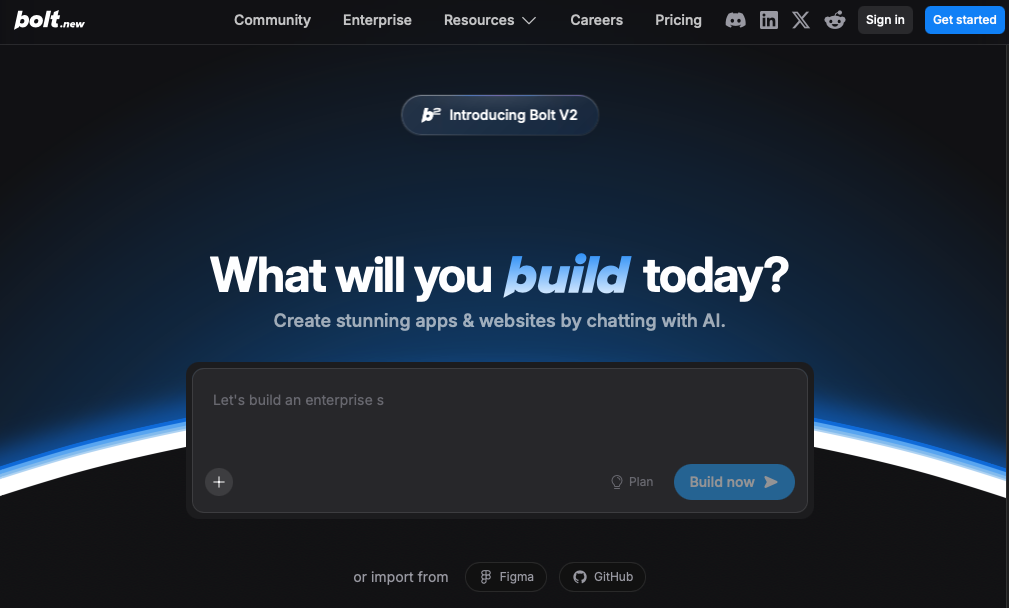
Bolt is a browser-based AI app builder that generates full-stack web applications from prompts, with no local setup or terminal required. It runs on StackBlitz WebContainers, which gives the AI control over a real filesystem, node server, and package manager.
Strengths
- Genuine full-stack generation in the browser, with support for npm packages and frameworks like Vite and Next.js
- One-click deploy to Netlify with custom domains and SSL
- Supabase integration for auth and database out of the box
Limitations
- Context retention degrades once projects exceed roughly 15–20 components, and token consumption spikes during debugging cycles
- Built for starting from zero — prototyping changes to an existing product is outside its wheelhouse
Verdict: the fastest way for a founder or small team to scaffold a working MVP in an afternoon. For ongoing iteration on a product that already exists, Alloy or a conventional development workflow will serve you better.
5. Lovable: Best for Non-Technical Founders Launching a New Product
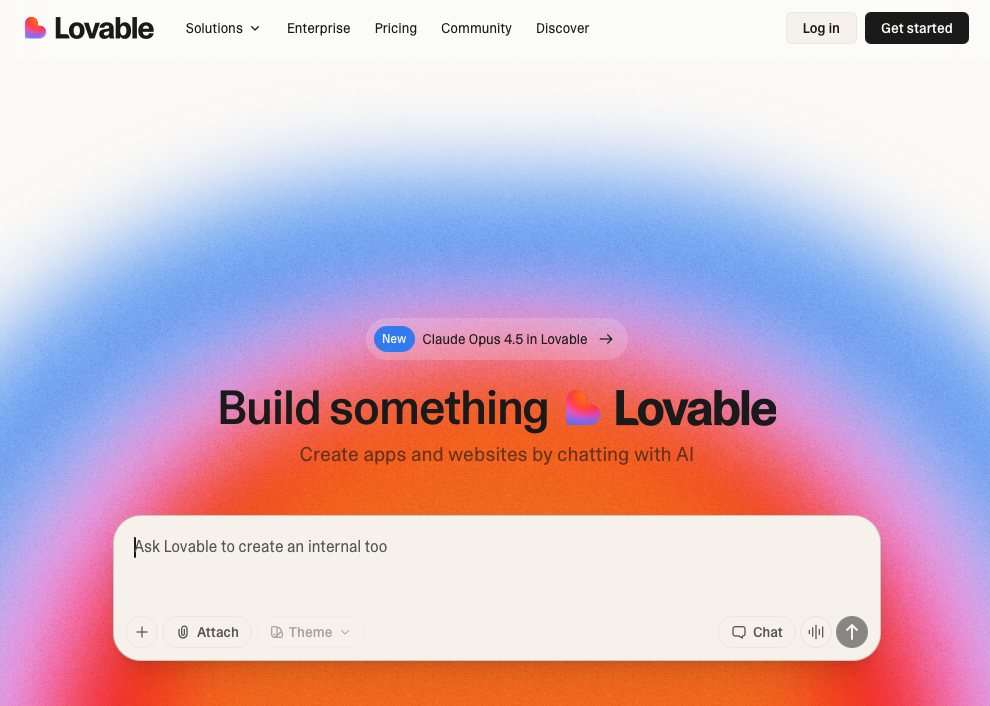
Lovable is a full-stack AI app builder that generates complete web applications from natural-language descriptions, producing real, editable source code instead of visual mockups.
Strengths
- Complete apps — auth, database, and hosting included — with zero configuration
- Built-in Stripe integration for taking payments quickly
- GitHub export in standard React and TypeScript, so you're not locked into the platform
Limitations
- Purpose-built for new applications; it can't work against a product or codebase you already have
- Projects beyond the basics reward at least some comfort reading code
Verdict: the best choice for a non-technical founder taking a brand-new product from idea to launch. Established product teams validating changes to an existing app should look at Alloy or Figma Make first.
6. Claude Design: Best for Fast Concept Exploration from a Prompt
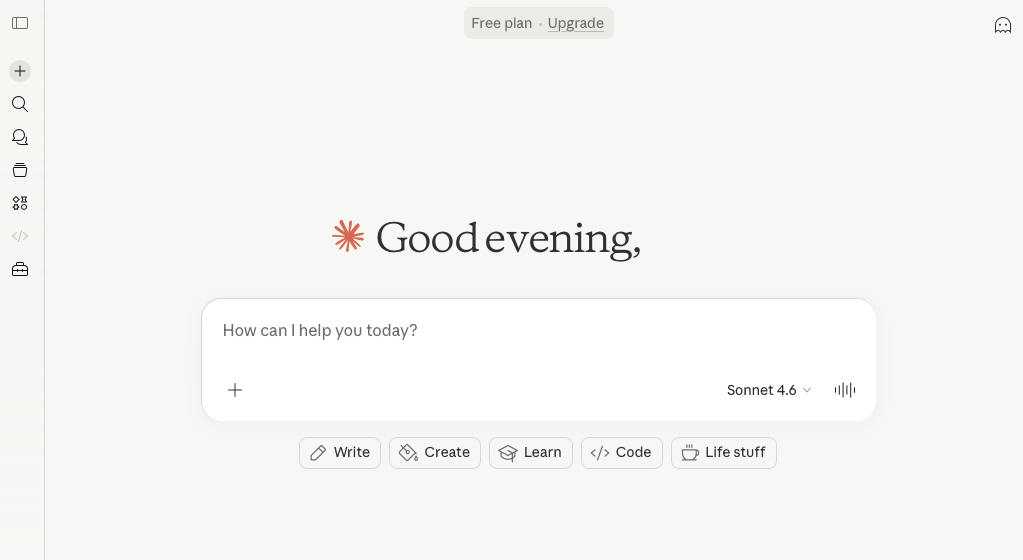
Claude Design is Anthropic's visual creation tool for building prototypes, presentations, and marketing collateral through text prompts. Describe what you need, Claude builds a first version, and you refine through conversation, inline edits, or sliders.
Strengths
- Very fast idea-to-first-draft loop for prototypes, decks, and collateral in one tool
- Can read codebases and design files to apply your team's styles
- Web capture pulls elements from existing sites; code export for developer handoff
Limitations
- Concept-stage output: no production pipeline, so validated work has to be rebuilt elsewhere
- Design-system awareness is shallower than tools that work from your live UI or component library
Verdict: the best scratchpad on this list — ideal for exploring directions before committing. When a concept needs to become a change to your real product, move it into Alloy or hand the exported code to engineering.
Comparison Table
| Capability | Alloy | Figma Make | V0 | Bolt | Lovable | Claude Design |
|---|---|---|---|---|---|---|
| Primary job | Prototype on an existing product | Make Figma designs interactive | Generate React components | Build new full-stack apps | Build new full-stack apps | Explore concepts fast |
| Works with your live product | Yes | Via Figma files | No | No | No | Partially (web capture) |
| Clones existing web pages | Yes | No | No | No | No | Elements only |
| Design system fidelity | High (real CSS/tokens) | High (Figma libraries) | shadcn/Tailwind defaults | Generic | Generic | Moderate |
| Production code path | PRs via Cloud Agent | No | Yes (frontend) | Yes | Yes | Export only |
| Non-technical friendly | Yes | Yes | No | Partly | Partly | Yes |
| Best-fit user | Product teams with a live app | Design teams on Figma | Frontend developers | Founders starting fresh | Non-technical founders | Anyone ideating |
Which Tool Should You Pick?
- Product managers at a company with a live product: Alloy — prototypes start from your real UI, and no design or code skills are required. Claude Design is a good companion for early ideation.
- UX designers: Figma Make if your source of truth is Figma; Alloy when you'd rather start from the shipped product than from frames.
- Developers: V0 for React component scaffolding, Bolt for full-stack spikes, Alloy when the work targets an existing repository and should end in a pull request.
- Founders and startups pre-product: Lovable or Bolt — you need a working app, not a mockup. Once you have real users and a real codebase, that's when existing-product tools earn their keep.
- Anyone who needs to clone or redesign a live website: Alloy — page capture produces an editable, pixel-perfect replica in seconds.
FAQs
How do I choose the best AI prototyping tool for my team?
Start by asking whether you need to prototype changes to an existing product or build something new from scratch. If you're working with a live product, look for tools that connect to your design system and codebase, like Alloy. If you're building a new app, full-stack generators like Bolt or Lovable make more sense, and V0 is the strongest pick for React component work.
Which AI prototyping tool works best for non-technical product managers?
Alloy, Claude Design, and Lovable all let you describe what you want in plain English and generate working prototypes without writing code. The difference is starting point: Alloy captures your actual product pages so prototypes match your real UI, while Claude Design and Lovable generate new designs from scratch.
Can I prototype changes to my existing product with these tools?
Of the six tools compared here, only Alloy connects directly to an existing product, through browser-based page capture or codebase integration. Figma Make works from your existing Figma files. Bolt, V0, Lovable, and Claude Design are built primarily for creating new designs or apps from scratch.
Can I clone or redesign an existing website with an AI prototyping tool?
Alloy is built for this: its free AI website cloner clones any site from a URL, and its Chrome extension captures pages behind a login — either way you get a pixel-perfect, editable replica with your real CSS and design tokens, which you can then redesign with AI chat. Other tools approximate an existing site from a screenshot or URL prompt, which usually requires manual cleanup to match the original.
What's the difference between AI prototyping tools and traditional design tools like Figma?
Traditional design tools require manual work to place every element and build interactions. AI prototyping tools generate screens and flows from text prompts. The tradeoff: AI tools are faster to start but may need refinement, while traditional tools give you pixel-perfect control from the beginning.
When should I use a tool that generates production code versus one that creates mockups?
Use code-generating tools like V0, Bolt, or Lovable if you're ready to hand off to engineering or deploy quickly. Use mockup-focused tools like Figma Make or Claude Design if you're still validating concepts with stakeholders. Alloy sits in between: prototypes are disposable sandboxes until you choose to open a pull request via its Cloud Agent.
Do I need design or coding skills to use AI prototyping tools?
Most tools on this list generate a working first version from a plain-English description, but their learning curves differ. Figma Make is easiest for designers already comfortable in Figma, while Alloy is accessible to product managers, designers, engineers, and other stakeholders without requiring design-tool expertise. Coding knowledge becomes useful with Lovable and Bolt as projects grow, and V0 is aimed squarely at developers.
Which AI prototyping tool is best for developers?
V0 is the strongest choice for React and Next.js component scaffolding, and Bolt is better when you want a full-stack app running in the browser. If the job is making changes to an existing codebase rather than starting fresh, Alloy's Cloud Agent connects to your repository and turns prototypes into pull requests.
Bottom Line
There is no single best AI prototyping tool — there's a best tool for each starting point. If you're creating something new, Bolt and Lovable will take you from zero to a working app, V0 will scaffold your React frontend, and Figma Make and Claude Design will get concepts in front of stakeholders quickly. If you already have a product, Alloy is the only tool on this list that starts from your real UI and design system and ends in a pull request — which is exactly why we built it. Match the tool to the job, and you'll spend your time testing ideas instead of rebuilding what you already have.
