
Looking at Alloy vs. Magic Patterns, the real split happens when your team already has a design system in place. Magic Patterns can generate UI components quickly, but they come out looking generic, not like your actual product. You'll need to manually restyle everything before stakeholders see something that feels real. If you're prototyping within a mature product, that extra layer of work adds up fast, and the tool that skips it entirely changes how your team moves.
TLDR:
- Magic Patterns generates generic UI components from prompts, but requires manual work to match your design system.
- One tool produces pixel-perfect prototypes by connecting directly to your codebase or capturing live pages.
- Real-time agent visibility lets you watch changes happen and course-correct instantly during builds.
- Design system tokens, spacing, and components are applied automatically with no manual configuration required.
- One cloud agent is built for product teams that need stakeholder-ready prototypes in minutes, not mockups.
What Is Magic Patterns?
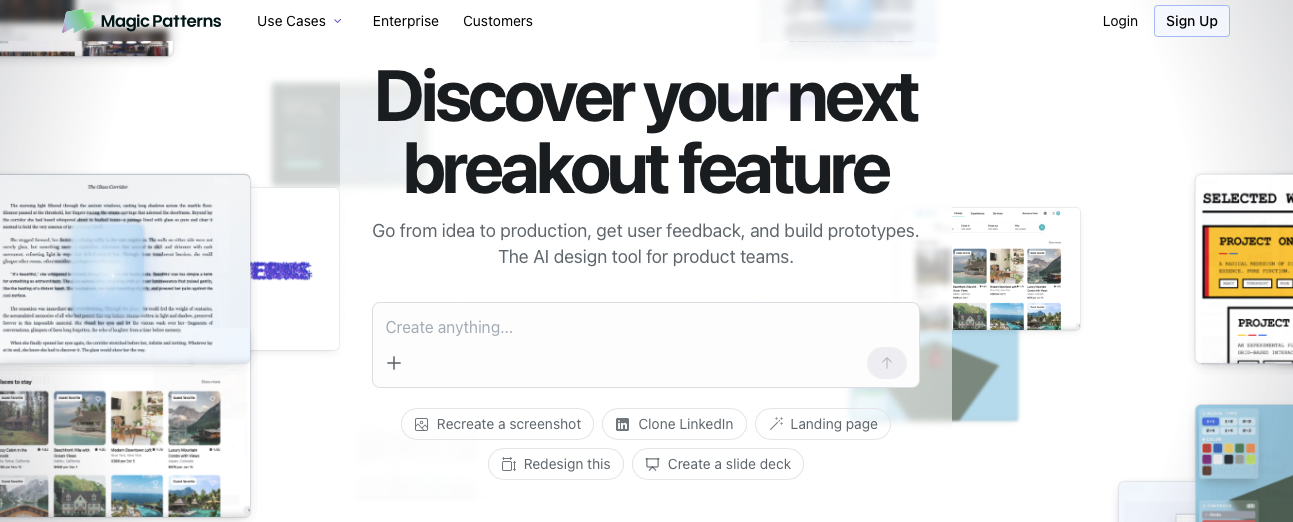
Magic Patterns is an AI design tool that generates UI components from text prompts. You describe what you want, and it produces React components, layouts, and interface elements ready for further editing. The idea is to speed up the early stages of design by skipping the blank-canvas problem.
The tool is aimed at product teams, designers, and early-stage startups who need to move quickly from concept to something visual. For teams that want to rough out screens without writing code from scratch, it lowers that initial barrier.
Where Magic Patterns draws a line is at component generation itself. It produces individual UI pieces that still need to be assembled, connected, and styled into a coherent product experience. The output reflects generic design conventions, not your actual product's visual identity or component structure.
It is a solid starting point for testing out ideas, but the gap between a generated component and something that looks like your real product is one you will need to close yourself. For teams doing early-stage concepting with no existing design system, that tradeoff is workable. For teams prototyping within a mature product, the limitations become harder to ignore.
What Is Alloy?
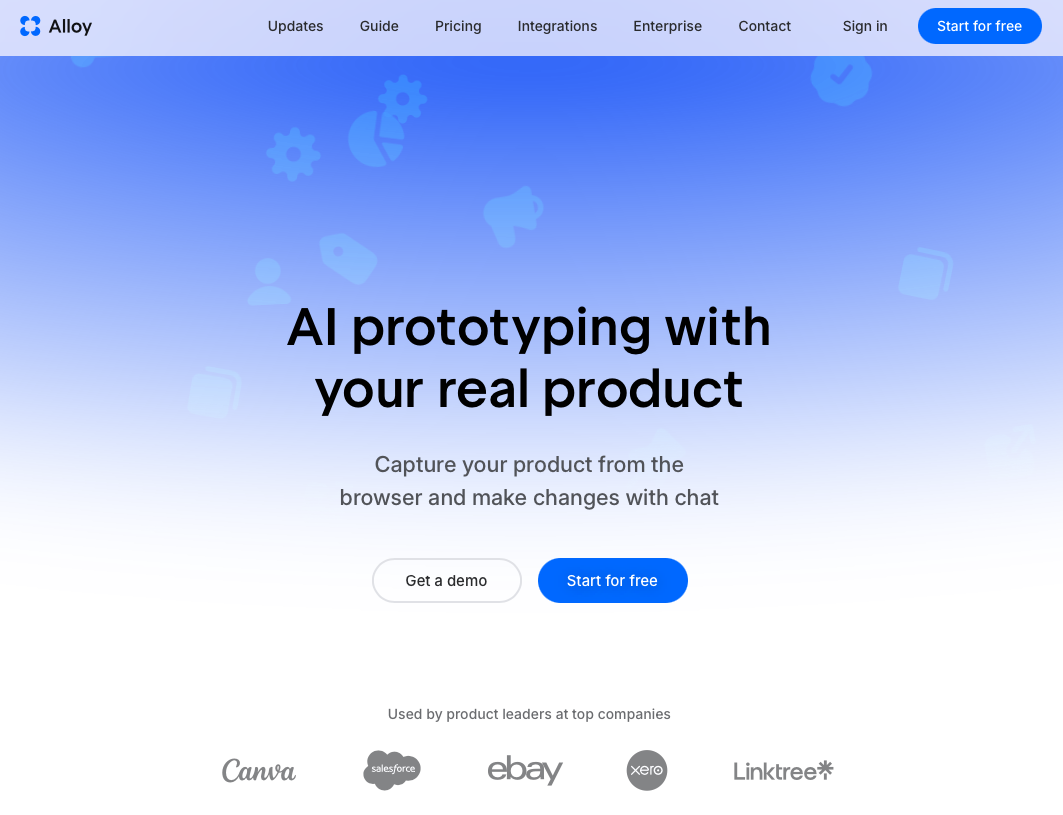
Alloy is a cloud agent built for product teams who want to work directly on their actual product, not a generic imitation of it. Instead of spinning up local dev environments or designing in a separate tool disconnected from your codebase, you work inside a browser-based session that already knows your product.
There are two ways to get started:
- Connect your codebase and Alloy learns your full UI, components, design tokens, and backend architecture, so every prototype you generate reflects your real product out of the box.
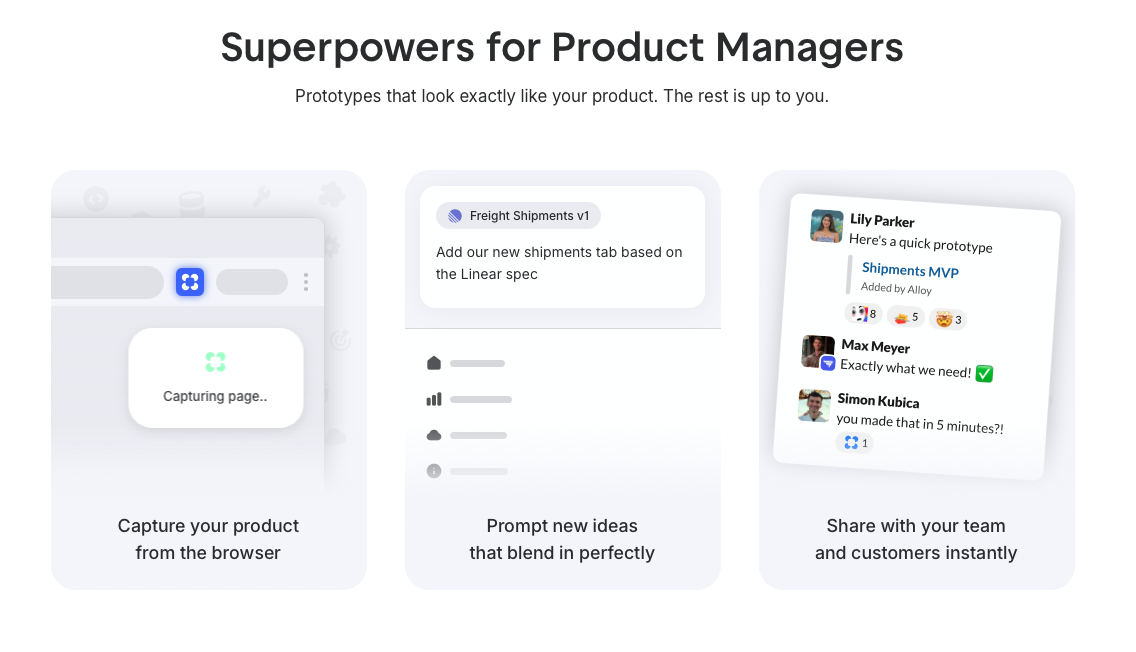
- Use the browser extension to capture any live page and get a pixel-perfect replica in seconds, no repository access required.
From there, you describe changes in plain English and watch them happen in real time. Every session runs in an isolated sandbox, safe from production, and shareable via link the moment you start.
Why That Matters for Stakeholder Reviews
Stakeholders can interact with a live prototype that looks and behaves exactly like your real product, not a rough wireframe full of placeholder components. That fidelity closes the gap between what teams build in review sessions and what actually ships, which means faster alignment and fewer revision cycles.
Working with Your Existing Product
Magic Patterns generates UI components from text prompts, but it works primarily with generic design primitives instead of your actual product components. That means the output looks like a plausible interface, not your actual product. Teams still need to manually restyle components, swap in real tokens, and align generated layouts with their design system before anything is usable.
For teams with a mature component library or existing brand system, this adds friction at exactly the wrong moment. The prototype you share with stakeholders has to look like a real product to get real feedback, and generic outputs can undermine that goal.
Where This Gets Costly
- Generated components use default styling that rarely matches production components, requiring manual cleanup before sharing prototypes.
- Brand tokens, spacing systems, and typography are not automatically applied, so designers have to re-enter work they have already done.
- Stakeholder reviews become less productive when the prototype does not reflect what the actual product looks and feels like.
For teams that have invested heavily in their design system, Magic Patterns works best as a low-fidelity ideation tool instead of a prototyping solution meant to represent real product experiences.
AI-Powered Design and Iteration
Magic Patterns does offer GitHub sync and support for custom component libraries, which helps reduce some of the styling gap. You can import your components and iterate on generated output through an inline code editor. The catch is that AI-generated code often needs manual cleanup before it reflects your actual standards, and reviewer feedback consistently points to polish and refinement as required steps, not optional ones.
Alloy takes a different approach to iteration. When you prompt the agent, you can watch it work in real time: its current actions and what it's reading through your request. There's no black-box moment where you submit and wait. If the direction is off, you catch it early.
Design System Awareness Out of the Box
The design system handling is automatic. Because Alloy already knows your tokens, spacing, and components from your codebase or page capture, every generated change respects your existing styles without manual configuration. Recent performance improvements also mean build and design operations run 2x faster than before, which compounds quickly across an active iteration session.
- Alloy reads your live codebase or captured pages to apply your actual tokens and spacing rules automatically, so generated output stays on-brand from the first iteration.
- The real-time agent view lets you spot misalignments as they happen, cutting the back-and-forth that typically follows a generated result.
- Magic Patterns requires inline code editing and manual refinement to close the gap between generated output and production standards.
Collaboration and Workflow Integration
Alloy and Magic Patterns both support team workflows, but they approach collaboration from different angles.

Magic Patterns offers a multiplayer canvas, Figma integration, and code export in React, Tailwind, and Vue. Teams can upload component libraries and share generated screens before handoff. For early-stage concepting, that flow holds up well.
Alloy covers the full cycle. Sessions share instantly via link, stakeholders can comment directly on specific UI elements, and prototypes embed cleanly in external presentations without Alloy's interface visible. The result is a tighter feedback loop between design and decision-making, with fewer handoff gaps along the way.
Where the two tools really part ways is in how collaboration connects to fidelity. Sharing a Magic Patterns screen means sharing a generated mockup. Sharing an Alloy prototype means sharing something that looks and behaves like the actual product, built from your real design system. For stakeholder reviews, that distinction matters. Feedback on a pixel-accurate prototype tends to be more actionable than feedback on a rough concept, which means fewer revision cycles and faster sign-off.
Why Alloy Is the Better Choice
Magic Patterns earns its place for teams starting with a blank slate. If you're a code-first team roughing out new ideas with no existing design system to worry about, going from prompt to component quickly is genuinely useful.
But for teams iterating on a product that already exists, the calculus flips.
| | Magic Patterns | Alloy | | --- | --- | --- | | Works with existing product | No | Yes | | Design system aware | Manual setup | Automatic | | Prototype fidelity | Generic components | Pixel-accurate | | Best for | Blank-slate concepting | Product iteration |
Every extra step spent restyling components, re-entering tokens, or closing the gap between generated output and what your product actually looks like is time pulled away from the work that matters. Alloy skips that entirely by capturing your live product automatically, so prototypes come out looking exactly like what your team ships.
For product teams who need stakeholders, engineers, and designers aligned around something real, that fidelity is what makes feedback actionable. A prototype that looks like a rough sketch invites vague reactions. One that looks like your actual product gets precise, useful input.
- Alloy reads your existing design system automatically, with no manual token entry required.
- Prototypes reflect your actual product visually, not a generic approximation.
- Teams spend less time rebuilding context and more time testing real ideas with real stakeholders.
If your team is building on top of something that already exists, Alloy is the tool built for that reality.
FAQs
How do I decide between Alloy and Magic Patterns for my product team?
If you're iterating on an existing product with an existing design system, Alloy is built for that workflow. It captures your live product automatically and generates prototypes that match your actual UI. Magic Patterns works better for early-stage teams starting from scratch who need quick, generic components to test out ideas before any design system exists.
What's the main difference between how each tool handles design systems?
Magic Patterns generates components using generic design primitives that require manual restyling to match your brand, while Alloy automatically reads your design system from your codebase or page capture and applies your tokens, spacing, and components from the first iteration. Alloy prototypes come out looking pixel-accurate to your real product without configuration.
Who is Magic Patterns best for versus who should use Alloy?
Magic Patterns serves code-first teams doing blank-slate concepting with no existing design system to maintain. Alloy is built for product teams, designers, and PMs who work on existing products and need stakeholders to review prototypes that look and behave exactly like what they'll ship.
Can I start using Alloy without connecting my codebase or getting engineering involved?
Yes. You can use Alloy's browser extension to capture any live page from your product in seconds and get a pixel-perfect replica ready to prototype from. This works even for pages behind authentication or VPN, and requires no repository access or GitHub permissions.
What should I expect during migration if my team switches from Magic Patterns to Alloy?
Alloy requires either a one-time codebase connection or page captures through the browser extension. Both take minutes to set up. Once connected, your team can immediately start prototyping with your real design system applied, eliminating the manual restyling work that Magic Patterns requires after generation.
Final Thoughts on Alloy vs. Magic Patterns
The Alloy vs. Magic Patterns decision comes down to one question: are you starting from scratch, or iterating on a product that already exists? Magic Patterns speeds up blank-slate ideation, but if your team maintains a real product with a real design system, Alloy closes the gap between prototype and reality. You skip the manual cleanup and go straight to testing ideas that look like what you'll ship. Connect your codebase or capture a page and start building something your stakeholders will recognize.
