
The Alloy vs. Claude Design comparison really depends on whether you're building for presentation or production. Claude Design works well when you need standalone visuals like slides or marketing collateral created fast. Where it falls short is when your team needs prototypes that match your actual product. Claude interprets your design system and builds from there, which sounds fine until you're in a review and stakeholders start asking why the spacing, colors, or components don't look right. Alloy connects to your real codebase from the start, so your prototypes don't just look like your product; they're built from it. We'll break down when each tool makes sense and why product velocity often comes down to starting with the real thing.
TLDR:
- Alloy connects to your actual codebase and captures real product pages for pixel-perfect prototypes.
- Claude Design generates visuals from prompts but has more limited design system support.
- Alloy sessions push directly to GitHub as Pull Requests, skipping manual handoff steps entirely.
- Product teams shipping frequently get faster validation cycles with a real-code approach.
- Alloy is built for product teams building shareable prototypes from existing products.
What Is Claude Design?
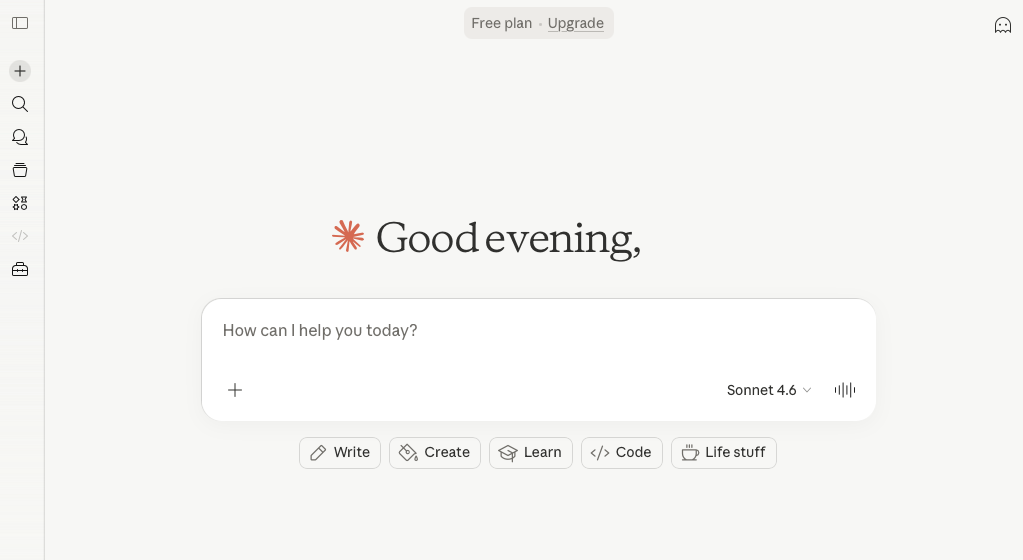
Claude Design is a product from Anthropic that brings AI collaboration to visual work. Powered by Claude Opus 4.7, it lets you work alongside Claude to produce designs, prototypes, slides, and one-pagers through natural conversation.
Currently in research preview, it's available to Claude Pro, Max, Team, and Enterprise subscribers. Anthropic's stated goal is to help people who have ideas but no design background (founders, product managers, and similar roles) express those ideas more clearly without needing to hire a designer or open Figma.
Who Claude Design Is Built For
The tool targets a specific kind of user: someone who needs to communicate a concept visually but lacks the design skills or resources to do so independently. Think early-stage founders pitching ideas, or product managers who need a rough visual to align stakeholders.
It's an interesting concept. The question is whether the output matches what product teams actually need.
What Is Alloy?
Alloy is a Cloud Agent built for product teams. Where Claude Design generates standalone visuals, Alloy connects to your actual codebase or captures pages directly from your live product, then lets you make real changes through natural language that stays true to your design system, components, and architecture. OpenAI does not currently offer a dedicated design product that directly mirrors Claude Design. Instead, Alloy supports a ChatGPT design workflow, letting teams bring their existing ChatGPT subscription into the same live-product workspace.
The starting point matters more than it sounds. Every Alloy session is sandboxed, browser-based, and instantly shareable via a link. Prompt something like "rework this onboarding flow" or "add a dark mode toggle" and watch the agent work in real time. No local setup, no Figma, no waiting on engineering.
Alloy was built for product managers, designers, founders, and growth teams who move fast. The output looks and behaves like your real product because it starts from your real product.
Starting Point and Product Fidelity
The starting point shapes everything. Claude Design works from text prompts, uploaded images, or a codebase scan during onboarding. From that scan, it builds a design system it applies to subsequent projects. A web capture feature can also pull elements from your live site to keep designs looking on-brand. Consistent? Often. But it's still Claude's interpretation of your product, not the product itself.
Alloy skips the interpretation step entirely. Connect your codebase directly, or use the browser extension to capture any page from your live product in seconds. You're working from your existing product structure, components, and visual patterns. Not a recreation. Not an approximation.
Why Fidelity Level Matters
For teams that need pixel-perfect fidelity, this distinction matters in practice. Claude Design builds a model of your product and works outward from there. Alloy starts from the product itself, so prototypes pass for the real thing because they essentially are. That difference shows up clearly in user testing sessions, stakeholder reviews, and any handoff where a "close enough" prototype creates confusion instead of clarity.
Workflow and Editing Controls
Claude Design splits the screen between a chat panel and a canvas. You refine output through conversation, inline comments on specific elements, or custom sliders that Claude generates to adjust spacing, color, and layout on the fly. One known snag: inline comments occasionally disappear before Claude reads them, requiring you to paste the text into chat manually. The workflow suits what the tool does best, which is pitch decks, slides, and marketing collateral created from scratch.
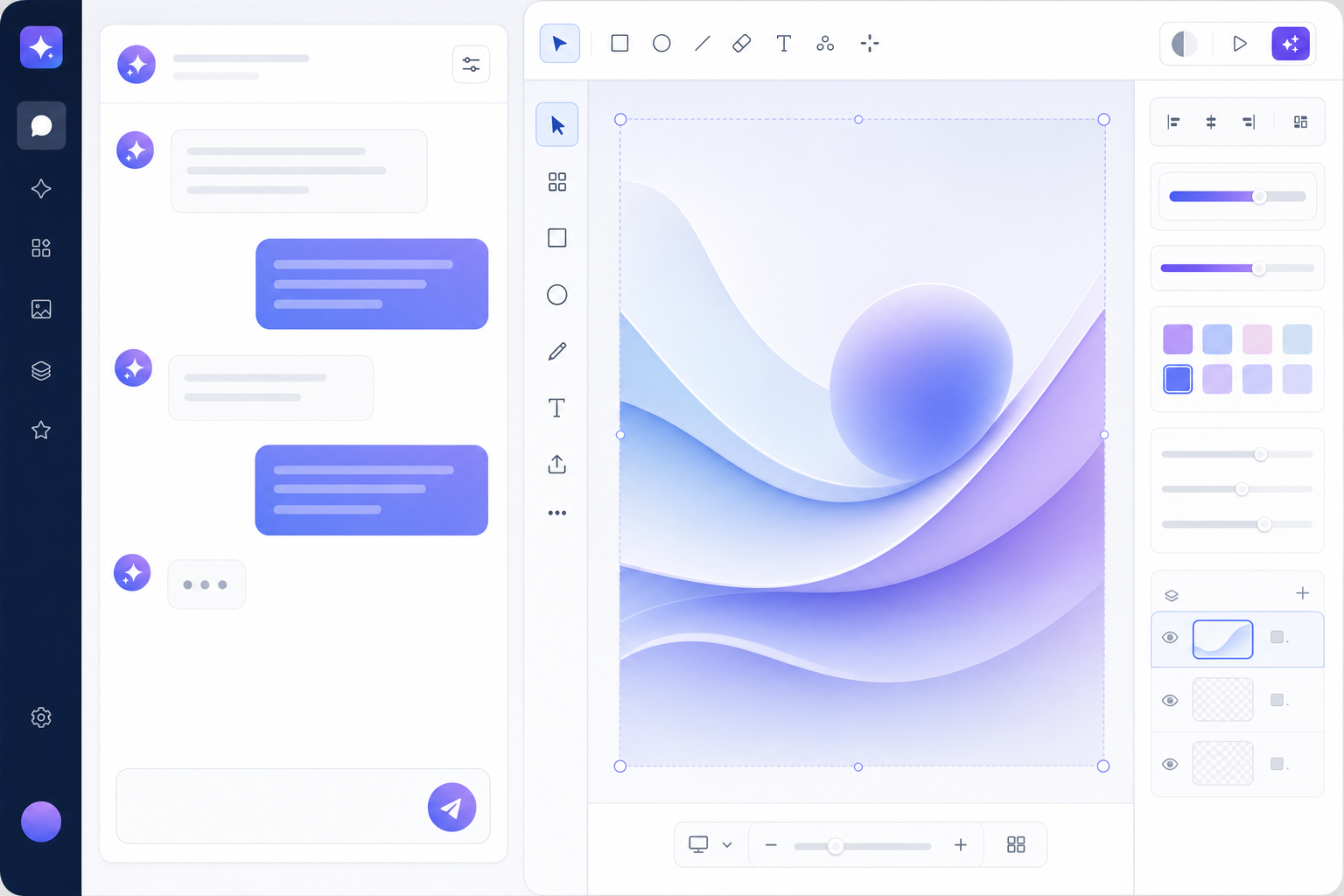
Alloy works differently. You prompt changes in plain language, but you can also adjust elements directly in the visual editor.
Transparency and Handoff
As the agent works, its thought process, current actions, and the documents it's reading are all visible in real time. When a session is ready to ship, changes push directly to GitHub as a Pull Request, with no separate handoff and no re-implementation required. That kind of built-in dev handoff is something Claude Design does not currently focus on.
Output and Integration Capabilities
Alloy and Claude approach output very differently, and that gap matters depending on how you work.
Claude Design generates visual outputs through a conversational interface, but those outputs are still abstractions of your product rather than real implementations.
Alloy is built around visual output. It produces high-fidelity, on-brand prototypes that reflect your actual design system, not generic wireframes. Because it connects directly to your component library, every screen it generates looks like something your team would actually ship. This design system integration approach keeps consistency across all prototypes.
Here is a quick breakdown of how the two compare on output and integration:
| Capability | Alloy | Claude |
|---|---|---|
| Output type | Visual prototypes | Visual |
| Design system integration | Yes, native | No |
| API access | Yes | Yes |
| On-brand fidelity | Built-in | Not applicable |
| Prototype interactivity | Yes | No |
For product and design teams, Alloy's outputs slot directly into the review and iteration cycle, while Claude's outputs typically require a downstream step before they become usable design artifacts.
Use Cases and Team Fit
Claude Design works well for teams creating pitch decks, slides, or marketing visuals. Anthropic positions it as a complement to Figma and Canva, and includes a Canva handoff, making it a natural fit for teams whose output ends at the presentation layer.
Alloy is built for product teams at software companies that ship frequently. You can prototype real features on your product, validate concepts with customers using realistic demos, or compress the cycle from customer feedback to working implementation. Because Alloy works with your real codebase and generates production-ready code, the goal isn't a polished slide. It's shipping.
Here's a quick breakdown of who each tool serves best:
| Team Type | Better Fit |
|---|---|
| Marketing or comms teams needing fast visuals | Claude Design |
| Product teams prototyping real features | Alloy |
| Founders validating ideas with realistic demos | Alloy |
| Designers handing off to Canva or Figma | Claude Design |
| Engineers moving from concept to production code | Alloy |
Product managers, designers, engineers, and founders who need to move from idea to production quickly will get the most from Alloy.
Why Alloy Is the Better Choice
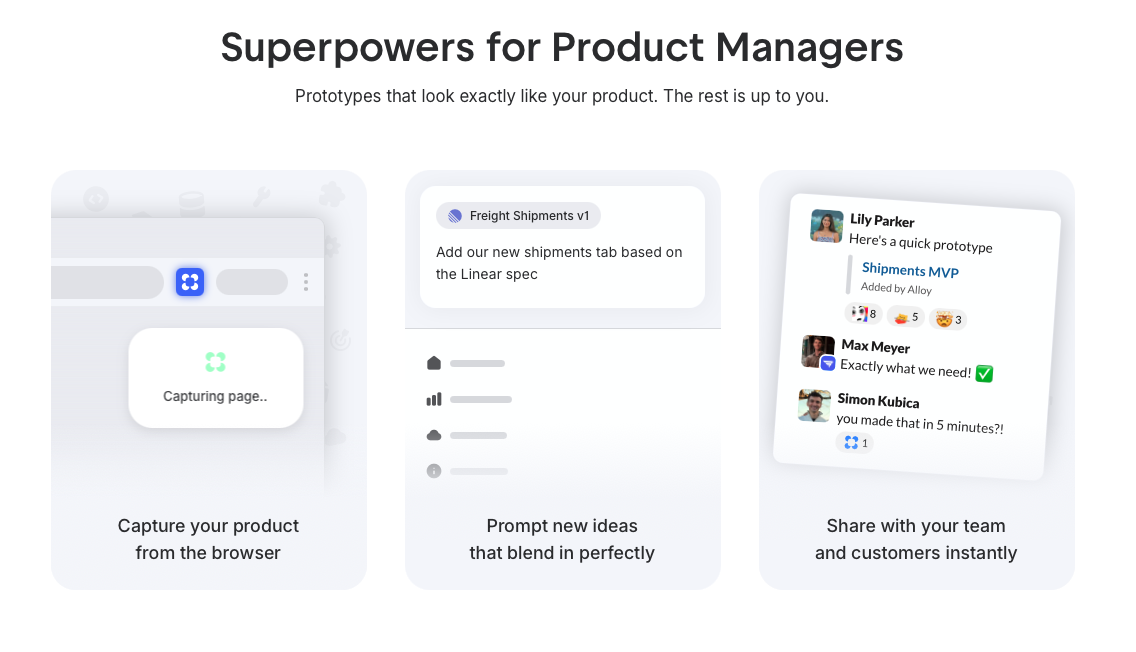
Alloy takes a fundamentally different approach to prototyping. Where Claude Design generates generic wireframes that require considerable amount of rework to match your actual product, Alloy builds prototypes that look exactly like your design system from the start.
Here is what sets Alloy apart for product teams:
- Alloy captures your real UI components, so every prototype reflects your actual product instead of a placeholder approximation that needs to be rebuilt later.
- AI-powered product capture means you can go from idea to realistic, on-brand prototype in a fraction of the time it would take using Claude Design's more generalist output.
- Alloy is purpose-built for product discovery, giving teams a focused workflow instead of a broad creative tool that happens to touch design.
- Prototypes built in Alloy can feed directly into your existing design process, reducing the back-and-forth between ideation and production-ready work.
For teams who need speed without sacrificing brand accuracy, Alloy removes the friction that comes with off-brand prototypes. Claude Design is a capable generalist tool, but generalist output creates extra work for product teams who need fidelity from day one.
FAQs
How do I decide between Alloy and Claude Design for my team?
If you're building product features and need prototypes that look exactly like your real product, Alloy is the right choice. Claude Design works better if you're creating pitch decks, slides, or marketing materials from scratch instead of iterating on an existing software product.
What's the main difference in how Alloy and Claude Design handle your existing product?
Claude Design scans your codebase during onboarding and builds an interpretation of your design system to apply to new projects. Alloy connects directly to your codebase or captures pages from your live product, so you're working with your actual components and tokens from the start.
Who is Alloy best suited for?
Alloy is built for product managers, designers, engineers, and founders at software companies who ship frequently and need to compress the cycle from customer feedback to working implementation. It's ideal if you need production-ready prototypes that reflect your real design system.
Can I move my Alloy prototypes into production without rebuilding them?
Yes. When a session is ready to ship, Alloy pushes changes directly to GitHub as a Pull Request, so there's no separate handoff or re-implementation step required.
How long does it take to start prototyping in Alloy if I don't want to connect my codebase?
You can start in seconds using the browser extension to capture any page from your live product. The capture creates a pixel-perfect replica that respects your design system, letting you begin prototyping immediately without repository access or engineering setup.
Final Thoughts on AI-Powered Design Tools
The Alloy vs. Claude Design question comes down to what you're building. Claude Design and Alloy solve different problems, and knowing which one fits your workflow saves time. If your team needs marketing collateral or slide decks, Claude Design works. But for product managers and engineers prototyping features that need to look and behave like your real product, Alloy connects directly to your design system and cuts out the rework. Try the one that matches what you actually need to ship.
