
What is a cloud agent? For product teams, it's a browser-based product development environment that runs entirely in the cloud, connected to your actual product, your real codebase, and your live design system. A Cloud Agent like Alloy spins up isolated sessions from your real product, processes changes through AI in minutes, and makes every session an instantly shareable link. Your team can work on the same live prototype from anywhere, with no local setup and no machine that needs to stay on.
TLDR:
- A Cloud Agent is a browser-based product development environment that runs entirely in the cloud, connected to your actual product.
- Unlike local development tools that tie progress to one machine, cloud agents run independently and keep work accessible from anywhere.
- You get 24/7 uptime, instant shareability, and no local setup required.
- Cloud agents built for product development capture your real product UI and sync with your design system for authentic prototypes.
What Is a Cloud Agent?
A cloud agent is a managed cloud environment connected directly to your real product. For product teams, that means it captures your live UI, runs in an isolated session in the cloud, and produces a shareable link — all without installing anything locally or waiting on a staging deployment.
The defining quality of a cloud agent is that the environment lives in the cloud, not on a developer's machine. Sessions are spun up on demand, each one isolated from the others, and the agent operates against your actual product state: real pages, real design tokens, real component behavior. When the session ends, the link stays live for anyone who needs to review it.
How Cloud Agents Differ from Traditional Development Environments
The difference comes down to where the work lives and who can access it:
- Traditional local development ties sessions to one machine. If that machine is off, the work is inaccessible — no sharing, no handoff, no async review.
- A Cloud Agent runs in a managed environment in the cloud. Sessions stay live and shareable via link, independent of any single device.
- Traditional prototyping tools produce static mockups that need manual updates to stay on-brand. Cloud Agents capture your actual live product UI, so every session reflects what your team ships.
- There is no local installation. The environment is managed for you, which means no dependency conflicts, no machine-specific setup, and no waiting on a staging deployment.
How Cloud Agents Work
A Cloud Agent for product development works by capturing your live product state and running all processing in the cloud, not on your local machine. A lightweight browser extension reads the real pages of your product — live UI, real design tokens, actual component behavior — and sends that captured state to an isolated cloud session. From there, AI processes your prompt against your actual product, no local install, no staging deployment, no waiting on a developer's machine to stay on.
The key difference from traditional development environments is where execution happens. Your machine starts the session and shares the result, but the session itself runs in the cloud. That means the output — an interactive preview of your proposed change — stays live and shareable via link long after you've closed your browser tab.
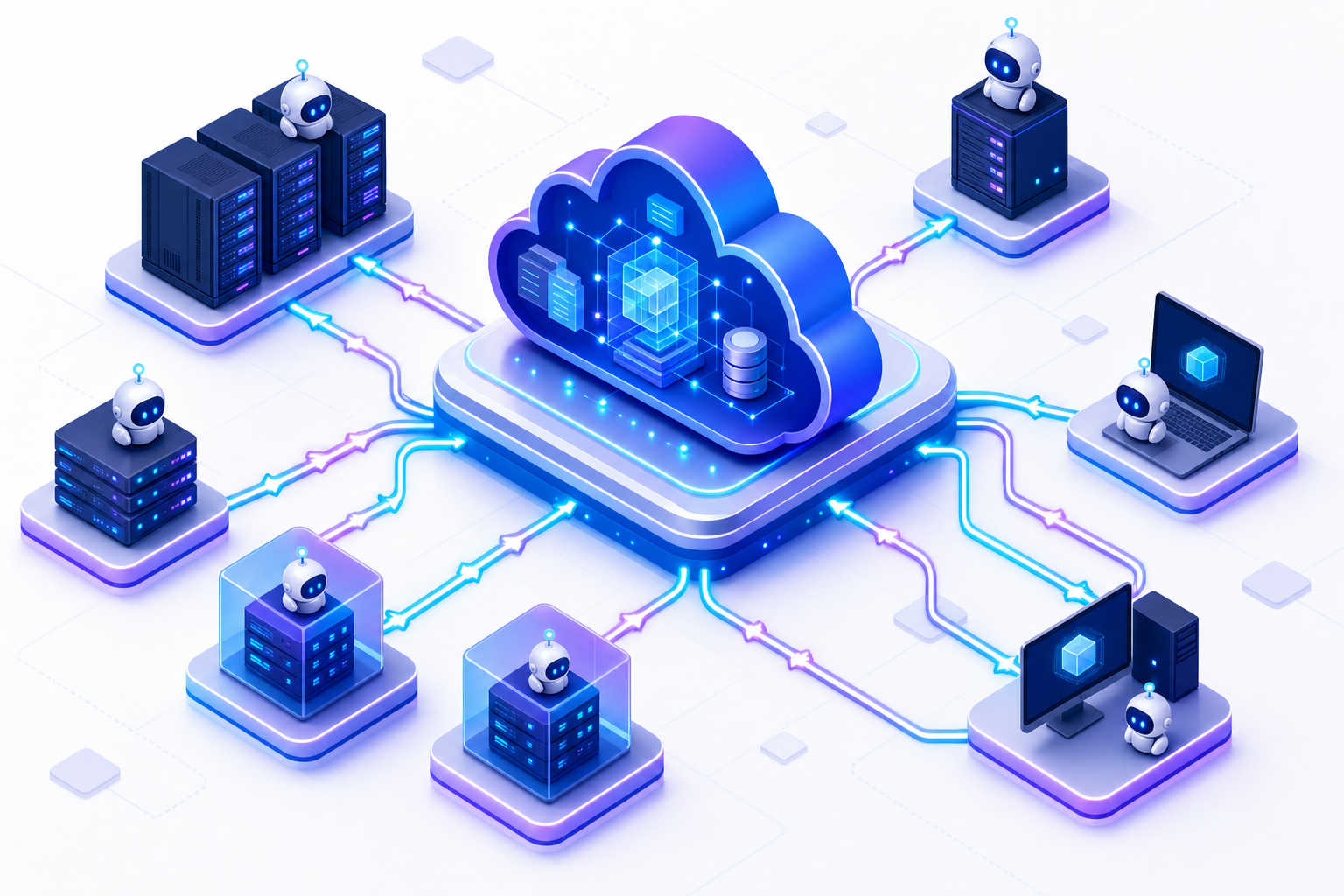
There are a few core mechanics that define how cloud agents function:
- A lightweight browser extension reads your live product pages — real UI, real design tokens, real component behavior — and sends that captured state to an isolated cloud session.
- Sessions are user-initiated on demand. You trigger a capture, the cloud environment spins up, and AI processes your prompt against the actual product state — no waiting on a staging deployment, no developer machine required.
- The AI works against your live design system inside the session, so every output reflects what your team actually ships — not a static approximation of it.
- When processing is complete, the session produces a shareable preview link that stays live for anyone on the team to view, test, or comment on — from any device, at any time.
Because the session runs in the cloud and the output is a persistent link, no machine needs to stay on for the work to remain accessible. The session is self-contained and the result is always one link away.
Cloud Agents vs Local Agents
The choice between a cloud agent and a local agent usually comes down to what you're optimizing for. Both execute tasks on behalf of a system or user, but where they run shapes nearly everything: setup complexity, who can access the output, and whether the process keeps going when no one's watching.
| Cloud Agent | Local Agent | |
|---|---|---|
| Setup | Vendor-managed | Manual per machine |
| Uptime | Persistent, 24/7 | Tied to host availability |
| Collaboration | Shareable across teams | Siloed to one machine |
| Resource usage | Offloaded to cloud | Runs on local hardware |
| Network dependency | Required | None |
| Data privacy | Vendor infrastructure | Fully on-premise |
Local agents have a real advantage in air-gapped or high-security environments where data cannot leave the network. Cloud agents win on reach. Teams can share state, pick up sessions from any device, and keep processes running without a machine staying on. The cost structure differs too: local agents carry no ongoing service fees, but cloud agents eliminate the infrastructure overhead of maintaining your own execution environment.
Types of Cloud Agents in 2026
Cloud agents in 2026 span several distinct categories, each built for a different layer of the stack.
Product Development Agents
These agents run in managed cloud environments and connect directly to your live product UI and design system. They capture real product state, generate testable prototypes on demand, and produce shareable preview links without requiring any local setup. Teams use them to move from a written idea to an interactive prototype in minutes, with every output grounded in the actual product instead of a static mockup.
Agentic Coding Agents
These agents run autonomous coding sessions in isolated cloud environments, opening pull requests, executing test suites, and iterating on code without occupying a developer's local machine. They operate continuously in the background, picking up tasks as they are queued and handing off results through standard version control workflows.
AI Orchestration Agents
These are purpose-built to run LLM-driven workflows in the cloud. Instead of executing on a user's device, they spin up in managed environments, call external APIs, and hand off results back to the requesting application. Modern AI agent architectures rely on memory systems and reasoning engines to coordinate these workflows.
| Agent Type | Primary Job | Typical Host |
|---|---|---|
| Product Development | UI capture, prototyping, shareable previews | Managed cloud environment |
| Agentic Coding | Autonomous coding, pull requests, test runs | Isolated cloud environment |
| AI Orchestration | LLM workflow execution | Managed cloud environment |
Benefits of Cloud Agents
Six advantages explain why teams keep reaching for cloud agents over local alternatives:
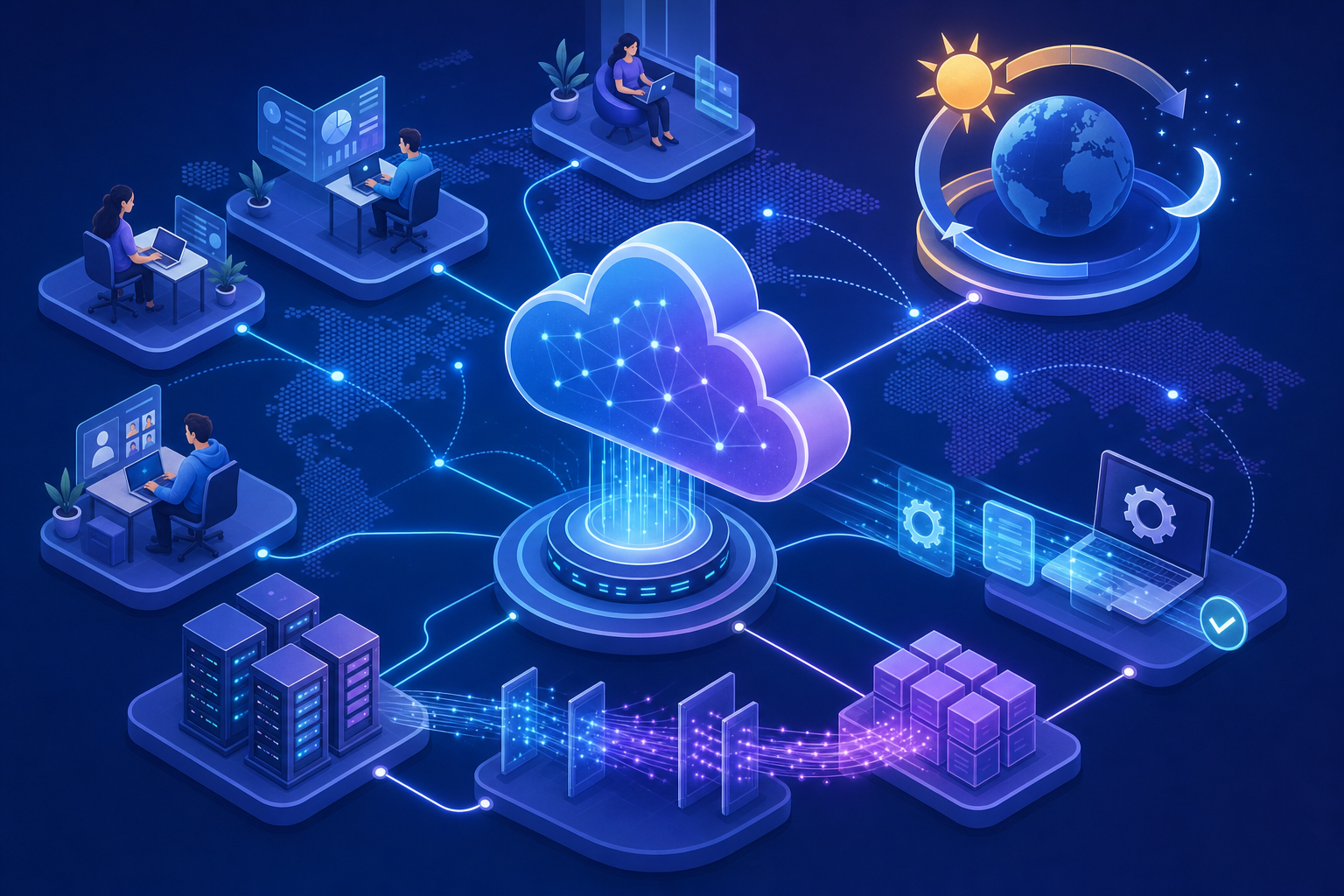
- Minimal local setup. Many cloud-agents run primarily in managed environments, reducing the amount of software teams need to install or configure locally.
- Instant shareability. Every session produces a link. Anyone with access can view, test, or comment without special permissions or software.
- 24/7 availability. The agent keeps running whether or not a specific machine is on or connected.
- Parallel execution. Multiple agents can run simultaneously across different workloads, something a single local process cannot do.
- Automatic updates. The cloud service handles versioning, so agents stay current without manual intervention.
- Built-in collaboration. Because state lives in the cloud, teams across time zones can pick up where someone else left off.
"The shift to cloud agents removes the single biggest blocker to async collaboration: the requirement that everyone be on the same machine, or even the same continent."
Common Use Cases for Cloud Agents
Cloud agents map cleanly to concrete problems across several domains. The pattern repeats: a task that needs to run reliably, at any hour, without depending on a single person's machine being on.
Here are some of the most common areas where cloud agents are putting in real work today.
Software Development
Agents run autonomous coding sessions, open pull requests, and execute test suites in isolated cloud environments, freeing local machines for other work entirely.
Feature Validation
Teams spin up cloud agent sessions to test a new feature against the real product UI before any code ships. The agent captures the live interface, applies the proposed change, and produces a shareable preview link so stakeholders can give feedback the same day instead of waiting for a staging deployment.
Product Prototyping
Teams spin up sessions to test UI changes on real interfaces and share interactive previews with stakeholders before any production code is touched.
Design System Exploration
Teams use cloud agent sessions to test how UI changes look across different states of the design system before writing a single line of code. The agent pulls the live design tokens and component library, applies proposed changes, and returns a shareable preview so designers and product managers can align without waiting on a developer.
Cross-functional Collaboration
Because every cloud agent session produces a shareable link, product, design, and engineering teams can review the same prototype from anywhere. Stakeholders in different time zones can leave feedback on a live preview instead of annotating static screenshots, cutting the review cycle from days to hours. Cloud agents complement rather than replace the developer-side stack — for choosing the tools engineers pair and review in, see our comparison of 12 collaborative coding platforms.
Alloy: The Cloud Agent for Product Development
Alloy is built around the same principles that make cloud agents valuable: persistent, intelligent, and always running where your work actually lives. As a cloud-based AI agent for product development, Alloy captures your real product UI instantly, syncs with your live design system, and lets teams prototype ideas without the usual back-and-forth.
Where traditional prototyping tools produce off-brand mockups that need constant manual correction, Alloy keeps everything grounded in your actual product. The result is prototypes that look exactly like what your team ships, not approximations of it.
For product teams moving fast, that distinction matters. Alloy's AI agent works continuously in the background, so the gap between an idea and a testable prototype closes considerably. Teams spend less time on setup and more time on the decisions that actually move products forward.
FAQs
What is a cloud agent?
A cloud agent is a managed product development environment that runs in the cloud rather than on your local machine. For product teams, it captures your live product UI, processes changes through AI in an isolated cloud session, and produces a shareable preview link — with no local environment to configure and no machine that needs to stay on.
Cloud agent vs local agent for product development?
Cloud agents typically require minimal local setup, can stay online continuously, and often create shareable sessions accessible via link. Local agents run only when your machine is on, require manual installation, and keep work siloed to one device, but they work in air-gapped environments where data can't leave the network.
Can I prototype product changes without engineering setup?
Yes. Cloud agents for product development like Alloy let you capture pages from your live product and start prototyping immediately, without connecting to a codebase or waiting on repository access. The agent runs in the cloud and creates shareable preview links in minutes.
Final Thoughts on Choosing Between Cloud and Local Agents
What is a cloud agent, in practical terms? It's the answer to a recurring problem: work that needs to run reliably, stay shareable, and keep going whether or not anyone's machine is on. For teams that can't touch external networks, local agents still make sense. For everyone else, a cloud agent removes the friction that slows teams down. Most teams end up running both, cloud agents for collaboration, local agents where security or latency demands it. If your team builds products and wants to close the gap between idea and working prototype, Alloy is the Cloud Agent built for exactly that. Both approaches keep improving, and the teams getting the most out of them are the ones that pick the right tool for the right job.
