
Your engineering team ships features every week, yet wireframing each update still drags because the same components get rebuilt from scratch in static design files. The best wireframing software should help you test ideas quickly, not add another layer of recreation work before anyone can click through a flow. Modern options now range from blank-canvas design suites to AI-driven software that can capture your live product and generate interactive concepts in minutes through a tool that works directly with your existing interface. In this guide, we break down the wireframe tools that actually match how product teams operate today and where each one fits depending on your workflow.
TLDR:
- Wireframe tools help you map page structure and user flows before development starts.
- AI-powered tools can capture your live product and generate prototypes in minutes.
- Legacy design tools require manual rebuilding and design expertise to create wireframes.
- The best wireframe tools reduce manual recreation work and let teams test ideas in the context of their real product.
- Some solutions capture existing web apps in one click and use AI to prototype changes instantly.
What Are Wireframe Tools?
Wireframe tools are software that help product teams sketch out the skeleton of a website or app before building it. They map out where buttons, menus, and content blocks should live without worrying about final colors or polished design.
These tools let you focus on structure and user flow first. You can test whether someone can find what they need or complete a task before investing in development. Some offer simple drag-and-drop boxes, while others use AI to generate interactive prototypes from your existing product.
The goal is catching problems early. Spotting a confusing navigation flow in a wireframe takes minutes to fix. Learning about that same issue after code is written costs weeks.
How We Ranked Wireframe Tools
The wireframe tools market was valued at USD 7 billion in 2023 and is projected to reach USD 10.8 billion by 2031, growing at a CAGR of 20.5%, accentuating the importance of choosing the right solution. We assessed each wireframe tool based on criteria that matter for real product work.
Our assessment looked at AI capabilities that speed up wireframing, collaboration features for distributed teams, and how accessible each tool is for product managers who aren't trained designers. The global collaboration tools market is expected to expand from USD 48.9 billion in 2025 to USD 143.9 billion by 2035, growing at a CAGR of 11.4%, stressing the strategic importance of choosing tools with strong collaborative capabilities.
We also weighed component library depth, prototyping features that let you test user flows, and integration options with tools teams already use. The wireframing software market growth reflects increasing demand, so we focused on tools that solve actual design challenges.
Each ranking draws from publicly available feature lists, user documentation, and reported capabilities.
| Tool | Best For | Key Strength | Main Limitation | Learning Curve | Collaboration |
|---|---|---|---|---|---|
| Alloy | Product managers iterating on existing web apps | One-click capture of live products with AI-powered prototyping through natural language | Requires existing web app to capture; not for designing from scratch | Minimal - no design skills required | Shareable prototypes with 30+ tool integrations |
| Figma | Design teams needing all-in-one tool from wireframes to high-fidelity design | Real-time multiplayer editing with extensive plugin ecosystem and component libraries | Steep learning curve for non-designers; requires manual recreation of existing interfaces | High - requires design expertise | Real-time multiplayer editing |
| Miro | Remote teams conducting collaborative design workshops and early ideation | Infinite canvas for brainstorming with wireframing and project management features | Lacks sophisticated prototyping; cannot capture existing products; low-fidelity only | Low - simple whiteboard interface | Asynchronous collaboration with commenting |
| Balsamiq | Teams in early concept phases needing fast, disposable wireframe sketches | Deliberately sketch-style interface that keeps focus on structure over visual details | Intentionally low-fidelity; no AI assistance; requires complete recreation in other tools | Minimal - simple drag-and-drop | Export to PNG and PDF for sharing |
| Adobe XD | Organizations invested in Adobe Creative Cloud needing cross-application integration | Integration with Photoshop and Illustrator; voice prototyping capabilities | Requires Creative Cloud subscription; less accessible outside Adobe ecosystem | Medium - Adobe interface familiarity helps | Cloud-based sharing within Adobe ecosystem |
| Sketch | Design teams working exclusively on macOS preferring desktop applications | Symbol system for reusable components with pixel-perfect vector editing tools | macOS only; no native real-time collaboration; no AI features; cannot capture products | Medium - design tool experience needed | Requires third-party tools for real-time collaboration |
Alloy
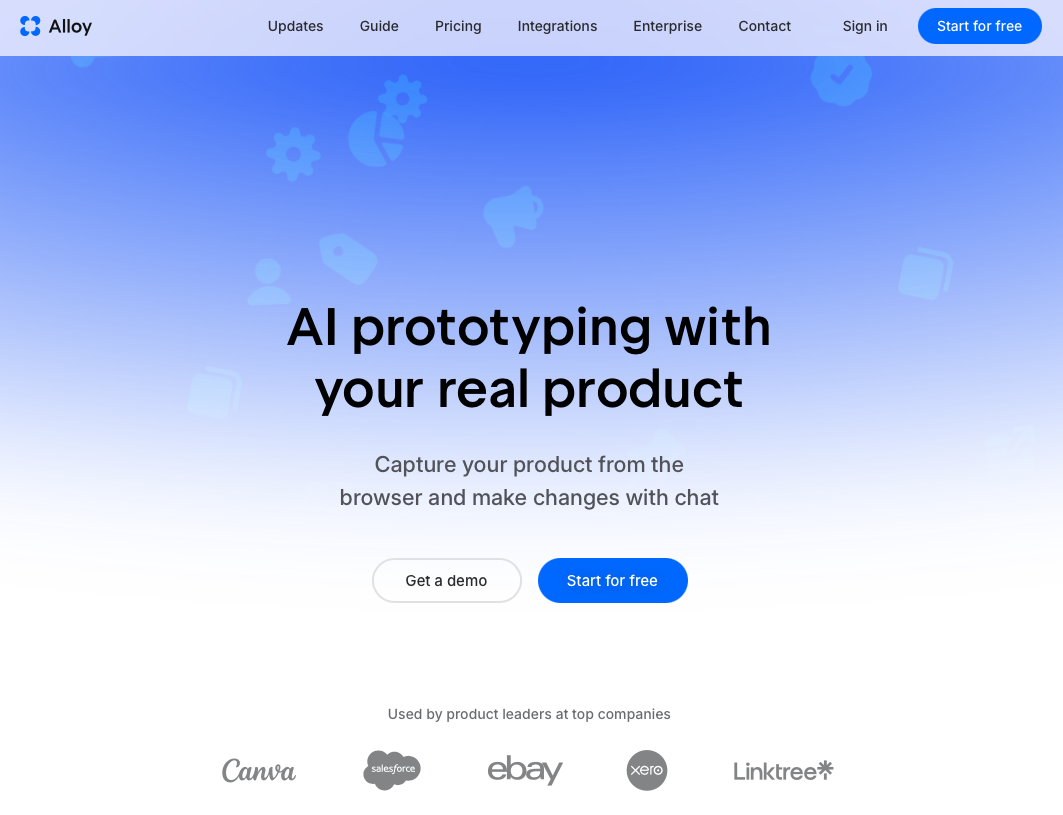
Alloy takes a different route to wireframing by working with your existing product instead of a blank canvas. Install our Chrome extension, click any page of your live web app, and we'll capture it instantly with every design detail intact.
What we offer:
- One-click capture of product pages that preserves your CSS and design system
- AI prototyping through natural language where you describe changes and watch them appear
- Shareable prototypes that look identical to your real product
- Connections to 30+ tools like Jira, Linear, and Notion
We're built for product managers iterating on existing apps, not creating wireframes from zero. For teams with live web apps who need fast validation without design skills, we're the quickest path to high-fidelity prototypes.
Figma
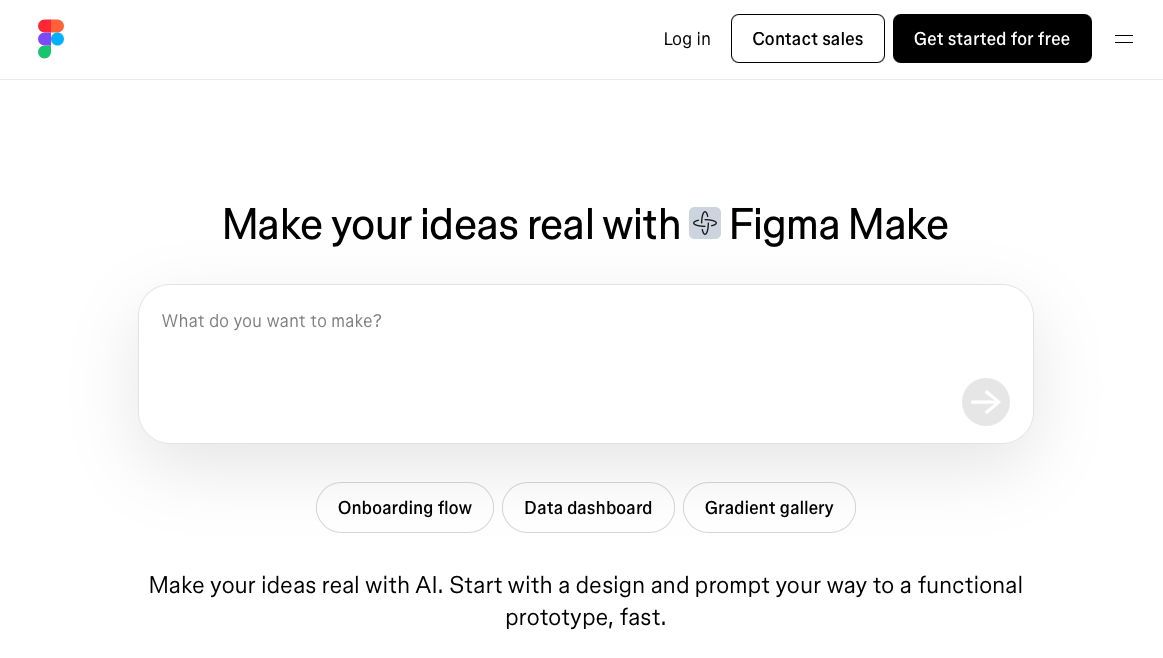
Figma is a browser-based design tool that has become widely adopted for wireframing, prototyping, and visual design across product teams.
Real-time multiplayer editing allows multiple team members to work simultaneously, while an extensive plugin ecosystem provides wireframe kits and UI component libraries. Auto-layout features handle responsive design across different screen sizes, and built-in prototyping includes transitions and interactions for testing user flows.
Good for: Design teams that need an all-in-one tool from initial wireframes through high-fidelity visual design with strong collaboration features.
Limitation: Figma requires design expertise and has a steep learning curve for non-designers. Teams must manually recreate existing product interfaces from scratch, adding time and risking design inconsistencies.
Miro
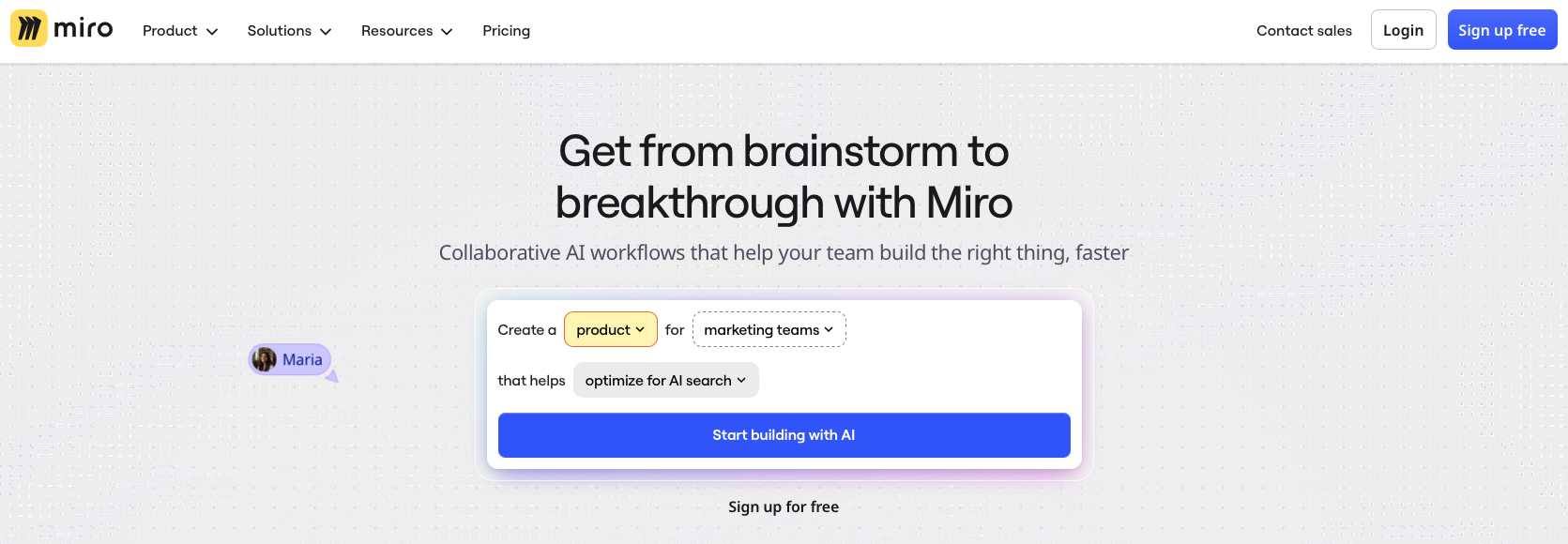
Miro is a digital whiteboard collaboration tool that includes wireframing capabilities alongside brainstorming and project management features. It provides an infinite canvas for mapping user flows, pre-built templates for quick wireframe creation, and asynchronous collaboration with commenting features.
Good for: Remote teams conducting collaborative design workshops or early-stage ideation sessions where wireframing is combined with brainstorming activities.
Limitation: Miro lacks sophisticated prototyping capabilities and does not support interactive click-through experiences or the ability to capture existing product designs. Wireframes created in Miro are typically low-fidelity sketches that require recreation in dedicated design tools for testing or development handoff.
Balsamiq
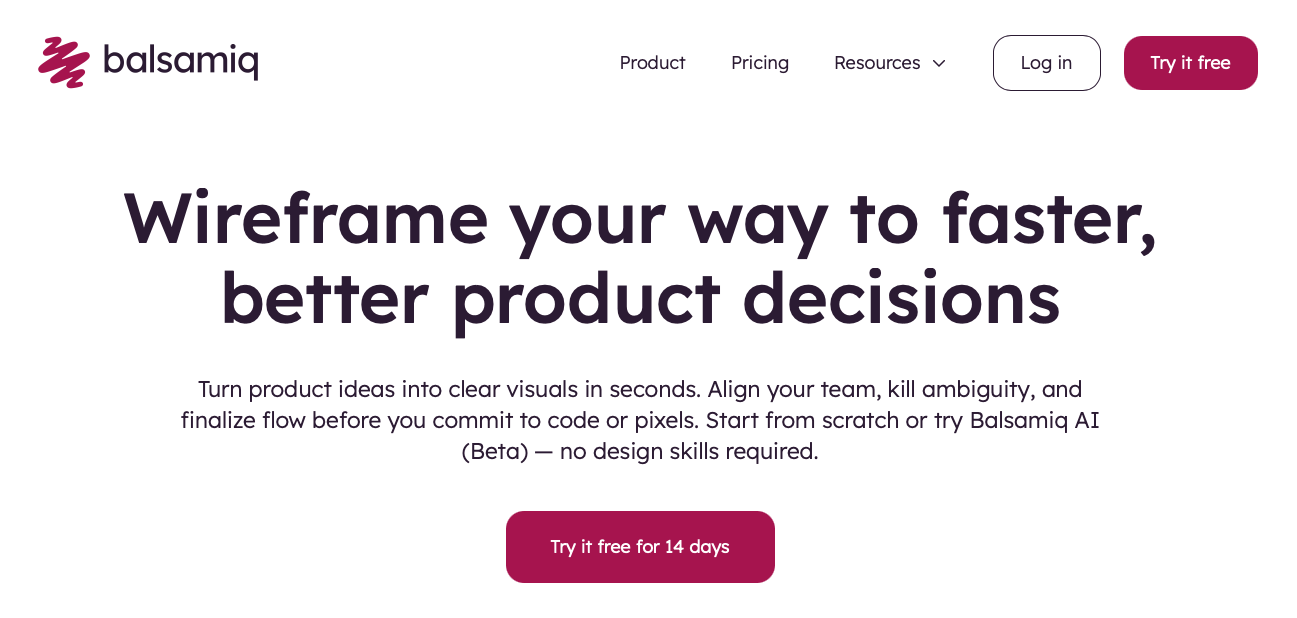
Balsamiq is a wireframing tool known for its deliberately sketch-style interface that keeps designs in a low-fidelity state. The hand-drawn aesthetic signals early-stage work and prevents stakeholders from getting distracted by visual details. The simple drag-and-drop interface has a minimal learning curve, letting teams focus on content structure and hierarchy over visual polish.
Good for: Teams in very early concept phases who need fast, disposable wireframe sketches. The tool exports to PNG and PDF for sharing.
Limitation: Balsamiq intentionally limits fidelity and does not support high-fidelity prototypes or AI-assisted design. The sketch-style output cannot evolve into production-ready designs and requires complete recreation in other tools for implementation.
Adobe XD
Adobe XD is a vector-based design tool within the Adobe Creative Cloud suite that historically supported wireframing, prototyping, and design handoff. Adobe has since shifted focus away from active development of XD. It includes Repeat Grid for creating lists and galleries quickly, responsive resize to preview designs across device sizes, and integration with Photoshop and Illustrator for asset workflows. Voice prototyping capabilities support voice interface testing.
Good for: Organizations already invested in Adobe Creative Cloud who need integration with other Adobe applications.
Limitation: Adobe XD requires a Creative Cloud subscription and works within Adobe's ecosystem, making it less accessible for teams not using Adobe products.
Sketch
Sketch is a macOS-exclusive design tool that pioneered many features now common in wireframing and interface design applications. It offers a symbol system for creating reusable design components, vector editing tools for pixel-perfect wireframes, a third-party plugin marketplace for extending functionality, and local file storage with version control through third-party tools.
Good for: Design teams working exclusively on macOS who prefer desktop applications and local file management.
Limitation: Sketch only runs on macOS, excluding Windows and Linux users from collaboration. It lacks native real-time collaboration comparable to browser-based tools and offers more limited built-in prototyping capabilities. It does not support AI-assisted wireframing or capturing existing product designs.
Why Alloy Is the Best Wireframe Tool
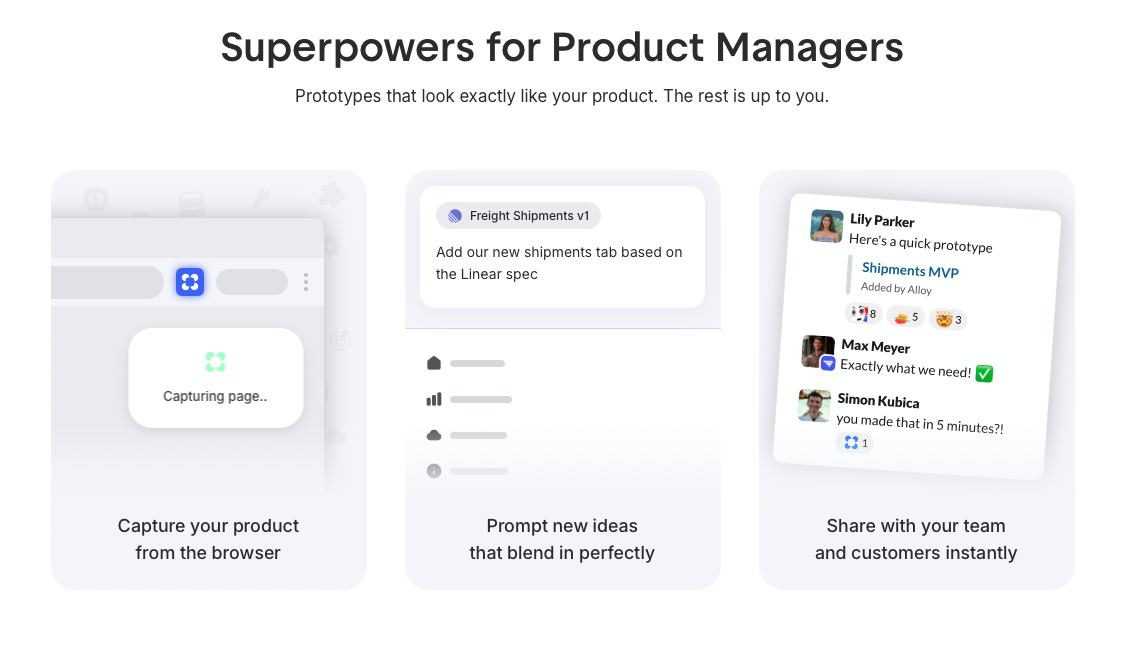
Alloy redefines wireframing for product teams by starting with your existing product instead of a blank artboard. We capture your live web app in one click, preserving every design detail, then let you prototype changes through simple AI prompts.
Legacy design tools force you to manually rebuild interfaces and require design training. We skip that entire step. AI-powered developers report productivity gains of 25-39% when using AI tools, showing how AI-assisted workflows accelerate product development.
Describe what you want to test, and we generate pixel-perfect prototypes that match your real product. No recreating components, no waiting for designer availability, no off-brand mockups.
For product managers validating ideas fast, Alloy delivers wireframes that stakeholders recognize instantly because they look like your actual app.
FAQs
How do I choose the best wireframe tool for my team?
Start by identifying whether you're designing from scratch or iterating on an existing product. Teams with live web apps should look for tools that capture real interfaces and require minimal design expertise. If you're creating brand-new concepts, traditional canvas-based tools with component libraries may fit better.
Which wireframe tool works best for product managers without design skills?
Tools built for product managers let you describe changes in plain language instead of learning complex design interfaces. Look for options that generate prototypes from your existing product and don't require manual recreation of UI elements or knowledge of design principles.
Can wireframe tools integrate with my existing product workflow?
Many modern wireframe tools connect with project management systems like Jira, Linear, and Notion to sync feature requests and share prototypes. Check whether a tool offers native integrations with your team's stack to avoid switching between disconnected platforms during the validation process.
What's the difference between low-fidelity and high-fidelity wireframe tools?
Low-fidelity tools create sketch-style wireframes focused on structure and layout, ideal for early brainstorming but requiring recreation for development. High-fidelity tools generate detailed, interactive prototypes that match your actual design system, letting stakeholders test realistic user flows before coding begins.
When should I use AI-powered wireframe tools instead of traditional design software?
AI-powered wireframe tools excel when you need rapid iteration on existing products without waiting for designer availability. If you're validating feature ideas quickly or testing user flows before formal design work, AI tools that work from natural language descriptions can deliver shareable prototypes in minutes instead of days.
Final Thoughts on Wireframe Tool Selection
Choosing between wireframe tools comes down to how your team actually works and what you’re trying to validate. Some tools are built for early sketches, others for polished prototypes, and many require design skills or manual rebuilding that slow product iteration. If you’re improving an existing app, tools like Alloy change the equation by capturing your real interface and letting you prototype changes directly inside it, without recreating components from scratch. The right wireframe tools should reduce friction, speed up decision-making, and help you test ideas in context so your team can move from concept to validated direction with confidence.
