
Vibe coding means you describe a feature in plain language and an AI coding tool generates the implementation. Andrej Karpathy introduced the term in 2025, and it caught on because the workflow feels different from traditional coding: you're guiding intent instead of writing syntax. What is code vibing? The same thing, just a different name for the same workflow.
TLDR:
- Vibe coding lets you describe what you want in plain language and AI writes the code, coined by Andrej Karpathy in early 2025.
- Tools like Cursor, Bolt.new, and GitHub Copilot can help beginners build working prototypes quickly, often without extensive coding experience.
- Some research has found that developers using AI coding assistants may introduce security vulnerabilities more frequently when generated code is not carefully reviewed.
- The tradeoff is speed versus control: vibe coding works best for rapid prototyping and MVPs, not production-grade systems.
- Some AI prototyping tools let you iterate on your real product directly, skipping the generic-code-from-scratch step entirely.
What Is Vibe Coding?
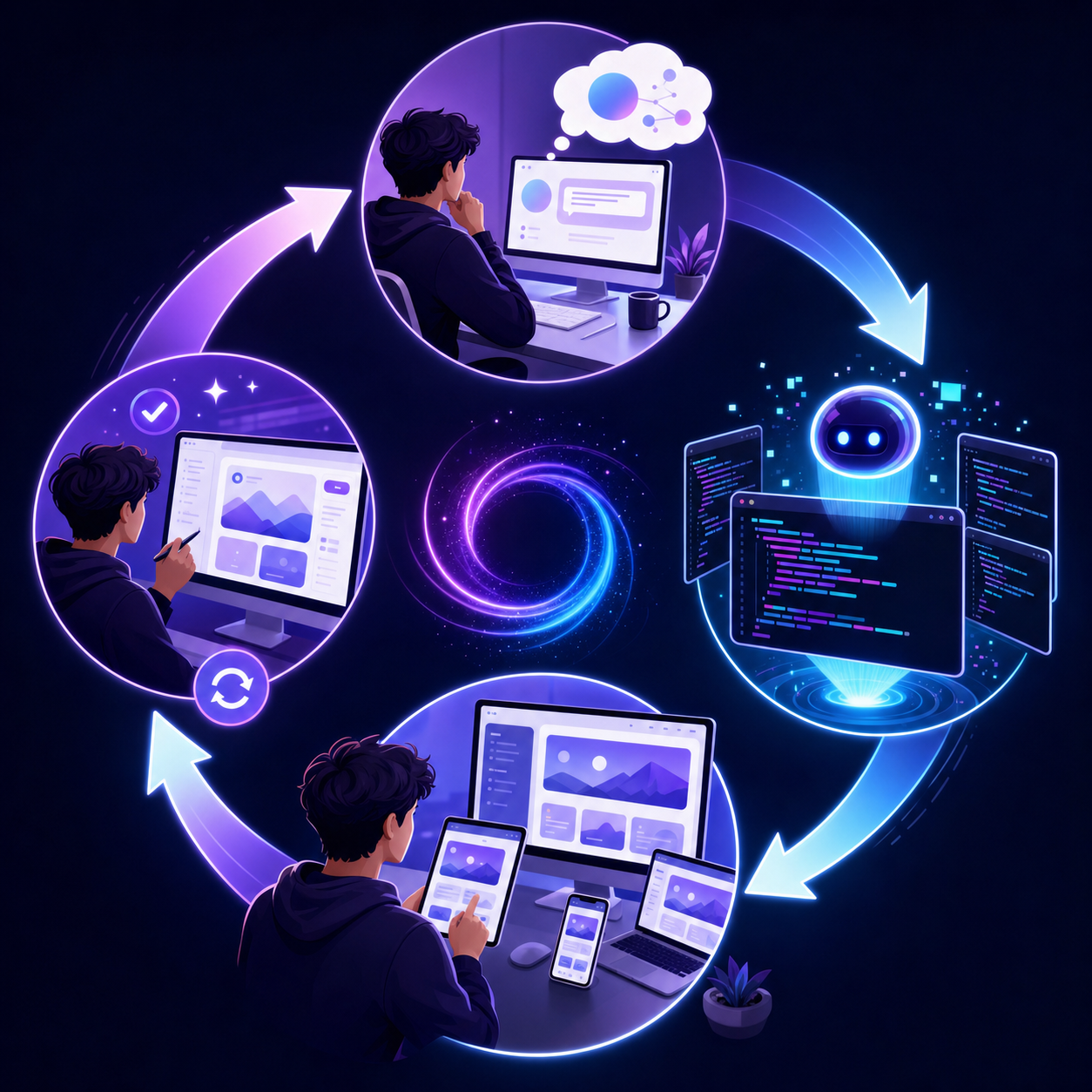
Vibe coding is a style of software development where you describe what you want to build in plain language and let an AI agent write the actual code. Instead of typing syntax line by line, you explain your intent and the AI handles the implementation. The term was coined by Andrej Karpathy in early 2025 and quickly spread across developer communities on Reddit, X, and GitHub.
Popular Vibe Coding Tools in 2026
The vibe coding ecosystem has grown quickly, and the right tool depends on your experience level, budget, and what you want to build. Here is a breakdown of the most widely used options in 2026.
AI code editors
- Cursor is one of the most popular starting points for vibe coding beginners. It wraps VS Code with an AI layer that lets you write, edit, and debug code using plain English prompts, making it approachable without sacrificing access to a full coding environment.
- Windsurf, made by Codeium, is a strong alternative to Cursor with a similar AI-first editor experience and a free tier that attracts developers who want to experiment before committing.
- GitHub Copilot remains a go-to for developers already embedded in the GitHub ecosystem, offering inline suggestions and chat-based code generation across multiple editors.
Browser-based builders
- Bolt.new lets you spin up a full-stack web app directly in the browser with no local setup required, making it one of the friendliest entry points for non-developers who want to vibe code for free.
- Lovable (formerly GPT Engineer) focuses on generating and iterating on web apps through conversation, with a strong community sharing vibe coding examples on Reddit and GitHub.
- Replit has added substantial AI features to its browser-based IDE, letting you prompt, run, and deploy projects without touching a terminal.
Specialized and newer tools
- v0 by Vercel is tailored for UI generation, producing React components from text descriptions that you can drop directly into a codebase.
- Devin, from Cognition, markets itself as an autonomous AI software engineer capable of handling multi-step tasks with minimal human input, sitting at the more advanced end of the vibe coding range.
| Tool | Best for | Free tier |
|---|---|---|
| Cursor | Beginners wanting a full editor | Yes (limited) |
| Windsurf | VS Code alternative with AI | Yes |
| GitHub Copilot | Developers in the GitHub ecosystem | Yes (limited) |
| Bolt.new | Browser-based full-stack apps | Yes |
| Lovable | Conversational app generation | Yes (limited) |
| Replit | Browser IDE with AI assist | Yes |
| v0 by Vercel | React UI component generation | Yes |
| Devin | Autonomous multi-step coding tasks | No |
Most of these tools offer a free starting point, so the barrier to trying vibe coding is low. The practical differences show up in context window size, how well the tool handles debugging, and whether it can work with your existing codebase instead of generating something from scratch. Some workflows also let you bring the AI subscription you already pay for — for example, you can design with ChatGPT on top of your live product.
Benefits of Vibe Coding
Speed is the most obvious draw. A task that once took a developer days can get done in hours when AI handles the boilerplate, scaffolding, and repetitive logic. That alone makes vibe coding worth paying attention to.
But the benefits go beyond raw speed.
Non-developers can build working prototypes without learning syntax, getting something functional in front of stakeholders the same day an idea surfaces. Iteration cycles shrink too: you can test, get feedback, and ship a revised version before a traditional dev cycle has a first draft ready. Offloading syntax to AI also frees builders to focus on logic and product decisions. If an idea does not pan out, you have not spent weeks building it, keeping the cost of experimentation low.
Limitations and Challenges of Vibe Coding
Vibe coding has real appeal, but it comes with tradeoffs worth knowing before you commit to it as your primary workflow.
The biggest concern is code quality. AI tools generate plausible-looking code that may have security gaps, poor performance, or structural problems that are hard to spot if you lack the background to review it. A 2024 Stanford study found that developers using AI coding assistants introduced security vulnerabilities at a higher rate than those coding manually.
Here are the most common challenges practitioners run into:
- Debugging gets harder when you did not write the code yourself. You may not understand why something broke, which makes fixing it slower and riskier than if you had built it from scratch.
- Dependency on the AI tool creates fragility. If the model changes or the service goes down, your ability to maintain the project is limited by how well you can read what was generated.
- AI tools hallucinate. They will occasionally produce code that looks correct but references libraries that do not exist or uses APIs incorrectly, which wastes time to track down.
- Vibe-coded projects can accumulate technical debt fast. Without intentional architecture decisions, the codebase grows in ways that become difficult to refactor later.
Security Risks in Vibe Coding
Vibe coding skips the traditional review cycles that catch vulnerabilities before they reach production. When you accept AI-generated code without reading it, you inherit whatever security flaws came with it.
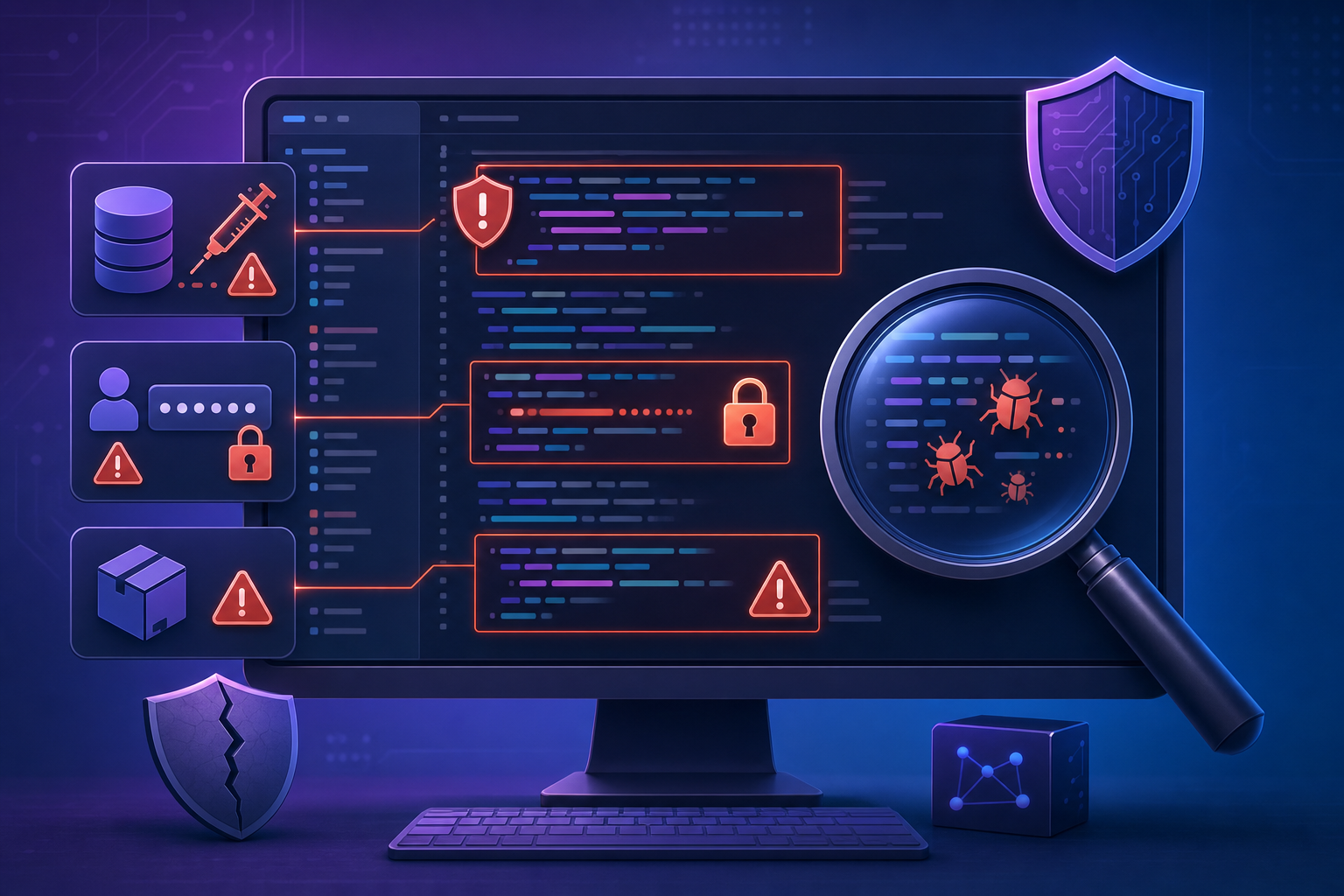
The risks tend to cluster in a few areas:
- SQL injection and input validation gaps are common in AI-generated database logic, especially when prompts don't specify sanitization requirements.
- Hardcoded credentials show up when the AI writes quick config or environment examples and you ship them as-is.
- Outdated dependencies get pulled in silently because the model's training data skews toward older package versions.
- Overly permissive access controls appear when the AI defaults to admin-level permissions for simplicity instead of least-privilege design.
How to reduce exposure
Run a static analysis tool like Semgrep or Snyk on AI-generated code before merging, review authentication and data-handling logic yourself, keep dependencies audited, and never commit secrets from an AI scaffold. The Cloud Security Alliance secure vibe coding guide covers common attack surfaces and provides a practical checklist for teams shipping AI-generated code.
Vibe Coding vs. Traditional Development
In traditional development, writing code means knowing syntax, understanding data structures, and debugging line by line. Vibe coding flips that. You describe what you want in plain language, and an AI tool handles the implementation.
Neither approach is strictly better. Traditional development gives you precision and accountability over every line. Vibe coding gives you speed and accessibility, especially when you need to get an idea working fast without getting blocked on syntax.
The honest tradeoff is control versus momentum. Many developers are starting to use both: vibe coding to move quickly in early stages, then reviewing and refining the output before anything goes near production.
Is Vibe Coding Good or Bad?
The answer depends on how you use it. Advocates see vibe coding as opening software development to people who could never write code before. Critics point to quality and sustainability concerns that come with accepting AI output uncritically.
Developer Simon Willison drew a practical distinction worth holding onto: vibe coding, as originally framed, means accepting code you have not thoroughly reviewed. AI-assisted development means using AI tools while still reading and taking responsibility for what gets shipped. The first approach carries real risk in production. The second is professional software engineering with better tooling.
Where you land on that range matters more than which camp you join.
How to Start Vibe Coding
The easiest entry point is Cursor or Bolt.new. Both have free tiers and require no local setup. Pick one, then describe a small, specific project to get your first session going.
A few habits worth building from the start:
- Start focused: a script, a basic web form, or a simple landing page teaches more than an ambitious app where too many things can fail at once.
- Write specific prompts. "A button that saves input and shows a confirmation message" beats "build a form."
- Review what gets generated, even if you cannot read every line. Scanning for obvious issues matters.
Prototyping Your Product with AI
The prompt-and-iterate loop that defines vibe coding applies directly to product prototyping. Product managers, designers, and founders are describing feature changes in plain language, getting interactive results, and sharing them with stakeholders before any engineering work starts. Applied to interfaces instead of code, this loop is usually called vibe design.
The workflow is simple enough to run in a single afternoon:
- Describe the change you want ("add a sidebar nav" or "restructure onboarding into three steps")
- Review an interactive prototype built from that prompt
- Share a link with teammates or stakeholders for feedback
- Refine your description and iterate until the prototype matches the intended experience
The sticking point is fidelity. Generic AI output often uses wrong colors, wrong components, and patterns that don't match your product. A prototype only produces useful feedback when it looks and behaves like your actual product, not a placeholder that needs disclaimers before the meeting starts.
Alloy: AI Prototyping with Your Real Product
Alloy is a Cloud Agent for Product Teams built for teams who want to go from idea to interactive prototype without leaving their real product behind.
Where vibe coding tools like Cursor or Lovable generate code from scratch, Alloy starts from a live capture of your actual product, meaning your real UI, your real design system, and your real components are the foundation from the first click.
You describe a change, and Alloy builds it in an isolated sandbox that looks exactly like your product.
FAQs
Cursor vs. Bolt.new for vibe coding beginners?
Cursor gives you a full VS Code editor with AI layered in, making it better if you want to learn coding structure while vibing. Bolt.new runs entirely in your browser with zero setup and focuses on getting a full-stack web app running fast, so it's the better pick if you just want to build something functional immediately without installing anything.
Can I vibe code changes to my existing product without starting from scratch?
Yes. Tools like Alloy let you capture pages directly from your live product and make changes to a pixel-perfect replica that uses your real design system and components. This is different from most vibe coding tools, which generate generic code from scratch; you're working on something that already looks and behaves like your actual product.
How do I avoid security vulnerabilities when vibe coding?
Run static analysis tools like Semgrep or Snyk on AI-generated code before shipping, manually review all authentication and data-handling logic, audit dependencies for outdated packages, and never commit hardcoded credentials that appear in AI scaffolds. The core risk is accepting code without reading it, so treat security review as non-negotiable even when moving fast.
Final Thoughts on Vibe Coding
Vibe coding brings software development within reach for anyone who can describe what they want in plain language. What is code vibing? Another name for the same workflow, and the same tradeoffs apply. The tools are only as good as the product they help you build. If you want the output to look and behave like your real product from the first iteration, Alloy is built for that. It starts from a live capture of your actual UI so every prototype is grounded in what you have, not a generic scaffold.
