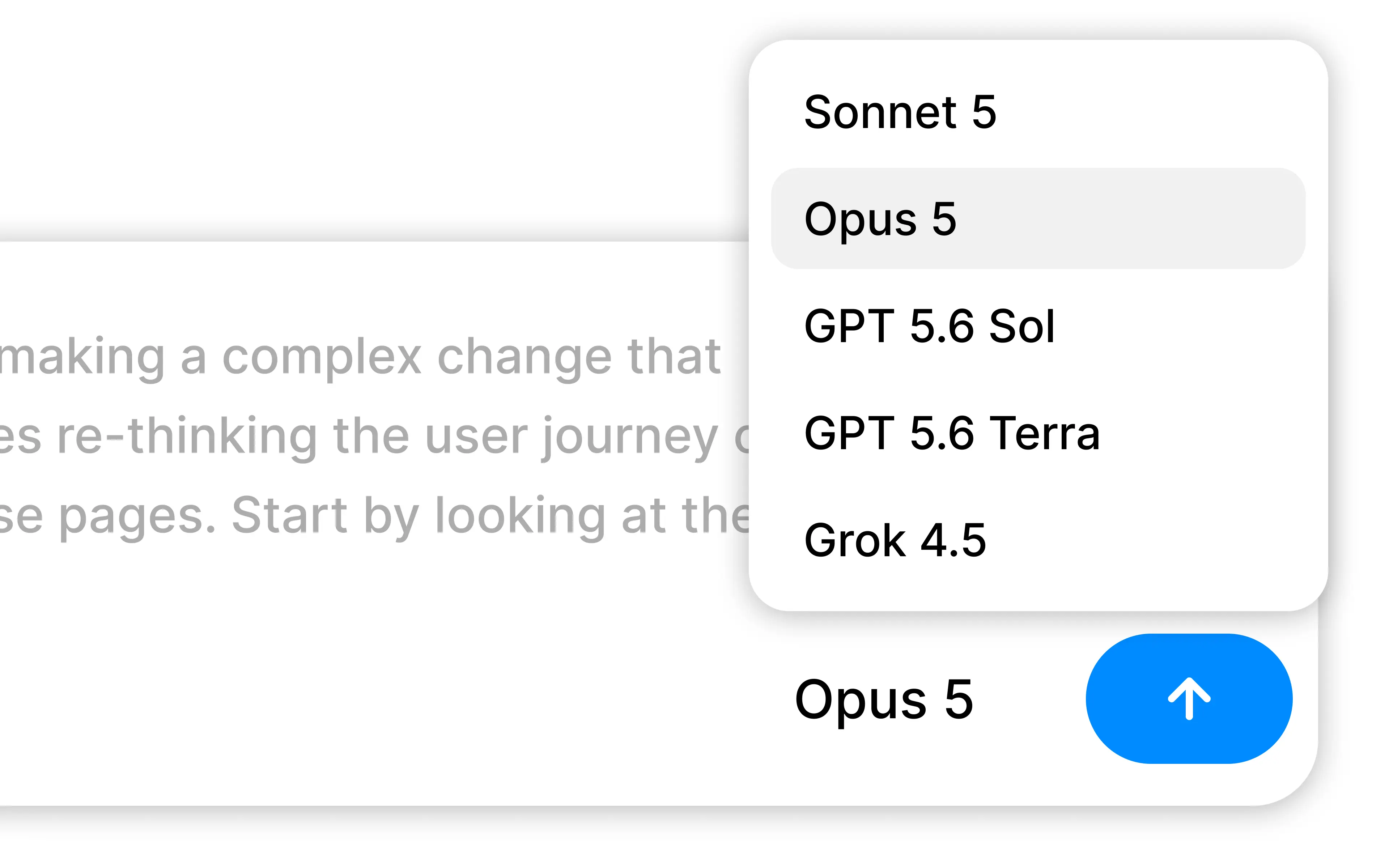
Bring your own subscription lets Alloy run agent prompts on a connected Claude Pro or Max account or a ChatGPT Plus or Pro account instead of billing Alloy credits.
Run Alloy on the Claude or ChatGPT subscription you already pay for.
Alloy sessions normally draw on Alloy credits. If your team already has a Claude Pro or Max plan, or a ChatGPT Plus or Pro plan, you can now put it to work directly in Alloy.
Connect Claude. Run claude setup-token locally and paste the generated token into Settings. Prompts on Anthropic models then run through your Claude plan. The token is encrypted at rest and never shown again. Docs.
Connect ChatGPT. Approve a device code on OpenAI and Alloy detects the connection. Prompts on OpenAI models run through your ChatGPT plan. Docs.
Keep your credits. When a connected subscription covers the selected model, Alloy does not bill the session — usage comes out of your plan, subject to your provider's limits. Each teammate connects their own account.
Subscription connections are available today for Alloy Pro workspaces from Settings.
Frequently asked questions
Yes, an agent can authenticate against the plan you already pay for so prototyping usage draws on that subscription. Alloy supports connecting a Claude Pro or Max account or a ChatGPT Plus or Pro account, then routes prompts on supported Anthropic and OpenAI models through the connected plan.
No, sessions covered by a connected subscription are not billed by the prototyping tool. Alloy skips credit charges entirely when your subscription covers the selected model, and usage counts against your provider plan and its rate limits instead.
Connect Claude by running claude setup-token locally and pasting the generated token into Settings, or connect ChatGPT by approving a device code on OpenAI. Tokens are encrypted at rest and only sent to the session runner when a matching model is selected.