
The Figma Make vs. Claude Design debate misses the bigger problem: both tools typically begin from prompts, uploaded assets, or design files instead of a live production environment. You're uploading screenshots, pasting Figma frames, or writing prompts that describe what your product already looks like. That works for brainstorming, but it's a poor fit when you need to test something that should behave like your actual interface. Your brand tokens, component library, and spacing rules may still require manual recreation or syncing across these workflows. You end up rebuilding what you already built just to see if an idea works. OpenAI does not currently offer its own dedicated product alternative to Claude Design. Instead, Alloy supports a ChatGPT design workflow, bringing an existing ChatGPT subscription into a live-product workspace.
TLDR:
- Figma Make generates prototypes inside Figma's editor; Claude Design creates visual work through conversation.
- Neither tool is centered around direct live-product prototyping workflows.
- A third approach prototypes directly on your real product by connecting to your codebase or capturing live pages.
- Sessions in this third approach inherit your actual design tokens and components, removing prototype-to-code translation work.
- This third approach is a Cloud Agent that lets product teams build, iterate, and ship from isolated, shareable sandboxes.
What Figma Make Does and Their Approach
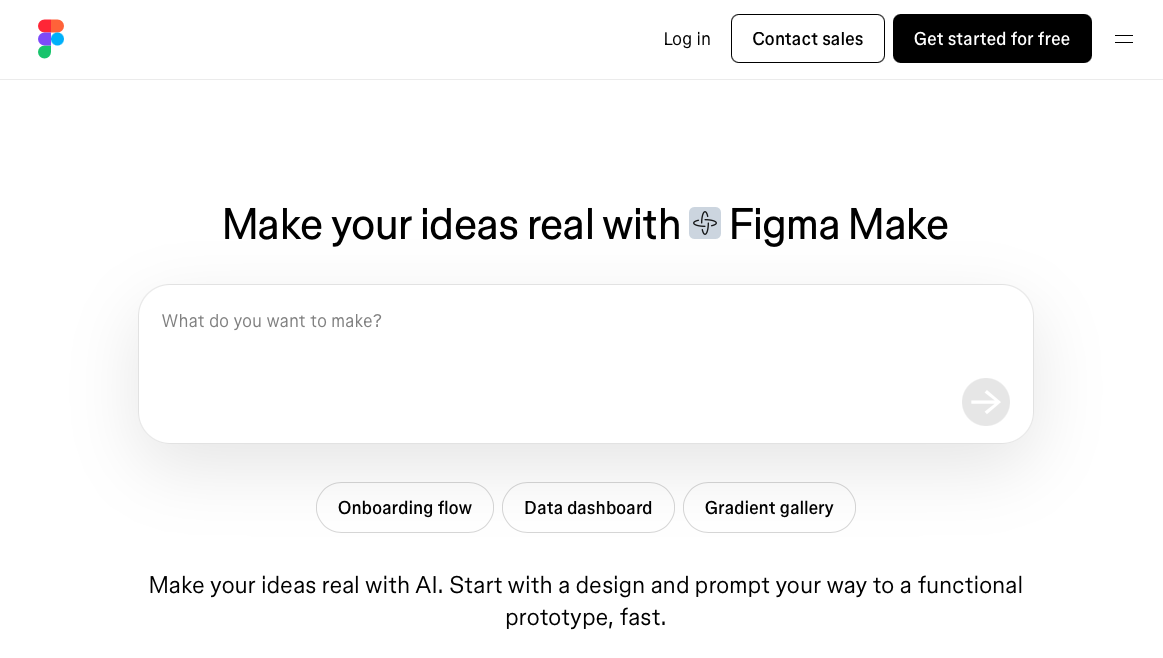
Figma Make is Figma's AI-powered prototyping tool, announced at Config 2025 on May 7. It turns prompts, designs, and images into interactive prototypes using code generated in real time, built directly into Figma's editor.
Here is what Figma Make focuses on:
- Prompt-to-prototype generation that writes and runs front-end code inside the Figma canvas, producing clickable outputs without writing a single line of code (similar to tools like V0).
- Image-to-prototype conversion that accepts uploaded screenshots or wireframes and recreates them as working prototypes. Teams can use Alloy's image-to-HTML tool for a browser-based version of this workflow.
- Integration with Figma's design suite, so generated prototypes can reference existing Figma files and components.
- A code-first output model where the resulting prototype is a working web app instead of a linked Figma frame sequence.
The core premise is speed: get from idea to interactive prototype faster by offloading UI assembly to AI. Figma Make targets designers and product teams who want to test interactions quickly without switching tools or involving a developer.
What Claude Design Does and Their Approach
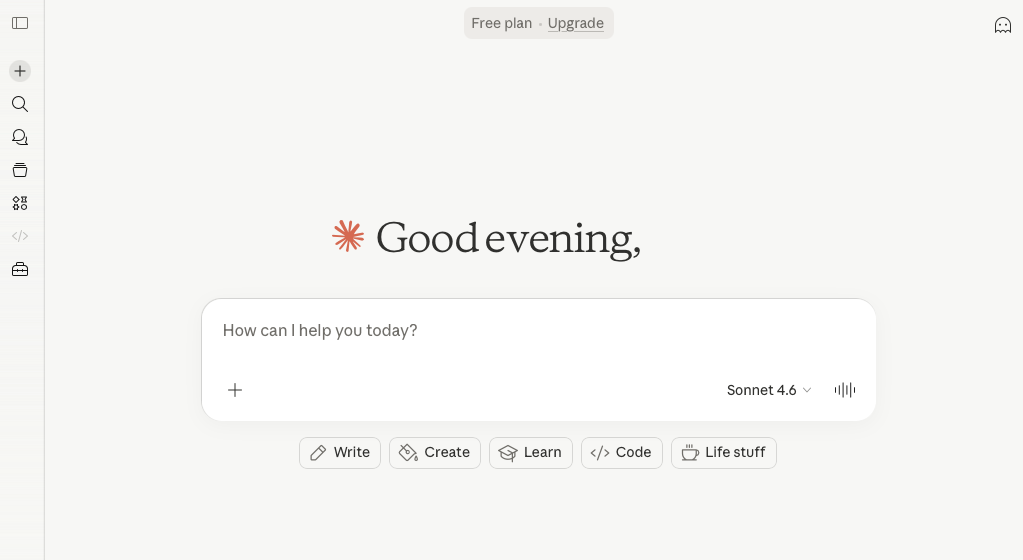
Claude Design is Anthropic's experimental product for creating visual work through conversation, competing with tools like Bolt. Powered by Claude Opus 4.7 and in research preview, it's available for Claude Pro, Max, Team, and Enterprise subscribers. The interface is split-screen: chat on the left, canvas on the right.
Output types include:
- Designs and interactive prototypes refined through conversation (an approach also seen in Lovable)
- Presentation slides and one-pagers from a single prompt or uploaded file.
- Documents and reports structured automatically from your input.
You can start from a text prompt, upload files (DOCX, PPTX, XLSX), point Claude at your codebase, or use a web capture tool. During onboarding, Claude reads your codebase and design files to build a design system, so subsequent projects inherit your colors, typography, and components automatically.
Finished work exports as PDFs, URLs, or PPTX files, or goes straight to Canva. For production-ready output, there's a handoff to Claude Code.
Figma Make Works within Figma's Design Environment
Everything in Figma Make stays inside Figma's ecosystem. Prototypes are generated as Figma files, viewed in preview mode, and refined using familiar editor tools.
That confinement carries real trade-offs. Figma Make cannot connect to external data sources or production systems, so every prototype is a simulation instead of something that behaves like your actual product. Stakeholders review output in preview mode, which works for early feedback but puts a hard ceiling on realism.
The workflow is fairly intuitive:
- You can paste existing Figma frames into Make and request interactivity through a prompt, making it easy to build on work already in progress.
- Point-and-click editing lets you adjust individual properties without re-prompting the AI each time, which speeds up iteration on small changes (similar functionality to Magic Patterns).
- Sharing with stakeholders requires no additional setup since everything lives inside Figma already.
Where the process stalls is at the handoff stage. Moving from a Figma prototype to production code still requires manual developer work, the same bottleneck product teams have faced for years. For teams hoping to close that gap, the tool stops short.
Claude Design Generates Standalone Visual Assets
Claude Design outputs are code-based by nature: HTML, React components, or bundled files that display live inside the split-screen canvas. Nothing is locked to a design tool, which means the output can technically go anywhere. That independence is useful for teams without a Figma workflow.
There are a few interaction patterns worth knowing about before choosing between the two tools.
Inline Editing and Comment Controls
Inline controls let you click into specific elements, leave comments, and tweak them without re-prompting Claude each time. For small refinements, that approach is faster than writing a new prompt from scratch.
- Clicking directly into a live element lets you make localized changes, which keeps iteration loops short for minor visual adjustments.
- Comments are tied to specific UI elements instead of floating in a general feedback thread, so context stays attached to the thing being changed.
- Re-prompting is still necessary for structural or layout-level changes, meaning more complex revisions still require a conversational exchange with the model, which is where alternatives to Bolt may offer different workflows.
The tradeoff is that Claude Design has no native connection to an existing design system. Output is generated fresh each time, so visual consistency across screens depends entirely on how well the prompts are written, not on any shared component library or token set.
Neither Tool Works with Your Existing Product Interface
Both tools require you to start from scratch. There's no connection to your live product, no awareness of your actual codebase, and no automatic inheritance of your design system, which is why teams explore alternatives to Lovable. You upload screenshots, paste design files, or describe your visual style through prompts and hope the output lands close enough.
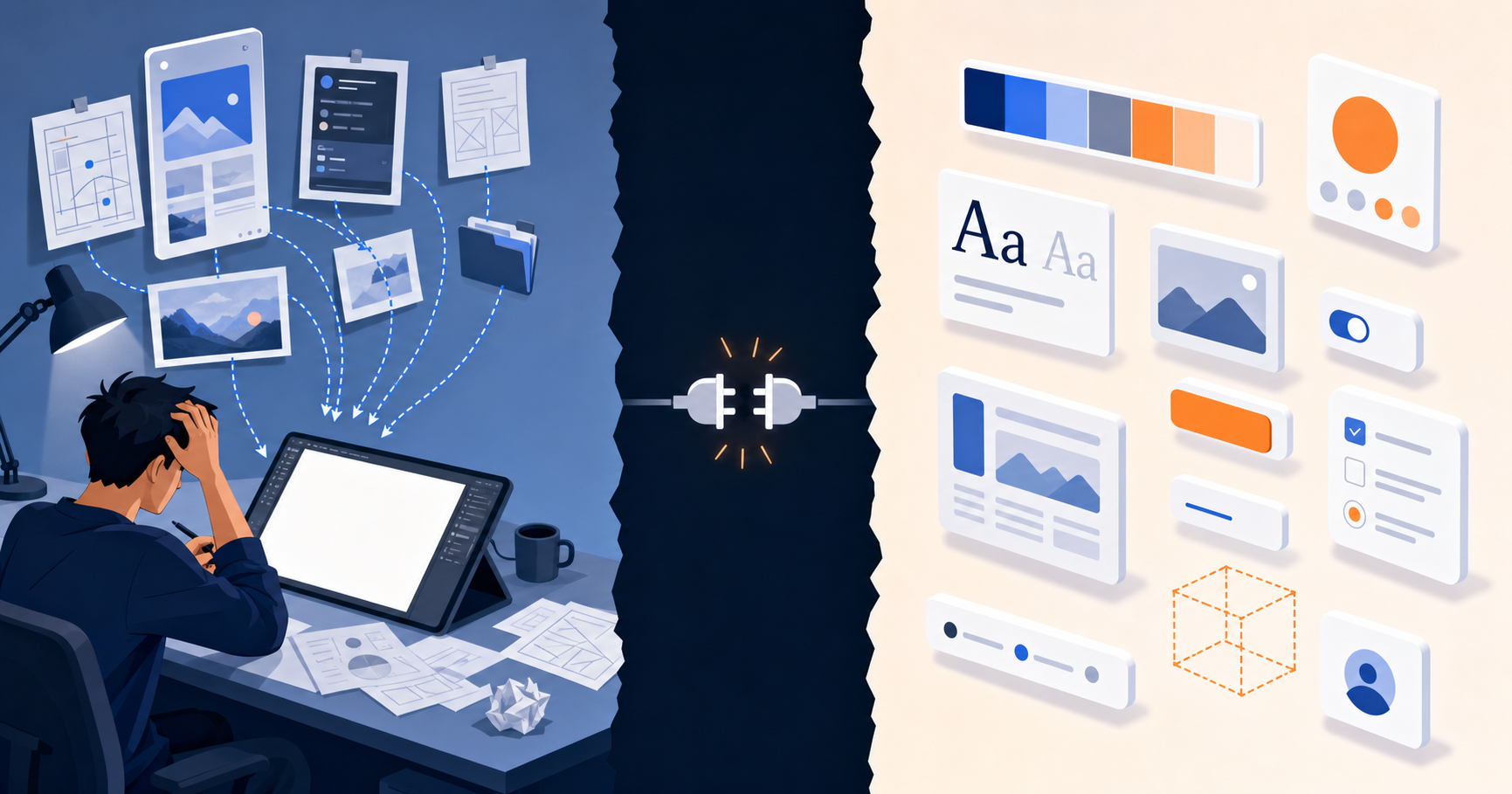
The downstream cost is real. Teams end up re-specifying brand tokens, spacing rules, and interaction patterns that already exist in production code. Prototypes come out looking roughly right but not actually right. When those mockups reach engineering, the gap between "close approximation" and "real implementation" creates extra reconciliation work that neither tool accounts for.
The prototype looks like our product, but it's not our product, and that difference matters when you're trying to ship fast.
For teams that need to validate ideas against their actual interface, that gap is the core problem. Figma Make and Claude Design are both genuinely useful for early ideation. But if you need a prototype that behaves like your real product, you're working around a structural limitation in both tools.
| Feature | Figma Make | Claude Design | Alloy |
|---|---|---|---|
| Starting Point | Figma files, uploaded screenshots, or text prompts that rebuild your design system from scratch | Text prompts, uploaded files (DOCX, PPTX, XLSX), or web captures that generate fresh output each time | Your actual codebase or live product pages captured with browser extension, preserving all design tokens and components |
| Design System Connection | References existing Figma component libraries if maintained, but requires manual updates to stay in sync | No native design system connection; builds a design system during onboarding from uploaded files but requires re-specification for each project | Reads production codebase automatically to inherit real spacing, typography, colors, and component logic |
| Output Format | Interactive Figma prototype files viewed in preview mode within Figma editor | Code-based output (HTML, React components) displayed in split-screen canvas with export to PDF, URL, PPTX, or Canva | Isolated sandbox sessions running against your real product with changes shown in actual production context |
| Iteration Method | Point-and-click editing for properties or new prompts within Figma's familiar interface | Inline controls for clicking elements and leaving comments, or conversational re-prompting for structural changes | Prompt-driven changes that land inside correct visual context with inherited design system, no re-specification needed |
| External Data Integration | Cannot connect to external data sources or production systems; all prototypes are isolated simulations | Can point at codebases during onboarding but does not connect to live production systems or real data | Works directly with production codebase and can access actual data structures and API connections |
| Handoff to Production | Manual developer work required to translate Figma prototype into production code, same bottleneck as traditional workflows | Generated HTML or React components require engineering integration work to merge with actual product codebase | Push validated changes directly to GitHub as production-ready code, eliminating translation step between prototype and implementation |
| Collaboration Model | Share Figma preview links with stakeholders for feedback within Figma ecosystem | Share via URL or export files; handoff to Claude Code for production functionality | Share isolated sandbox sessions via link for stakeholder review, iterate in real time, ship when validated |
Alloy Prototypes Directly on Your Real Product
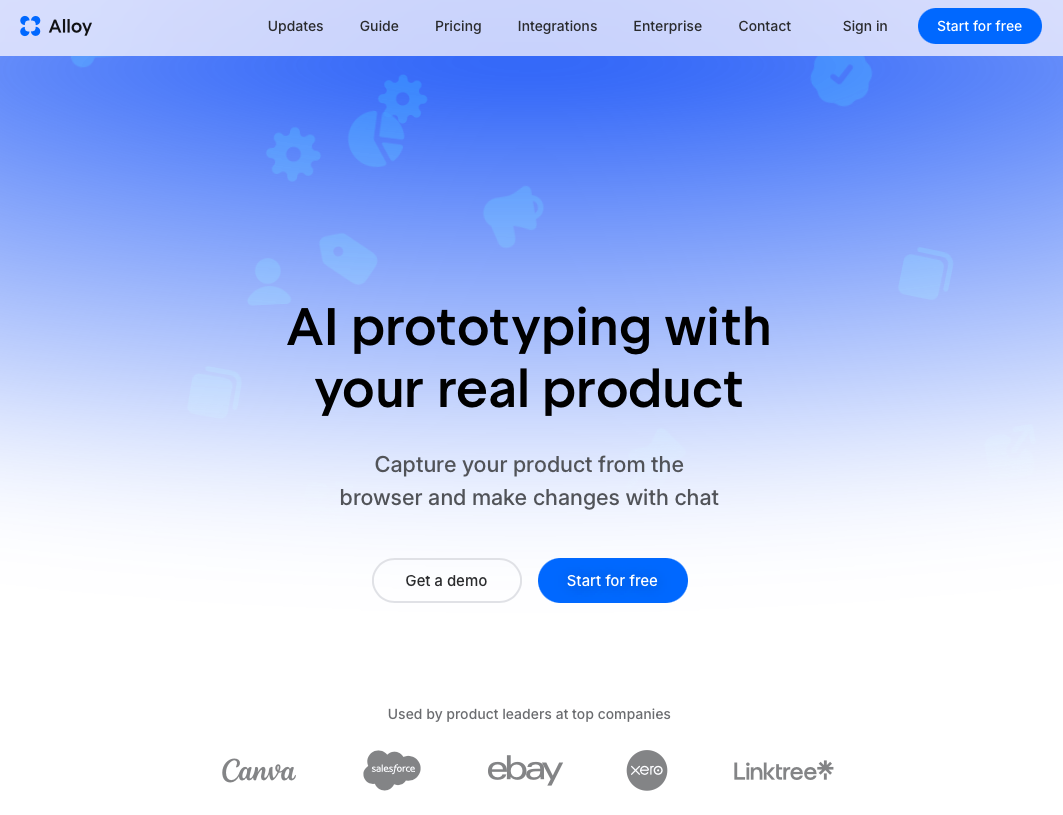
Alloy starts from your actual product, not a blank canvas. Connect your codebase and the agent reads your component architecture, design tokens, and page structure automatically. Or use the browser extension to capture any live page in one click, producing a pixel-perfect replica with your CSS, spacing rules, and reusable components baked in.
That starting point changes everything. When you prompt a change, it lands inside the correct visual context. No re-specifying brand tokens, no approximating your component library, no hoping the output stays consistent across screens.
Each session runs in an isolated sandbox, safe from production. Share it via link for stakeholder feedback, iterate in real time, and when the idea is validated, push it to GitHub as production-ready code. The translation step between prototype and implementation disappears entirely.
Why the Starting Point Matters
Both Figma Make and Claude Design generate UI from scratch, meaning every prompt carries the burden of recreating your visual system. Alloy skips that entirely:
- Figma Make works from Figma files, so your output is only as accurate as your design system maintenance.
- Claude Design generates generic components with no awareness of your actual codebase or token structure.
- Alloy reads your live product directly, so every generated change inherits your real spacing, typography, and component logic from the start, positioning it as an alternative to Magic Patterns.
FAQs
Can Figma Make or Claude Design connect to my existing product codebase?
No, neither tool connects to your actual product. Both require you to start from scratch using uploaded screenshots, design files, or text prompts, meaning every prototype must rebuild your design system and visual style manually instead of inheriting it from your real codebase.
How do pricing differences compare between Figma Make and Claude Design?
Figma Make is included with Figma's existing plans, making it accessible to current Figma users without additional cost. Claude Design requires a Claude Pro, Max, Team, or Enterprise subscription and is currently in research preview, with pricing tied to Anthropic's subscription tiers.
When should I choose Claude Design over Figma Make?
Choose Claude Design if your team doesn't use Figma, needs to generate presentations or documents alongside prototypes, or wants code-based output from day one. Choose Figma Make if your design workflow is built around Figma and you need prototypes that integrate with existing Figma files and component libraries.
Final Thoughts on AI Prototyping without Starting Over
Figma Make and Claude Design are great for blank-slate ideation, but Figma Make vs. Claude Design stops mattering when you need prototypes that match your real product. Both tools force you to rebuild your design system through prompts. Alloy connects to your codebase first, so generated prototypes already have your spacing, colors, and components baked in. You test ideas inside your actual interface and ship validated changes as production code.
