
When you need to prototype a new feature, you want something fast that still looks exactly like your product. Most AI tools give you one or the other. They'll generate a working UI in seconds, but it's built with generic components your design system has never seen. Or they'll let you work with real code, but only after you've cloned your repo, spun up a local environment, and spent an hour on setup. We looked at the best AI prototyping tools for developers to find the ones that give you both speed and fidelity without the usual tradeoffs.
TLDR:
- Choose tools that work with your existing codebase if you already ship software, since only a handful connect to real code and design systems.
- Cut up to 40% of repetitive coding time by using AI to generate prompts, but expect translation work if your tool starts from generic components.
- Get pixel-perfect prototypes in minutes by capturing your actual product page and modifying it in a sandbox, with no local setup required.
- Skip the handoff between demo and implementation by prototyping with your real design tokens so feedback maps directly to what you ship.
- Look for tools that keep changes in an isolated environment and push updates through a pull request, so your real codebase stays protected.
What Are AI Prototyping Tools for Developers?
AI prototyping tools for developers are software products that use AI to help teams go from an idea to a working, testable interface faster than traditional code-from-scratch workflows allow. Instead of manually writing every component or designing every screen by hand, developers can describe what they want, and the tool generates a functional draft to build on.
These tools sit at the intersection of design and engineering. Some generate code directly from prompts. Others capture existing product UI and let you modify it without touching your local dev environment. The best ones connect to real codebases and design systems so the output actually reflects your product.
| Tool | Starting point | Design system support | Output type | Best for | Setup required |
|---|---|---|---|---|---|
| Alloy | Your existing product (codebase or page capture) | Real design tokens and components | Pixel-perfect interactive prototype | Teams iterating on a live product | Browser extension, no local install |
| Bolt | Text prompt or browser-based app project | Generic components | Full-stack runnable app | Early-stage idea validation | None (fully browser-based) |
| V0 | Text prompt or browser-based app project | Tailwind CSS + shadcn/ui | React component code | Frontend UI scaffolding | None (fully browser-based) |
| Lovable | Text prompt or browser-based app project | Generic components | Full-stack web app | Greenfield proof-of-concept builds | None (fully browser-based) |
| Replit | Prompt, imported repo, or browser-based project | Generic components | Hosted runnable app | Solo developers and scripting experiments | None (fully browser-based) |
Best Overall AI Prototyping Tool for Developers: Alloy
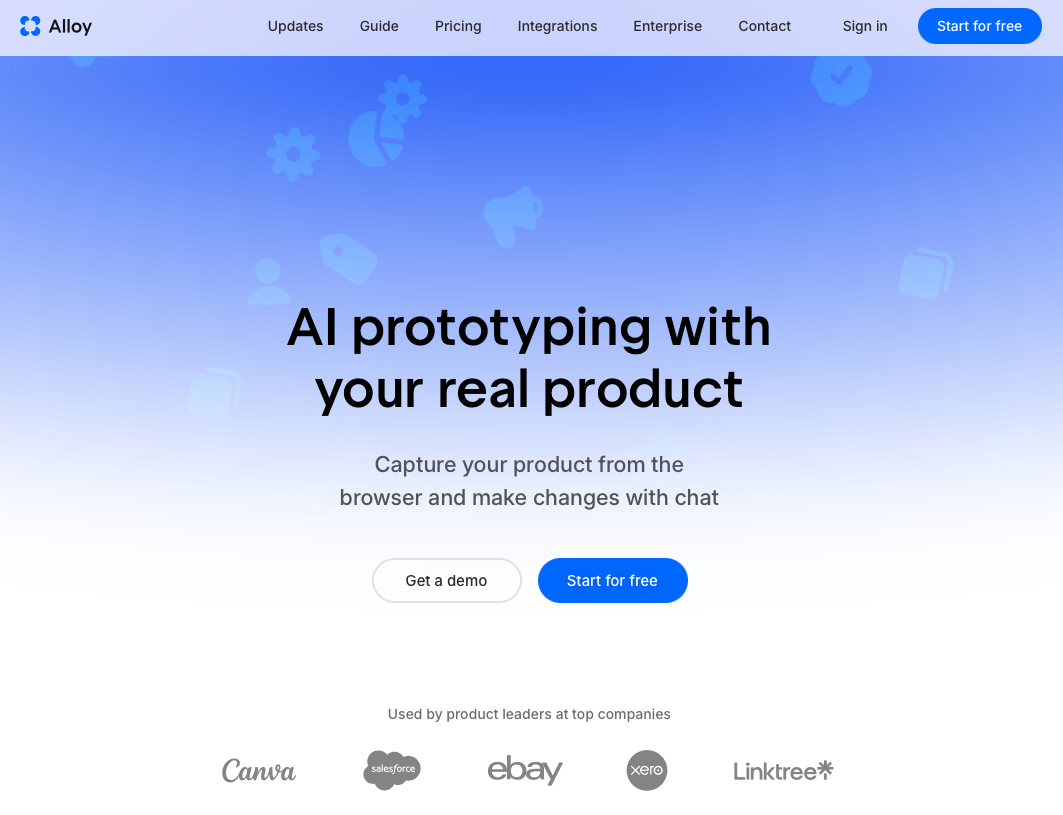
Alloy is a Cloud Agent built for product teams who need prototypes that look and behave exactly like their real product. Unlike most AI prototyping tools that generate standalone mockups from scratch using generic components, Alloy starts from your actual codebase and design system, so every prototype is pixel-perfect from the first iteration.
What Sets Alloy Apart
Here is what makes Alloy the strongest choice for developers in this category:
- You can go from a customer request to an interactive demo in minutes, not hours, with no local installs or special setup required.
- Alloy captures any page of your existing product, even behind a VPN, and lets you start modifying it instantly in a sandboxed session.
- Every change stays in an isolated environment and moves to production through a GitHub Pull Request, keeping your real codebase safe.
- Alloy connects directly to your real design system, so prototypes never drift off-brand or require a separate handoff step.
- Sessions are instantly shareable with stakeholders, compressing the feedback loop between idea and implementation.
Alloy is the right fit if your team already has a product and wants to iterate on it fast, with high fidelity, without rebuilding UI from scratch every time you want to test an idea.
Bolt
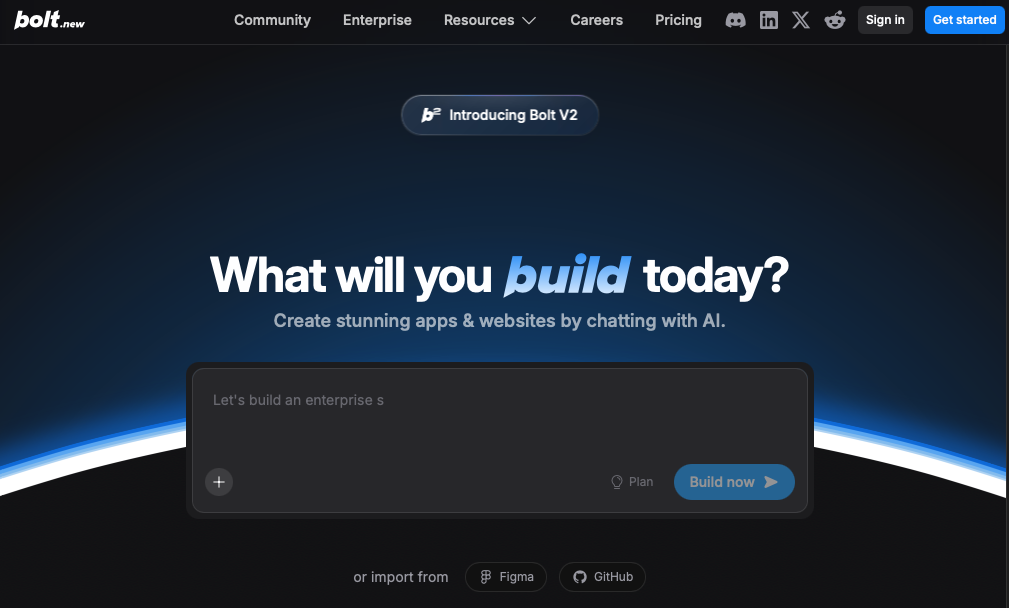
Bolt is a browser-based AI coding agent that lets developers describe an app in plain text and receive a working, runnable prototype in return. It targets speed above all else: you type a prompt, and Bolt scaffolds the full project structure, writes the code, and spins up a live preview without any local setup required.
Where Bolt stands out is its ability to handle full-stack prototypes. It can generate both frontend and backend logic, connect to databases, and produce something closer to a functional proof-of-concept than a static mockup. For developers who need to validate an idea fast, that scope matters.
Where Bolt Has Limits
- Generated code starts from scratch instead of from your existing codebase or design system, so the output rarely looks or behaves like your real product.
- Complex apps tend to hit context limits, and Bolt can lose coherence across a large or growing project.
- It works best for early-stage exploration; teams that need production-quality fidelity or real component libraries will find the output requires substantial rework.
V0
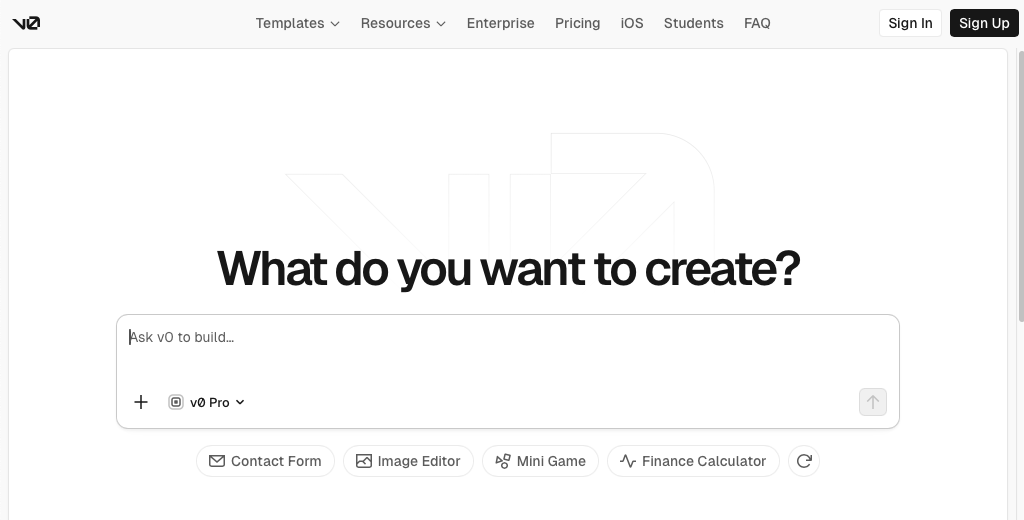
V0 is a UI generation tool from Vercel that turns text prompts into React component code. It targets frontend developers who want to skip the blank-canvas phase and get to a working interface faster.
The tool generates clean, copy-paste-ready code using Tailwind CSS and shadcn/ui components, which makes it a practical starting point for teams already in the React ecosystem. You describe what you want, V0 renders a preview, and you iterate from there.
Where V0 works well is speed. Getting a rough UI scaffold in seconds is genuinely useful for early-stage exploration.
Where V0 has limits
- V0 generates generic components, not components from your real codebase or design system, so what you prototype rarely reflects what you ship.
- A prototype built on generic UI components can mislead stakeholders, misrepresent real performance, and create rework when the actual build begins.
- It is React and Tailwind-specific, so teams outside that stack will need to rewrite the output before it fits their codebase.
Lovable
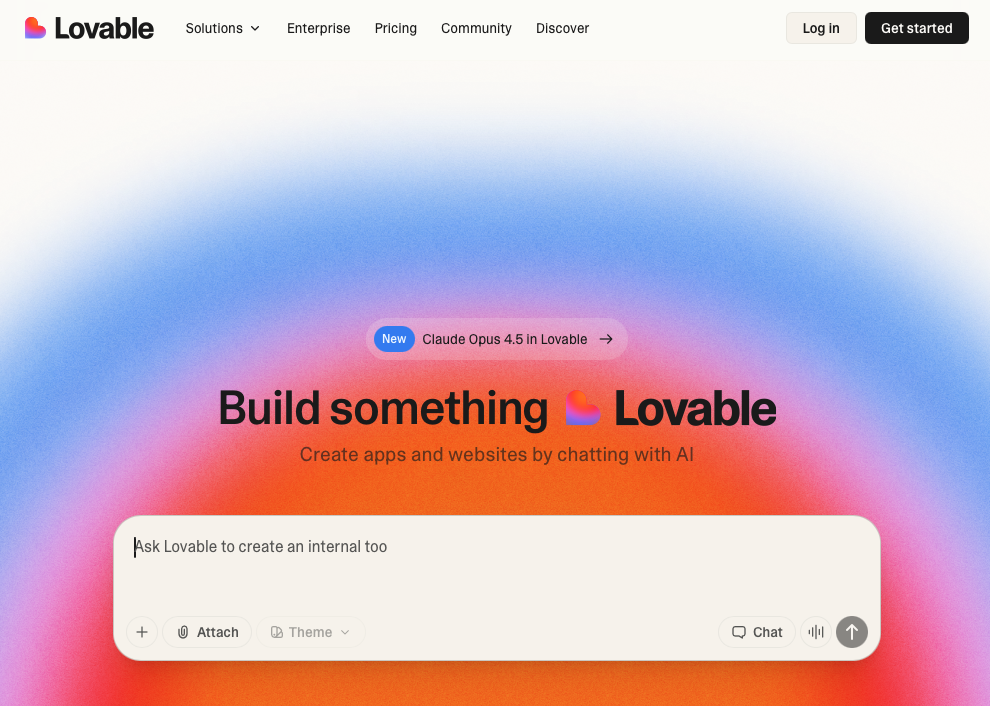
Lovable is an AI-powered development tool that lets you build full-stack web apps by describing what you want in plain text. It targets non-technical founders and early-stage teams who need a working product fast, without writing code from scratch.
The tool generates React-based frontends with Supabase backends, and you can connect custom domains, manage authentication, and deploy directly from the interface. For quick proof-of-concept builds, that speed is genuinely useful.
Where Lovable falls short for developers is fidelity to existing systems. It builds greenfield apps, so if you already have a codebase, a design system, or real product UI, Lovable won't work from any of that. Every prototype starts from zero, which means the output rarely looks or behaves like your actual product.
Where Lovable Has Limits
- No support for existing codebases or design systems, so your prototype lives in a separate environment from your real product.
- Output quality drops on complex UI logic, so anything beyond standard CRUD patterns tends to require substantial manual cleanup.
- Prototypes built in Lovable don't carry over into your production codebase, meaning developer work often starts from scratch regardless.
For teams already shipping a product who want prototypes that reflect real UI and real code, Lovable's greenfield approach creates more handoff work than it saves.
Replit
Replit is a browser-based coding environment that has added AI-assisted features to help developers write, run, and iterate on code without local setup. Its AI agent can generate app scaffolding from a text prompt, which makes early-stage prototyping accessible to developers who want to move from idea to running code quickly.
Replit works best for solo developers or small teams looking for backend logic, scripting, or full-stack web prototypes. The built-in hosting and real-time collaboration make it easy to share a working proof of concept with stakeholders without any deployment overhead.
That said, Replit's AI output tends to produce generic code that is disconnected from your existing codebase or design system. If your goal is a prototype that looks and behaves exactly like your real product, you will likely need substantial rework before it is presentable to customers or useful for gathering meaningful feedback.
Where Replit Has Limits
- The AI agent is best suited for greenfield experiments, not iterating on a live product.
- Collaboration features are real-time but lack structured review workflows like PR-based feedback.
- Prototypes are hosted instantly, which is useful for quick demos but does not reflect your actual production environment.
Why Alloy Is the Best AI Prototyping Tool for Developers
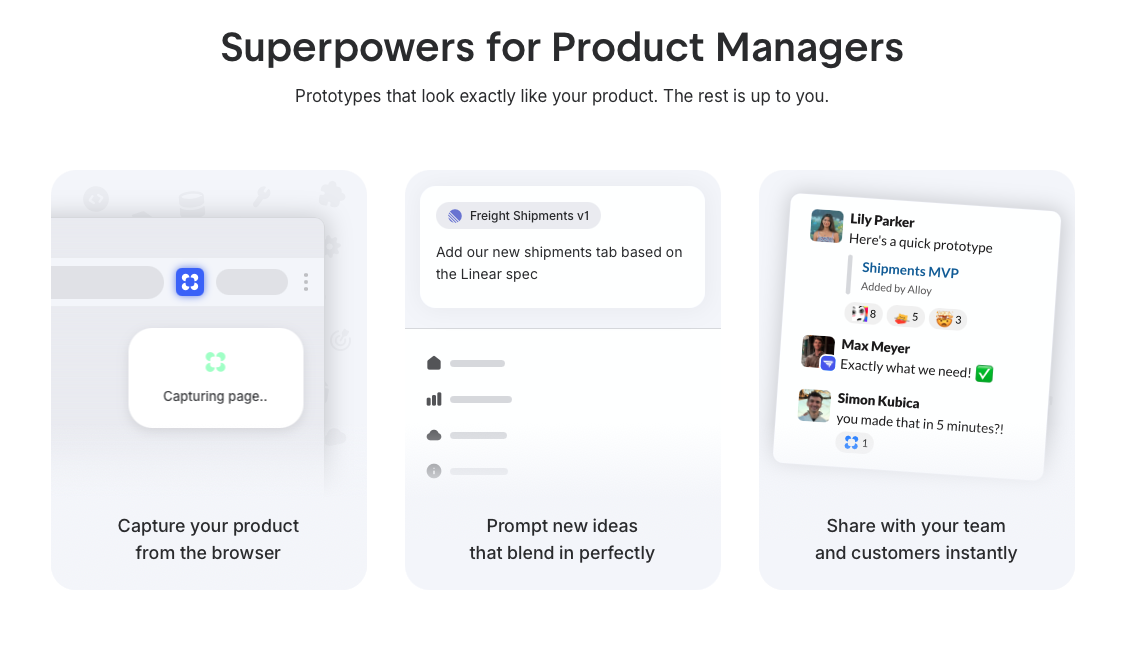
Alloy takes a different approach than the other tools on this list. Bolt, V0, Lovable, and Replit all assume you're starting from nothing. Alloy assumes you already have a product worth building on.
That distinction determines which tool is actually useful in practice. A prototype built on generic components requires a translation step before anyone can act on it. A prototype built in Alloy skips that entirely, because it already uses your real components and design tokens. Scalable component library best practices show that reusable components require consistent governance and clear guidelines, exactly what design system integration provides. Feedback maps directly to implementation, and nothing gets lost between the demo and the pull request.
For product teams shipping real software, that fidelity is the whole point.
FAQs
How do I choose the best AI prototyping tool if I already have a product?
If your team already ships software, choose a tool that works with your existing codebase or design system instead of one that builds from scratch. Tools like Alloy connect to real code, while Bolt, V0, Lovable, and Replit generate new apps with generic components that require translation work before you can ship.
Which AI prototyping tools work best for full-stack development versus UI-only changes?
Alloy, Bolt, Lovable, Replit and others all support full-stack prototyping, including backend logic and database work. V0 is strongest for React-based UI generation, though its current positioning also includes broader app-building capabilities.
Can I prototype behind a VPN or for pages that require authentication?
Alloy's browser extension lets you capture and modify pages behind authentication or company VPNs with one click, so you can prototype on internal tools or protected interfaces. The other tools on this list require publicly accessible URLs or repository access, which limits where you can start from.
What's the difference between tools that maintain your design system and tools that use generic components?
Tools that maintain your design system (Alloy) generate prototypes using your actual components, tokens, and styles, so feedback maps directly to implementation. Tools using generic components (Bolt, V0, Lovable, Replit) produce output that looks different from your product and requires manual rework before shipping.
How long does it take to go from an idea to a shareable prototype with these tools?
With Alloy, you can go from a customer request to an interactive demo in minutes by capturing a page and prompting changes in a sandbox. Bolt, V0, and Lovable also move fast but start from scratch, so expect additional time translating generic output into your real product before stakeholders see something accurate.
Final Thoughts on Prototyping Tools for Product Teams
The best AI prototyping tools for developers give you speed without the translation layer. If your prototype doesn't reflect your real design system, stakeholder feedback becomes guesswork. Alloy captures your actual product and lets you modify it in a sandbox, so what you demo is what your engineers can ship. No handoff, no drift, no rebuilding the same UI twice.
